THE PP GAME!

Here we go!

I used these settings in ACR,
ACR.png


As well as:
Custom curves to Input 70 Output 52 (although I still have no real clue what I’m doing with curves:bonk:

Enabled the Lens Profile Corrections.

Opened in CS5

Added a levels adjust, saved one really light (0, 1.00, 1.53) and one dark (11, 1.00, 255) copy. Copied and pasted the light version as a layer over the dark, created a mask and inverted it. Then using the brush at 50% opacity brushed over the foreground, then 30% selectively over the lighter areas in the trees.
Flattened,
Added a little extra lens flare from the Florabella Collection, blended with screen mode and opacity reduced down to 8%
Flattened again,

Given a high pass sharpen then run through Topaz denoise for some major debanding!!!

IMG_5176a.jpg


I actually felt like I knew what I wanted to do with this for a change, rather than stumbling on something! Feel free to tell me if it's rubbish!
 
Here we go!

I used these settings in ACR,
ACR.png


As well as:
Custom curves to Input 70 Output 52 (although I still have no real clue what I’m doing with curves:bonk:

Enabled the Lens Profile Corrections.

Opened in CS5

Added a levels adjust, saved one really light (0, 1.00, 1.53) and one dark (11, 1.00, 255) copy. Copied and pasted the light version as a layer over the dark, created a mask and inverted it. Then using the brush at 50% opacity brushed over the foreground, then 30% selectively over the lighter areas in the trees.
Flattened,
Added a little extra lens flare from the Florabella Collection, blended with screen mode and opacity reduced down to 8%
Flattened again,

Given a high pass sharpen then run through Topaz denoise for some major debanding!!!

IMG_5176a.jpg


I actually felt like I knew what I wanted to do with this for a change, rather than stumbling on something! Feel free to tell me if it's rubbish!

Nice!!:thumbs:
 
After all the complaining died down there are some really nice edit's here, well done to whoever wins has done really well. thank f#*~ for RAW!!!
 
tough one again guys, you did a great job with a poor base so pats on backs all round, there can only be one winner, and as they did a similar thing to me with flare, the winner is the goblin, well done Marsha

heres mine
IMG_5176a.jpg
 
Excellent work Marsha on such a challenging photo (Gee thanks Neil :p )

Try and put up something easier than Neils :lol:
 
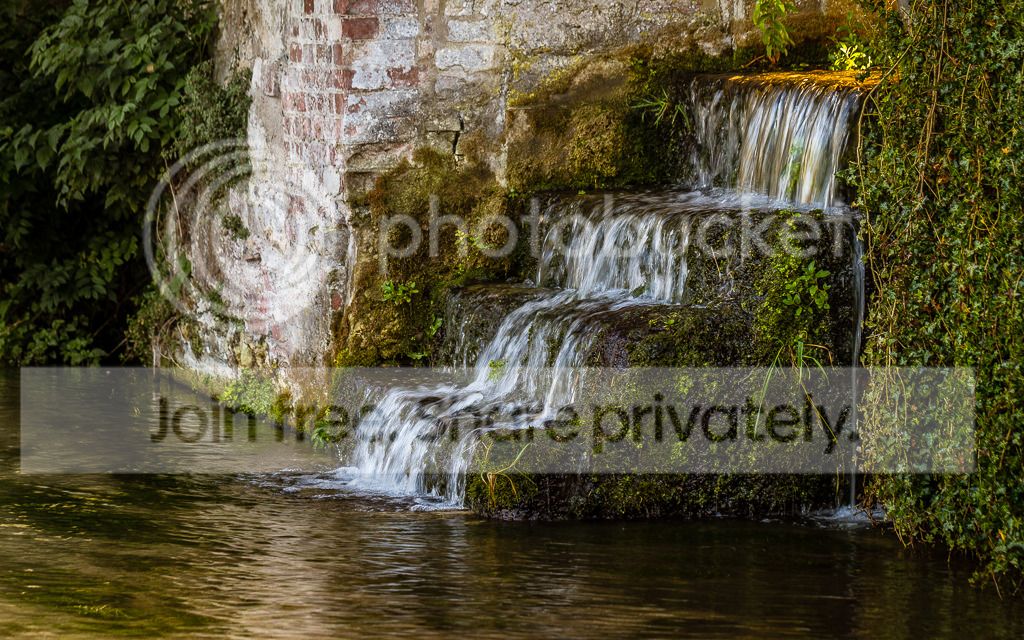
I've lived at my current address for over six years and only just discovered this tiny little waterfall by our local water cress beds! I wondered what you guys could make of this shot taken last week:

IMG_2525.jpg


And the RAW:
https://www.yousendit.com/download/TEhVblFITmFHa09KUmNUQw

Is Wednesday evening about 9ish ok?
 
waterfall_LAD_1_of_1.jpg


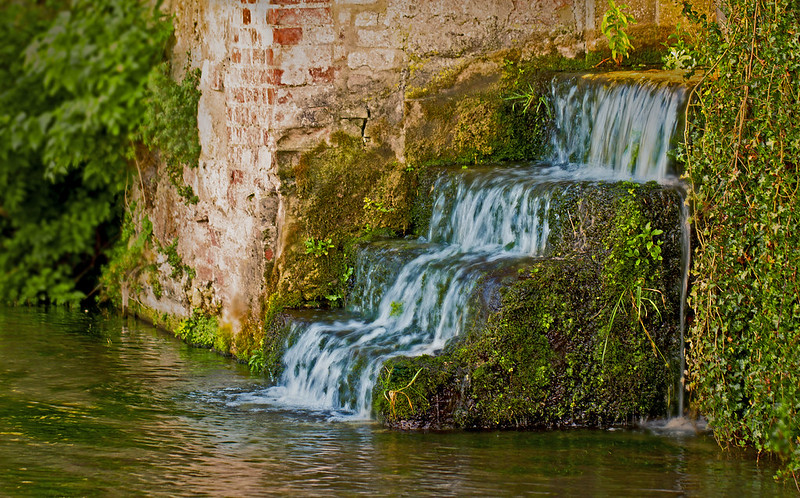
opened as RAW in LR

cropped to 16:10 ratio,
changed colour temp to 11000 +24 tint
Shadows +73
Blacks -9
Clarity +35
Vibrance +30
Tonecurve +38 in highlights and set to medium contrast
Split-tone: +14 at 234 colour in highlights
heavy sharpening
colour noise reduction
lens correction
vignette -13 standard settings,

then a few filters here and there to desaturate left side, lighten the water on the bottom left and right side a bit & used clone tool on the plant in the bottom left corner.

saved to jpeg.
 
the usual small tweeks in Raw which made the world of difference
Graussian blur on the waterfall to create a smoother look then 50% erased, also left a bit on the foliage at the back
Warming 85 filter applied
lifted the greens, Yellows & Reds a touch to make the colours pop
Cropped the plant from the bottom
Vignette

IMG_2525-1
 
Last edited:
here`s mine
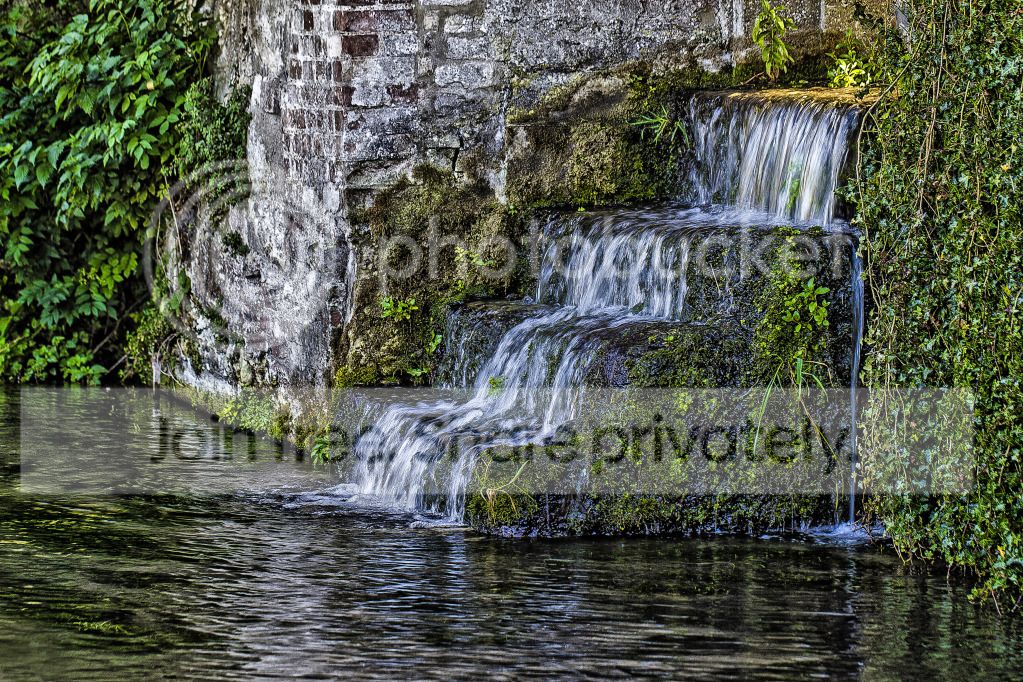
opened raw and sharpened
increased contrast and adjusted blue and green sliders
opened in ps and cloned out bottom left corner
hdr the photo only 10% on the waterfall
high pass with hard light
finished
waterfallppgame.jpg
 
Last edited:
wf.jpg


Basic adjustments in ACR,
Lum Masks (to move luminosity)
Contrast (bw layer on soft light)
Detail (topaz)
Toning (curves)
a little d & b
Cropped
sharpened
 
Last edited:
TPWaterfall.jpg


An awful lot of selection of differing areas and working on them with the saturation sliders trying to find more colours. More colour in the water, wall near the water & greenery to the right of water.

Dodging the water to make it whiter.

Each of the above stages by opening a duplicate layer so I can have a final tweak with the opacity slider.

Sharpening.

Cropping.

Adding subtle vignette in Picasa.

Done --- Phew --- Gte the kettle on :D
 
Last edited:
Well, I spent a while editing mine and thought, yeh that looks ok. Then I had to choose a winner so looked at all yours and realised mine is a bit pants :coat:

Before I unveil mine, I have finally chosen Ben (symmetricalOCD) as the winner. I liked little bits of everyones, but this one just pipped it. Cheers everone.

Here's mine:

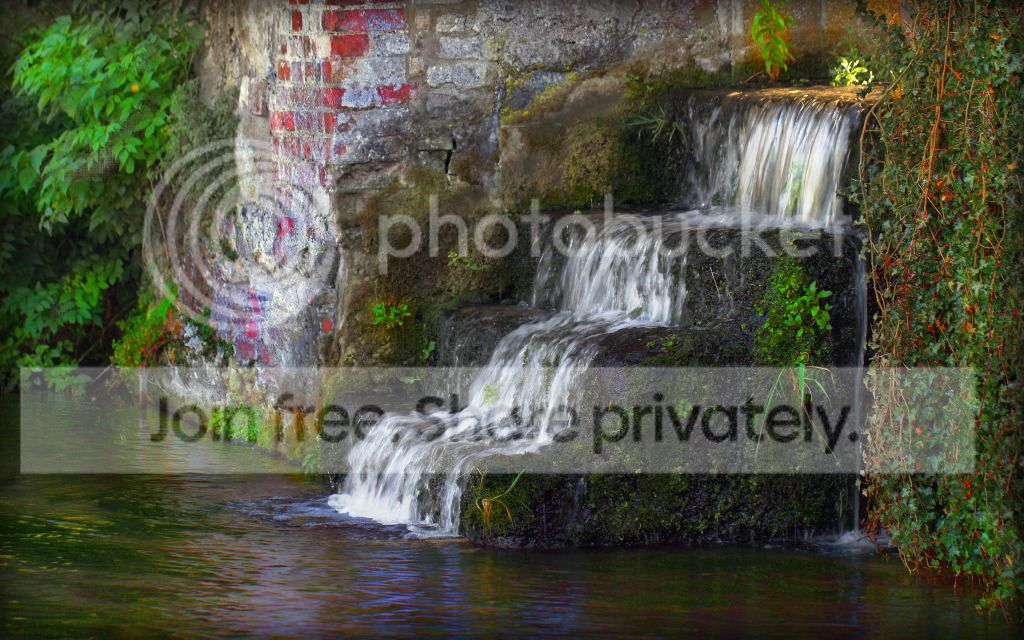
Opened and basic tweaks in ACR then into PS.

Into Topaz Detail and used the preset micro contrast enhancement. Created a mask and brushed out some of the deatial on the waterfall so increasing the blur on the it.
Flattened.
Wall selected, levels tweaked with the shadows slider dragged to 73, then some of the detail in the dark areas brushed back in.
Flattened.
Added a sepia filter density 58
High pass sharpened, hard light at 80%, masked on the water only.
Run through Topaz Denoise (I am having sharpness and noise issues just now, I know not why)
Cropped a touch to remove the little nettle bottom left. That was actually a nettle sticking out about 6 feet that I couldn't get around!


Sod the tea I'm off for a brandy :bonk:

Over to you Ben :clap:
 
Last edited:
Yes well done Ben especially as was another very difficult one :thumbs:

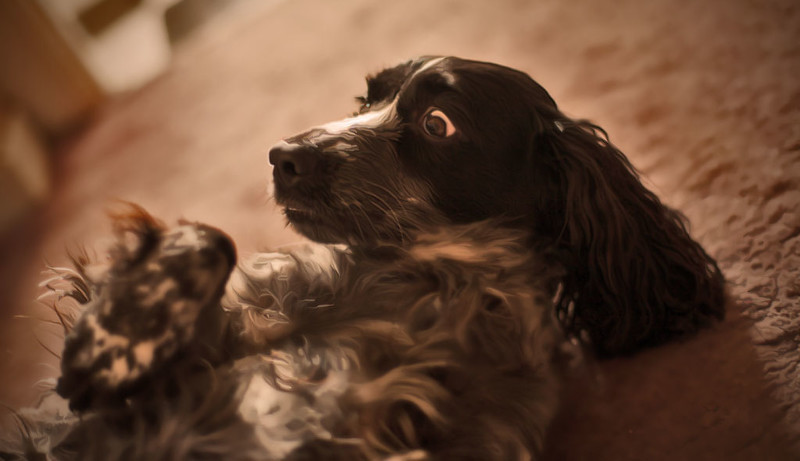
Yes, as Neil says, the look on Ruby's face --- absolute terror. I'm reporting you to the RSPCA as she looks mistreated :p

PS This also looks a tad challenging :thinking:
 
lol, heres mine
cropped
moved sliders in raw, sharpened lowered exposure
noise reduction in ears and head
cloned out door, and blurred carpet slightly to reduce the banding
used topaz filter micro adjustment on the nose to bring out more detail in the hair
finished!
Ruby_Rollover_1_of_1.jpg
 
lol she was confused and expected me to tickle the belly but instead I took this:lol:

Is that your secret of a good portrait shot - tickle the subject's belly :lol:
 
Well done Ben, Not too much to work with on this 1 and I couldn't get the RAW just as an extra challenge!
So I have gone for something slightly different to what I would normally go for on this one


IMG_2478-1
Shadows & Highlights upped to gain some more detail
Cropped
Blur added to stomach to smooth fur
Warming Filter applied
Vignette
Cloned out the reflection on the eye
Diffuse layer
 
Awwww what a cute dog!

I've had a go, just noticed that I've done similar to Neil though with the door and carpet!

Basic tweaks in ACR before going to PS.

I used Clean base from the Florabella Collection Colorplay set, but reduced it to 60% This bought out the detail in Ruby's lighter fur. Then used the detail & colour brushes to enhance the eye.

I used Gaussian blur on the door, carpet top left and a little bottom right, this made it easier to clone out the door. Then used the clone stamp to add detail from the top right bit of carpet to the top left area.

Added a 2mm border using canvas size. Used other and the dropper tool to match the colour to Ruby's light brown fur. Then added a white 2cm border all round and a further 2cm at the bottom. Wrote her name (also colour matched) and job done.

Ruby_Rollovera.jpg
 
Untitled-1_copy2.jpg


Adjusted sliders in RAW slightly but mainly made 2 layers from ACR - one with high clarity and the other with low. On the high clarity I used the adjustment brush to bring out the colour / exposure in the eye.

Put together in PS with the low clarity on top, used a soft low-flow erasure to bring through the bottom layer (high clarity).

Converted to B&W & brought the red channel down to about 1/4.

Applied a curves adjustment layer, sharpened, made a border and created the name with a ruby coloured outer glow.
 
Last edited:
here is my final edit : in LR4

decreased contrast,
decreased highlights,
boosted shadows,
Clarity +35,
tonecurve changed to 'strong contrast' mode + shadows decrease,
slight blue tinge added to the highlights,
quite heavy sharpening,
then uploaded to flickr via LR4.


Ruby Rollover by btyreman, on Flickr

and the winner is......The Goblin (Masha). It was a close call but just preferred your edit more, like what you did to the background and adding the name was a nice touch. There were some really good edits making it hard to choose so well done to all who entered!

over to you Marsha.
 
Well done Marsha :clap:

Looking forward to your 'today's' London shot - no pressure :p
 
well done Marsha, good work

will Essex do as dan sarf guvnor?

Will you immature lot stop going 'orf' topic :p

I never do - liar liar me bum will catch fire :love:
 
Laaaaandaaaaan as they say daan saaaf :gag::naughty:
I'm an honorary norverner now as I married a Yorkshire man!

Hang in there 'Old Chap' I live daan saaaf but I guess the South West is NOT the South East :nono::p
'Whoa Old Bean', you live REALLY South!

will Essex do as dan sarf guvnor?
I actually met up with a fellow TP'er from Essex today so I guess so :D

I didn't take that many photos today, it seems the more opportunity you have the more you gawp at everyone else taking the same shots of the same land marks! So here's a slightly different angle of St Pauls Cathedral:

18Oct1234.jpg


https://www.yousendit.com/download/TEhWanZpVnN3NUp2Zk1UQw

Is Monday night about 9 ok? I'm on nights so it may be later if I've been stood down and driving home.
 
Back
Top