THE PP GAME!

I get frustrated at looking at my pics on my lappy screen which look OK (well to me :lol: ) and then uploaded where they don't look the same. Especially where they look as if they haven't been sharpened :thinking:

Would anyone share how to save/save/upload to preserve as much of how my lappy screen sees them as possible :help::help::help:
 
I get frustrated at looking at my pics on my lappy screen which look OK (well to me :lol: ) and then uploaded where they don't look the same. Especially where they look as if they haven't been sharpened :thinking:

Would anyone share how to save/save/upload to preserve as much of how my lappy screen sees them as possible :help::help::help:

Laptop screens are notoriously difficult to callibrate properly, not helped by the fact that some look different as the viewing angle changes.
Your better off getting a proper monitor and callibrating that, I've seen second hand ones going for around £20, you could plug one into most laptops, that'll help.
Another thing to take into account is does your hosting site alter the pics? I filnd Flickr seems to add sharpening, although it seems to vary with size. Somebody said Facebook softens the pics if it resizes them (I don't do facebook so not sure if it's true) so you have to factor in all these variables as well.
 
I get frustrated at looking at my pics on my lappy screen which look OK (well to me :lol: ) and then uploaded where they don't look the same. Especially where they look as if they haven't been sharpened :thinking:

Would anyone share how to save/save/upload to preserve as much of how my lappy screen sees them as possible :help::help::help:

funny there was another post around here with a similar question....when you down res an image for web you have to sharpen more...a lot more try 200-400% for a 1024 image!...on top of your normal sharpening!!!

oh and screen calibration like wayne said, esp for colours
 
Laptop screens are notoriously difficult to callibrate properly, not helped by the fact that some look different as the viewing angle changes.
Your better off getting a proper monitor and callibrating that, I've seen second hand ones going for around £20, you could plug one into most laptops, that'll help.
Another thing to take into account is does your hosting site alter the pics? I filnd Flickr seems to add sharpening, although it seems to vary with size. Somebody said Facebook softens the pics if it resizes them (I don't do facebook so not sure if it's true) so you have to factor in all these variables as well.

I have a PC but because of the condition (not fully abled, but inabled but hate the word disabled) I am in I can't sit at it. My only option is to compromise and use a laptop. It's frustrating b****r but!!!

I use Photobucket but may look into alternatives when I am in the mood and my brain is working :clap:

funny there was another post around here with a similar question....when you down res an image for web you have to sharpen more...a lot more try 200-400% for a 1024 image!...on top of your normal sharpening!!!

oh and screen calibration like wayne said, esp for colours

I guess I've been lazy just bunging a 4 mb pic onto Photobucket and copying the link information. I will take a look later and look at resizing and sharpening more :eek:

But thank you Wayne & Shaun for giving your advice :thumbs:
 
thought I'd post another last minute edit:

mashland_daan_saaf_moite_LAD_tyreman_edit_BW2_1_of_1.jpg


everything the same except:

crop to 1:1 ratio
added slight blue tint
highlights increased a bit more
lighter vignette
sharpened a bit more.
 
ShaunsEditFinalExtraSharp.jpg


After taking advice from Shaun & Wayne I have resized and resharpened my entry and have deleted itfrom my earlier post.

I keep learning all the tips from all the guys on TP :clap:
 
Lots of great edits here, :) SymentricalOCD's looked great on my phone, I really like the reds/browns that daydreamer found and brought out...completly missed them! Neil's was a great edit and bonus points for being the first in, Good work by dean to but......

In the end though the winner is Wayne!! Great edit

Here's mine, normal sharpened and sharpened for web (too much but it was topic of the day).

-1-4.jpg


1024.jpg
 
Last edited:
WaynesTrainFinal.jpg


Well done Wayne :clap:

And thanks for your comments Shaun :thumbs:

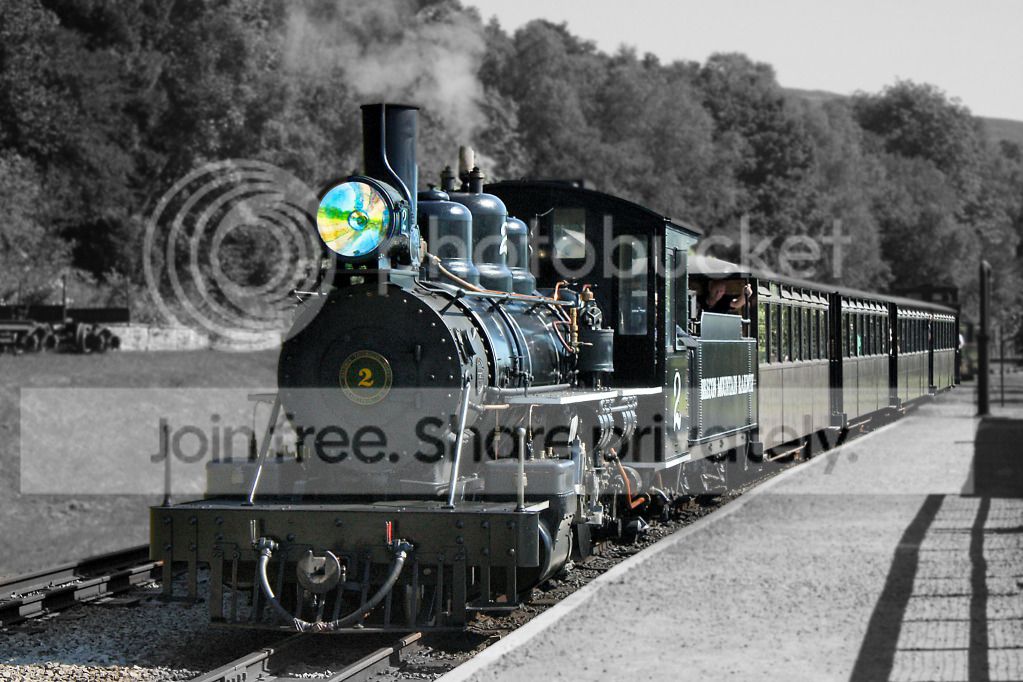
Mine is a 'Hogwarts' Train in view of JKR's new book out this morning :p

For me unusually I did it very quickly as I selected the background and used Gaussian Blue then Desaturated.

Then I inversed the selection and brought out the detail in the train.

THEN :clap: I was determined to make the light on the front have a spooky feel :cuckoo:

That's it and Wayne do I get more points for being the first edit ?:shrug:
 
Last edited:
Well done to Wayne.

I don't know if this is admissible under game rules but I'm struggling to make any sort of impact on the original

The Train has been cut from the background (there's probably a quicker way to do it)
Pasted onto new background, turned & enlarged slightly
Extended the tracks a little bit
Vintage layer
Border
 
Last edited:
Dean a super edit but not what this thread is about - sorry.

Thread meant to be to take the original and improve it without adding new bits or taking away too much apart from the odd distracting bits.

There is another thread where 'anything' goes.

But again I enjoyed looking at your wild west set :thumbs:

http://www.talkphotography.co.uk/forums/showthread.php?t=302434&page=181
 
Ok I've had chance to think about this 1.


2nd try at this 1 by Livewires71, on Flickr

Cropped the fencing out
Cloned the shadows
Cloned the Trucks on the left
B&W
Brightness & Contrast tweeked
Reduced the glare that showed up on the kerb stone
Rotated slightly
Gave the sky a bit more texture with some cloud.
 
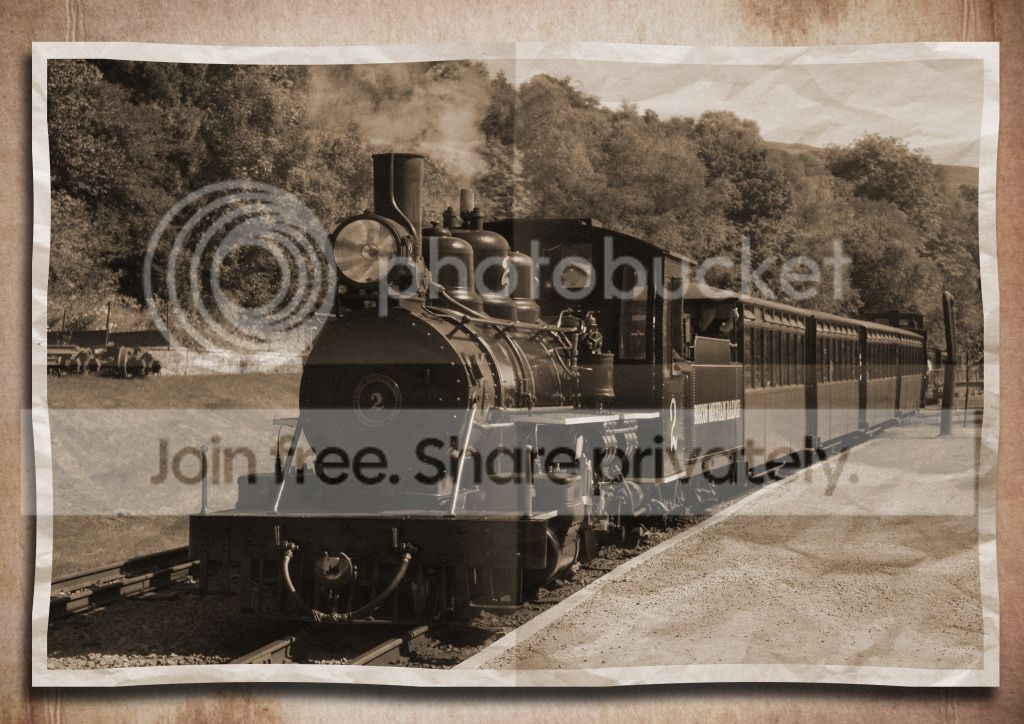
here`s mine
straightened and cropped
cloned out shadows
blended with a crumpled paper layer
used folded paper template, and blended on multiply and 20% opacity
added backround layer
used spherize on the four corners at -15 to curve slightly
added drop shadow
added some extra noise
used sepia tone
finished!
ppgame1.jpg
 
And the winner is Neil (flying Giraffe) Well done Neil, over to you.

I did like Deans American theme but the "rules" sadly mean I couldn't really count it, but well done for putting in another entry though Dean.
Thanks to all who entered.
 
The right winner :thumbs:

Good un Neil :thumbs:

Wayne where is your edit :wave:
 
Congrats :)

I tried a few edits an didn't like any of them in the end so just binned them all :)

I know exactly what you mean. Usually when I get going it gets very messy :lol: but something appears in the end.

I nearly didn't put an edit in, for the train, but did. I never felt it was going right, and never liked my edit, but felt I should still stick something up :nuts:
 
This is looking like another tricky snap to get any meaningful improvement
 
livewires71 said:
This is looking like another tricky snap to get any meaningful improvement

Yes indeed it is!!
 
Your going to need the raw with this one;-)

My big frustration is having LightRoom on my desktop which I can't sit at and I can't install on my Laptop (on XP) as it needs Vista and above. I have been grizzling about buying a more up to date laptop for months but being tight I haven't persuaded myself yet :nuts:

When I get LR press one button and wooosh and award winning PP on all pics :clap:
 
Here's mine

IMG_5176copy.jpg


Again was just a mess around,

Camera raw recovered some details, increased exposure
Hue/sat upped the yellow
added contrast (used black white layer on soft light)
some curves (up'd the red)
some sharpening (unsharp and HP)
de sat the trees a bit
added vignette

If i had more time i would have tried to address some of the more boring stuff...the image has started to break up having been pushed so hard from the Raw
 
Last edited:
I can change the pic if you guys want something else

NO, NO, NO I think we are all blokes and blokes do like to moan :thumbs:

I will put an edit in but have family staying and would be anti social if I sat glued to my Laptop :nuts:

If I copy and paste Shauns do you think he will notice:clap::clap::clap:
 
NeilsEdit.jpg


Indeed this is a challenge and I look forward to seeing what others do as it had me beat. I will try again to see if I can do a variation but..................

Cropped so you could tell it wasn't a 'copy and paste' as I threatened :)

I messed around with Shadows/Highlights.

Then saturation globally and selectively.

Then sharpened.

Few steps to get it done but I did spend a fair bit of time seeing if I could get anything from the original - but in my case sadly not :shrug:
 
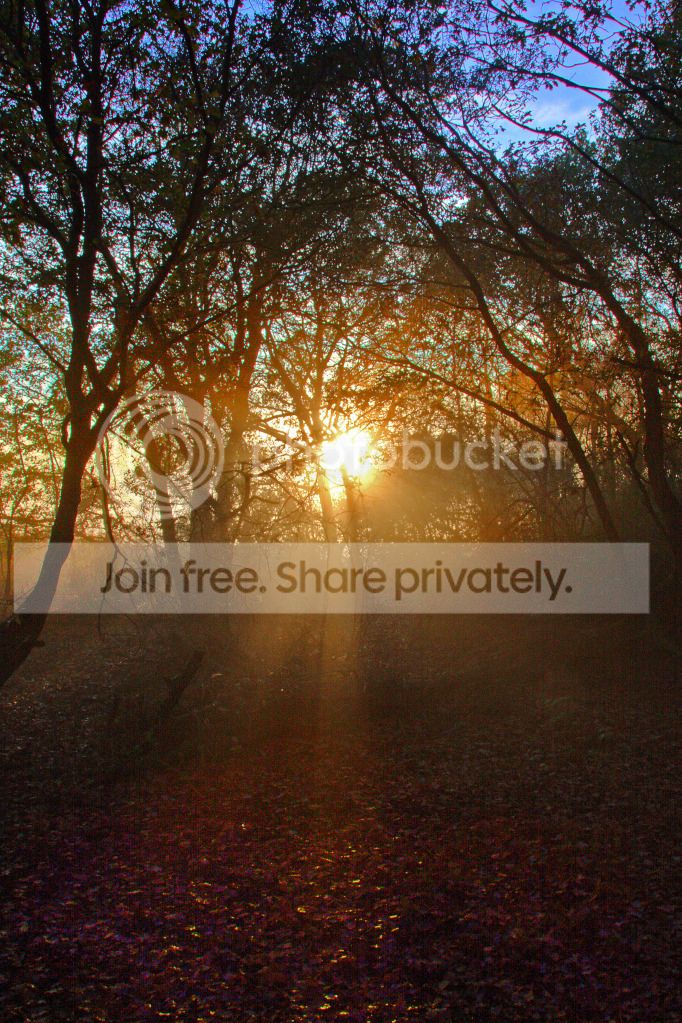
I set out to get something akin to an ed wood movie where you could almost imagine a dodgy looking dracula appearing out of the hazy background. Thats what I wanted but this is what I got in the time that I had.

sbYbu.jpg

Desaturated in Camera Raw where I did some selective area exposure adjustments with adjustment brush.
Imported into photoshop.
Lots of dodging and burning
Added some noise and film grain.
Did a selective colour selection for shadows and sharpened in unsharp mask settings 50/50 this helped to boost the contrast of the darker areas of the trees.
More dodging and burning then finished with adding a border with the crop tool.
 
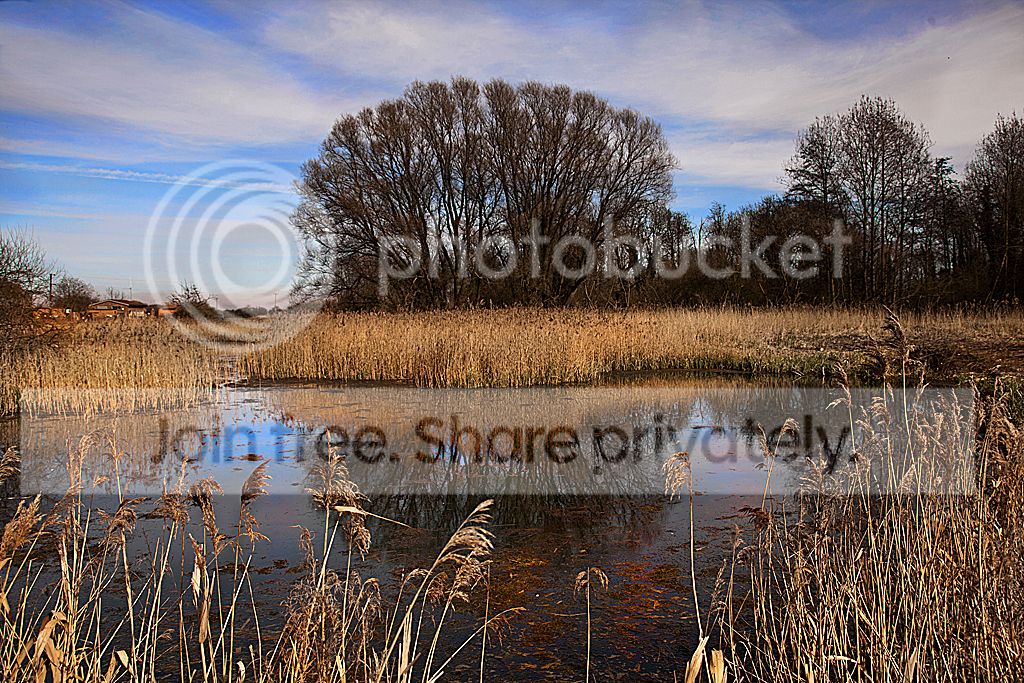
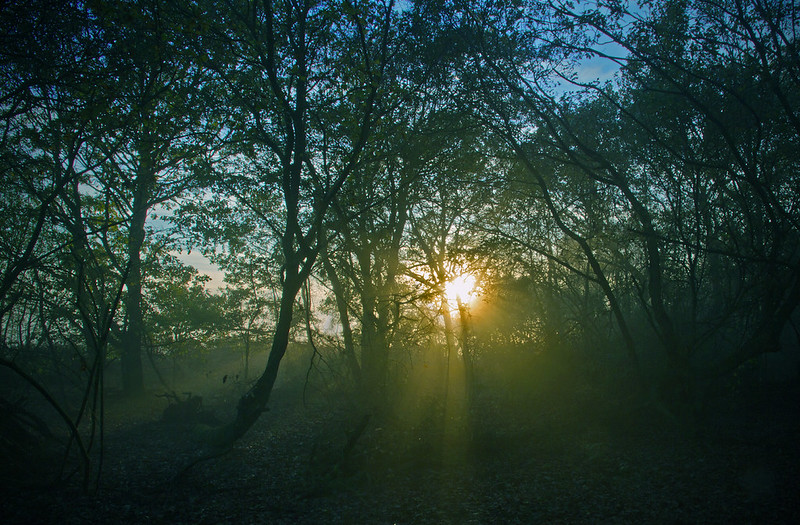
I don't know how many different times i have undone on this one and I can't remember the exact processes, but this is what I've finished with (unless I'm happier with something else later).


wood for the trees
Lightened & tweeked in Raw as much as possible without losing too much detail
Cropped the bottom and right
Played with the levels to increase midtones
Lightened the shadows
saturated the different different colours until I was happy
Added a vignette
Increased the green in colour variations.
 
Last edited:
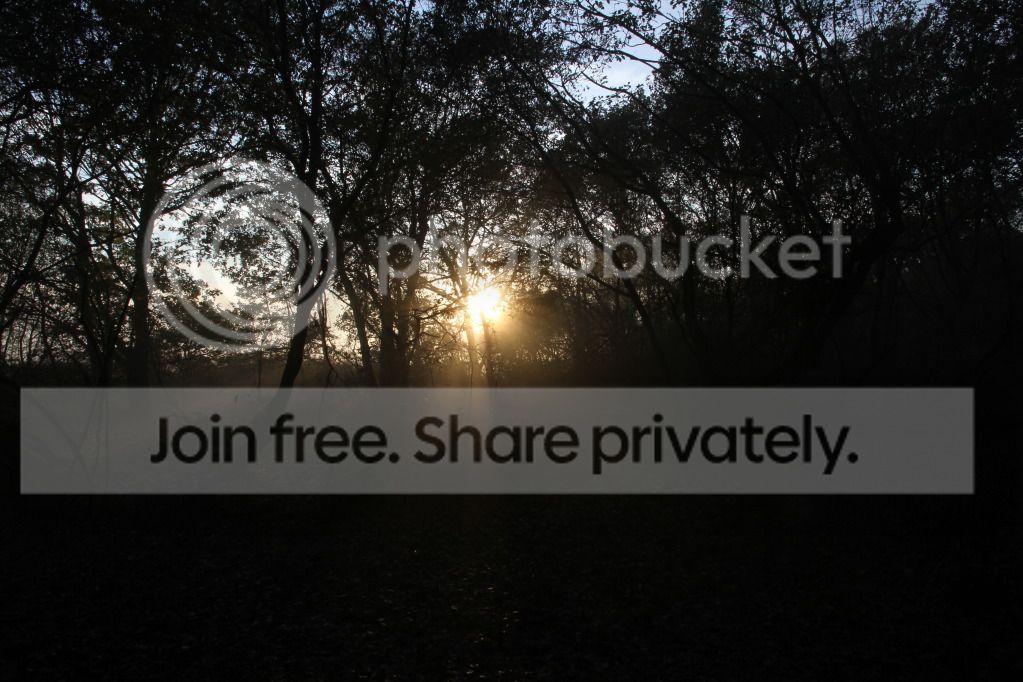
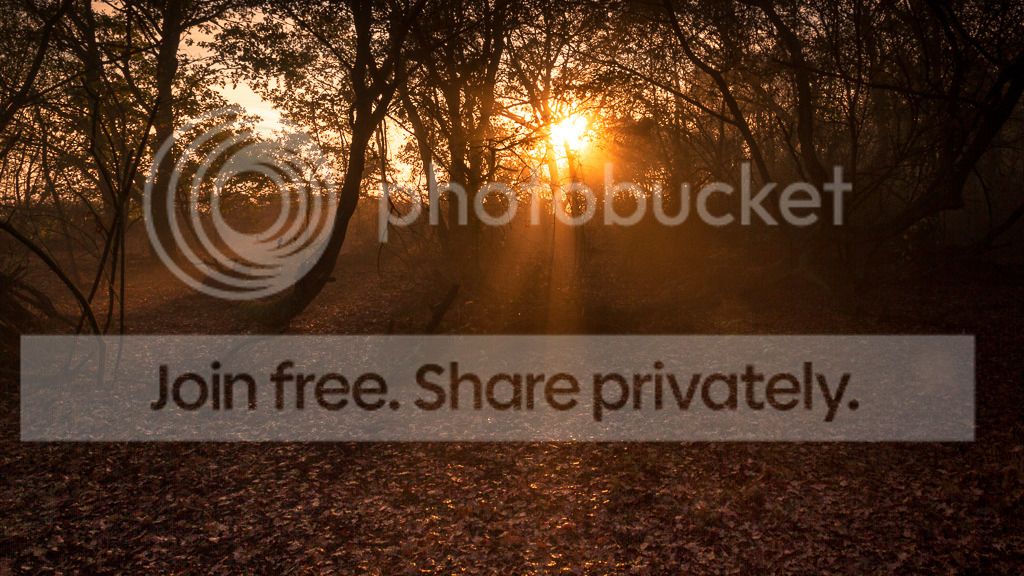
woodland_daan_saaf_LADD_1_of_1.jpg


opened raw in LR4.2

cropped to 16:10 ratio + trying to use rule of thirds,
made white balance warmer,
increased shadows,
increased exposure,
increased highlights in tonecurve,
used graduated filter on the top half with decresed clarity and - exposure,
used 2nd filter on the bottom to make it slightly brighter,
3rd filter on right side to darken slightly improving overall contrast,
used split tone with orange and reds to make it warmer,
lens correction used,
lots of colour noise reduction,
and finally a vignette and exported to jpeg with sharpening added.
 
Last edited:
The link works ok, and it starts to download, then it just hangs up and does nothing! I know I have a really rubbish internet service, but it's not usually this bad!

I've never had any problems with Dropbox or yousendit. Most odd!
 
Last edited:
Hi

Downloaded for me a few days ago and just did a second download but I have a 15mbps connection.

Marsha ---- I could try emailing to you if you PM your email address but it is a 22mb size and would need Gmail or Hotmail email address (possibly) as some email providers will not get over 10mb and some even lower.

John
 
DayDreamer said:
Downloaded for me a few days ago and just did a second download but I have a 15mbps connection.
Show off!

I don't think my 0.5mbps service could cope with an email that size! Thanks for the offer, I'll try again tonight.
 
no excuses now so get crackin`;), glad you got it in the end, this one really needs the raw too
 
Back
Top