- Messages
- 4,407
- Name
- Marsha
- Edit My Images
- Yes
Here we go!
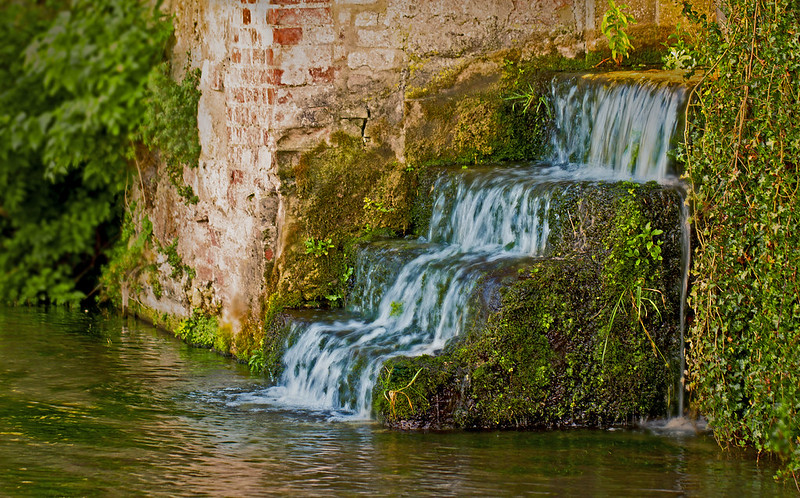
I used these settings in ACR,

As well as:
Custom curves to Input 70 Output 52 (although I still have no real clue what Im doing with curves:bonk:
Enabled the Lens Profile Corrections.
Opened in CS5
Added a levels adjust, saved one really light (0, 1.00, 1.53) and one dark (11, 1.00, 255) copy. Copied and pasted the light version as a layer over the dark, created a mask and inverted it. Then using the brush at 50% opacity brushed over the foreground, then 30% selectively over the lighter areas in the trees.
Flattened,
Added a little extra lens flare from the Florabella Collection, blended with screen mode and opacity reduced down to 8%
Flattened again,
Given a high pass sharpen then run through Topaz denoise for some major debanding!!!

I actually felt like I knew what I wanted to do with this for a change, rather than stumbling on something! Feel free to tell me if it's rubbish!
I used these settings in ACR,
As well as:
Custom curves to Input 70 Output 52 (although I still have no real clue what Im doing with curves:bonk:
Enabled the Lens Profile Corrections.
Opened in CS5
Added a levels adjust, saved one really light (0, 1.00, 1.53) and one dark (11, 1.00, 255) copy. Copied and pasted the light version as a layer over the dark, created a mask and inverted it. Then using the brush at 50% opacity brushed over the foreground, then 30% selectively over the lighter areas in the trees.
Flattened,
Added a little extra lens flare from the Florabella Collection, blended with screen mode and opacity reduced down to 8%
Flattened again,
Given a high pass sharpen then run through Topaz denoise for some major debanding!!!
I actually felt like I knew what I wanted to do with this for a change, rather than stumbling on something! Feel free to tell me if it's rubbish!






 )
)


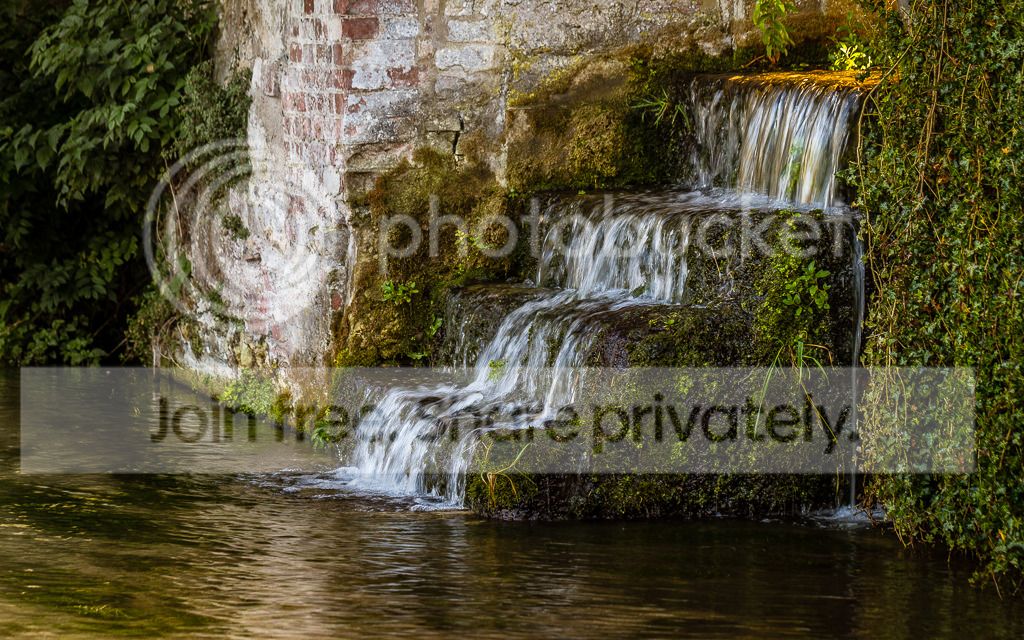
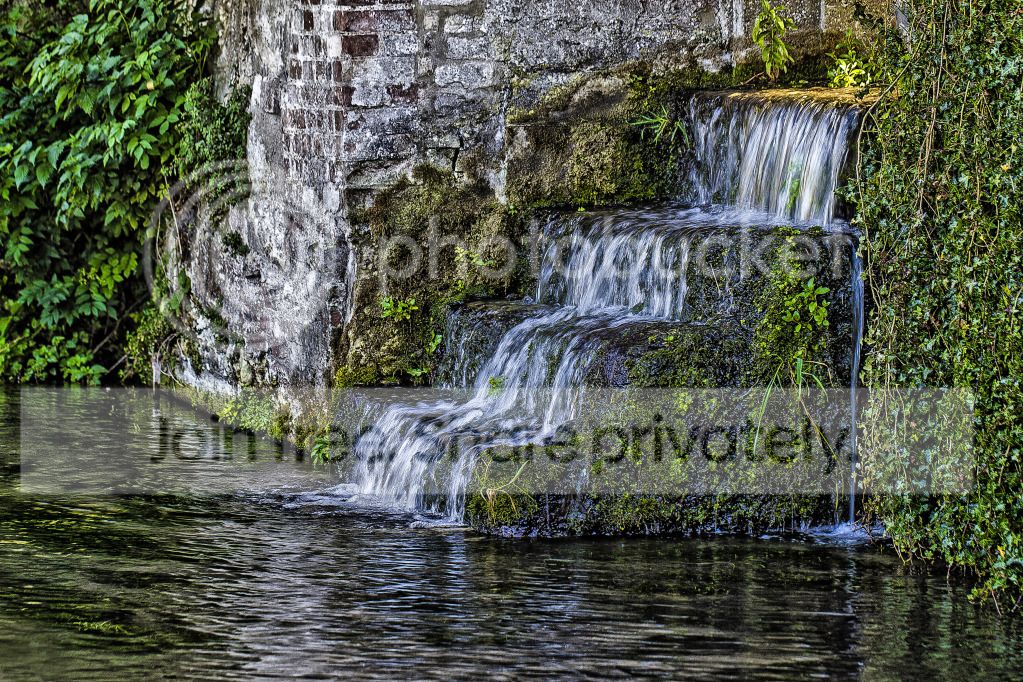


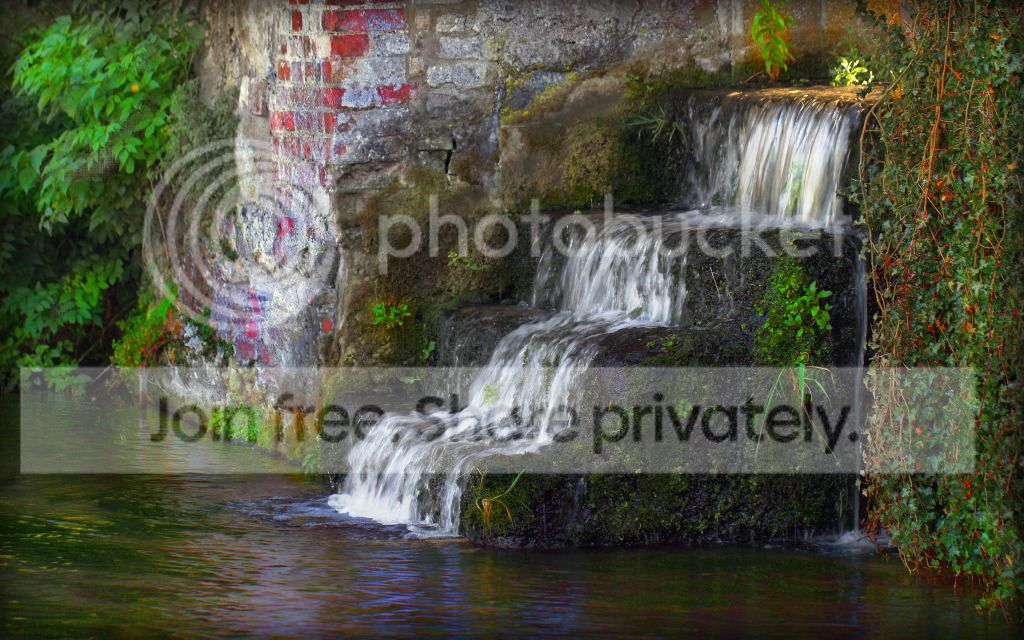

 Still trying to choose!






 that's also my tip of the day