THE PP GAME!

Scottie68 said:
Opened in Raw and used auto exposure / levels etc.
Opened in PS5, raised levels and saturation. Played around with distort and perspective until i got to something that looked half decent. Copied right hand half and pasted to other side. Cloned out a few items i.e. cars, people and round about. Changed the colour of the womans coat on the left middle and the windows to the left. Added a new top to the main building.
Once happy, flattened and used unsharp mask, then added a little pop using Topaz Adjust 5

http://www.flickr.com/photos/scott-gamage/6882510693/
bridge-2 by surfinscottie, on Flickr

That's very nice Scott.
 
Scott- you have outdone yourself:thumbs:. Womans coat colour change is a nice touch- it's those little details:)
 
Great link Stephen:thumbs:

Like the zoom filter- had to look up vanishing points- clearly a bit thick:lol:
 
Thanks guys, really didn't know where i was going with it to begin with, but got there in the end :lol:

Liking your edit too Stephen, especially the sky :thumbs:
 
Still time to have a go, results at 8(ish) tonight

I'll have to give this a miss - tried to do some edits, but they are the same (but not as good, as the ones already here.

I'll look forward to seeing who the winner is later on.
 
It was a tough one this time with some great Photoshop & creative skills demonstrated. But there has to be a winner so this time it is…. Dr O with Scottie68 in 2nd place.


Here is my version of it.

I did some selective exposure adjustments with camera raw and then used layer masks to apply the adjustments. Then I increased the saturation and cloned out various things such as people lampposts signs etc. I then did a little dodging and burning to enhance the contrast in places.


Q14eT.jpg
 
Thanks Dale wasn't expecting that.

Will need to have a look for something interesting though I'm just off out so will be later on or tomorrow early morning.
 
Thanks Guys.

Right, try this- can't upload the raw just now, keeps failing- everything has gone to pot since megaupload was shut down.:lol:
Will see about fixing tomorrow later on.

Should be a fair amount of scope on this one:)


Aberdeen2 by Dr_Ozone, on Flickr

Monday judging seems like a reasonable plan- probably around 17.15 as I'll be out later.

Edit: Raw link

Scroll down to slow download, enter captcha then wait so many seconds then hit download. Note this one also launches a pop up
 
Last edited:
Ok, have added Raw link. The host I used last time isn't working but found another- this one also launches a pop up but it works fine.

Good luck all- lets get lots of entries in but try not to make them all so good that the judge has a hard time:lol::p
 
Here's my attempt.
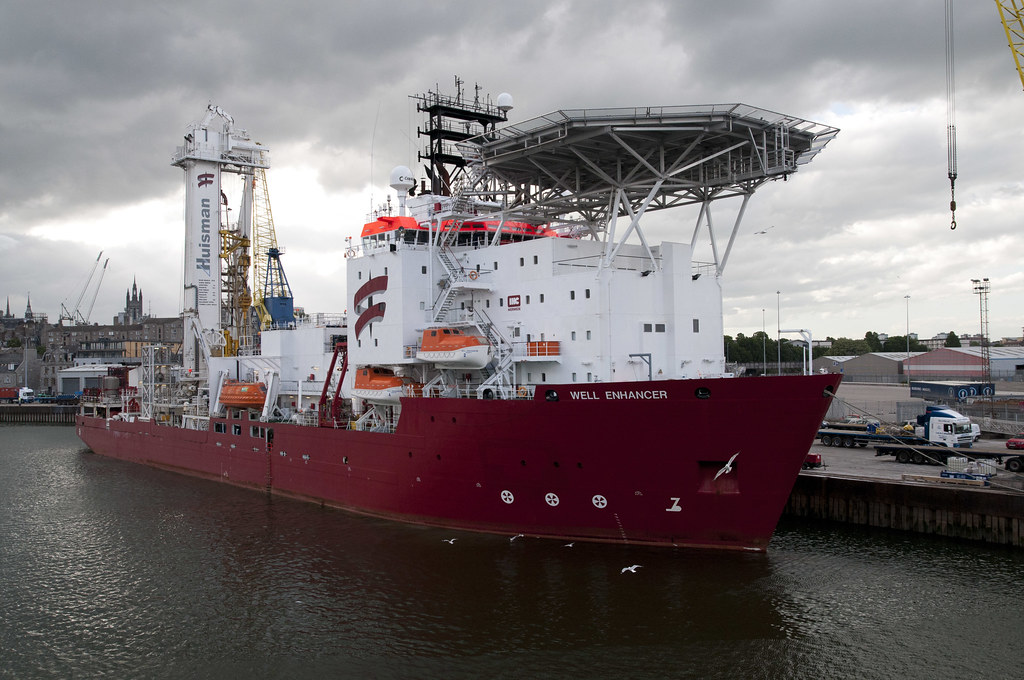
Open in Camera Raw, added graduated filter on all 4 sides, increased exposure slightly, topaz adjust "spicify" filter, slight desaturated (except oranges), cropped and sharpened. Was tempted to change ship's name to "Well Enhanced", but that would just be showing off (and I'm not referring to the photo ...)
:D

 
I've given up trying to download the raw.
Ok heres my version.
HDR to bring out the detail, bit of noise reduction, removed the seagulls and crane thing, burned in the sky a bit, and a bit of sharpening.

6903287037_004eeeebc5_b.jpg
 
Last edited:
swanseamale47 said:
I've given up trying to download the raw...

I share filed and photos using minus.com - free account with 10gb limit. Just drag and drop your photos from your folder onto the browser and they upload automatically.

Gives you folder and individual image download links, along with links to allow you to post thumbnails onto forums.
 
...Was tempted to change ship's name to "Well Enhanced", but that would just be showing off (and I'm not referring to the photo ...)
:D

:lol:

Two good edits so far but only two- come on people:D

Wayne, not sure about the Raw- did try and download it myself before I posted the link and it worked fine- will check out the minus link- cheers Umar:thumbs:
 
I kept getting problems with the captcha thing and pop-ups so I gave up. Not to worry for the size here it makes no real difference.
 
I kept getting problems with the captcha thing and pop-ups so I gave up. Not to worry for the size here it makes no real difference.

Those captcha things are annoying- I usually have to refresh them about 5 or 6 times until I get one I can read but yeah- doesn't appear to have held you back:D
 
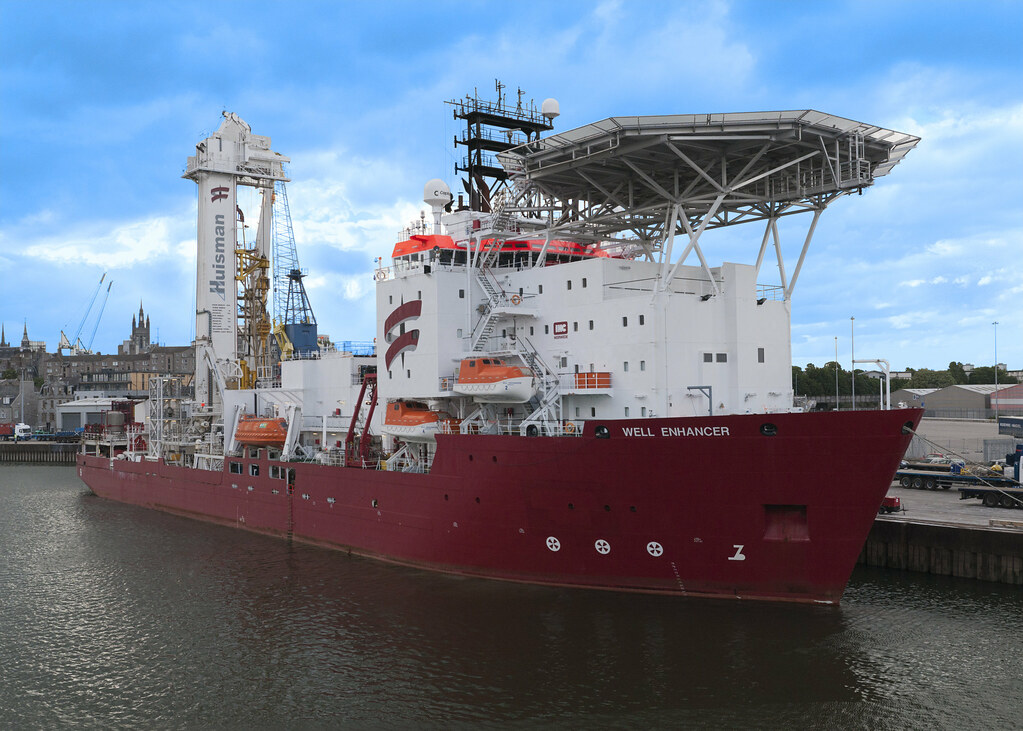
I opened it in camera raw and did various exposure adjustments to different areas such as the water the ship and the sky.
I then opened in photoshop and used the patch tool on the blown out areas of the sky and also did a little cloning on the cranes and a seagull. I then opened in topaz adjust and I used an autumn preset.
Finally I did some dodging and noise reduction then added a border.

OLU36.jpg
 
Nice Dale, will need to look at this Topaz stuff everyone seems to use although I see there are a lot of different modules. I'm pretty sure CS5 could do it although maybe not as well in some instances but I guess it's the time saving factor that's the main thing.

Got a change of plans tonight so will be able to judge around 19.30 so gives a bit more time for anyone else to have a go.
 
Nice Dale, will need to look at this Topaz stuff everyone seems to use although I see there are a lot of different modules. I'm pretty sure CS5 could do it although maybe not as well in some instances but I guess it's the time saving factor that's the main thing.

Got a change of plans tonight so will be able to judge around 19.30 so gives a bit more time for anyone else to have a go.

The Topaz Filters are used within CS5 - I use Topaz Adjust 3, and one of it's settings gives a pseudo HDR effect quite quickly and easily.It's sometimes "overdone", but you can then adjust contrast, saturation etc to neutralise it slightly.
 
I don't know if any rules a re broken by this offering, so ignore if you wish :D

wellenhanced.jpg


Chopped bits off for a background using the Note Paper filter
Pasted on a full shot with highlights adjusted a bit here and there.
All a bit messy, but just killing an hour before work (nah, it didn't really quite take that long)
 
I don't know if any rules a re broken by this offering, so ignore if you wish :D

wellenhanced.jpg


Chopped bits off for a background using the Note Paper filter
Pasted on a full shot with highlights adjusted a bit here and there.
All a bit messy, but just killing an hour before work (nah, it didn't really quite take that long)

Personally I can't see it breaking the "rules" I see it as a border effect.
And very nice too.
 
OK bit later than I anticipated.

Tricky one this- even with small number of entries:lol:

It was interesting to see what everyone did with the gulls- Wayne went for full removal like me and Dale opting to remove one with the others keeping them.

The sky was a tough one and I made a mess of it with too much clarity then chose a filter which took to long to blend so started to get sloppy.

So, drum roll...

3rd place Wayne/ Dale- sorry couldn't split further- aspects of both appealed equally
2nd place N2M- really liked the out of the box thinking and it was close run thing.

and
1st place Umar- liked the colour and texture and leaving the gulls seems to add more character

Well done Umar:clap:, lets see what you've got for us:thumbs:

Mine:

Edit24 by Dr_Ozone, on Flickr

Added too much clarity in camera raw
Added cool filter in CS5
Sharpened.

Tried various adjustments- levels/ brightness with the ship/ sky but wasn't happy with it all and left the layers off

Well done to all who took part:thumbs:
 
Wow - thank you Dr O.
What a surprise!!!!!!

I'll have a think on and get something posted tomorrow.

I'm well chuffed :-)
 
Just to let everyone know, I'll be posting up a photo later tonight. Ta
 
Hi everyone. I've noticed there aren't many portraits on this thread, so we could try something a little different.

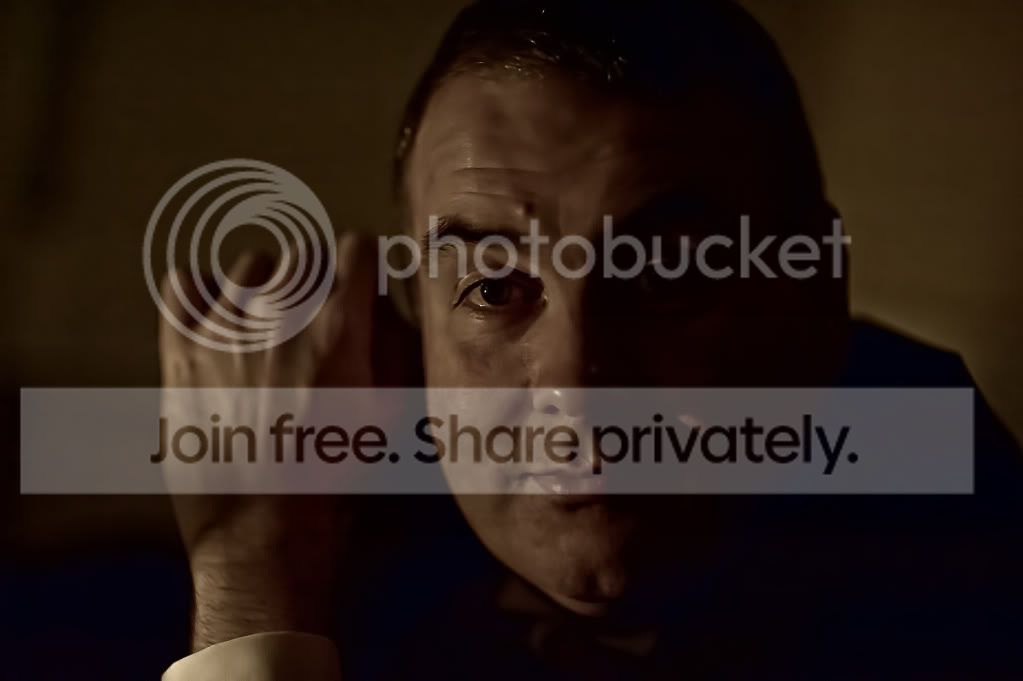
Here is the jpeg straight from camera


You can download the raw from here

http://min.us/mG9hrmo7F#1o

Shall we say Friday afternoon as a deadline. I'm not sure of the exact time I'm free, but as soon as I can get to this thread after say 1pm?
 
Last edited:
In camera raw I de-saturated the image with the saturation slider.
I did an exposure adjustment in raw opened the image in photoshop.
I then opened the image in raw again and I did another adjustment opened it and layered it on top of the original then used a mask to apply the adjustment repeated this several times to different areas of the image.
I finished off with some selective sharpening of shadows, & highlights.
I then sharpened a little using high pass filter technique.
Added a little monochrome noise and then used canvas size to add border and edit/stroke to add an edge to the border.


9GmBE.jpg
 
Last edited:
Here's my poor effort.

mark20burns20night202011-1.jpg


Noise Reduction applied (alot.!)
De-Saturated
Contrast Boosted
Added Gaussian Blur
Sharpened
Added Border
 
lowered temp
noise reduction, sharpened
loads of little adjustments in cs5
desaturated blush filter
mark20burns20night202011.jpg
 
Last edited:
Some great edits so far - still a day and a half to go, so keep them coming ...
 
Back
Top