THE PP GAME!

a3c7eab9.jpg


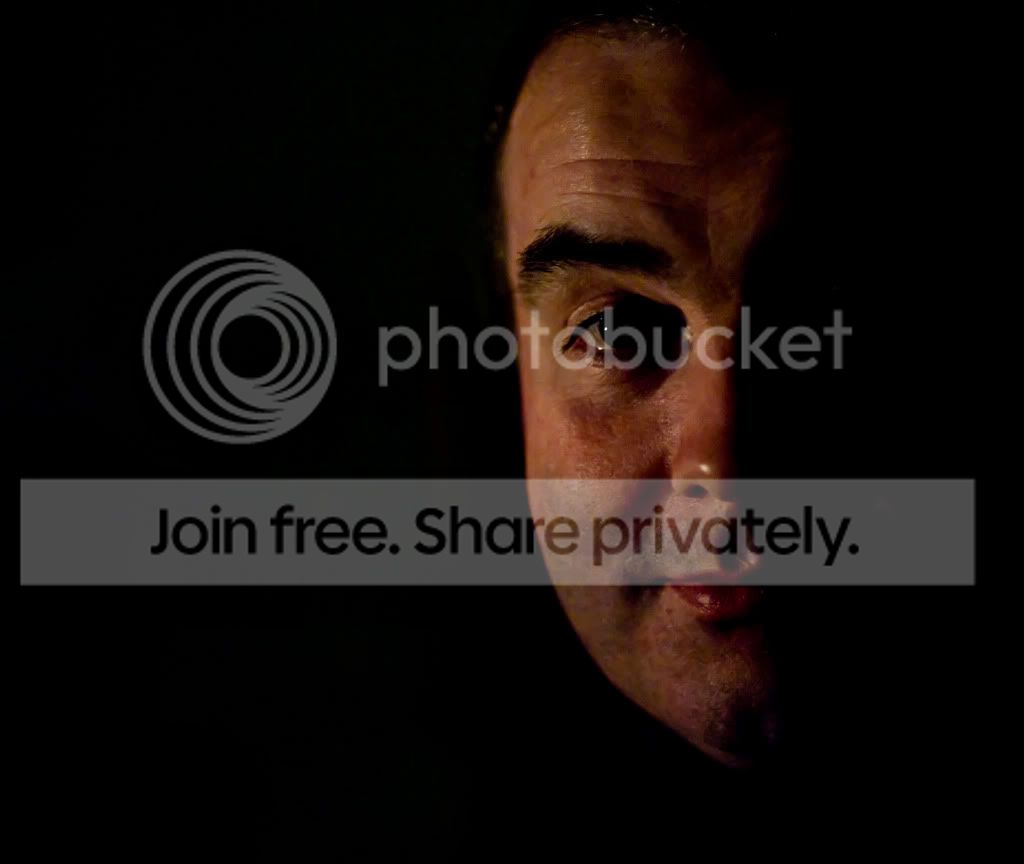
Open in RAW, colour temp as far down as it would go, blacks boosted. Open in CS4, clone out everything not black, crop, sharpen. (Done on a laptop, so may look a bit odd on a proper screen!)

Edit to add: Some minor surgery on the lump above R eyebrow. No extra charge. ;)
 
Last edited:
Some great takes so far- I too went the B&W route although this is take 2 as the first one had some uneven tones which I hadn't noticed until I uploaded


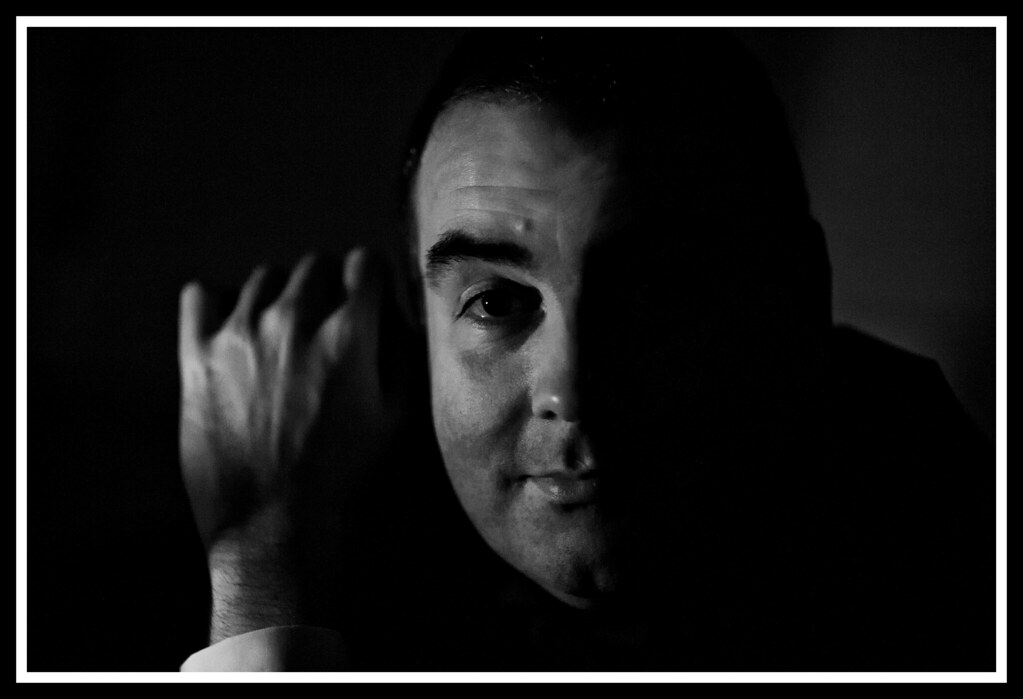
Edit25 by Dr_Ozone, on Flickr

Opened in camera raw and converted to grayscale. Increased fill a touch and blacks. Sharpened a touch in ACR.
Opened in CS5- used the clone stamp to get rid of the two light areas- eye and cheek on the left side.
Added adjustment layer for levels and tweaked a bit to darken left side and then set curves to strong contrast.
Did a bit of dodging and burning to even up tones on forehead a bit.
Looked into doing eye socket/nose area but wasn't happy so left as is.
Added white border then black one.
Had cropped the first take but didn't bother second time round.
 
My version.

6776586646_98939e2b77_z.jpg


More or less all done in camera raw.
Crop, B+W, noise reduction, then photoshop proper for selection to blur hand, then grain added back.
 
Here's mine

mark_burns_night.jpg


and layers

Burns_layers.jpg
 
Here's an attempt at the noisy grainy contempory look..

noisy.jpg


Alter WB, change angle and crop in lightroom.

In Photoshop:
Duplicate layer twice, change top layer to soft light blend mode
Desaturate middle layer <ctrl><shift><u>
Add mask to top layer, punching through eye.
<alt><click> on mask and drag to middle layer (duplicating mask)
You can now see the eye from the bottom layer.
Flatten image
<filter><noise><add noise> 4% to get the grainy HP5 look.
 
Some great edits coming through. Given the lack of dynamic range and high ISO it's no surprise most people are going for a B&W conversion ... I hope this was a suitable photo for this thread.

I will choose winner, 2nd and 3rd tomorrow along with posting my own edit around 2ish tomorrow afternoon so still time to get your version uploaded.
 
I thought it's fine- it's actually quite interesting to see how the more experienced/ better editors coped with the uneven tones. I tidied up on the forehead a bit but wasn't really happy with my effort around the eye so discarded and left the entire upper right cheek alone. Looking at it now it looks odd the way I've left it so have learned a lot from the great mix of strategies on display:thumbs:
 
The goblin said:
I've been looking at Topazlabs and downloaded their free trial. Then joined a webinar last night and they gave a 30% discount code so the whole bundle is $209!!!!

Ooo very nice. I've bought a couple of there products, but 30% off is a great saving. Are we allowed to share product codes? ;)
 
Do you mind if I judge a couple of hours early?
I did say after 2pm, but I've just realised I won't have full internet access at that time ...

And the winner is ...
 
Flying giraffe - I like the colour version - I found it difficult to retain any colour, so well done to Neil.(In fact could you PM me a link to your high res version, I'd like to print it and give it to Mark, the subject, if that is OK?)

Second place to Wayne (swanseamale47) - fantastic crop

Third place to Jon Ryan - a portrait crop would have been even better (in my humble opinion).

And here is my effort


destaurated
applied noise reduction
brought out some shadow detail
added grain
sharpened
exported with border

It was difficult to judge (as always). Over to you Neil.
 
What happened to around 2pm - had to dump my edit :'(

:lol: me too. I'm working from home today trying to get my website done, so i thought i'd have a bash at this while i'm on a decent screen :bonk:
 
this would never happen in the other thread ;)
 
Indeed :lol:

Well done Neil:thumbs:

Maybe we should agree for both threads that if we can't meet a proposed time for judging then we push back rather than bring forward just in case of late entries as not everyone will be able to keep an eye on the thread while they are editing.
 
Post them, I won't be able to put a pic up till later as I'm at work at the moment, can be re judged as I have no problem with that either
 
Post them, I won't be able to put a pic up till later as I'm at work at the moment, can be re judged as I have no problem with that either

Well done Neil!

Agree about pushing deadline back rather than bringing forward.
 
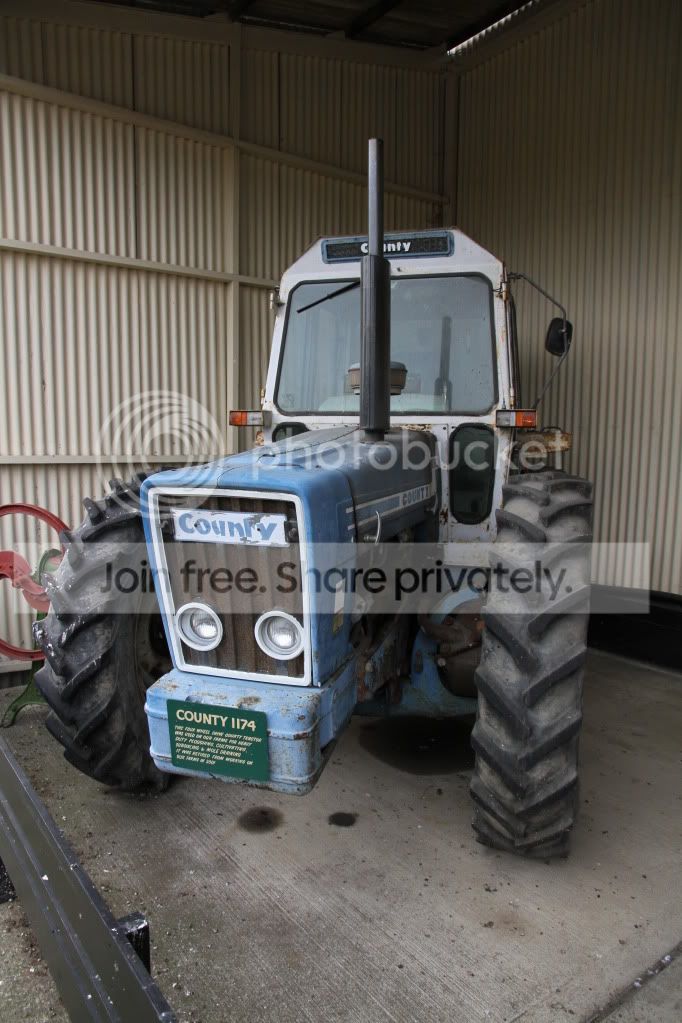
No more edits so firstly thanks for selecting me, alot of good edits so it means alot, had a good look through my photos, not an easy job finding one, so i hope this is ok, if not ill post another
IMG_5654.jpg


raw file
http://min.us/mbDGVtSlh#1o
Monday evening OK for this one?
 
Last edited:
Congratulations "Flying Giraffe"

Joan
 
you coming along tomorrow joan? Weather forecast is good!
 
Neil- looks good to me- something different again:thumbs:


How long do we have?
 
you coming along tomorrow joan? Weather forecast is good!

Work in the morning and comfy chair in the afternoon and a panad (or maybe a snifty)to see Wales beat England.....................:thumbs:
 
you coming along tomorrow joan? Weather forecast is good!

However, next time you're up here, yes indeedy.

Are you interested in the Anglesey spring meet?
 
Opened in camera raw and then adjusted exposure and used curves to again adjust exposure.
I then increased saturation a little then opened in photoshop where I increased the canvas size and cloned out some equipment and oil stains.
I then cloned in some of the wall to add some space to the left.
Sharpened with an action I made and then added a border with the crop tool.

u7kC3.jpg
 
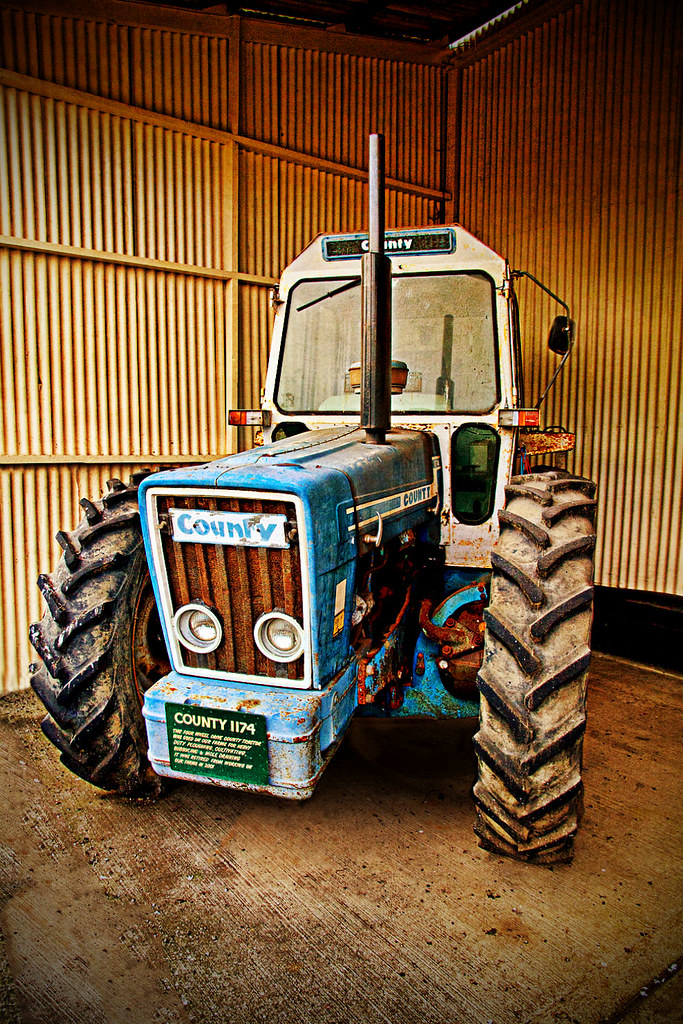
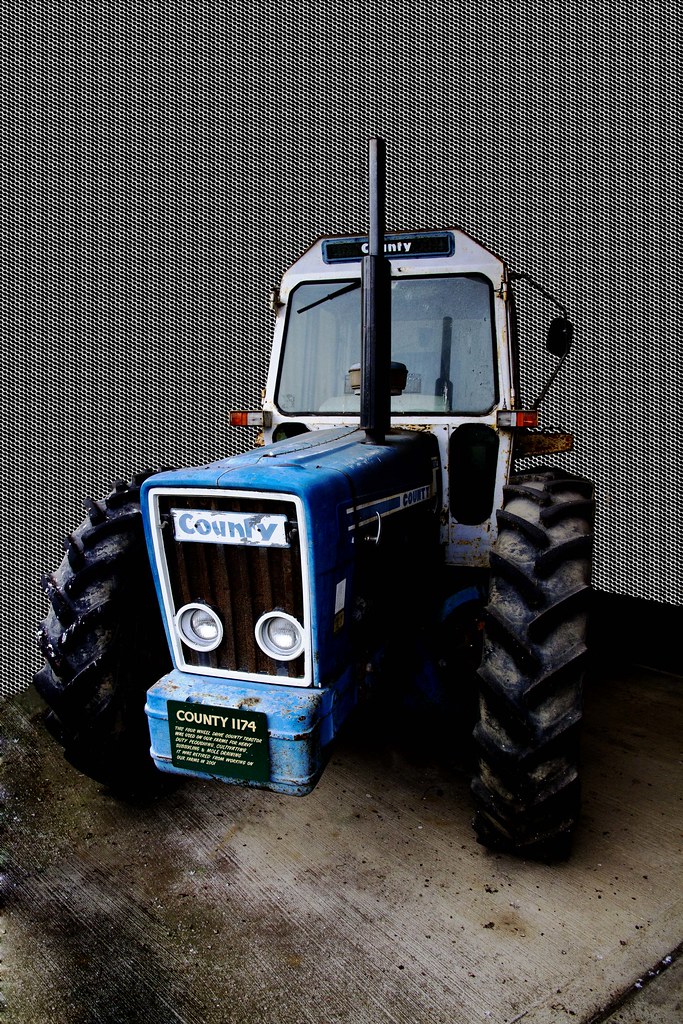
Heres my version.

6784866184_d4cf598271_b.jpg


3 different exposures from the raw blended with a script in PS, topaz filter to bring out some detail, a highpass action to add more detail, cleaned up the wall and floor a bit, and added a shadow, then a texture added to give a bit of colour and texture over it all. Finally a bit of a vignette.
 
Last edited:
Tractor22.jpg


No layers pic as I, for some unknown reason, flattened the whole thing and saved it before doing grabby pic of layers palette, must be all the excitement of the Wales win yesterday..

Tweaked in camera raw, cloned bits & bobs, flipped pic, dupe layer & make B&W, layer masked colour back in, canvas size plus white rule and wheat brush. (I think)

Extended the corrugated iron , plus I forgot to sharpen it for t'web!!

Joan
 
Last edited:
Kerioak said:
What happened to around 2pm - had to dump my edit :'(

Really sorry - I had limited Internet access until just now - apologies.
 
Some great entries so far- really neat cloning going on- how are you all accomplishing this?

I tried cloning the metal sheeting but it was shocking- tried patch tool and clone stamp- the patch tool seemed to have some red showing through as though the opacity wasn't quite 100% but couldn't see anything obvious. Just didn't look right at all.

In the end I gave up and went for my own effect using a mask:lol:


Edit27 by Dr_Ozone, on Flickr

In camera raw- boosted clarity and saturation on tractor.
In CS5, duplicated background and cleaned up oil spills and fence with mixture of clone stamp, healing brush and patch tool.
Created a pattern overlay with a metallic effect to compliment the agricultural aspect- not sure it worked but better than my cloning:lol:
Added couple of curve adjustments and one for levels then sharpened
 
Untitled-140.jpg


Bit of a lengthy process for this one...

First opened in RAW, brought the fill light all the way up for more DR, converted into layer in PS and made the opacity 35% with a white bg layer underneath. This layer as you can see was converted into B&W

Then opened another RAW version, upped the contrast and vibrancy then made into layer in PS. I first used topaz adjust and pre-set to detailed. Then used Topaz remask to remove the subject from its background. Flipped horizontally and then added embossed text.

Finally gave it a border and drop shadow on a white bg.
 
I like that Phil- although you have sold yourself short by not flipping the plate back:D:p
 
This again has been a tough one, some really great edits, so here we go...........

First place is Phil Young, i like what you have done with the backround, ok you didnt flip the names, but i still really like it.

second is Stormcrow as that is roughly what i had done, great job.

third is photoimaging, another excellent edit with some great finishing touches as always

thanks everone else too, they are all very good, and its been a real struggle choosing, any way over to you Phil.
 
Back
Top