THE PP GAME!

Congrats on last edit Left curl

Here's a bash for this one.

LeftcurlA.jpg


and layers.

Left_curl_layers.jpg


made porthole and added water brush.

Joan
 
Last edited:
righto guys and gals....

In my own mind i was hoping someone would have made the shot into a portrait crop and make the canal the centre of attention - even so, some very nice edits there. But of course there can only be 1 winner... and that is......


JOAN! :clap::clap:
Nice bit of thinking outside the box (or the porthole) and lovely touch with the pouring water :thumbs:

LeftcurlA.jpg
 
Cheers all, I did try a portrait crop but wasn't fussed on it.

I'll have a dig around this afternoon for your next pic

Joan
 
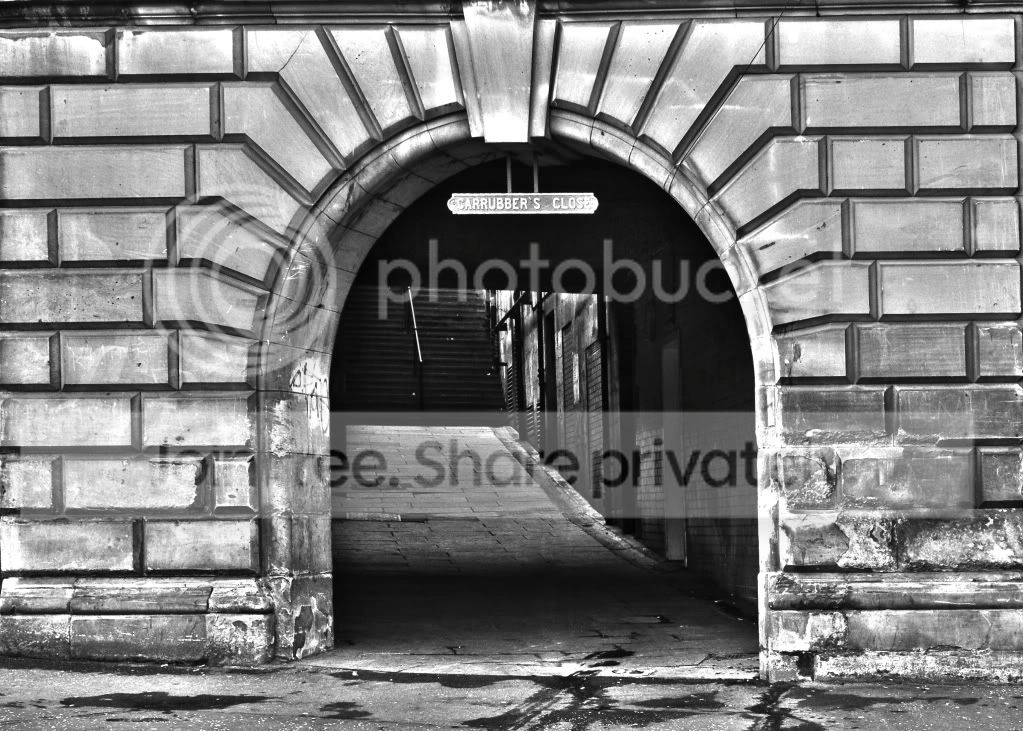
Heres my version.
Cropped, wall thing removed and post removed.
HDR to bring out a bit more detail in the steps
sepia tone with hue/saturation ajustment layer
texture added to give more of an old feel.

6857091439_0464c2e33a_z.jpg


and the layers palette.

6857091543_f2d30eefb9.jpg
 
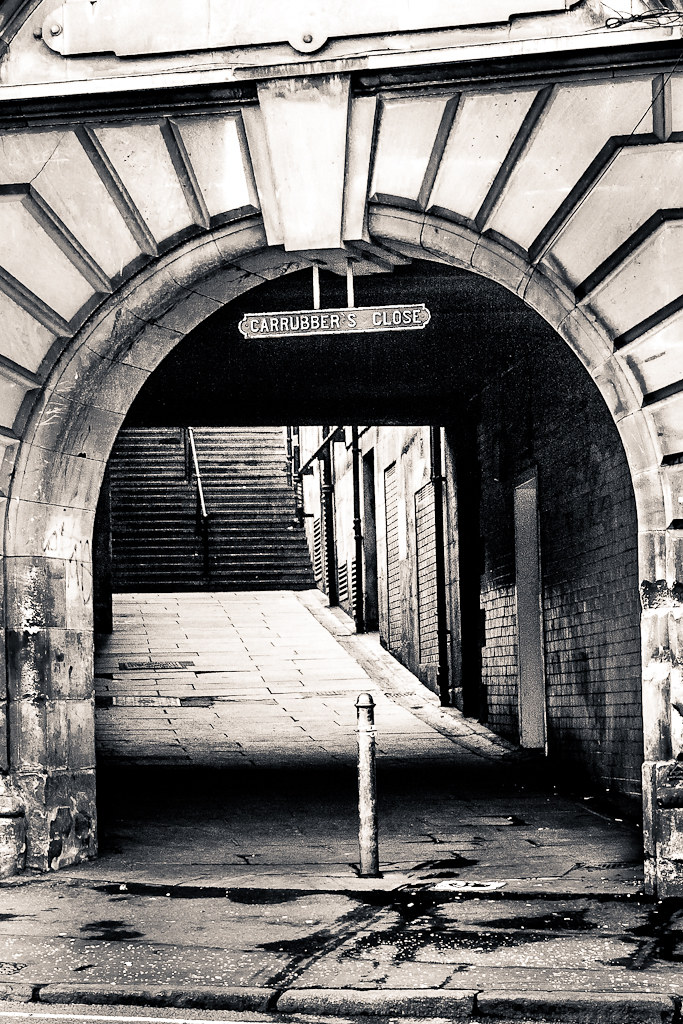
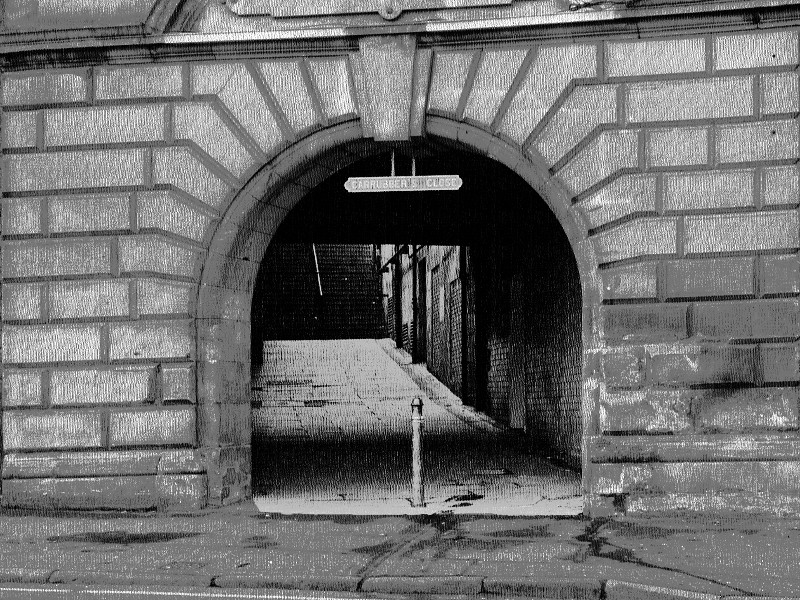
cropped and skewed,removed bo on the wall and bollard, b/w conversion, adjusted the tones in ps hdr done!
Edinburgh04.jpg
 
I spent a few hours on this - but it was worth it. I googled lots of tutorials which helped.

I am learning loads.

Here are the edits.

Cropped and perspective corrected. Little bit of content aware fill around the edges.

Cropped again and mirrored and pasted back in.

Street signed cloned back in.

Then topaz filter "spicify" filter. Slightly desaturated. Added a touch of contrast and upped the blacks slightly. Sharpened.

 
Last edited:
Well done Joan:clap:

Great efforts so far guys- really like them all.

mmm, what to do differently- I'm toying with something behind the shutter...:naughty::lol:
 
My take:

E1-04 by adamhawtin2, on Flickr

Just cropped, B&W conversion, split tone and various contrast/brightness adjustments in lightroom.
 
Thought I'd try to take all the signs of 20th/21st century out of the picture.
  • Tweaked exposure
  • Removed yellow line from road
  • Removed broken glass from r/h of archway
  • Removed waste paper
  • Removed post
  • Cut in a new stone over the smokers bin
  • Covered the open roller shutter to the right
  • Removed telephone wires over arch
  • Copy inside the arch to new hard light layer to darken the alley
  • Merge visible
  • Warp so that l/h of building is vertical
  • Throw a warming filter over the lot


Edinburgh-04-Edit.jpg


more work required on some aspects but time's up...
 
In camera raw I de-saturated the image with the saturation slider.
I did an exposure adjustment in raw opened the image in photoshop.
I then opened the image in raw again and I did another adjustment opened it and layered it on top of the original then used a mask to apply the adjustment repeated this several times to different areas of the image.
Added a stone texture and adjusted the blend mode to multiply and adjusted opacity to 50%
I finished off with some selective sharpening of shadows, midtones & highlights and a tiny bit of dodging and burning.
Used canvas size to add border and edit/stroke to add an edge to the border.


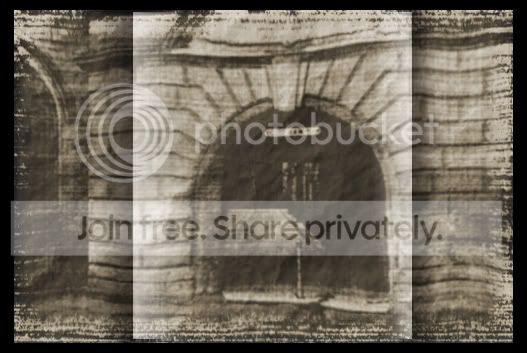
UomG5.jpg
 
oldpicmmmmmmmmmmmmmmmmmmmmm.jpg

transform cw,
crop,
add old photo filter,
rectangular marquee tool,
add gradient tool to one line left side, and right side,
then repeat other side,
then each section spherize,
add border
 
looks suspiciously like a tit on a spade to me wallyboy :D
 
Wow- so many diferent techniques being used here- really quite interesting- more great edits- glad I'm not judging this one:lol:

Not a lot of time on this one ie couldn't spend a few hours:lol:

Duplicated background
Free transform with perspective to straighten a bit- not sure if that really helped me
Cloned out smokers bin with patch tool and clone tool
Then cloned out magazine on the ground and wire hanging down
Removed some of the glass with spot healing brush
Selected archway and used curves on that to increase white levels
Adjustment layer with curves on whole picture and tried to increase contrast with previous layer used so detail in archway was not lost. Probably where one of these layer masks would have helped but next time:lol:
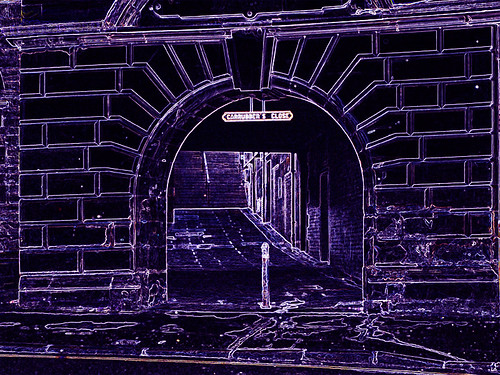
Used stylise with a neon glow for a futuristic look with an increase in the blues:

Edit18 by Dr_Ozone, on Flickr

Now, the observant among you will see that I just obliterated all my careful cloning so I thought that'll be shining:lol:

Reversed that and used some crayon filter instead- tweaked to get texture on canvas look and then cropped. Official entry below;


Edit19 by Dr_Ozone, on Flickr
 
Any more for this one?..........I will pick a winner tomorrow afternoon 3pm ish,
so if you are awavering on putting something up that's your cut off time.
 
Here's my attempt:

VDB-edinburgh.jpg


Corrected the perspective and cropped, copied the wall from the right and mirrored it to help with the perspective. Removed some of the obvious duplicated components from the flipped wall, then moved the bollard and sign to make them more central to the arch. Added the image to a brushstroke background I've made, and coloured and curves to imitate a van-dkye print (I think I went too dark, but it looked better)

It needs more work on the bottom to reduce the duplicated elements but by this point I've gotten a bit bored of fiddling with this one, so it'll have to do
 
Edinburgh04.jpg


It opened in Bridge so I changed colours a little in that, later did not like colour change so edited a bit more in PS
cropped to remove workshop
duplicated part to create whole window
copied arch and added to window
duplicated a bit more as it looked unbalanced
Brightened alleyways to give golden sunshine appearence

Edinburgh04layers.jpg
 
Okey dokey here's mine, I'll announce winner in a minute or two


Edinburgh_bfinal.jpg


and layers

Edinburgh_layers.jpg


added shadowy figure, blood splat and border.
 
Last edited:
Right......In FIRST PLACE is Storm Crow, In SECOND PLACE is Scottie and in THIRD PLACE is Commjo.

Joan
 
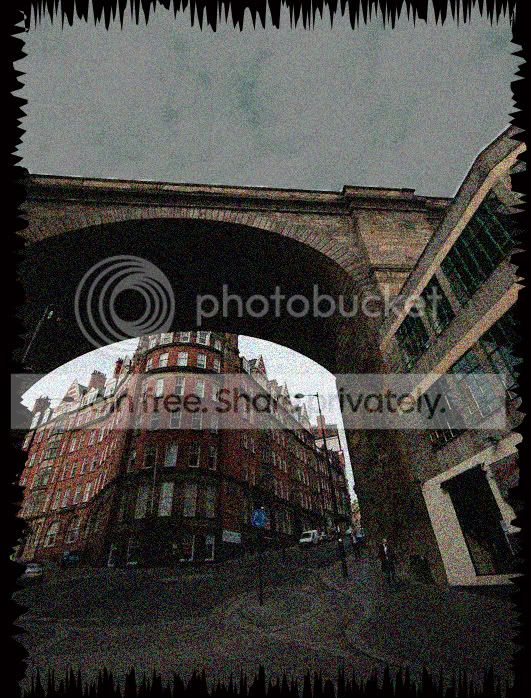
Ok here is one from Newcastle that needs a bit of work done to it, taken before I had grad filters.

Sh4cX.jpg


How about Friday 8pm for the deadline.
 
Last edited:
Well done Dale:thumbs:

Quick one from me as may run out of time this week:


Edit21 by Dr_Ozone, on Flickr

Tried mucking about with perspective but gave up:lol:

In camera raw- increased clarity and vibrance in sky with adjustment brush though unconvinced it did a lot
Increased fill light and decreased blacks a touch
In CS5 cloned some of the marks on the green box
Cloned out man under the bridge and woman at window
Created adjustment layer for sky and moved levels to bring out a bit more colour and contrast.
Cropped to remove building encroaching on top of pic and traffic warden.

Gets the ball rolling anyway:lol:
 
If I'm honest, I was put off doing the other one because they were all so good! Well done to you all...I don't think I could have produced anything original.

Untitled-2_copy.jpg


In camera RAW:

Exposed the bridge properly, cropped, desaturated, increased clarity to around 80%, added contrast I think up to +50. I then used adjustment brush to expose the underneath slightly better.

In PS: cloned out some bits of bush, added embossed text (of which I used a 10% flow erasure to get the effect), made into a new layer and applied to a new page. Finally added a drop shadow.
 
Here's mine, away now until next Tuesday, see y'all next week

bridge16.jpg


and layers

Bridge_layers.jpg


Joan
 
Can I just say what a great thread this is - I've only been through the first 4 pages and have already increased my little (non-existent) knowledge on PP, just got to get to grips with the jargon - but thanks enjoying it. :thumbs:
 
Last edited:
Opened in Raw and used auto exposure / levels etc.
Opened in PS5, raised levels and saturation. Played around with distort and perspective until i got to something that looked half decent. Copied right hand half and pasted to other side. Cloned out a few items i.e. cars, people and round about. Changed the colour of the womans coat on the left middle and the windows to the left. Added a new top to the main building.
Once happy, flattened and used unsharp mask, then added a little pop using Topaz Adjust 5


bridge-2 by surfinscottie, on Flickr
 
Opened in Raw and used auto exposure / levels etc.
Opened in PS5, raised levels and saturation. Played around with distort and perspective until i got to something that looked half decent. Copied right hand half and pasted to other side. Cloned out a few items i.e. cars, people and round about. Changed the colour of the womans coat on the left middle and the windows to the left. Added a new top to the main building.
Once happy, flattened and used unsharp mask, then added a little pop using Topaz Adjust 5


bridge-2 by surfinscottie, on Flickr

That is impressive!!!!
 
leftcurl said:
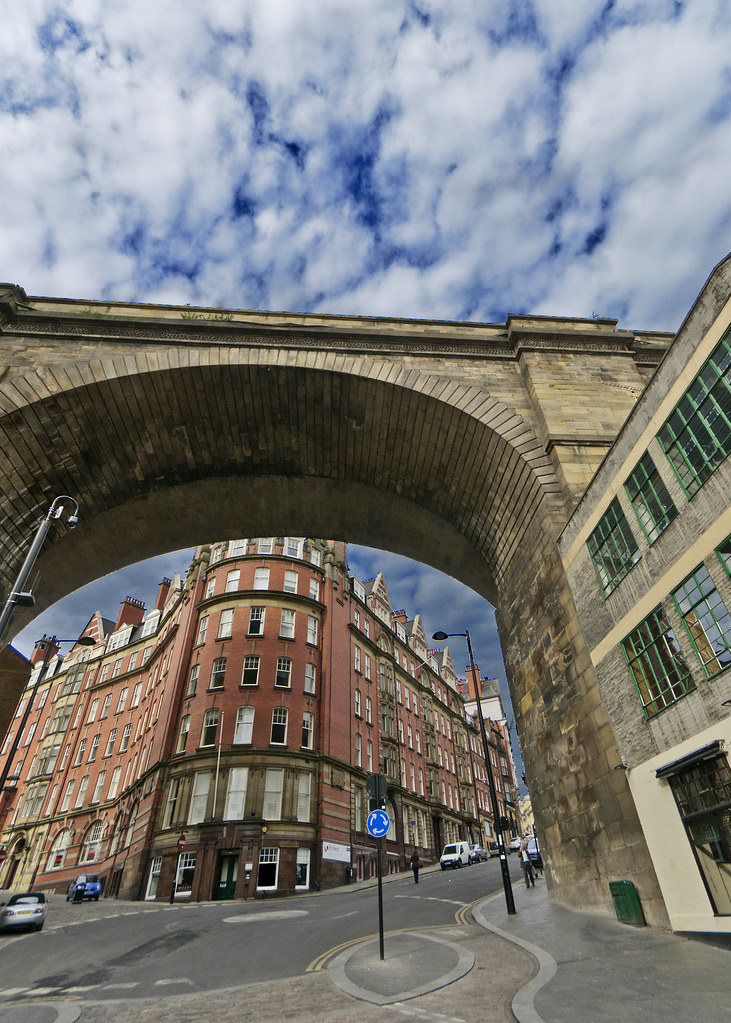
ok people... purposely picked this because there's loads of life left in it - just needs you guys to bring it out! So you can get the RAW file here: https://www.yousendit.com/download/T2dkQndPcTIwVW1FQk1UQw

http://www.flickr.com/photos/leftcurl/6840865911/
Leftcurl by leftcurl, on Flickr

RAW file here (in case you missed the link above :D) https://www.yousendit.com/download/T2dkQndPcTIwVW1FQk1UQw

we'll go for a Friday 8pm finish :thumbs:

Personally I prefer the original, maybe I'm not cut out for this PP stuff ?
 
Nicely done SC

here's an effort at this. There're loads of layers, each holding a bit that I tried to construct after distorting the image. If you have seen Time Square by Bert Monroy you'll have an idea of the layers. If you haven't seen what this guy can do, you should definitely check his work out.

Anyway, I just used the transform> distort, built missing bits up after drawing guides to the vanishing point, selected the sky, put a zoom filter and a colour filter based on the green from the windows on it.

bridge17.jpg
 
Back
Top