THE PP GAME!

Here's mine

CT_Shop_A.jpg


CT_layers.jpg


Straightened background and desaturated slightly, cloned out bell, till, various highlights, reduced glare in glass, cleaned teeth a smidge, selective sharpen, contrast boost to figure, scales and counter and light edge burn.

Joan
 
Ok here we go to get things started!


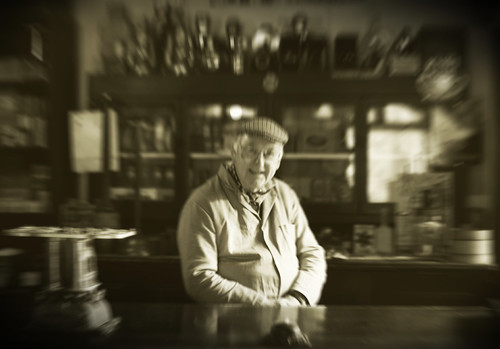
poppin out for one or two! by The-dodo, on Flickr

Leveled, cropped b&w conversion, softened the focus then added some zoom blur to give the appearance the customer may of had one to many!

When I first looked at this I thought no but having read your reason for the blur,i actually think that was quite clever!
 
Well there's 3 or 4 here I'm really liking so it's going to be a close run thing.
You have until 9pm tonight then to get those entries in and I'll put up the results just after. :)
 
Thanks for the entries - some very different and interesting interpretations!

It came down to a close thing between Adrian's filmy treatment and Joan's nicely cropped and tidied version, but I've plumped for .....

:1st: Adey. :clap:

:2nd: photoimaging. :clap:

Well done to both of you. and over to Adey to put up something for the next round. :thumbs:
 
Diolch yn fawr ( thank you very much) look forward to Adey's pic.
Congratulations Adey.

Joan
 
That was a pleasant surprise:)

I havent taken an photos in what feels like ages (except pics of our new kitten:))

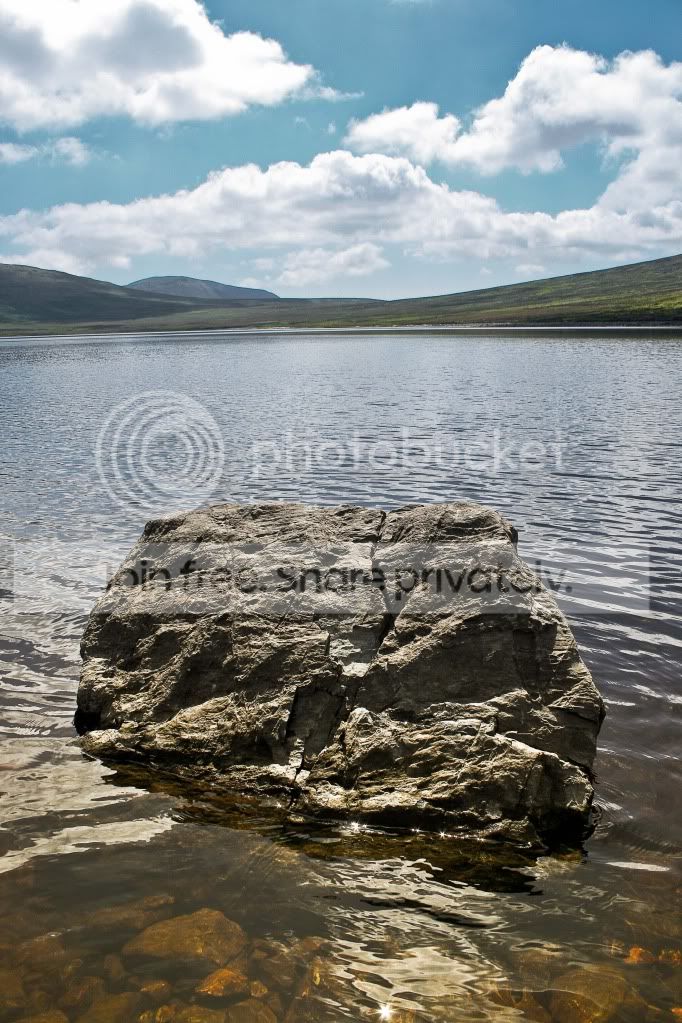
So i had to dig into the archives and i decided on this picture of a rock i took in N.Ireland a few months ago. Its at Spelga Dam i believe. It was before i started shooting in Raw too im afraid:shake:


IMG_6502 by Adrian Deans, on Flickr

Hope thats adequate, and good luck!
 
Sorry Adrian, I misread the winner, I thought Joan had won (I need a rest) so congrats to you mate.
 

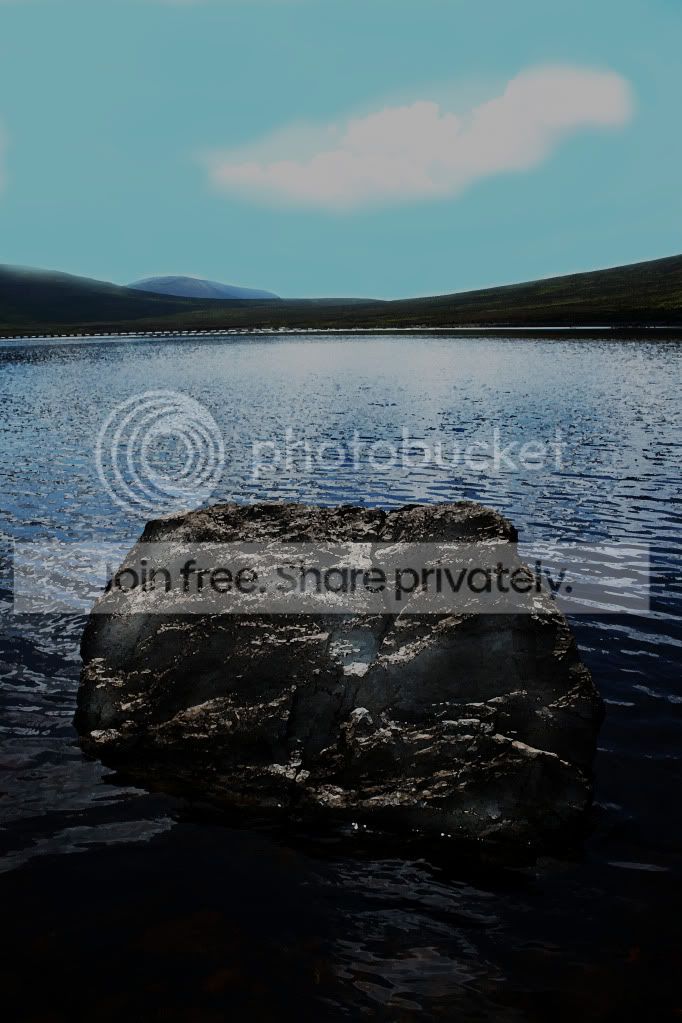
Rock by tonky8203, on Flickr

Converted to mono by splitting to channels and using the red channel.
Adjusted various parts of the image for contrast using selective masks.
Removed highlight at bottom centre.
Added borders.
 
Heres my effort.
Punched up midtone contrast and detail, silver effx for the black and white conversion, warm toned.

And too much extra sharpening thanks to flickr!
6197623966_98b81dfeb9_z.jpg
 
Last edited:
here's one from me

Adey_pic2.jpg


and the layers

Adey_layers_.jpg
 
2a489b5c.jpg


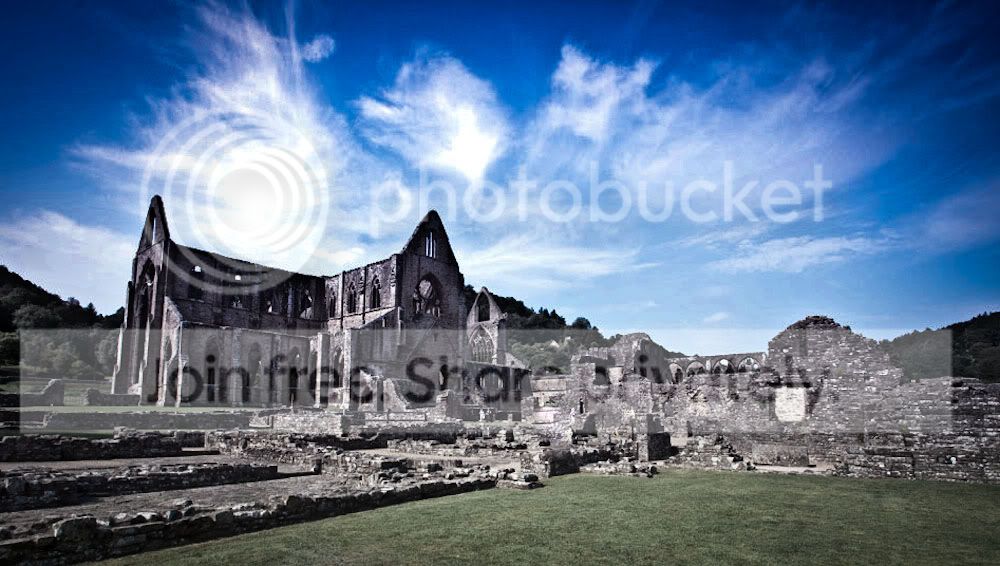
Used grad filter in RAW to bring out clouds, another of the same with added blacks and contrast for the underwater rocks at the bottom. Mid-range levels to lighten things a bit, then a 30%(-ish) mono layer trying for a bit of a `polaroid` feel. Small amount of sharpening (high pass, soft light). There was some random messing around to try for some green on the hills. Where it's green.
 
Cheers, Adey!

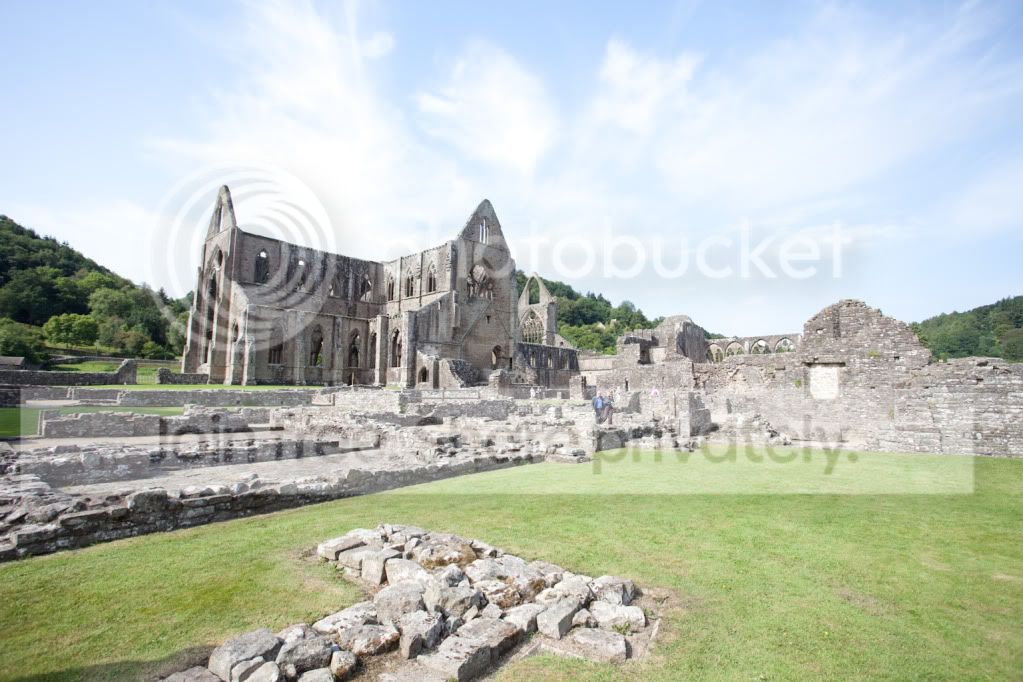
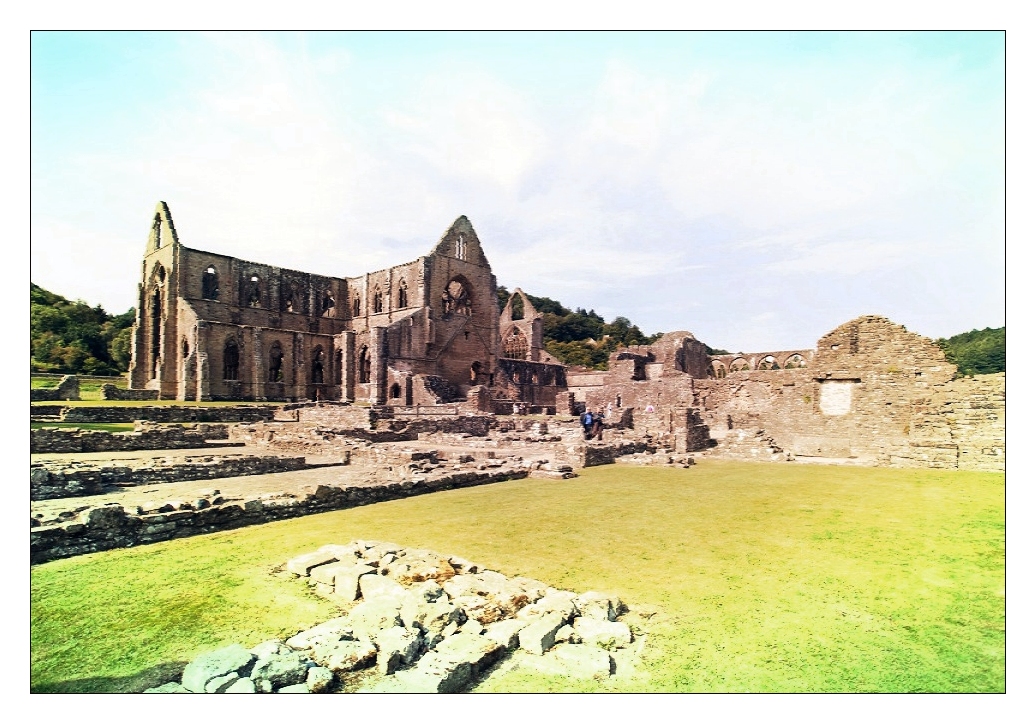
Tintern Abbey on the Welsh boarder near Chepstow is wonderfully photogenic and well worth a visit. Somehow it managed to over-expose its self in this shot. Not my fault at all, you understand... :p

37de89ab.jpg
 
Well done Jon - nice edit.

Here's my effort for this round....


ruin-edit by tonky8203, on Flickr

Corrected verticals and cropped.
Stretched image horizontally to make up for loss of width from verticals correction.
Adjusted levels.
Applied cross processing filter
Sharpened.
Added borders.
 
Last edited:
Heres my Edit-

5k3okz.jpg


And here is all the info put into the layer names.
104m0sm.jpg


I probably should of straightened the buildings out, but i like the horizon line and i couldnt be arsed doing warping and stuff.
 
Last edited:
Fascinating to see the different approaches. I'll spend tomorrow arranging the prize - a 1D iv with full set of `L` glass and a lingerie shoot with Kate Middleton - and announce the winner by 9pm tomorrow (3rd).
 
Though I'd leave it for another day to see if anyone else fancies a go...
 
Guys! This editing thread seems to be dying a slow death?
It's not helping matters that we don't seem to be able to stick to the ground rules set out in the first post. This is meant to be a serious thread with edits to improve the final image and exchange ideas.

Phil - you stated initially "No foreign objects to be inserted" A whole lake is surely a foreign object and the last time I was there Tintern Abbey doesn't stand on the edge of a lake! It's also decidedly 'off' that you choose not to enter this round but post trying to influence the outcome in favour of a shot which breaks the rules you set out in the first place.

Sorry, but interest is decidedly waning, and we need to either get back on track with this or just let it go?
 
I agree with CT. Much as I like Digifrog's edit, I think it belongs in the other thread. This is why I'm hesitating to pick a winner. If there isn't much interest, perhaps it would be best to leave shots up for a week or so?
 
Here's a go, been away for a few days.

Tintern_Pano2.jpg


and the layers

Tintern_Layers.jpg
 
Guys! This editing thread seems to be dying a slow death?
It's not helping matters that we don't seem to be able to stick to the ground rules set out in the first post. This is meant to be a serious thread with edits to improve the final image and exchange ideas.

Phil - you stated initially "No foreign objects to be inserted" A whole lake is surely a foreign object and the last time I was there Tintern Abbey doesn't stand on the edge of a lake! It's also decidedly 'off' that you choose not to enter this round but post trying to influence the outcome in favour of a shot which breaks the rules you set out in the first place.

Sorry, but interest is decidedly waning, and we need to either get back on track with this or just let it go?

Well said Jon and CT, I totally agree
 
And the executive decision is that photoimaging wins the prize. The 1D IV will be in the post as soon as I can collect enough Tesco vouchers. (This may not be for a week or two. I'm sure you understand. You can trust me - I'm a journalist and we never lie, OK?)
 
Thanks all.....I'll look something out for tomorrow morning OK.

Joan
 
LOL. That's pretty smokey as it is Joan! :D
 
:lol: still room for improvement though
 
Back
Top