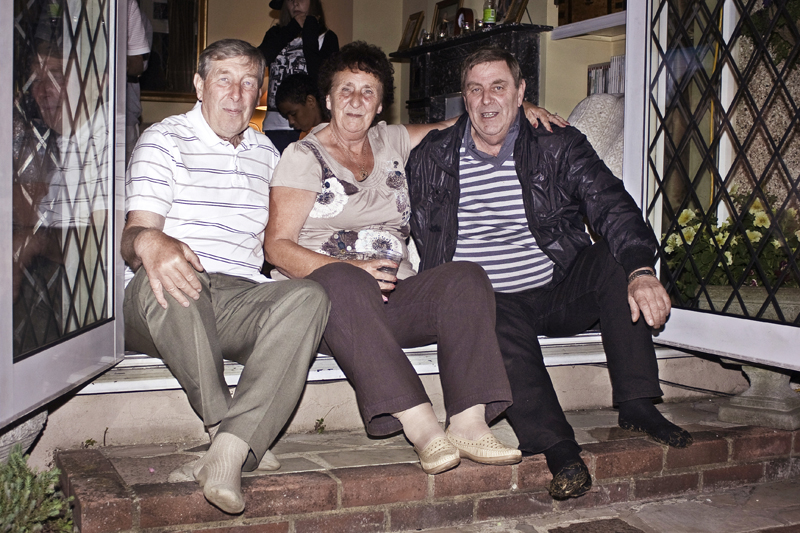
I am trying to get a 12x8 print done as a christmas present.
My screen is calibrated with a Pantone Huey Pro and is showing the correct exposure and colours.
A print done from Photobox had a noticable green cast so I reverted to the original file and did the colour correction again. I had heard good things about the printing at Costco so took it in there yesterday. Their print was correct colour but very dark. They told me that although I had a calibrated screen I should not expect the print to come out the same way.
I have tried printing the same shot on my Canon A4 printer and it is coming out a lot warmer than on the screen. Also, although my printer should be able to deal with 12x8 size paper it may be difficult to get that size paper.
I know I could over lighten the image and take it back to Costco but this would be a bit hit & miss.
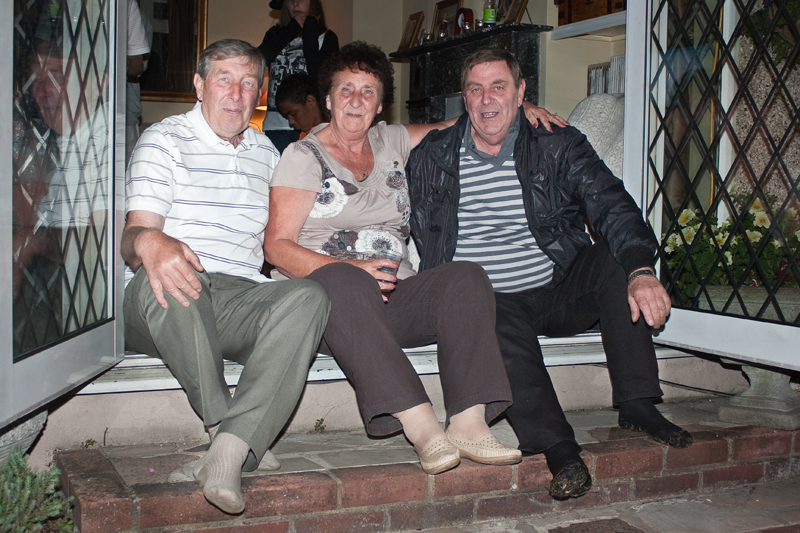
Just wondering if anyone has any other ideas. Posted pic below so also hoping that someone else with a calibrated screen can confirm that it is OK for colour and exposure.
My screen is calibrated with a Pantone Huey Pro and is showing the correct exposure and colours.
A print done from Photobox had a noticable green cast so I reverted to the original file and did the colour correction again. I had heard good things about the printing at Costco so took it in there yesterday. Their print was correct colour but very dark. They told me that although I had a calibrated screen I should not expect the print to come out the same way.
I have tried printing the same shot on my Canon A4 printer and it is coming out a lot warmer than on the screen. Also, although my printer should be able to deal with 12x8 size paper it may be difficult to get that size paper.
I know I could over lighten the image and take it back to Costco but this would be a bit hit & miss.
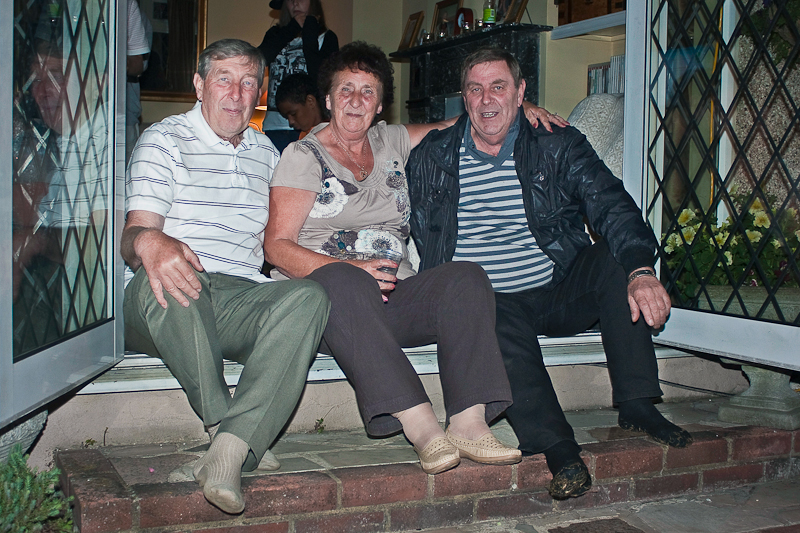
Just wondering if anyone has any other ideas. Posted pic below so also hoping that someone else with a calibrated screen can confirm that it is OK for colour and exposure.