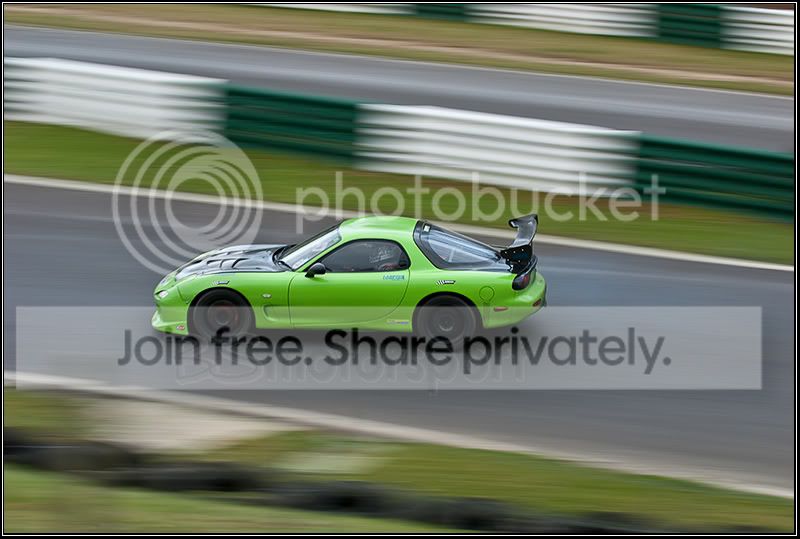
I thought it was active also, but read this extract
Curiously, Nikon's documentation only hints at, but never quite makes clear, how VR handles panning. Page 17 of the English section has one of the worst diagrams I've ever seen; it's a poor attempt to tell you when to use each VR mode. In this case, 100 words is worth any number of Nikon diagrams, so here they are: When you pan the camera in Normal VR mode, two of the four stabilizers are deactivated (for a horizontal pan the "left"/"right" pair are deactivated; for a vertical pan the "top"/"bottom" pair). When you rotate the lens the actual physical stabilizers that are deactivated change, though the intent stays the same. Thus, up/down motion is always taken out in a horizontal pan regardless of whether you've positioned the camera and lens for a vertical or horizontal shot. In short, if you pan in Normal VR mode, the lens tries to take motion out that isn't a pan.
Active VR takes away this automatic panning detection--all four stabilizers are always active. Thus, in Active VR mode, the lens assumes you want to remove all motion. Do you need to put the lens into Active VR mode to remove motion when you're not panning? Not really. Most photographers produce much more up/down motion (due to stabbing at the shutter release) than they do left/right motion. But if you have lots of strong vibrations you need to remove--as you might when shooting from a vehicle with its engine on--set the VR to Active to be sure that nothing is interpreted as a pan. [Okay, that was more than 100 words, but hopefully clearer than Nikon's diagram.]