ok... time to call this.
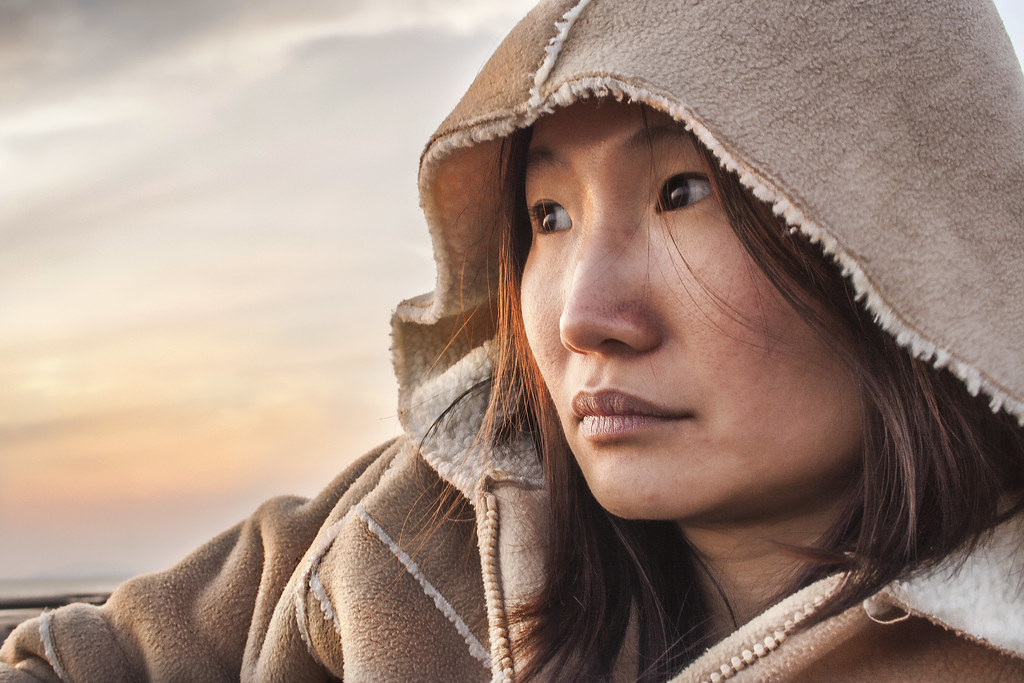
Some interesting edits here. I'm gonna be tough with this one, as it's actually an image I like
Rhodese: nice method for smoothing skin. Nice balance of tones. Pleasing result. Not keen on the border though! Some slight halo around the arm.... and seems a little on the pink side.
Bascule: I agree the sky was pale, but I think that's going too far in the other direction.... same with vettahead. Points for retouching face though Bascule. I was surprised there were so many that didn't. Nice work with the sky though Bascule.. avoiding the usual halo.
SMAM: I feel it's too yellow, and the face very dark. I think the contrast and shadow adjustments you made really aren't flattering to the model. The increased contrast makes the darker areas darker, and the shiny parts shinier.
The goblin: nice tones, nice feel and colours, but not sure on the flipping laterally. There's also a halo around the subject where you've darkened the sky.
Sponner: Nice colours and tones. Sky's a bit dark I feel, and there's a blurriness around the jacket... looks like it's been smudged with the blur tool. You have at least tried to retouch the face though, but as usual portrait pro has removed far too much detail in the skin. If you're going to retouch a face, I really do feel it should be invisible.
andrewp: That's a really nice image. Even though I never saw it as black and white, that really looks nice. The eyes look really glassy and shiny though.... kinda creepy. I think those steps you took on the eyes were the straw that broke the camel's back.
Im_bald_Ok: Nice balance between sky and subject, but a halo around the subject. I feel the skin softening is too much. The flesh tones appear to bleed into darker tones. Usually a sign of too much -clarity.
Flying giraffe: lovely colours in the sky... probably the closest to reality here.... but that hard overlay exaggerates every blotch and blemish. She looks very blotchy. It's a portrait, so anything that makes the model look worse than reality has to be a problem. There's a slight halo around the arm too. Makes it more obvious the sky has been darkened.
SymmetricalOCD: Very interesting sky... where's the green coming from? LOL No idea how you did that... kind of like a Monét painting. I feel the face is too dark though... and use of +clarity hasn't done her any favours.... made her skin look more shiny.
Solo_Man: Interesting choice of angle. I feel it's too yellow though. I'd have liked to know what you did too, but part of what I reward when I do this is a good working practice. If you fiddled with every slider, then could you repeat this is you needed to? The result is really nice though.... but it is very yellow.
Despite the incredibly awful working practice... and despite bearing no resemblance to what I did with the image,
I'm giving this to Solo Man. It's an inventive crop, and despite being too yellow, the limited palette makes the model look good, and as this is a portrait.. that can't be ignored. The slight downward gaze as a result adds a melancholic vibe too.
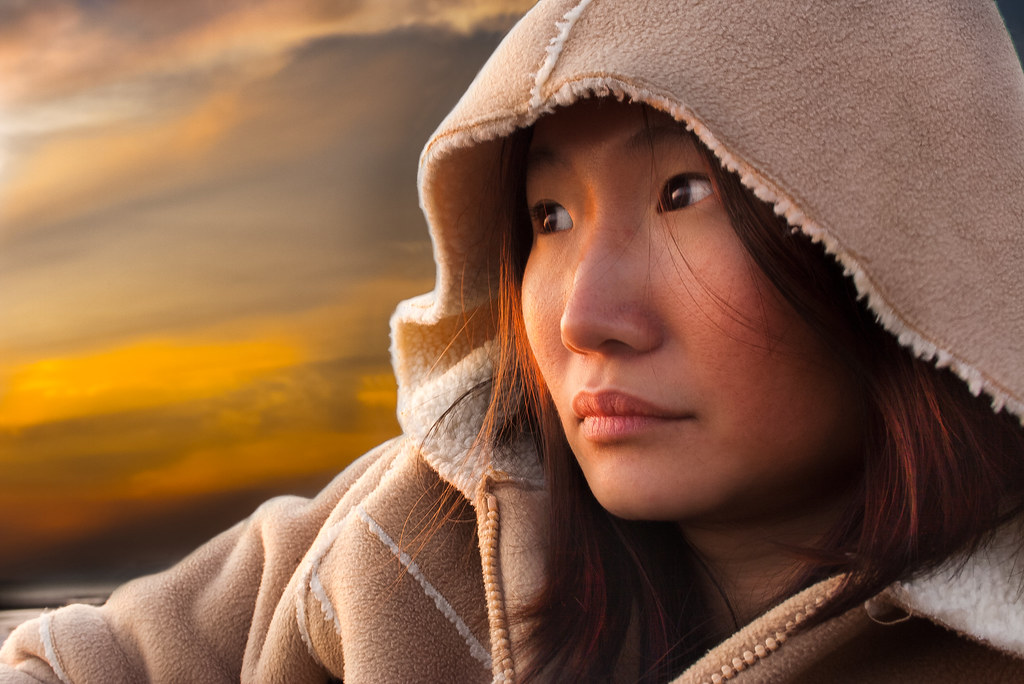
As usual, here's what I did with it.
CLICK FOR BIG, then click again to zoom in.