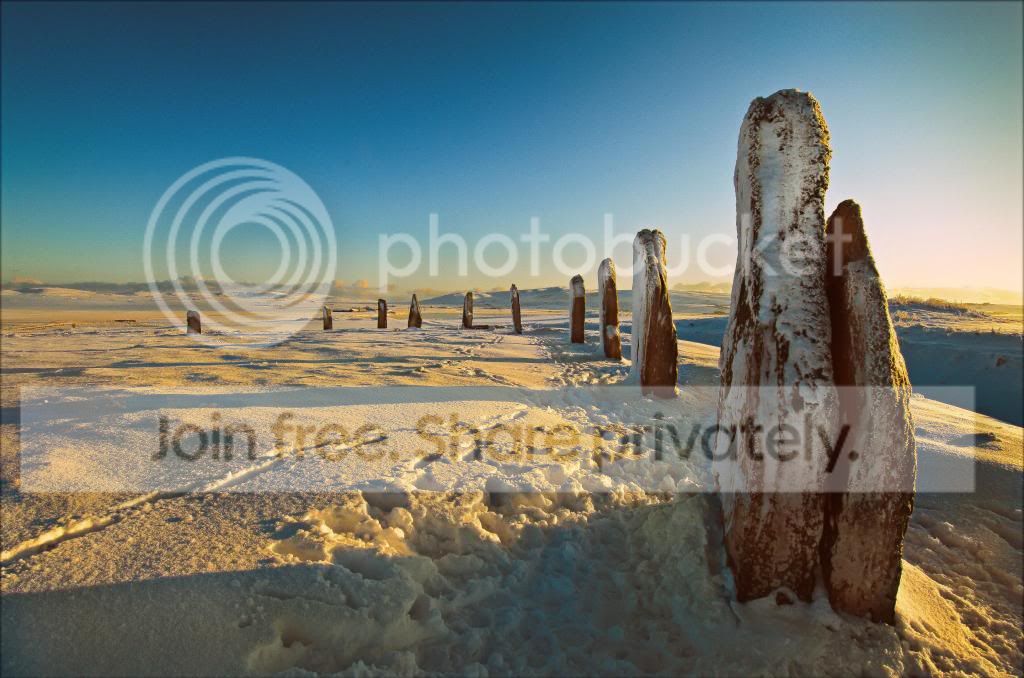
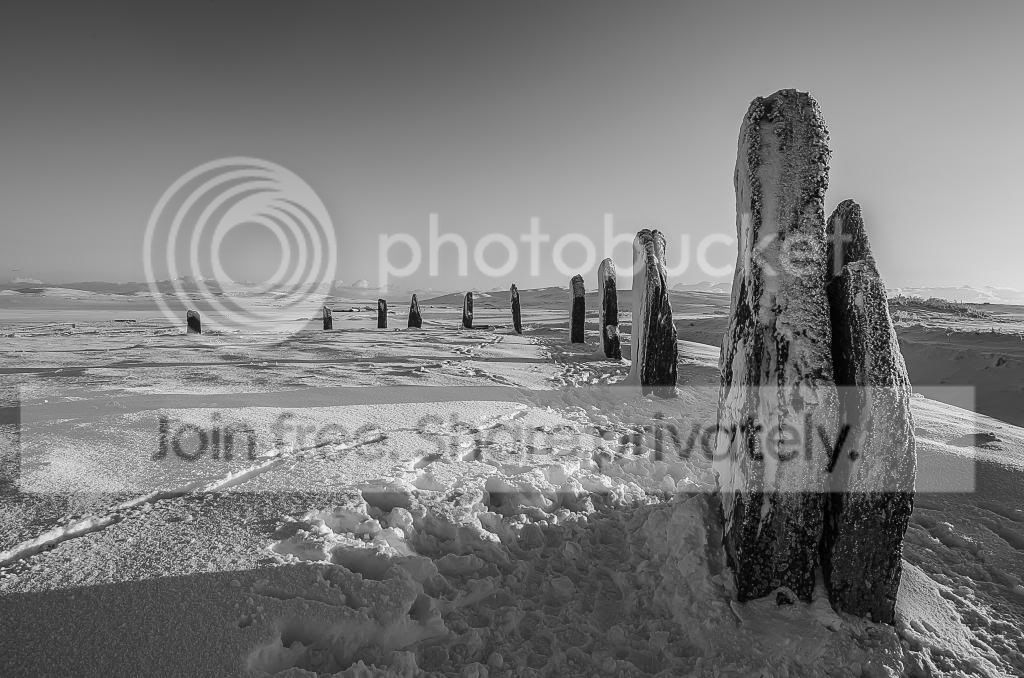
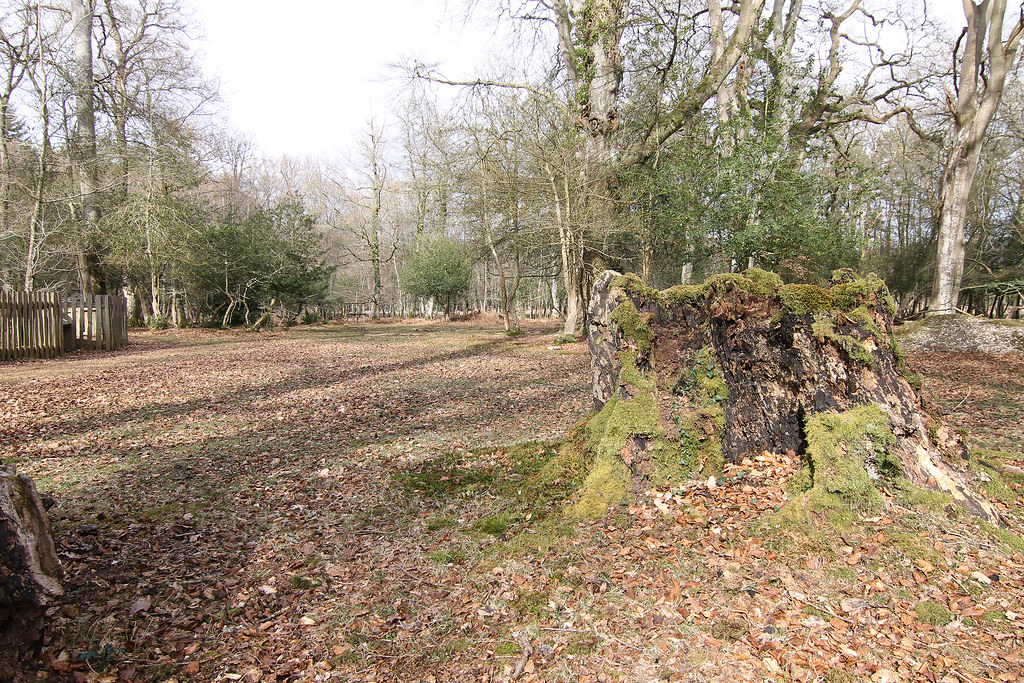
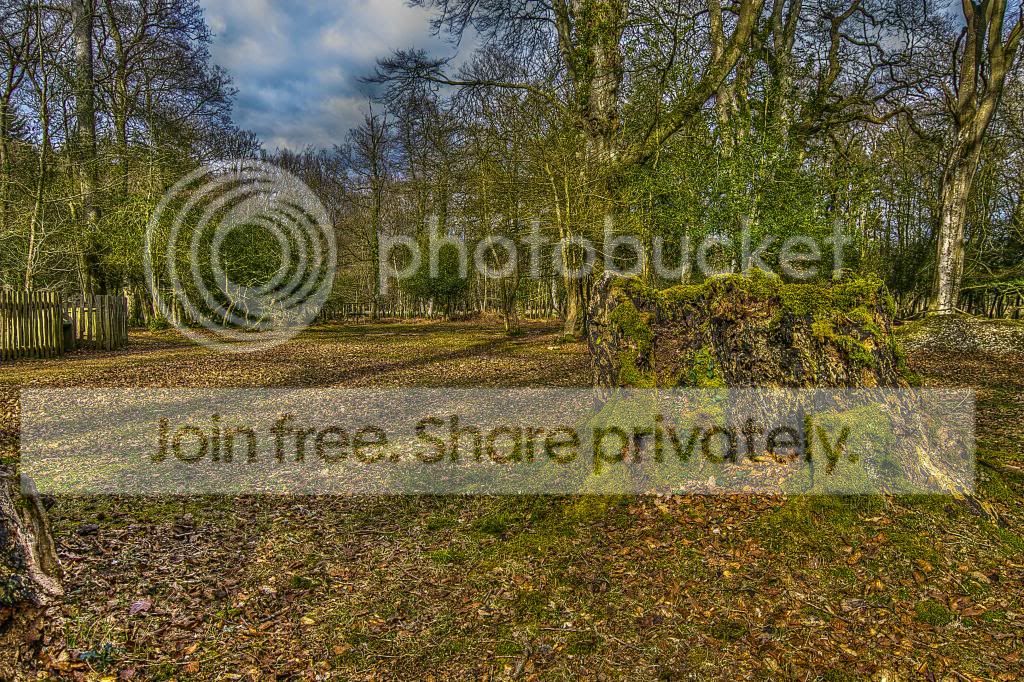
here's my crack at it. 2 edits for you;
http://www.flickr.com/photos/bentyreman/8576145744/
_DSC1944-2 by
btyreman, on Flickr
opened RAW in LR4;
cropped,
added 2 filters to the sky to saturate and darken it slightly,
the filter on the right is to tone down the overexposed area,
converted to B&W,
increased contrast,
decreased highlights,
increased whites,
increased shadows a bit,
decreased blacks,
pushed up the highlights in the tonecurve,
played around with the colours in black a white mode until it looked good,
sharpened quite a lot,
added some grain and saved to jpeg.
http://www.flickr.com/photos/bentyreman/8575051283/
_DSC1944 by
btyreman, on Flickr
same as the first except decreased the saturation and increased vibrance a bit, also the highlights didn't need to be as bright. The white balance is also deliberately slightly blue/cold