THE PP GAME!

Come on humour me with your edit only 24 hours ish to go - please:naughty:
 
Come on humour me with your edit only 24 hours ish to go - please:naughty:

here

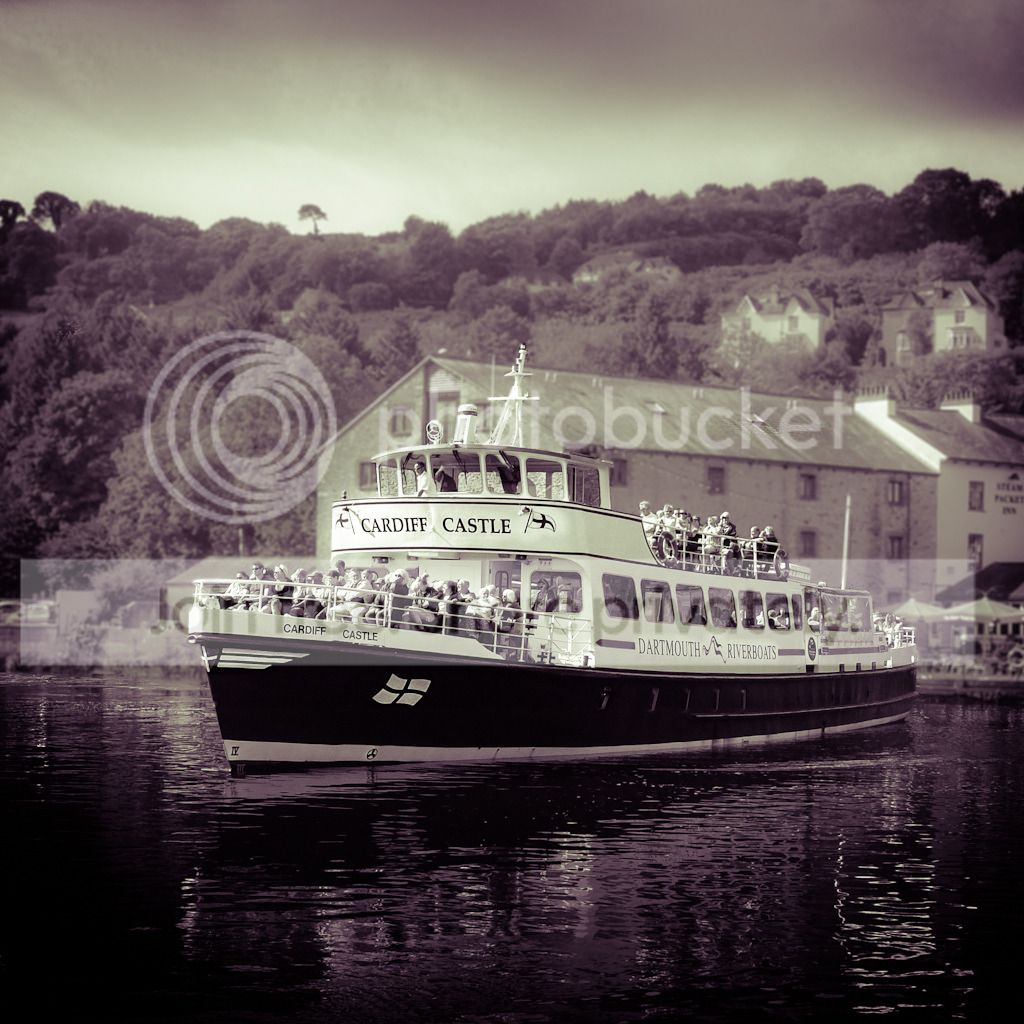
TP_DSCF0040.jpg


used LR4.1

cropped to 1:1 ratio,
converted to B&W,
split tone: red and yellow,
turned blacks down,
turned hightlighs up in tonecurve,
created brush for background with clarity decrease and contrast decrease,
created 2nd brush for clarity increases on parts of the boat,
made a filter for sky and also 2x for water,
vingette,
re-sharpened set to 'screen' and 'low' amount for final upload.

I'll call it the cheap mans hasselblad edit
 
Last edited:
Wayne A.K.A. SwanseaMale you are my chosen one. Thanks to all that entered and when picking the winner you always feel guilty as you can have only one. However Wayne's is a shot with a bit of creative fiddling that I find appealed as soon as I saw it.

So over to you Wayne :thumbs:
 
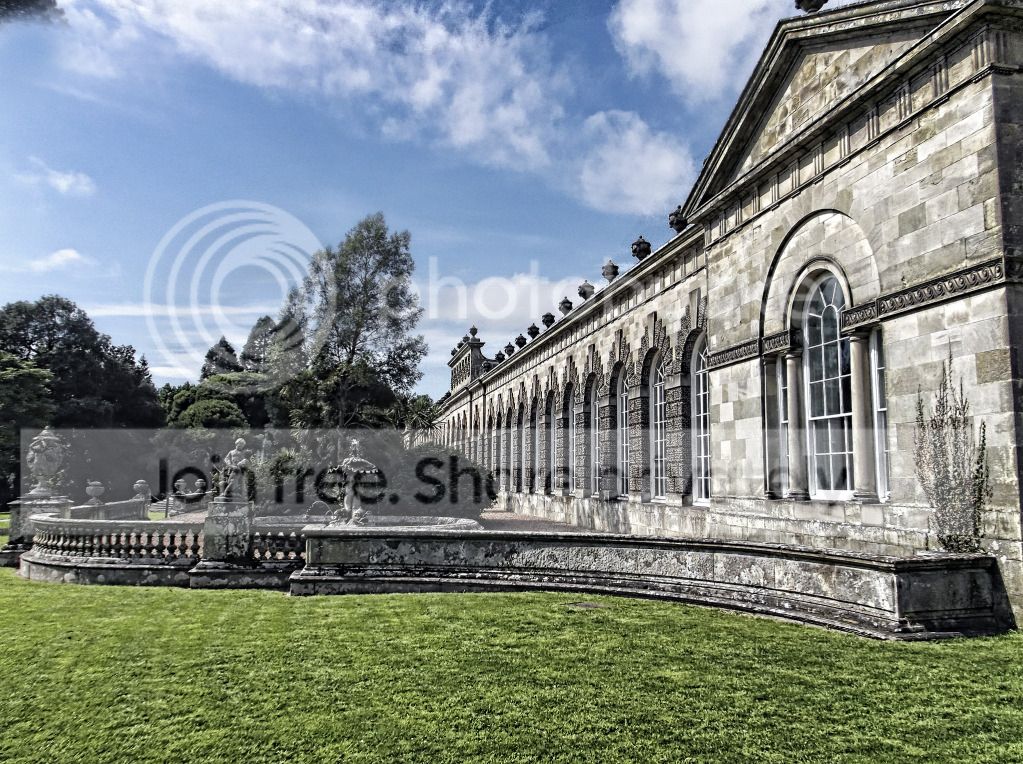
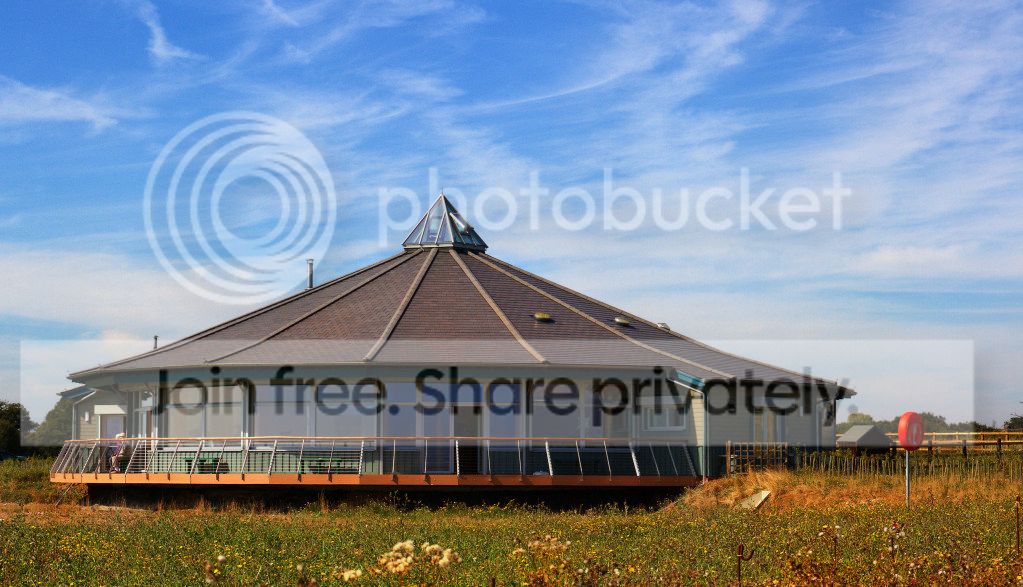
TPWaynesEditUpdated.jpg


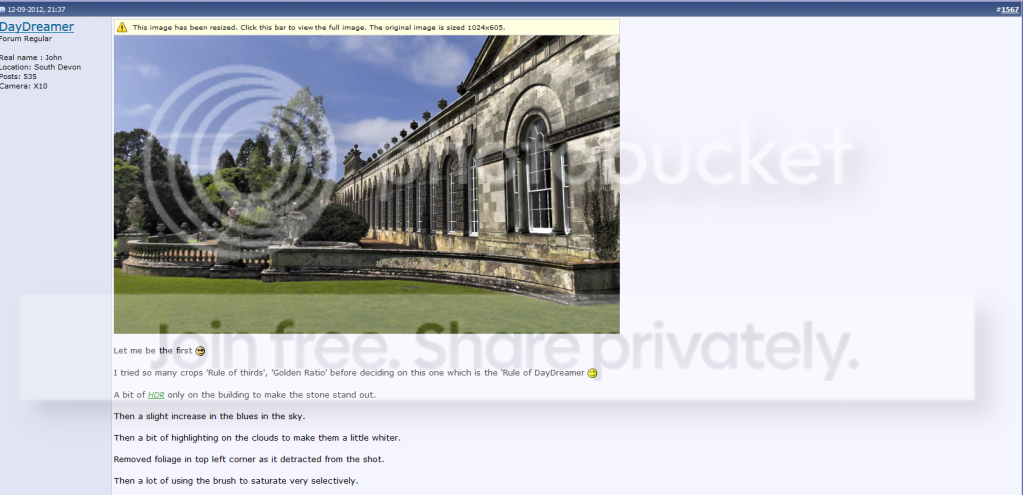
Let me be the first :cool:

I tried so many crops 'Rule of thirds', 'Golden Ratio' before deciding on this one which is the 'Rule of DayDreamer ;)

A bit of HDR only on the building to make the stone stand out.

Then a slight increase in the blues in the sky.

Then a bit of highlighting on the clouds to make them a little whiter.

Removed foliage in top left corner as it detracted from the shot.

Then a lot of using the brush to saturate very selectively.

Using the brush again to sharpen very selectively.

Done!!

But already looking at second very different edit and hope Wayne doesn't mind us having two goes :clap:
 
Last edited:
here is a quick attempt after a reinstall
ppgame-6.jpg

increased contrast on building only
auto tone etc
 
Last edited:
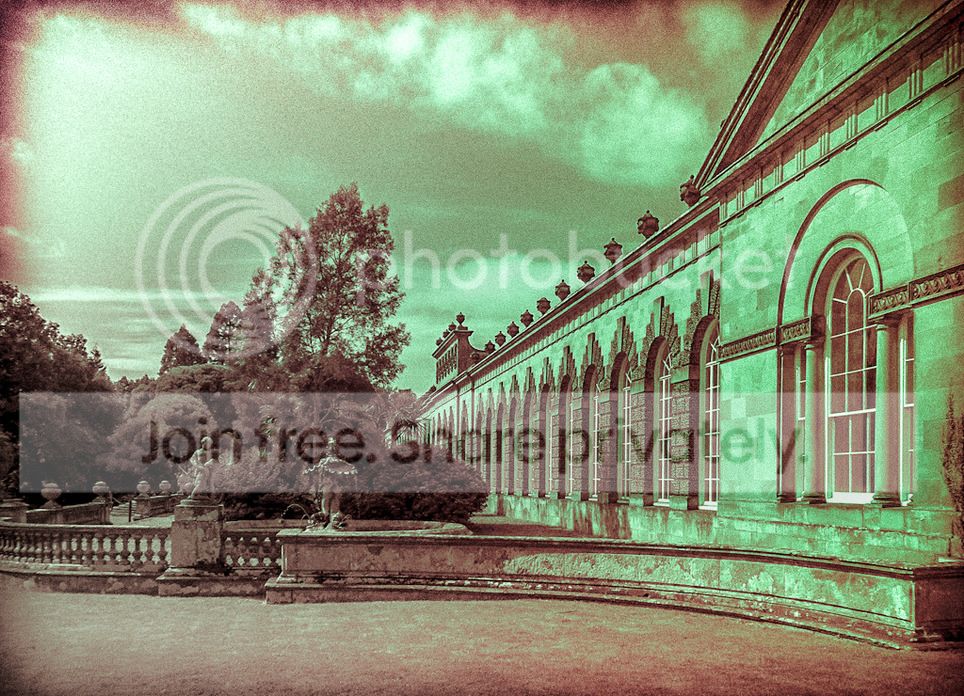
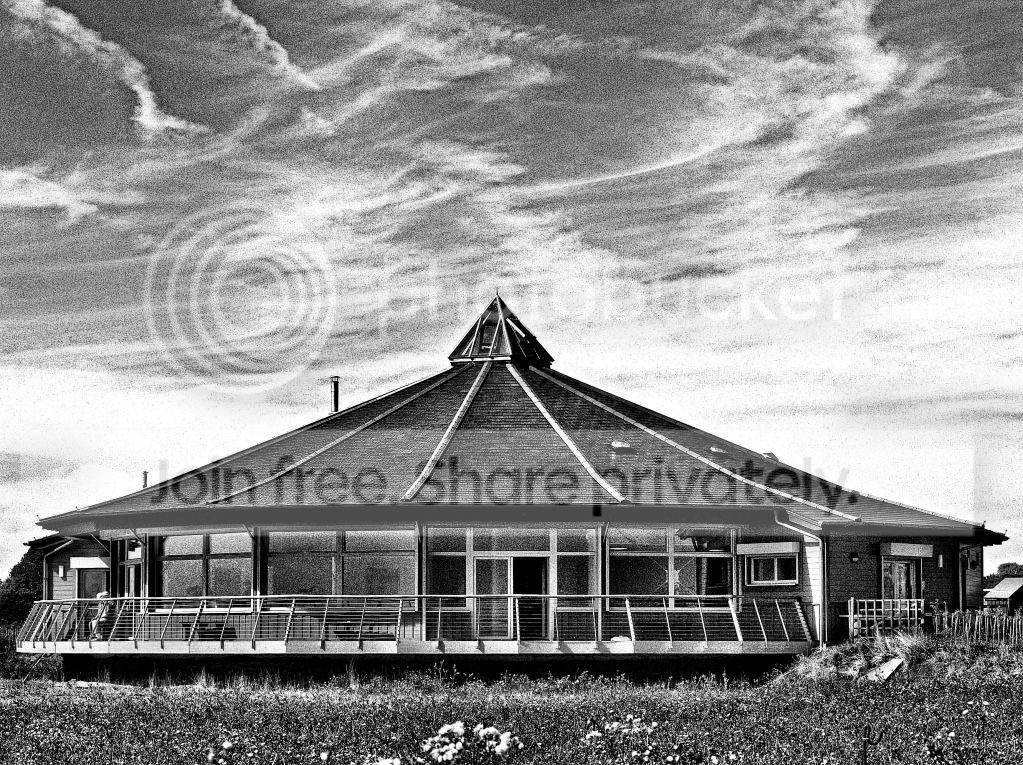
here's my vintage film looking edit:

toff_building_tyreman_vintage_edit_1_of_1.jpg


using LR4.1

01. crop
02. black and white conversion.
03. split tone
04. changed tonecurve
05. decreased contrast
06. added brush to the sky only, clarity and contrast increase.
07. added 7 x filters to the sky and various other bits with custom settings.
08. added vignette
09. added noise using 'grain'
10. corrected the verticals using lens correction.
11. re-sharpened for smaller size and posted here.
 
And the winner is Neil aka Flying Giraffe His was very close to the version I made myself.
Over to you Neil. :thumbs:
 
Well done Neil :thumbs:

Those who put photos up always put up their own edit when calling it. What went wrong with that bit :shrug:
 
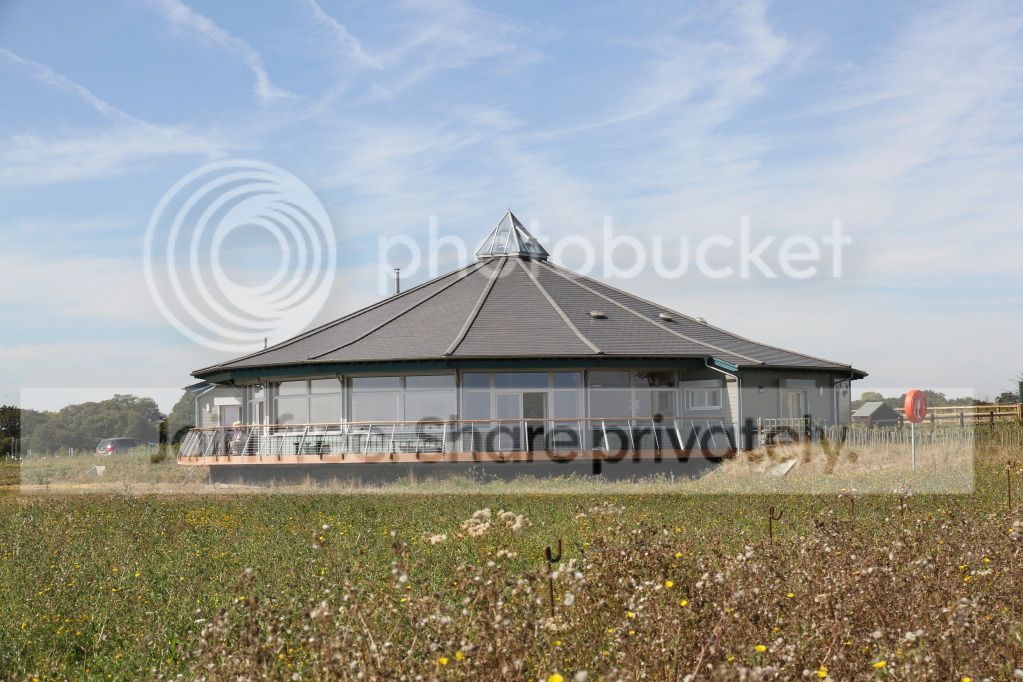
TProundbuildingB&W_zps6adaae1d.jpg


Cropped.
In PE10 in Hue/Saturation pulled all sliders to left to take out all colour :clap:
Played a lot with Adjust Lighting options :clap:
Played a lot with Dodge & Burn :clap:
That's it!!! :thumbs:


P.S. I never, ever do B&W & not sure why I did but that's the way my fiddling took me :thinking:
 
TProundbuildingcolour_zpsed2a27a3.jpg


Just had to do a colour one and I do like the saturation sliders :lol:
 
Well done Neil :thumbs:

Those who put photos up always put up their own edit when calling it. What went wrong with that bit :shrug:

I'm away from base, I'll put my version up when I get back properly (been teaching a landscape course)
 
Thanks Wayne the more pics up the better :clap:
 
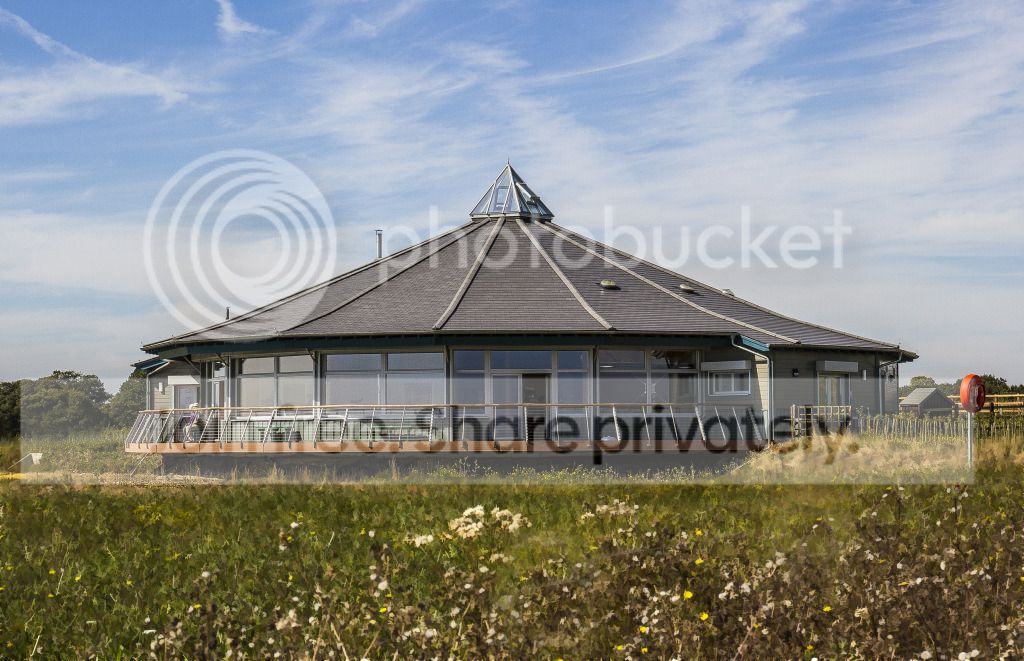
IMG_0256_zpsd34d9a3b.jpg


Just had a quick mess around for 5 mins, didnt keep my layer stack, so from memory


  • Minor adjustments in raw, recovered some highlights/shadows boosted clarity, cropped and straightened a bit.
  • Adjusted gamma
  • Did B&W conversion on seperate layer set to soft light to boost contrast
  • messed with vibrancy/saturation
  • Boosted the bluey colour under roof
  • Sharpened.


oh fogot to add there was some NR in there too, mainly on the sky
 
Last edited:
I had a go at this on my phone using snapseed so difficult to say what I did!

C988FA2E-FBC5-4E0A-8BC9-FBA43957F470-530-000000347D7028E8_zps94e98032.jpg


I sharpened it, increased saturation in the sky, straightened it a little then cropped it. Increased contrast overall, then added some grunge but increased saturation so it wasn't completely B&W and reduced the filter effect slightly.
 
Here we go, my entry.
more or less all done in camera raw.
black and white, with a hint of split tone.

8008475140_085ca59625_b.jpg
 
Please can some someone take a look at my entry on the last edit post 1567 as my pic seems to have disappeared. Was it ever there?? I am looking in Opera and just blankness and in IE8 a small red cross????

Just looked at Photobucket and no sign of pic on there so mystery :thinking:

John (Day Dreamer)
 
Please can some someone take a look at my entry on the last edit post 1567 as my pic seems to have disappeared. Was it ever there?? I am looking in Opera and just blankness and in IE8 a small red cross????

Just looked at Photobucket and no sign of pic on there so mystery :thinking:

John (Day Dreamer)

Yes it was there, I commented on it being the only one in the post after it, no idea where it went though, have you reached a limit on photobucket or something?

Just noticed this at the bottom
"Last edited by DayDreamer; Today at 08:53. Reason: Uploaded wrong picture - - - Me stupid!"
 
Last edited:
Yes it was there, I commented on it being the only one in the post after it, no idea where it went though, have you reached a limit on photobucket or something?

Just noticed this at the bottom
"Last edited by DayDreamer; Today at 08:53. Reason: Uploaded wrong picture - - - Me stupid!"


Thanks for taking a look Wayne :thumbs:

I've only 38 photos on Photobucket so don't think I've reached my limit :thinking:

The bit at the bottom is because (after the event) I realised I had uploaded the wrong edit and so uploaded the right one - perhaps I confused it - perhaps I confused myself :nuts:

I hope my two edits in the current round stay and I will not change them .
 
Thanks Neil :thumbs:

No image on Safari, Chrome, IE8 or Opera.
On Firefox get pic below. Guess It's just a glitch :shrug:

TPWaynesEditUpdatedjpg_zpsf2c8c68d.gif


PS Did I sleepwalk, go on my laptop, go on TP & remove it OMG I'm going bonkers:bonk:
 
Last edited:
some great edits here, but there can only be one winner, and this time its................................................................................................................................the drift, well done Shaun:clap:

here`s mine
ppgame_zps1d8497ac.jpg
 
Well done Shaun a good edit :thumbs:

Neil I like your edit :clap:
 
OK here's a pic for you

Original
https://dl.dropbox.com/u/6574169/ -1.cr2

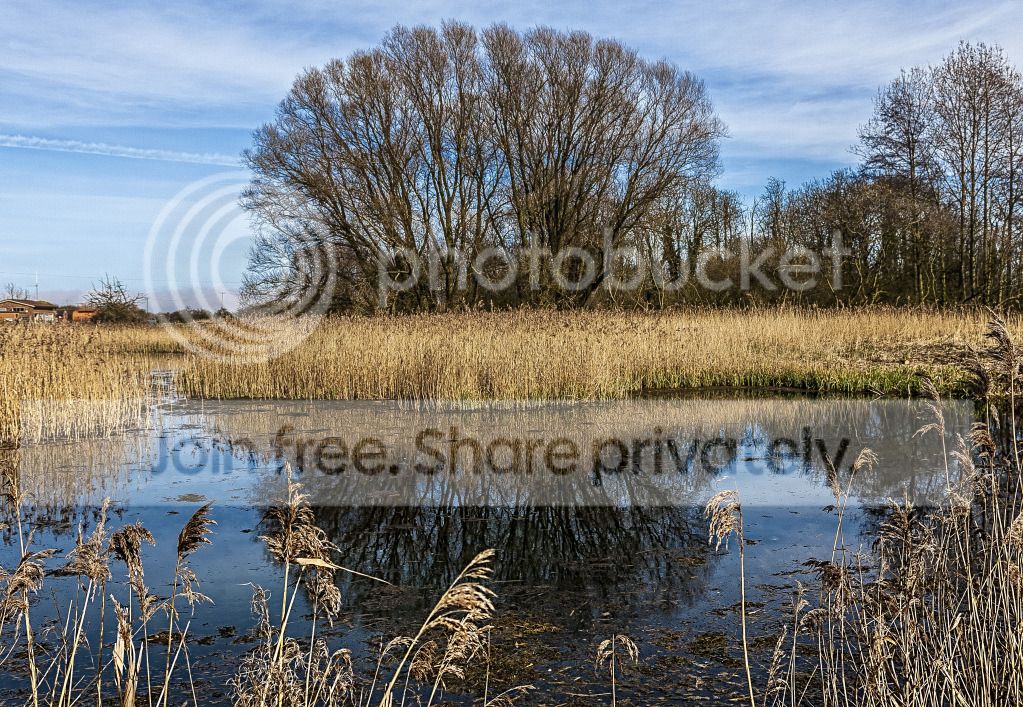
These are the Blow wells in Lincolnshire, No one is certain how they are formed, but it is thought likey that water is forced up from deep underground. They are very deep, (local legend held them to be bottomless) very cold and the water that runs of is very clear.

-1_zpsf8bee0ee.jpg


I'll call it thursday morning :)
 
ill get the ball rolling...........
opened in raw
sharpened
basic adjustments, contrast, shadows etc
increased blue slider for the sky
opened in ps
cropped and adjusted the reeds and reflections
finished
-1_zpsa7e01ac0.jpg
 
Picture now in later post with improved sharpening techniques - well according to Shaun :clap:

Here's mine and in my usual landscape style with lots of saturation as I wanted to create a three dimensional effect and particularly bring out the reflections in the water.

Unlike most of you guys I have NO logical work flow preferring to ramble through with a bit of this, a bit of that, and a bit of the other :nuts:

A lot of working on individual areas as opposed to global adjustments :D
 
Last edited:
8024499417_296e87149f_c.jpg
[/url] PPgame by Livewires71, on Flickr[/IMG]

A few basic changes in Raw to each of the sliders a lift to the blue Saturation Slight sharpen small changes to the shadows & highlights a small crop and finally a bit of white vignette
 
Last edited:
mashland_daan_saaf_moite_LAD_tyreman_edit_BW_1_of_1.jpg


thanks for the RAW file! it makes all the difference.

used LR4:

cropped to 16 x 10 ratio

cloned out all sensor dust marks

created 3 x filters, one on sky, one on the bottom, one on the left side mostly with exposure decreased but all 3 were different.

converted to BW without any adjustments to the colours

decreased blacks

increased highlights in the tonecurve

used lens correction

sharpened and added some noise/grain as well as slight vignette.

exported to jpeg at 1024pix long edge + sharpening for screen set to 'low'

It will look at its best on a black background
 
I've gone for a more "punchy" colourfully approach.
Cloned out the building upper left, dust spto top right, bit of tone mapping and sharpening.

8026230044_d31ce9b6d3_b.jpg
 
Back
Top