THE PP GAME!

P1020360.jpg


sorry didnt save my layer stack..


Added detail
Toned
Moved the light about a bit
sharpened
Cropped

Great work sir. :D
 
second attempt, and tried something a bit different
took last pic a did
created 2 layers, used charcoal effect on the top one
degraded middle layer with spatter brush
new layer, multiply mode
used water color loaded brush and paint in with swatches palette
new layer to add border, fill with white,then brush in with the last brush opacity 35% and fill the middle
added texture layer and blended soft light
finish
painted.jpg
 
And the winner is Shaun - The Drift but I was looking, time and time again, at Ben's as a good 'black and white' version. Well done Shaun and we all look forward to you putting up your photo - ASAP ;)

It's up to you Shaun but I must admit I like asking for more than one edit. The chance to do your usual - but the chance to go mad :nuts:

My picture was extremely hard to make something from so I salute all who put up an edit which resulted in a very diverse mix and enjoyable to look through. Another from me but not one with which I feel proud :shake:


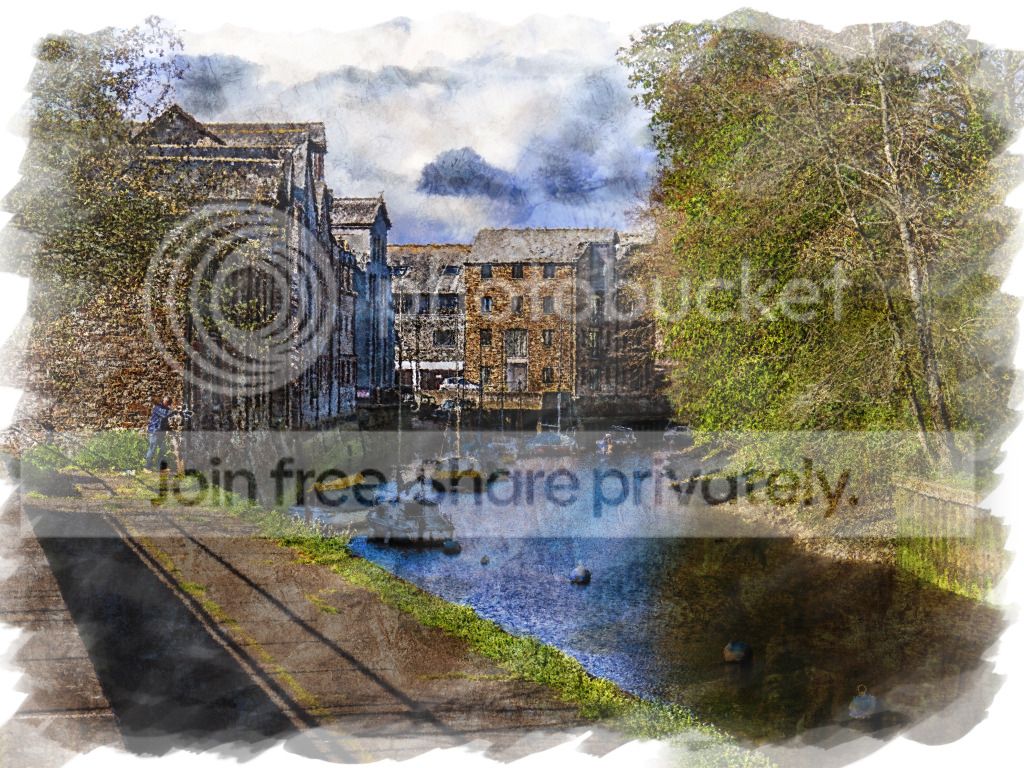
TPsecondeditrivertobuildings.jpg
 
Hi Shaun - when is the closing time and day?

Just been having a go at an edit, then another go, then another go - surprisingly difficult :suspect:
 
Hi Shaun - when is the closing time and day?

Just been having a go at an edit, then another go, then another go - surprisingly difficult :suspect:

Yeah..at least i'm not the only one with this pic!! :), but i'm sure there are some geniuses out there!!...I'll close it Sat eve if thats ok!
 
Really not sure what to do so something to look at, same as Christine, in the absence of many other edits.
 
Last edited:
basic adjustments in raw
contrast upped, and sharpened
opened in cs
cloned out some bird debris (poo)
noise reduction, slight colour boost
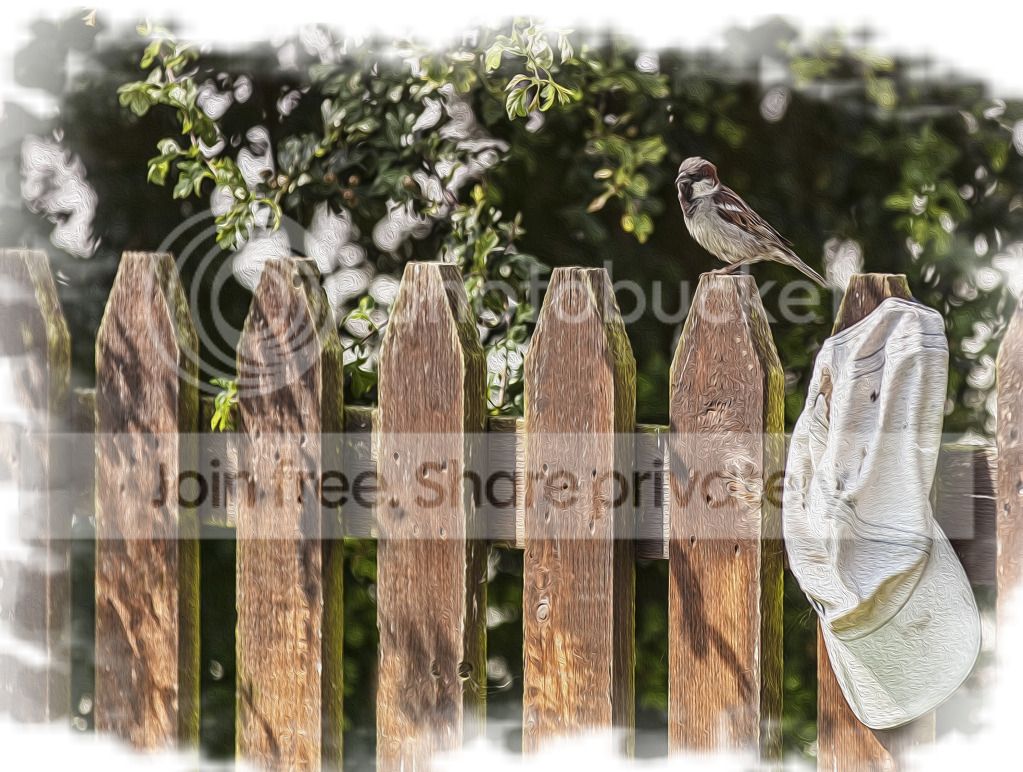
used oil paint filter
created white layer, and with large brush erased the image below
finish!
-1.jpg
 
Nice one Neil :thumbs:

I must try harder but will try tomorrow as my creative side has been marred the past few days with a bad back and I never get bad backs. Everything else though :lol:
 
.
 
Last edited:
here's my 2 edits: I couldn't download the dng file for some reason? so edited from jpeg

01
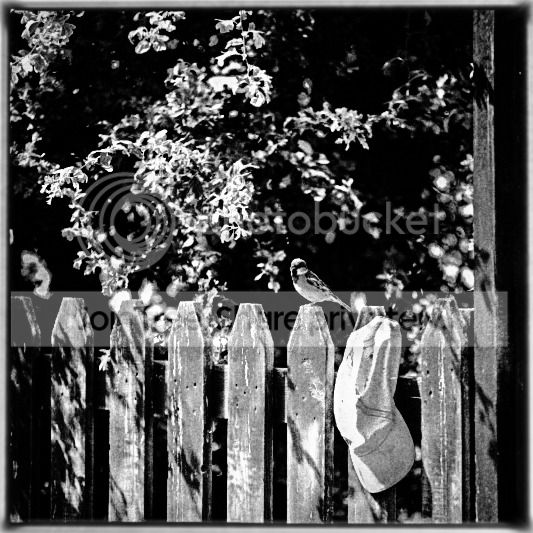
bird_on_fenceLAD-2.jpg


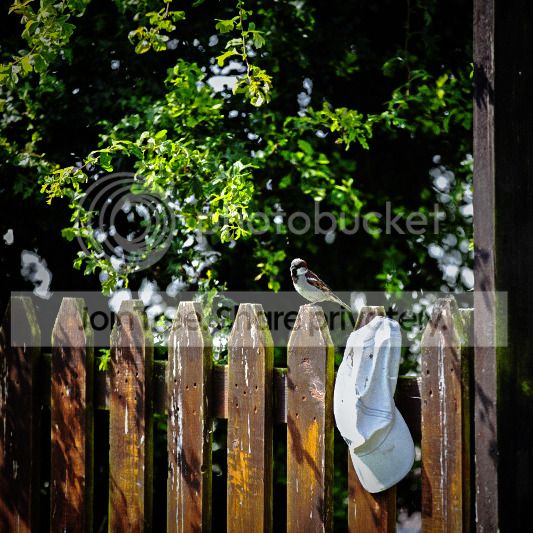
opened in LR4.1

cropped to a 1:1 ratio,
increased vibrancy and saturation,
increased contrast,
decreased highlights on the hat using brush,
increased clarity,
then boosted highlights in tone-curve,
used selective sharpening with the brush on the bird,
also sharpened the overall image slightly.
mild vignette,
saved to jpeg and posted.

02
bird_on_fenceLAD.jpg


same as image 01, plus the following:
opened in silver fx pro converted to BW and added border,
did some final adjustments in LR to increase highlights slightly more,
saved as jpeg and posted.
 
symmetricalOCD said:
here's my 2 edits: I couldn't download the dng file for some reason


I couldnt either in firefox, it does how ever with internet explorer
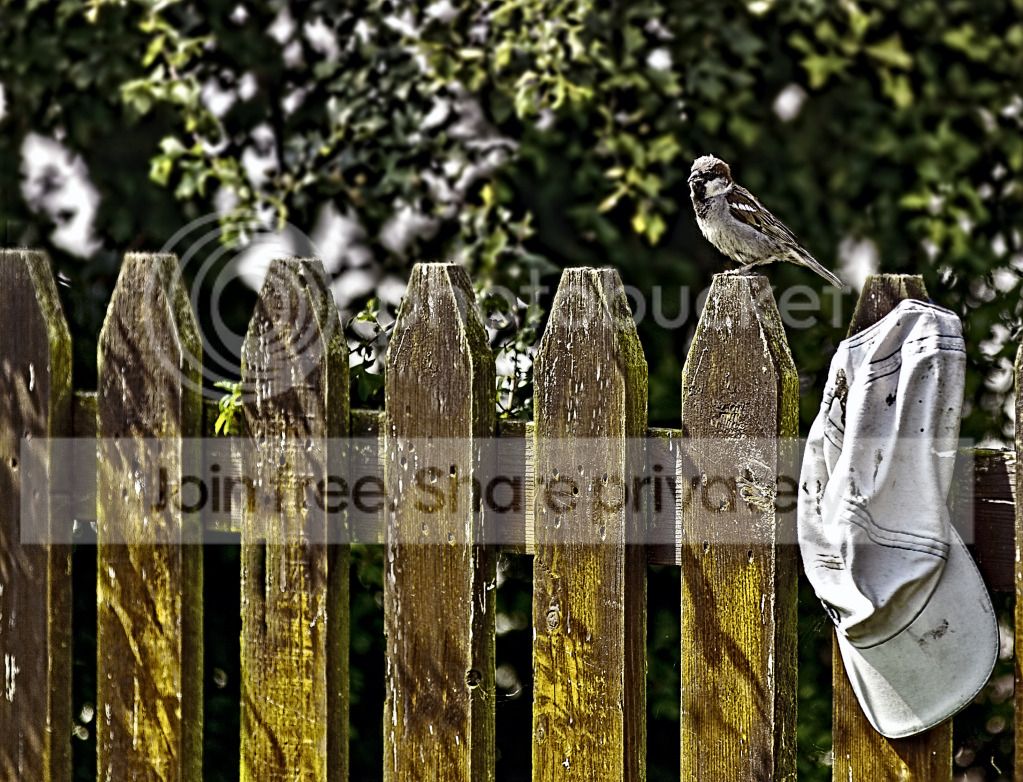
 
Last edited:
had another quick go
same base as the last one
blurred background
high pass sharpened sparrow, soft light
bit of contrast to pull more of the wood detail
done
2-1.jpg
 
Flying giraffe said:
had another quick go
same base as the last one
blurred background
high pass sharpened sparrow, soft light
bit of contrast to pull more of the wood detail
done

We have a winner, liked your first one too! lots of great entries all round though.

I think it was quite a tough photo to PP.

Thanks
Shaun
 
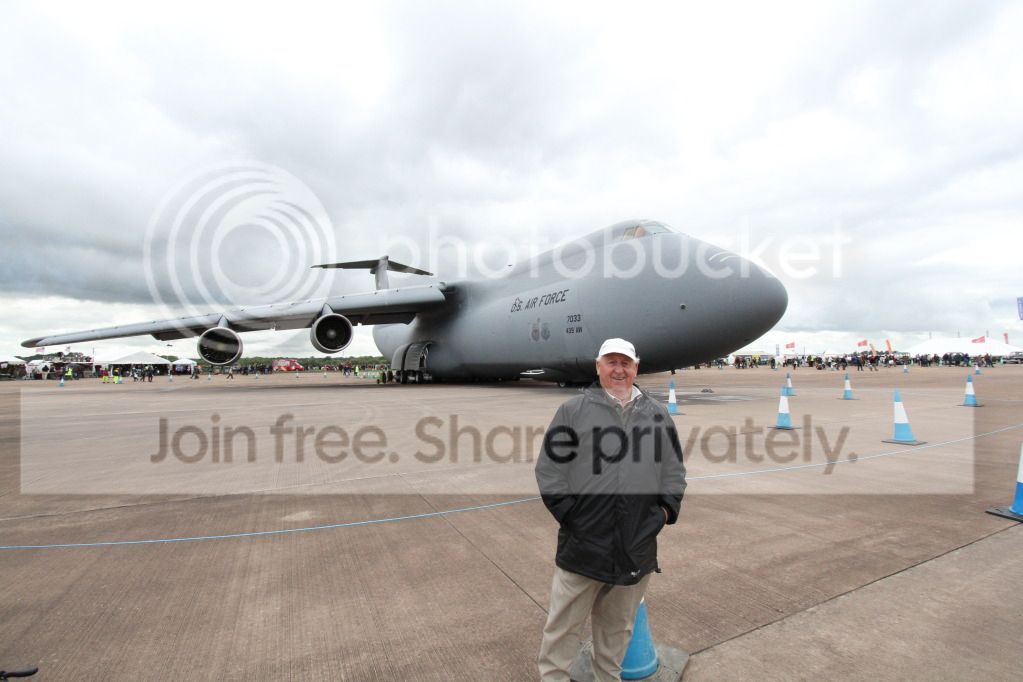
Still new to this, but I'll have a go with the jpeg.

Moved figure to better location
Cloned out cones
Converted to Mono and tinted and added grain - Topaz
Dodge and brun in sky
Vignetted

John

airplane.jpg
 
Neil well done with what I found a hard shot to edit (bird on fence) and what made it even hard was being in bed with a bad back. I will try an edit on your Dad in front of the plane when I can sit longer, than two minutes, at my laptop :(
 
Hi John, I use a laptop because I cannot sit on a chair (bad back) use it on my lap whilst semi lying down

My sympathies to you and all who get bad backs as I never do usually. It is ruddy painful and on top of my other ailments a real ******. Hey I'm a man and it gives me something to moan about :lol:
 
Neil well done with what I found a hard shot to edit (bird on fence) and what made it even hard was being in bed with a bad back. I will try an edit on your Dad in front of the plane when I can sit longer, than two minutes, at my laptop :(

no problem fella, i know all about bad backs, hope you feel better soon
 
Opened in raw darkened sky with gradient then opened in photoshop
Did some content aware cloning and normal cloning.
Then used dodge and burn to add more contrast.
I then did some selective sharpening of the shadows and midtones.
Created a duplicate layer and converted it to B&W then reduced opacity to approx. 30% then changed the blend mode to overlay to give a more gritty look.
Added a border using the crop tool.

zaP9y.jpg
 
Good one johnty52 & congratulations of being chosen :thumbs:

Neil sorry I wasn't able to swell the numbers by putting in an edit but still crocked with bad back :shake:
 
Good one johnty52 & congratulations of being chosen :thumbs:

Neil sorry I wasn't able to swell the numbers by putting in an edit but still crocked with bad back :shake:

Hey Thanks Dreamer, first time for me!

Here's a shot of an old shepherds cottage in the NWales hills, not got a raw so have to work with the jpeg.

Call it Thurs evening 7.30 -8.30

Good luck.
John

Large file here >> http://dl.dropbox.com/u/11017187/IMG_0095.JPG

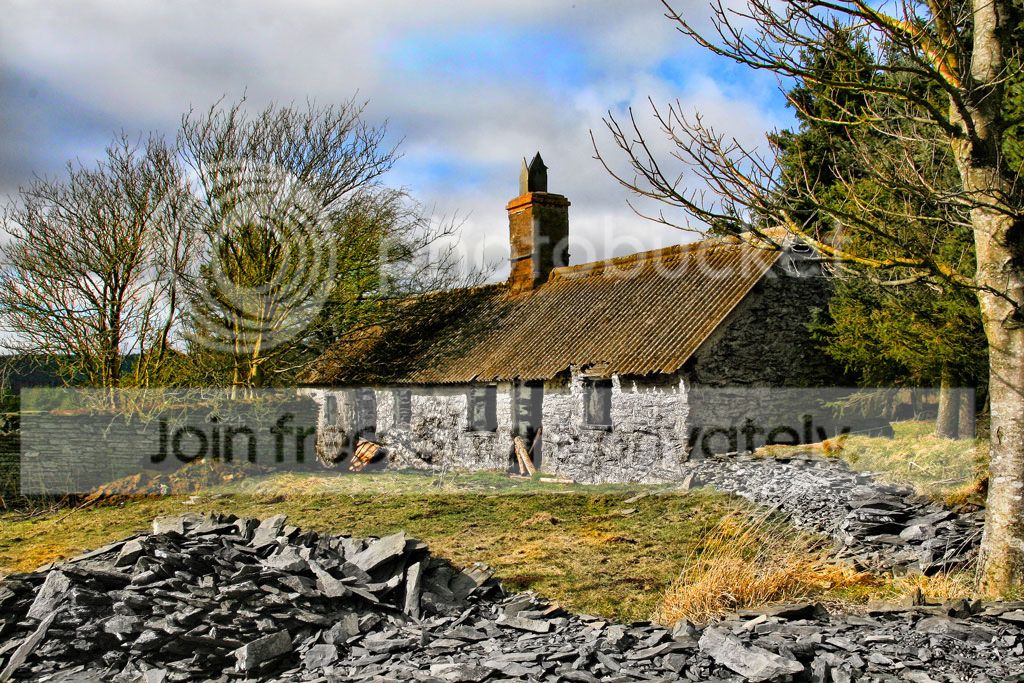
IMG_00953.jpg
 
Last edited:
Here we go:-

Did a little HDR work to bring out the shadows & bring out the stone.

Desaturated the rocks in the front to emphasise the grey/granite nature.

Did a lot of different area selection to work on saturation, desaturation & a little sharpening but regret the sharpening as not needed - to my eye.

Finally added a frame in Picasa, then added another to make a double frame :clap:

Glad the joke about Hobnobs over as I am dieting and not good to be reminded of having a coffee/biscuit break :cuckoo:

Just my kind of shot well composed :thumbs:

IMG_0095Daydreameredit.jpg
 
Last edited:
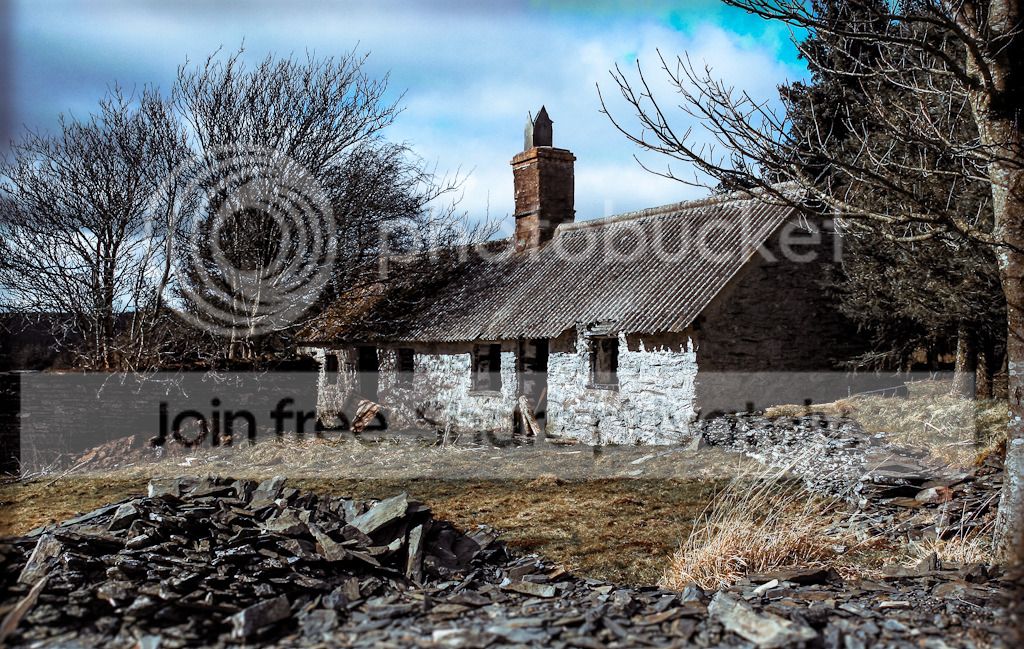
stone_houseLAD.jpg


opened in LR4.1:

here's what I did:

shadows + 100
Blacks -49
Clarity +18

Tonecurve:
Highlights +55

Saturation:
Yellow -37
Green -100
Blue + 33

Split-Toning;
Highlights: Hue = 218, Saturation = 48
Shadows: Hue =289, Saturation = 12

Noise Reduction colour: +9 detail 50

Lens Correction: Sigma DC 18-200mm profile

then the extra stuff for fun:

cropped,
removed all sensor dust marks using the heal brush,
blurred all edges using the filter tool to try and give a sense of more depth,
painted in some green into the sky, highly influenced by pre raphaelite art.
burning and dodging mostly on the burnt out highlights on the log in the door and also window frames and parts of some rocks here and there,
and finally re-sized for 1024mpx long egde with low sharpening for screen.
 
Last edited:
Result Time Folks.

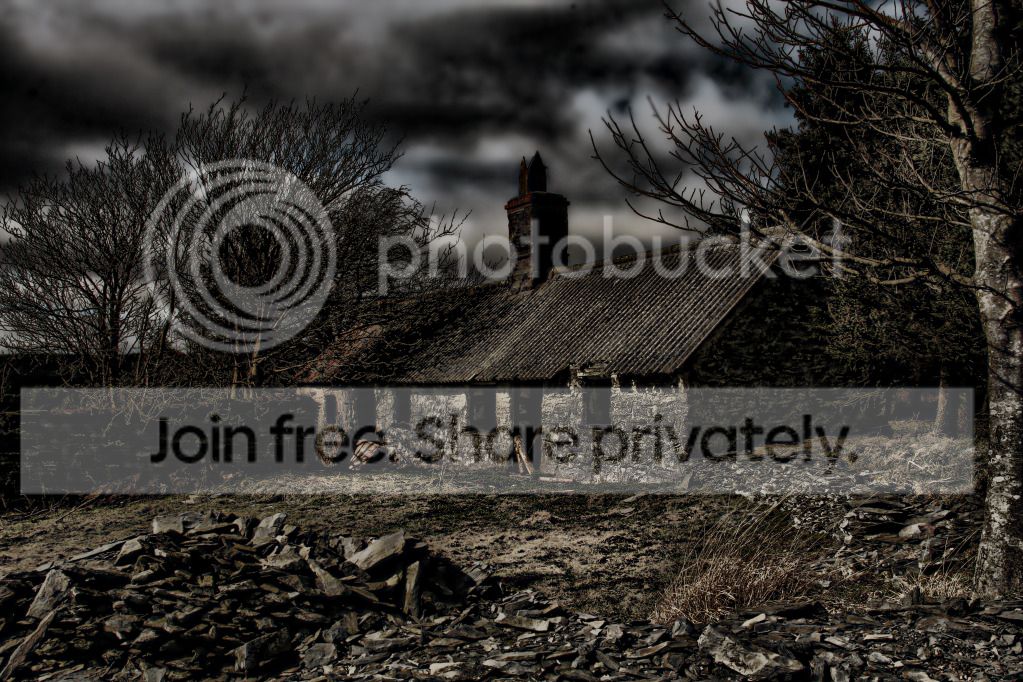
Well done to all who entered, alll had merit and I thought Dreamer and Symmetrical were the Yellow and blue ends of a similar treatment. FG's last minute dark and moody interpretation was good too but in the end I think DayDreamer gets the prize. Lots of lichen give it that yellow dusted look in the spring and thats the one for me.

So over to you DD.


John
 
Result Time Folks.

Well done to all who entered, alll had merit and I thought Dreamer and Symmetrical were the Yellow and blue ends of a similar treatment. FG's last minute dark and moody interpretation was good too but in the end I think DayDreamer gets the prize. Lots of lichen give it that yellow dusted look in the spring and thats the one for me.

So over to you DD.


John

Many thanks John & my :thumbs: to Ben & Neil. It sure shows the diversity of creative interpretation with a photo. All really good stuff.
BUT John the tradition is that the one choosing the winner, and who has put up the shot to edit, also puts their edit up, of their own photo. So lets see what you would do - please.

I will find a suitable shot a little later as need to go out in a minute.

DayDreamer (John)
 
Right so here's my pic to edit.

Sorry but no RAW on this one but I'm sure you guys will extract the good stuff from it ;)

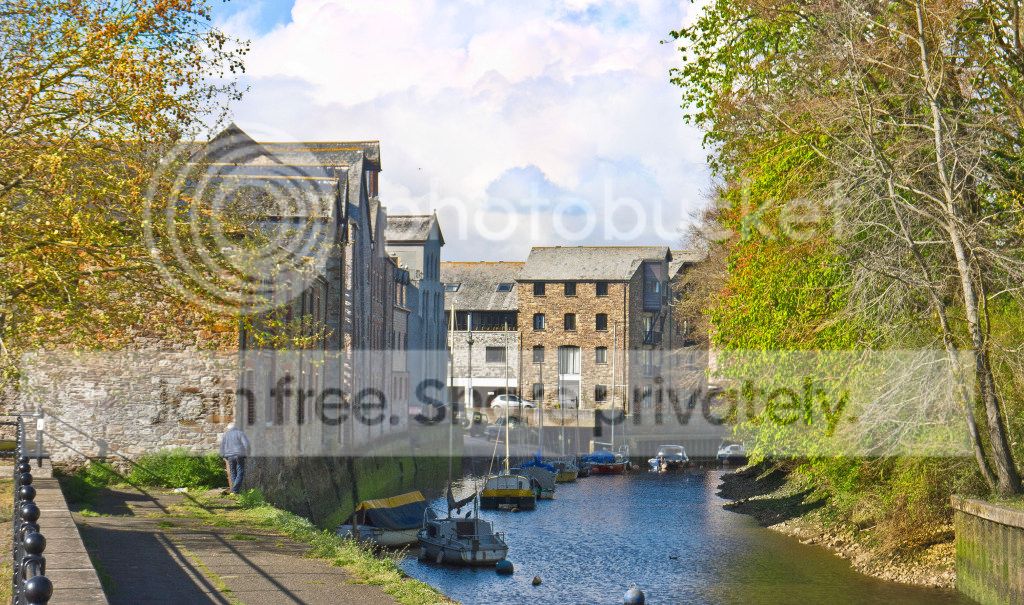
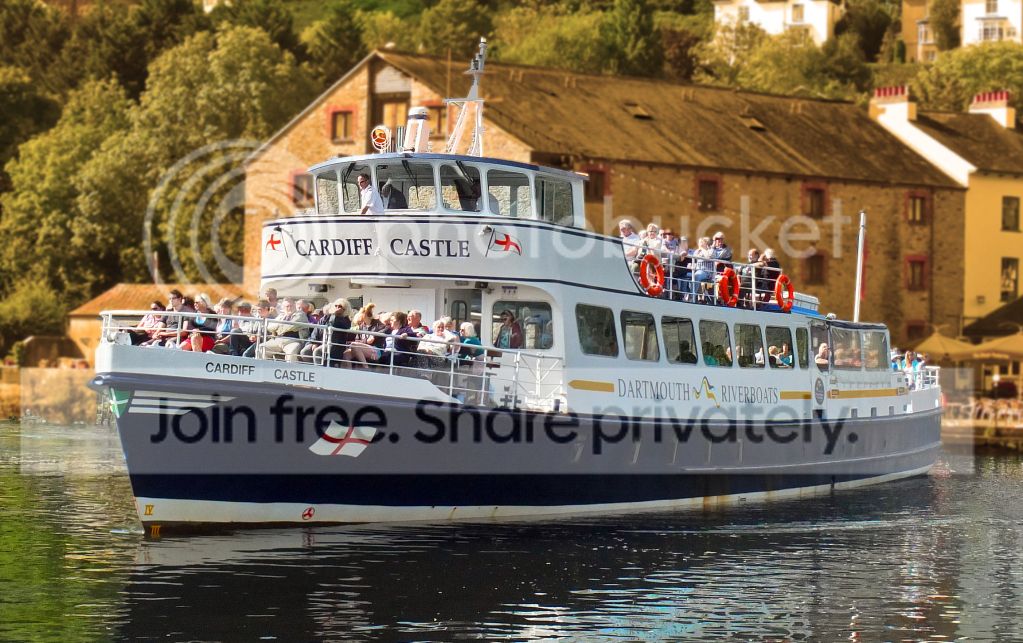
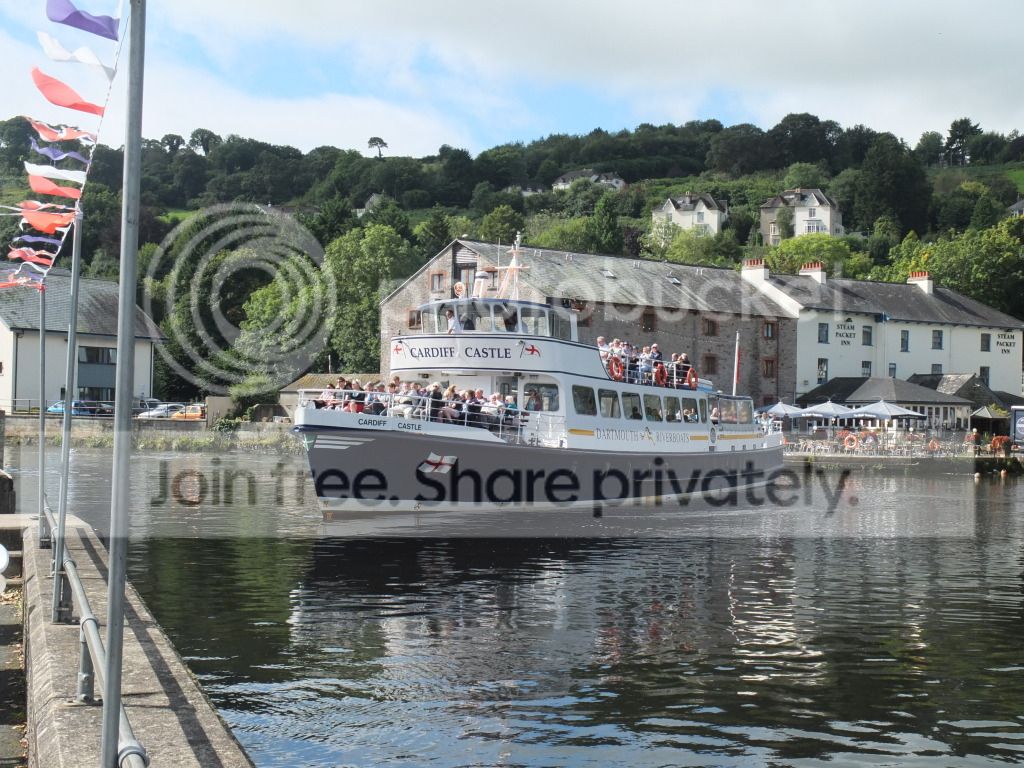
Another 'water' based one taken from the River Cafe, at Totnes, a few hundred yards from my home. Unfortunately I have been unable to travel further than Totnes, for several months, for a change of scenery due to my poor health.

I have already fiddled with the shot and it has many elements to fiddle with - sky, greenery in background, water, colourful boat & buildings - although the latter do take away somewhat from the main bit - the boat.

Can I make the closing date next Wednesday at 8.00 p.m. & more than one edit, per person, would be welcome. I know sometimes it is hard to know which way to take it so take it both ways and stick them both up.

Best of luck & please put an edit in so I have plenty to judge :thumbs:

TPDSCF0040.jpg


Larger file here:-
http://dl.dropbox.com/u/96257452/TP DSCF0040.JPG
 
Hi, sorry it's been a crazy busy year and I've just had no time:thumbsdown: So I'm dropping in when I can!

Here's a really quick go of this:

DaydreamerTotnesb.jpg


I cropped out the bit on the left with the flags and to the edge of the background to remove the parked cars. Cropped out the sky because I didn't have a clue how to improve it:bonk: Tweaked the levels a bit then tested out my latest addiction of the new Florabella Colourplay actions set! This is just the clean base and B&W conversion, with the detail brush on the boat. It's all white mans magic to me but the results are amazing! I toyed with the idea of some Gaussian blur but it didn't quite work for me!
 
Last edited:
Hi Marsha 'crazy busy' is good & it is good to see your edit.

One of my edits included blurring of the background as I felt the boat need to stand out more but selecting the background was a real pain in the rrrr's :thinking:
 
Thought I would bump this with one of my many takes on the shot :wave:

But please put up an edit - begging now :lol:

DSCF0040myeditblurorangecropped.jpg
:lol:
 
Last edited:
When I tried adding blur it gave this tilt & shift effect! I went for the background as shot as it was just so pretty!

I'll try and get on this thread more often. My PP skills have come on in leaps and bounds this year with the help f this thread! Although my bank is taking the hit with lots of plugins :bonk:
 
Some detail extraction and tonemapping to bring out the shadows and details, then some zoom blur to focus (pun intended) on the ship.

7971264448_dc9d7ebf63_c.jpg
 
Back
Top