THE PP GAME!

This again has been a tough one, some really great edits, so here we go...........

First place is Phil Young, i like what you have done with the backround, ok you didnt flip the names, but i still really like it.

second is Stormcrow as that is roughly what i had done, great job.

third is photoimaging, another excellent edit with some great finishing touches as always

thanks everone else too, they are all very good, and its been a real struggle choosing, any way over to you Phil.

Well done Phil.

Joan
 
Well done Phil, liked the edit regardless of the error :thumbs:
 
Last edited:
Dr_O said:
Some great entries so far- really neat cloning going on- how are you all accomplishing this?
I agree about the great entries, what can be done is amazing. Maybe I'll get time to dabble soon!

As for cloning what issues are you having? I had to google how to use the clone stamp and it's still a pain! My main issue is figuring out which layer to do it on!
 
Marsha: clone on an empty layer, it makes life easier. :)

Joan
 
Phil Young said:
Yey! I won! ...though my schoolboy error took me out of the game lol I'll get one up tonight...out photographing london so shall give one of those I think :)

What night are we talking about Phil :lol:
 
I agree about the great entries, what can be done is amazing. Maybe I'll get time to dabble soon!

As for cloning what issues are you having? I had to google how to use the clone stamp and it's still a pain! My main issue is figuring out which layer to do it on!

Cloning with the clone stamp is not too bad but using the patch tool is proving problematic at times.

I seem to choose the area I want but when I overlay colour from below comes through- I'm pretty sure it's not an opacity issue as I checked that thinking that would be it.
Something's not right- away for a few days with no editing tools- might start a new thread and post when back- I see Joan mentions empty layers. I'm doing all of mine on a duplicate background layer as a I'm sure an empty layer it says no pixels or no source or similar but I might be misunderstanding Joan?
 
I'm not sure what Joan means either. I also thought you couldn't clone on an empty layer.
I also clone on a duplicated layer
 
You can clone and heal to an empty layer, just make sure that in the option bar at the top you choose current layer OR Current & below OR All Layers, have a bash it's easier than it sounds.

You can't patch tool to an empty layer though.

Joan
 
Last edited:
Phil Young said:
I live in australia, it'll be up shortly! Lol only kidding, I was beat last night but it's coming! I took a cracker and am interested to see what you guys will do ;)

Hope it's worth the wait :lol:
 
I'm not sure what Joan means either. I also thought you couldn't clone on an empty layer.
I also clone on a duplicated layer

For the tractor image I did as Joan said and cloned onto an empty layer then I used transform/distort to correctly align the cloned section of the wall

Here are a couple of ways that I know to clone into an empty layer there are probably other ways of doing it though.

Create a new empty layer and select that in the layers pallet
Change the clone sample option to “current and below” this will copy from the layer below and paste onto the currently selected empty layer.

Or

Make sure the clone sample option is set to “current layer”
You can then create a new empty layer
Then select in the layers palette the layer with the image
Alt click on that to select your sample point
Then select the empty layer in the layers palette and clone into that.

EDIT Bu**er just noticed Joan has already explained it just shows you should always read all the posts before you post yourself :)
 
Last edited:
I was torn between a portrait (because we don't have many)...a great picture taken of tower bridge...and this one below!

I chose this because I'm drawn to it...I can see it has potential...and I'd love to see what you all can do with it!

So here you go folks! (RAW filed with high res jpg in a winrar folder).

DSC_4856_copy.jpg


https://www.yousendit.com/download/M3BrdFdVdGp6NE5sQXNUQw

I'll call it...Friday evening!
 
Last edited:
ok ill go first
adjusted in raw, sharpened, contrast etc
cloned out dust bunnies
used a star filter to brighten lights
then adjusted cs5 till i was happy (tend to push the sliders till i reach a happy result so cant so for sure what i did lo)
high pass filter sharpen

londonpp.jpg
 
Last edited:
Nice Neil- good colours and contrast:thumbs:

I'm not back till the weekend so I'm out but looks like there's a few options with the original to keep all happy- good luck all:)
 
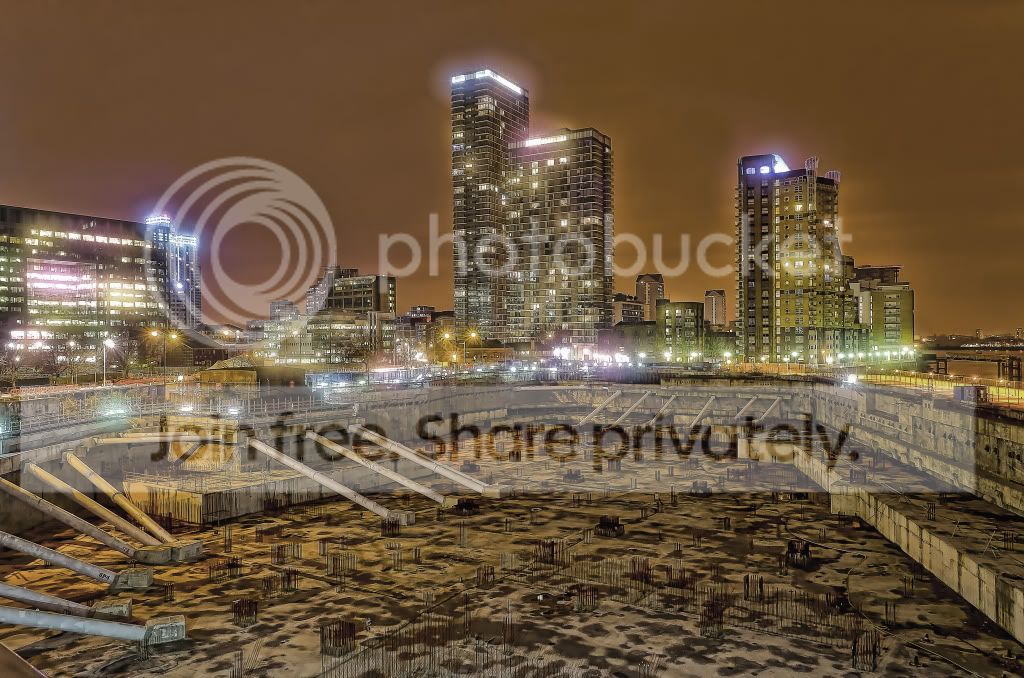
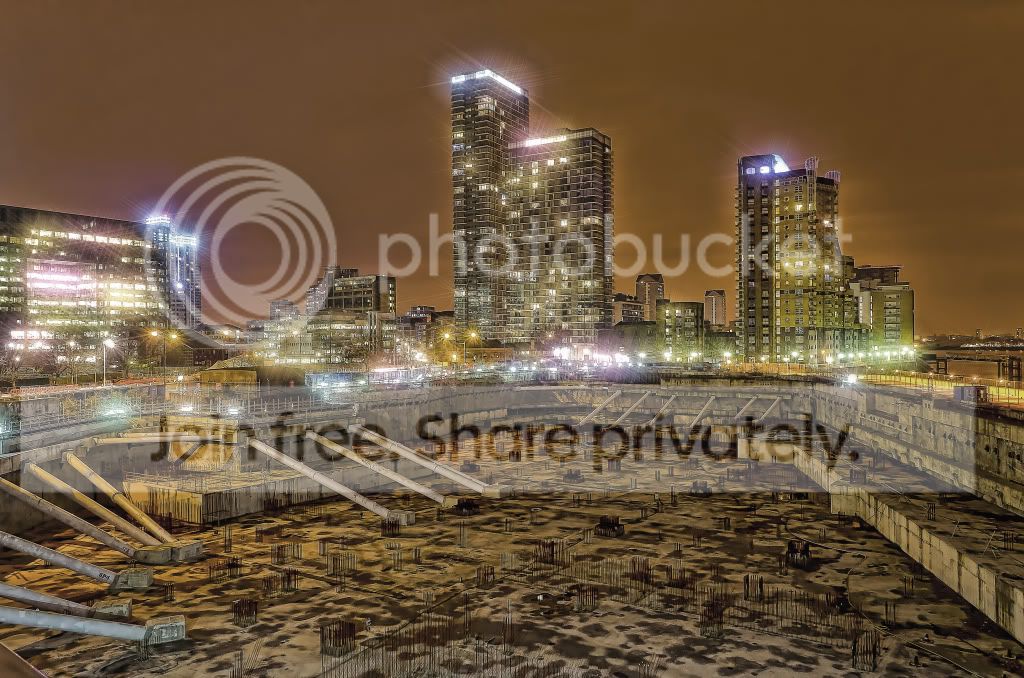
I too went for the starburst look'

6794870868_9bcbfcbe57_b.jpg


Boosted contrast/detail
Added the star effect.
 
did yu have to select each light individually, or is there a quick way to get that effect?
 
did yu have to select each light individually, or is there a quick way to get that effect?


I used topaz starburst for the effect in my image as it's quicker.
You select the threshold that decides how many lights are affected by the starbursts (you could do it one by one with a star/sparkle brush though) you also choose the size and type of star, number of points etc.
 
Thanks Wayne/Neil. I've never looked into Topaz, although i've liked the effects i've seen from it, but I couldn't justify buying it even if I could afford to.
 
Thanks Wayne/Neil. I've never looked into Topaz, although i've liked the effects i've seen from it, but I couldn't justify buying it even if I could afford to.

If I'm honest I'm not sure Topaz starburst is worth the money (I think £30) but Topaz ajust 5 is very good, but then that does a lot more different efects.
 
Nice edit Wayne :thumbs:

I've also got the Starburst as it came with the bundle. Not had a chance to use it yet, but I agree with Adjust, excellent piece of software and highly recommend it to anyone. So easy to use. I also recommend DeNoise and Remask!
 
My brains gone dead with this one :bonk: .... every edit ive tried turns out basically the same with whats been posted, cant seem to come up with anything original that's half decent :bang:
 
My bash, I had to use the forum pic as I couldn't download the raw for some reason.

City.jpg


and layers

City_Layers.jpg


I destaurated first then added a blue fill layer and twiddled with blend modes.
 
Cheers, must admit that I have used the shooting star before........ but it's a nice addition.

Joan
 
Ok...Winner has to be Wayne, it inspired me so much I copied it! haha. Neil, I loved the detail in yours, it almost stole 1st place, had the stars been in there then for me it would have been in my top 5 photos, hence well deserving of 2nd place! But I learned a valuable lesson that will be well used and I have to bear that in mind when judging!

Nice touch with the shooting star Joan...you get 3rd place lol

Here's my version:

418318_10151355031270305_753485304_22856521_1909493387_n1.jpg


I went for a B&W conversion, adding the stars (same way as Wayne) and burning the edges of the construction site.

Detail was brought out with topaz adjust.

So over to you Wayne.
 
well done wayne, and thanks Phil, almost went for the full star effect myself, but toned down in the end great pic, where was it taken?
 
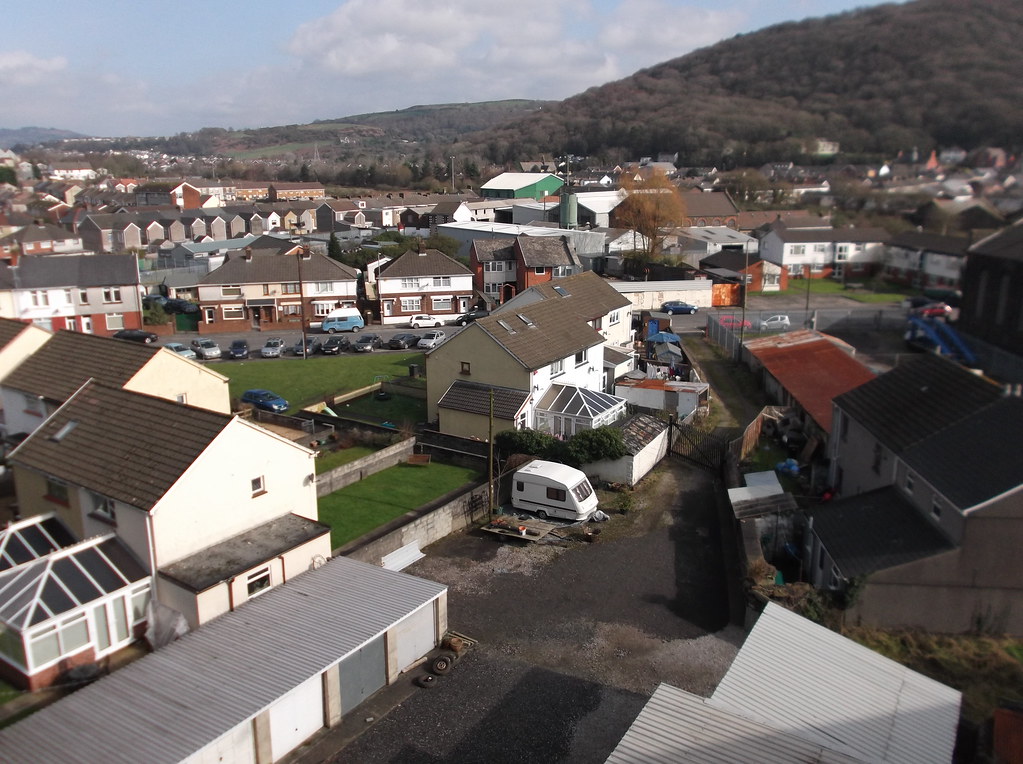
Ok I'm out on a job and only have the laptop so very limited for pics, but heres one I took a few days ago trying out a fuji compact.
Say late-ish Tuesday evening?

6802481552_d8bc1465ef_b.jpg
 
Top edit Wayne, star effects really made the difference. Nice one :clap:
 
Back
Top