swanseamale47
Suspended / Banned
- Messages
- 10,876
- Name
- wayne clarke
- Edit My Images
- Yes
Winner
I'm going with Adrians version but there were a few I really liked.
Over to you Adey
I'm going with Adrians version but there were a few I really liked.
Over to you Adey
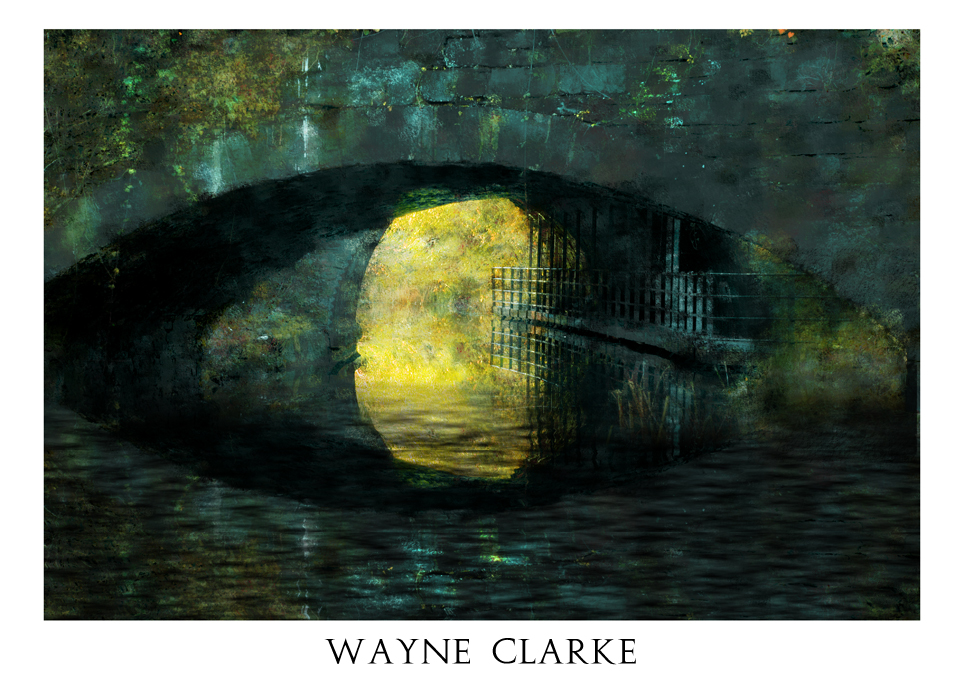
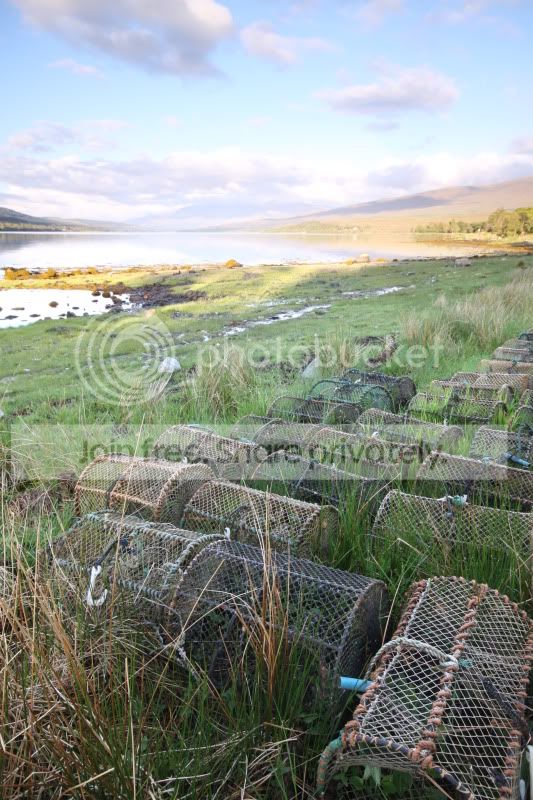
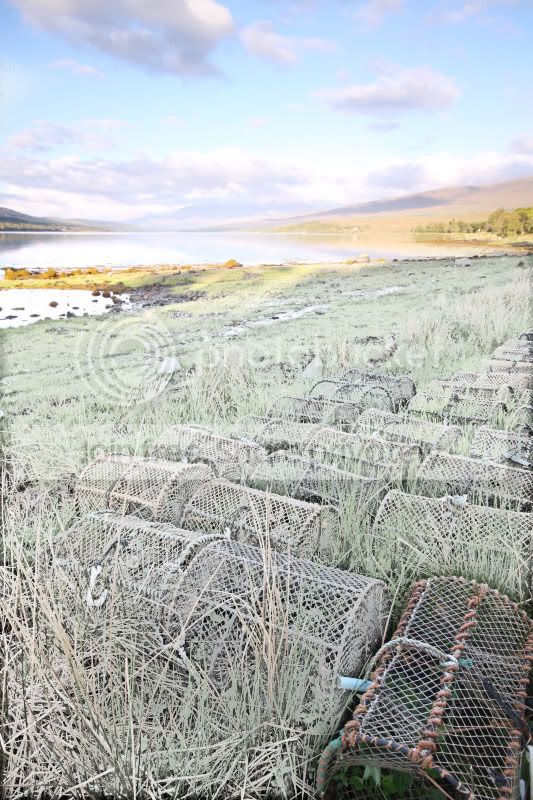
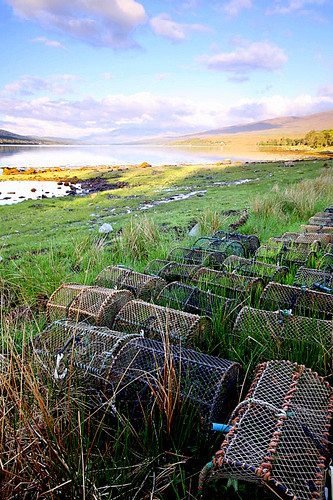
Heres mine.
ppcompsmall2 by Adrian Deans, on Flickr
Im really trying to go beyond my comfort zone with these edits, so forgive my vague explanations.
What i did;
Used ACR to play with the colour adjustments, tried to manipulate the colours into something more pastel-like and painterly. Didnt do a great deal with the other settings apart from a tweak of temperature/contrast that type of thing. Created 3 exposures at2 stop increments (-2, 0, +2) and used photomatix to create a more painterly tone pallette (not typical HDR look). Exported this as 16bit tiff, and opened in photoshop. Selected the whole image and defined as pattern. Created new layer and using the pattern stamp tool (set to the defined pattern and impressionist), i painted in the features of the image using gradually smaller brushes to bring out the details. I then combined this 'painted' version with the (pre-edited) original using a lot of experimenting with different blend modes, cant remember this stage too well im afraid. Next i wanted to get rid of the foreground so i made a selection of the top portion of the image, flipped it upside down and placed it at the bottom. Next i created a new layer and rendered some clouds. I then squashed this layer right down so it looked like ripples, duplicated this layer twice and placed them on top of each other so that combined they covered the bottom 3rd of the screen. Merged these new ripple layers. Transfered this layer to a new document and saved as .psd. Next i selected my 'mirror' layer again, and applied a displacement map using the 'ripple' psd. I then used the 'ripple' layer over the mirror layer and set to overlay or multiply i cant remember. Bit of dodge/burn.
Finished of with a border using Canvass size and put Wayne's name on the bottom using Augustus font.