Pete, I think this must be what happens to me. My hands have a mind of their own.
Souldeep, with the camera in Pro-Light and pressing drive, I do not get any info on what the drive setting is. The reference to Middle is the camera reference to how many frames in a burst, SH-Super High, H-High, M-Middle, and L-Low.
In reference to my question on Pro Low-Light,
Some friends of whom the youngest is 63 reformed a band in 2010 after 30 years, with the object to play for charity and of course the fun of it. On Friday night, I was at a local social club where they were performing a gig in aide of the Air Ambulance. The floor lights where none existent, the stage lights the only source. I played with the camera, setting it first with wide apertures then to EXR and Pro Low-Light. The results were mixed. My inability to stand or hold the camera for long periods didn’t help. I had taken my monopod but it was too unyielding, so I dumped it and carried on with shaky Joe hands and leg tremors. I was more or less obliged to using the widest aperture.
Following is a selection of the more acceptable shots, all in camera black and white, moded in PS.
I except that they are noisy and not as sharp as they could be, so in the spirit of the 1960s and how it was then for amateur photographers give a bloke a break, ASA (ISO) 400 what’s that?
A short brief on PP.
As in most of the shots, the background was very bright and had a distracting sign. This was overcome by. Copy background layer, create new layer, and apply a black gradient at 40% (effectively grey) from the top to half way down the image then erasing it from over the subjects, leaving the back ground much quieter. The sign was removed from the copy layer by using the Healing Brush Tool; it works similar to the Clone Tool. The rest was dodging, burning, and finally cropping to 9”x6” or 6”x9” at 300ppi. I usually crop to this size as its my most used print size, if I want smaller its OK, If I want larger say 20”x16” its OK at 150/140 ppi. Not that I am saying that the following would go that big, I don’t think they would.
The first one is strait out of camera it shows the bright background and sign.
The second is processed as described, as is number three.
The forth one in the set is an amalgamation of two and three. The person at the front in two is not as well appointed as in three. In three, the mike is across the face of the chap in the middle, so I made a selection of the man in front on three, copied and pasted him into a new layer and moved the copy into two. Resized and positioned him, cloned out anything that was not wanted underneath him, adjusted to match exposure and levels, and finally flattened and re cropped.
The sign was left in on this one.




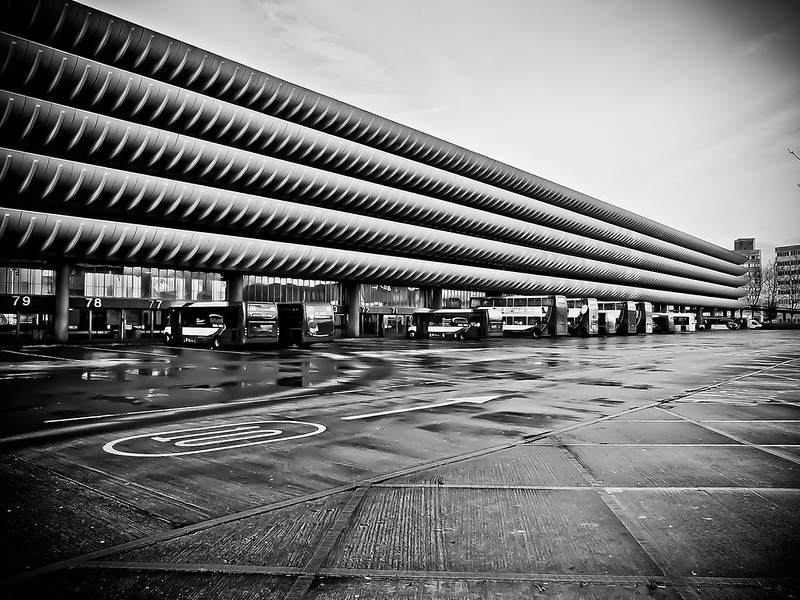
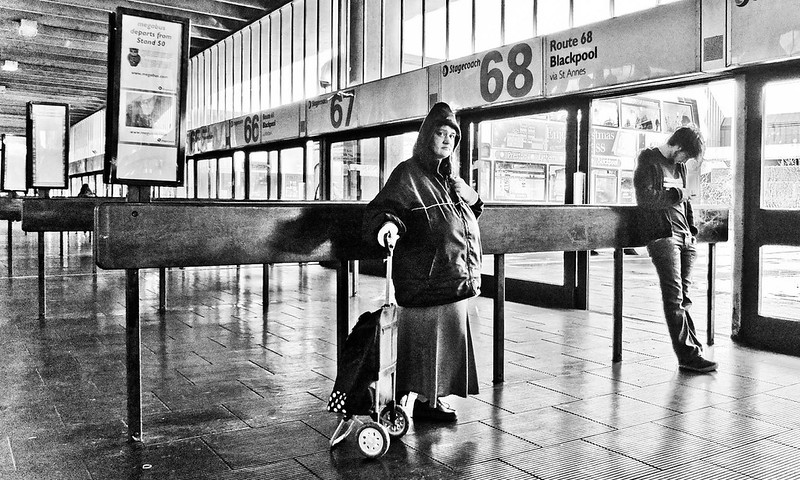
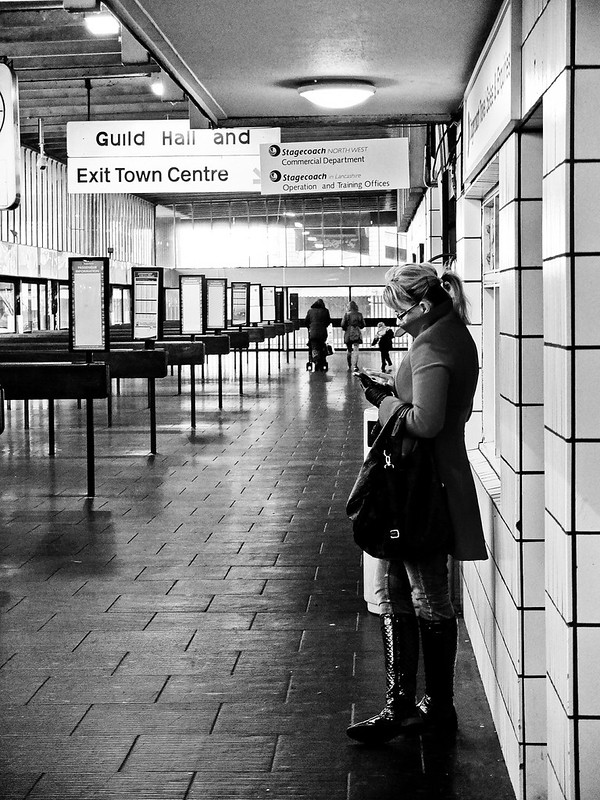


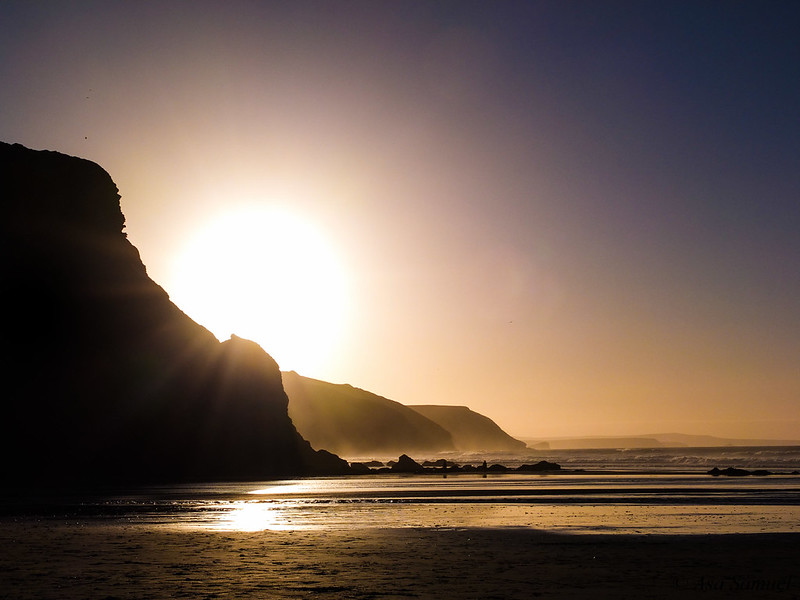

 Landscape isn't my forté, but the limited palette and the light appealed to me.