ChrisR said:Riz, the strict answer is no. Mac Raw support is an OS feature rather than implemented in iPhoto or Aperture. So far, Apple have not seen fit to implement X10 Raw in their Raw updates.
All is not lost, however. You can get Adobe's DNG Converter for free, and run your Raw files through that. Then Aperture at least is happy to take and use the resulting DNGs. I haven't used iPhoto for a while, and haven't checked, but I have heard that iPhoto will take the DNGs.
The work flow is a pain. Last evening I went out with the local Camerabuddies group and took a zillion sunset shots. About halfway through I switched to Raw+JPEG (I normally take just JPEG). Back home, I imported the JPEGs into Aperture and deleted them from the X10. Then I did a separate import of the Raws, storing them on the Mac. Then I... updated DNG Converter to the latest release (you can see how little I use it), and ran it over the directory with the Raws in it, turning each one automatically into a DNG. You get no creative control in this process; it's just batch. Then, import that folder into Aperture.
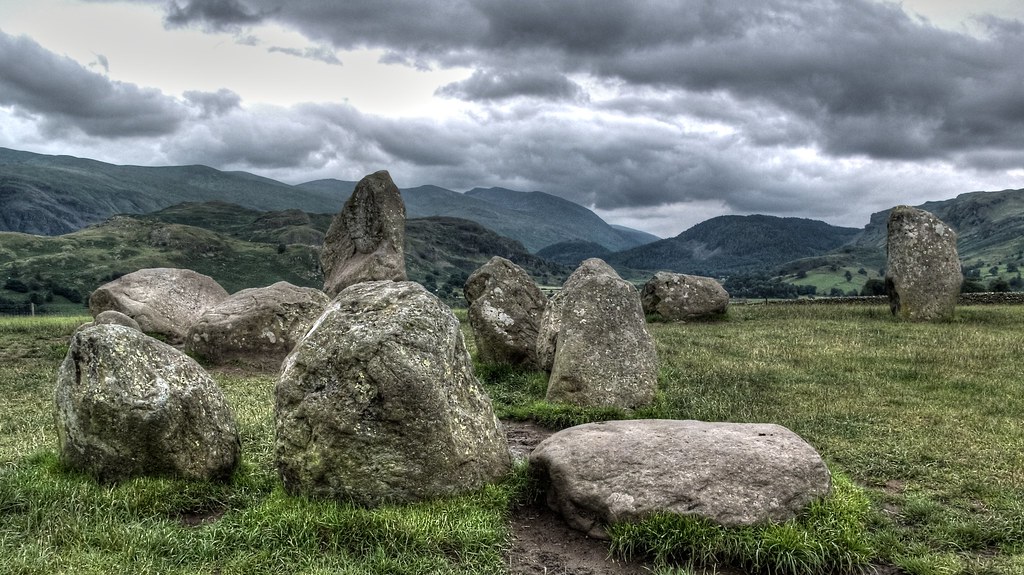
There is a bit of distortion that rather surprised me. When paging through the images, they first loaded with a flat horizon, then it would pop into a curve! I'm not sure it will show up in a side by side, but here is a couple of images, first the JPEG from the camera...
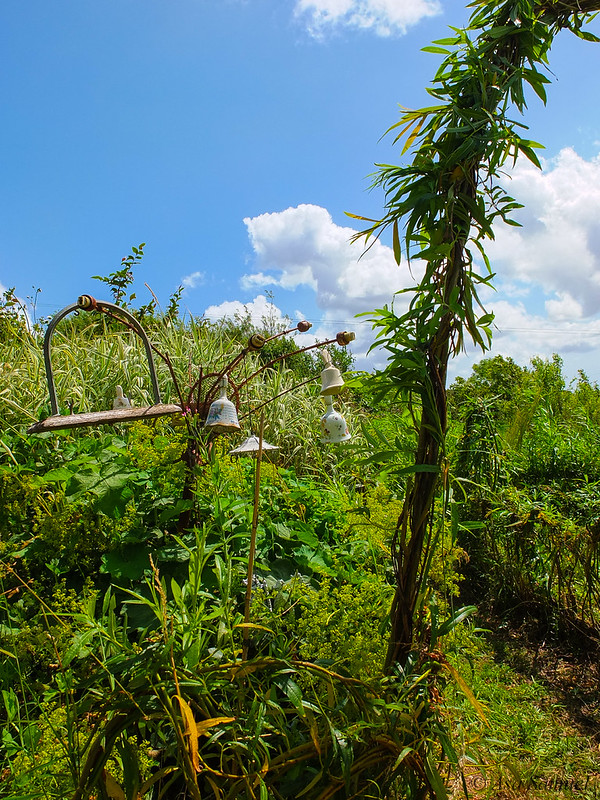
then via the DNG (no extra processing)...
PS we stayed there for an hour through sunset; it was a lot of fun. I'm not sure I needed the Raws, but at least I have them. And for the moment, they are also still on the card in camera, in case I want to (and can work out how to) process them again there.
Cheers hmm that may put me off a purchase actually. I have elements but I loved iPhoto ease