
and the site receives a small commission
You are using an out of date browser. It may not display this or other websites correctly.
You should upgrade or use an alternative browser.
You should upgrade or use an alternative browser.
The "how would you edit this photo" game.
- Thread starter Dman-Lewis
- Start date



Dr_O
Suspended / Banned
- Messages
- 1,517
- Name
- Dr Ozone
- Edit My Images
- Yes
Cheers guys...
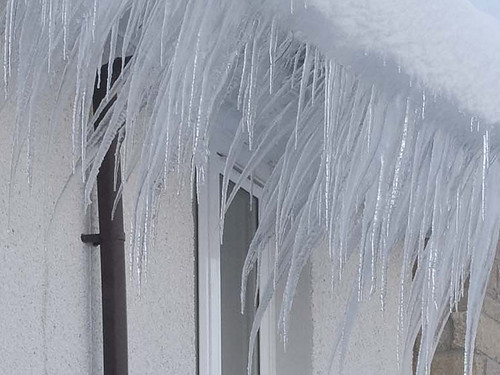
If anyone wants to know how the 'icy' effect was done other than doing a quick selection on the boat and removing background.
Rotate the selection until vertical, then rotate back once completegag
Filter > Stylize > Wind > Method=Wind, from Right (I think I applied this two or three times to increase effect )
Filter > Artistic > Plastic Wrap - adjust sliders to suit
Other processing was the inbuilt Levels, Convert To Mono, Vintage Photo and Sepia. Once happy with and merge, replicate 2 layers as above and adjust each layer opacity to effectively blend those two layers.

cheers for the intel Andy
Dr_O
Suspended / Banned
- Messages
- 1,517
- Name
- Dr Ozone
- Edit My Images
- Yes


ZeroCooL
Suspended / Banned
- Messages
- 890
- Name
- Nick
- Edit My Images
- No
Ok, ive not gone for creepy cemetery look for once 
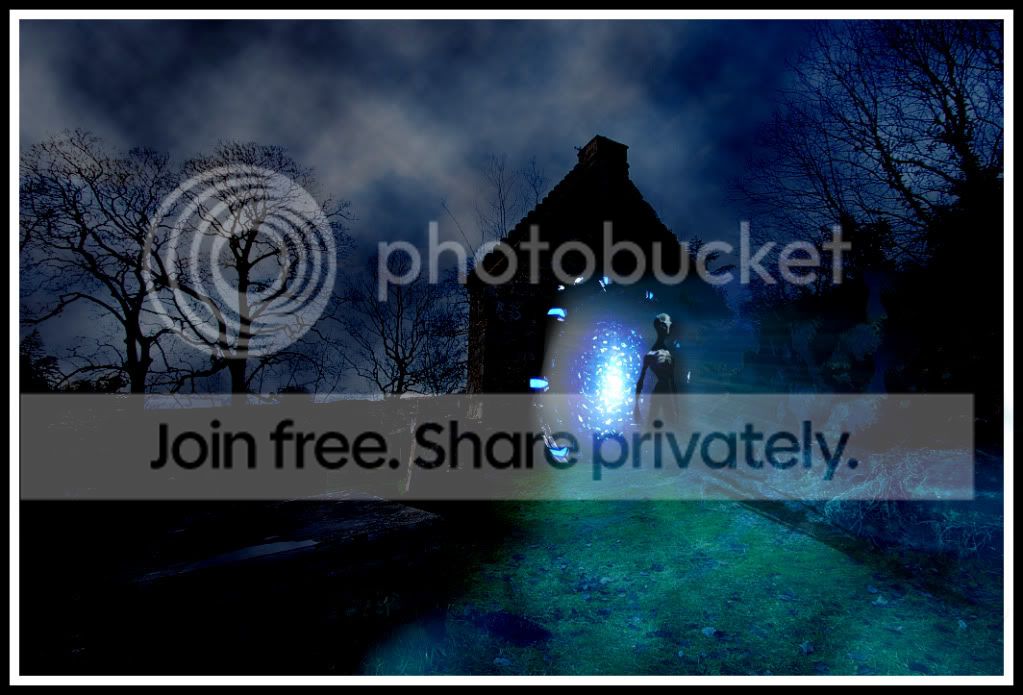
1. Background changed levels to give suibable darkness
2a. Duplicated background, filled with rendered smoke - changed blend mode to hard mix to give more random fog effect
3a. Pasted stargate image with 5px feather border, hard light blend mode with fog above it
3b. Made selection on floor, changed levels to brighten area and then altered colours to give blue light on grass/floor effect
4. 2x random water sunbeam effects pasted in, rotated, blended with pin light, feather selected again and tidied up
5. alien silhoutte pasted in, feathered, linear light blend, gave drop shadow which i extended and moved to the right slightly for shadow on misty/fog effect
6. duplicated 5 and pasted to floor, rotated, stretched with warp mode and then used smudge tool to scatter about over leaves/branches so it was not too straight
7. Borders, done!
1. Background changed levels to give suibable darkness
2a. Duplicated background, filled with rendered smoke - changed blend mode to hard mix to give more random fog effect
3a. Pasted stargate image with 5px feather border, hard light blend mode with fog above it
3b. Made selection on floor, changed levels to brighten area and then altered colours to give blue light on grass/floor effect
4. 2x random water sunbeam effects pasted in, rotated, blended with pin light, feather selected again and tidied up
5. alien silhoutte pasted in, feathered, linear light blend, gave drop shadow which i extended and moved to the right slightly for shadow on misty/fog effect
6. duplicated 5 and pasted to floor, rotated, stretched with warp mode and then used smudge tool to scatter about over leaves/branches so it was not too straight
7. Borders, done!

swanseamale47
Suspended / Banned
- Messages
- 10,876
- Name
- wayne clarke
- Edit My Images
- Yes
Well done Andy 


leftcurl
Suspended / Banned
- Messages
- 4,085
- Name
- Leigh
- Edit My Images
- Yes

Dr_O
Suspended / Banned
- Messages
- 1,517
- Name
- Dr Ozone
- Edit My Images
- Yes
Couldn't pull off what I wanted but no change there
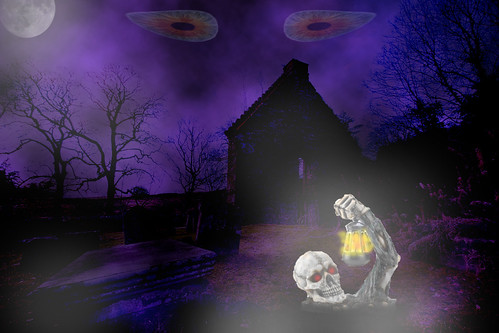
Edit12 by Dr_Ozone, on Flickr
Have layers all over the place as used quite a few skeletal items until I was happy enough.
Wanted to play with different layer modes so
Duplicate background,render some green clouds which when used with subtract mode went purple- tried it the other way and got black so green mist plan now out the window
Created adjustment layer to up levels on lower part of picture to lighten a bit
Got some eyes, free transform them in as new layer and the same with skeleton boyo.
Brush in some black for hole and some orange/yellow for light and dab of red for eyes
Added moon and brush in some white to lighten selective areas
Job done
Edit12 by Dr_Ozone, on Flickr
Have layers all over the place as used quite a few skeletal items until I was happy enough.
Wanted to play with different layer modes so
Duplicate background,render some green clouds which when used with subtract mode went purple- tried it the other way and got black so green mist plan now out the window
Created adjustment layer to up levels on lower part of picture to lighten a bit
Got some eyes, free transform them in as new layer and the same with skeleton boyo.
Brush in some black for hole and some orange/yellow for light and dab of red for eyes
Added moon and brush in some white to lighten selective areas
Job done

Scottie68
Suspended / Banned
- Messages
- 1,828
- Name
- Scott
- Edit My Images
- Yes


St-ephen
Suspended / Banned
- Messages
- 1,101
- Name
- Stephen
- Edit My Images
- No
hehe... nice one Stevie lad. What method of selecting did you use to get the mountain behind the trees? Magic wand? :shrug:
Bit nosey aren't you? Are you a policeman?
I used the quick selection tool in CS5, it is like the tragic wand but a bit cleverer (or more clever to use English). Then you can use the refine edge brush to, well, refine the edge. If you're selecting stuff like the trees or hair this needs to be set quite high.
Not finished yet though, because you still have a ghosting effect around the smaller branches. To get rid of this you apply an effect of inner glow to the mask, using the eyedropper to pick a colour close to the item you need to see, in this case a tree. Then the mask and effect are placed on their own layer.
So, now we've morphed into the other thread here is my layers panel

I've got a tutorial somewhere. I'll try to dig it out.

AndyB1976
Suspended / Banned
- Messages
- 2,377
- Name
- Andy
- Edit My Images
- Yes
Ok.....its that time again....
3rd ZeroCool
2nd St-ephen
and 1st, its only the one known as.. leftcurl
Well done Leigh....over to you
3rd ZeroCool
2nd St-ephen
and 1st, its only the one known as.. leftcurl
Well done Leigh....over to you

St-ephen
Suspended / Banned
- Messages
- 1,101
- Name
- Stephen
- Edit My Images
- No
leftcurl
Suspended / Banned
- Messages
- 4,085
- Name
- Leigh
- Edit My Images
- Yes
righto dudes (and dudettes).. here ya go....

IMG_9863.jpg by leftcurl, on Flickr
you can get the raw file here
IMG_9863.jpg by leftcurl, on Flickr
you can get the raw file here
leftcurl
Suspended / Banned
- Messages
- 4,085
- Name
- Leigh
- Edit My Images
- Yes
well done leigh
ffs went to get the raw and got sent to a strange site, with pretty pics
hmmm... strange.... i'll double check that link

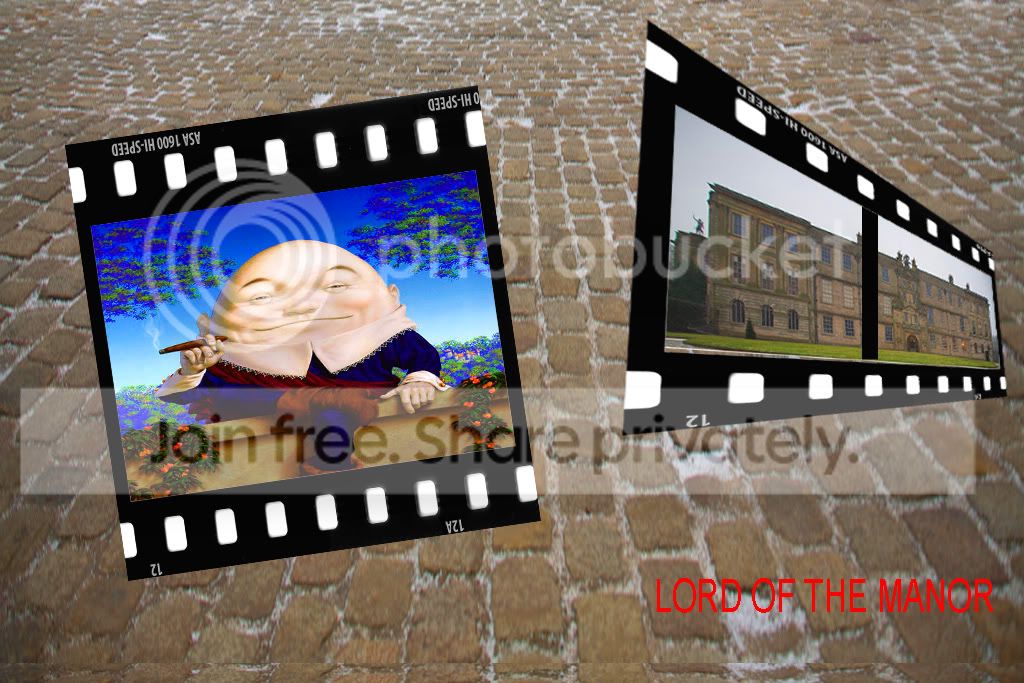


St-ephen
Suspended / Banned
- Messages
- 1,101
- Name
- Stephen
- Edit My Images
- No
leftcurl said:righto dudes (and dudettes).. here ya go....
http://www.flickr.com/photos/leftcurl/6831430979/
IMG_9863.jpg by leftcurl, on Flickr
you can get the raw file here
Mmmmm...... Looks strangely familiar.
leftcurl
Suspended / Banned
- Messages
- 4,085
- Name
- Leigh
- Edit My Images
- Yes
Mmmmm...... Looks strangely familiar.
maybe you could put a lake in front of it, taken from round the back

leftcurl
Suspended / Banned
- Messages
- 4,085
- Name
- Leigh
- Edit My Images
- Yes
Poorly executed
but brilliantly thought out.
Don't write yourself out of the game just yet
St-ephen
Suspended / Banned
- Messages
- 1,101
- Name
- Stephen
- Edit My Images
- No
maybe you could put a lake in front of it, taken from round the back
Couldn't be bothered walking all the way round, so I just got the garden from round the side

Scottie68
Suspended / Banned
- Messages
- 1,828
- Name
- Scott
- Edit My Images
- Yes
maybe you could put a lake in front of it, taken from round the back
Had to be done !

Leigh's edit by surfinscottie, on Flickr
St-ephen
Suspended / Banned
- Messages
- 1,101
- Name
- Stephen
- Edit My Images
- No
haha nice one scott