R
RobC
Guest
Brilliant take on the theme. she's a beaut too !!
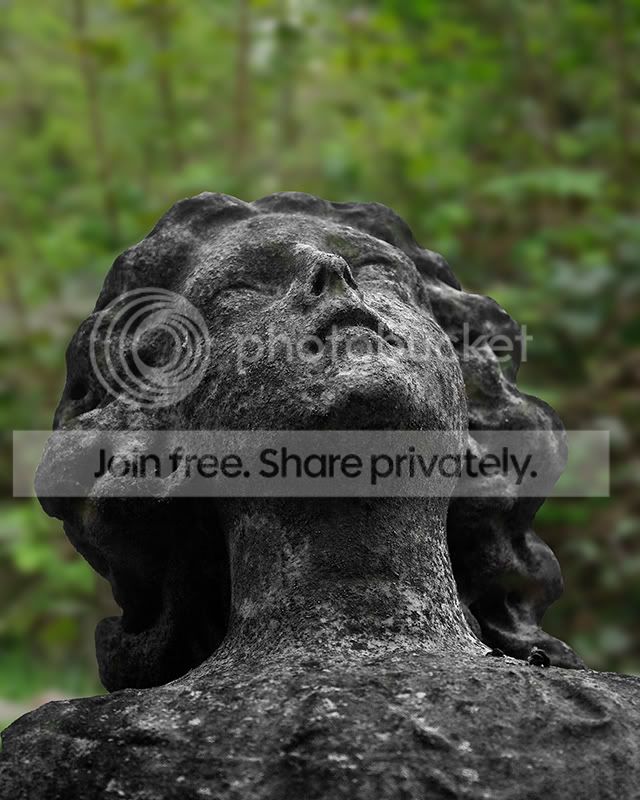
I really like the desaturated shot.
I really like the desaturated shot.


 I'm putting last weeks "Shoot" down as a bad one, but at least I'm on theme, and it wasn't late for a change....
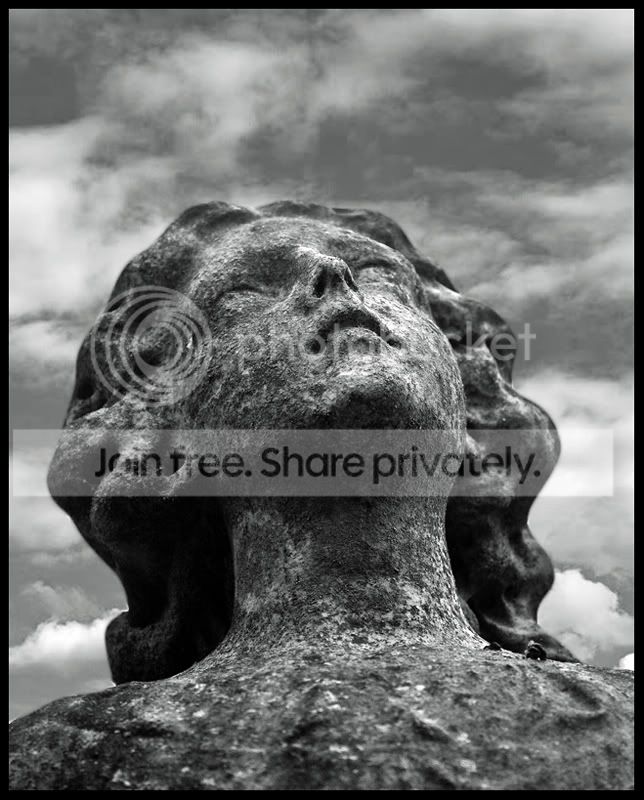
 First suggestion was from DarkStar that said it needed to be more contrasty, and the secong suggestion was from Lynton who said it would benefit from a Mono conversion....I agree with both, so thanks guys!
  but I like it, and surely it fits it in some way or another??! :shrug:
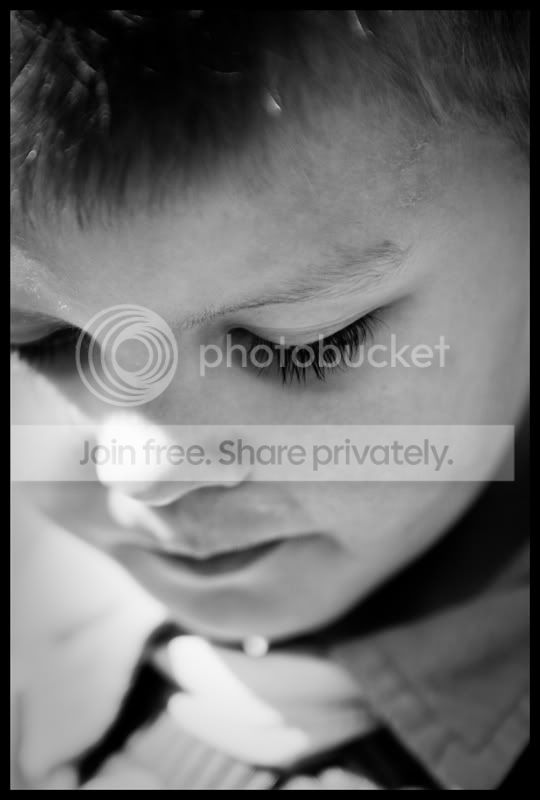
Easy. There is a single (i.e. 1) person in the picture.

very nice, I didnt see the previous version, but this works very well!!
That's very kind of you! 

 )
)
 nice job! I like the light across his face, and it works well in black and white.
Damien, I can't quite comment on the quality of your recent photos as due to a half-dead graphics card my screen is running at very low resolution (stretched) with rogue lines everywhere - the, what I think is sepia-toned, pillbox image actually has bright green patches on my screen :\
Anyway, I'm glad you are keeping up with the 52 and hope you & family are well.
The reshoot of the Play image is fantastic! I really love the composition and I think it is a good metaphor for how as your daughters grow up they will grow further away from each other but, as sisters, they will always have each other in their line of sight.
Regards, Steven.
Your comments are really appreciated! Any news on whether you'll be over this way at some point this year? I predict a lot of tenuous links to the theme this week (and I'm including my own in that
Anyway as Lynton said, there's one person in the image and that'll do for me.
I'm not very good at offering any sort of constructive critique on portraits, so I can't say much more than that I like it.
I didn't see the "before" but it does seem to have lent itself well to B&W.
I like the angle that you've caught him at and the streak of sunlight across his face adds a nice feel to it. It's perhaps a little too bright over the end of his nose, but that's not enough of an issue to detract from it IMO.
Portraits ain't normally my thing either, but I'm trying to do as many varied types of shot as I can over the course of the year. My plan for next week is to do something a little more abstract, but I guess I'll have to wait and see what the theme is first!! For me, the black and white version of the 'shoot' shot works better. I really like it
And a simple but nice take on the theme this week
Very much appreciated!  ). I like the contrast in the image, focus is bang on too. I like how the frame is filled, great composition. All round good week Iain
Damien, liking your single image a lot (even though Lynton helped with the theme
I feel much happier about this weeks effort than I did about the pillbox photos.... Just hope we have a "kind" theme this week so I can get some momentum going!! Thanks again Iain, very much appreciated!
Thanks Steven!

That's a really nice image, mate. Love the really shallow dof on the eye and the plaintive look.
Much appreciated! I have a picture of my step daughter taken last year on holiday, all you can see is a mad pink straw hat, her forearm and a parrot. EVERYONE in my family love it. This is the same sort of thing, there are times when eye contact just isnt needed, this is one of those occasions. It's a cracking image mate, the mono suits and there's just ebough contrast to really pull it off my screen.
Good clear eyes are what I usually try to capture in people/portrait shots, but this seems to work without them! Love it Damien. I couldn't say what precisely but it works
Had to do a few different edits on this one as there was always something bugging me, but I'm happy with this version....but like you, I still can't say what it is precisely that I like about it! :shrug:There's something fascinating about photographing small children who are totally absorbed in something other than the camera/photographer. And with eyelashes like that, who needs eye contact.
It's a beautiful portrait, Damien - and I bet his parents love it too. Well done. Theme? What theme? Who cares? It's just such a special shot.
Jean
I agree, those eye lashes are something else!!
Well, I have approx 7-8 weeks left at college then I am free till September when I start UNI So I plan on coming down there for atleast a week, maybe two, at the end of June perhaps.
Although, yesterday I applied for a weekend waiter job at a local steakhouse, so if I get that i'll only be coming down your way for a few days.
Will be fun to see you and other norfolk folk again

Lovely portrait Damien. As Sarah said, that splash of light on the nose is a bit distracting, but it's a minor thing for me.
Ian.
Very kind of you, and thanks for commenting! 
Lovely and different image... Nice focusing and DoF too... great black + white conversion.
Very interesting way of getting the image too.
He's a very photogenic lad, and he's full of "character" too!

 I wanted/tried to figure out how to use "layers" in elements to stick a lovely fluffy sky behind the statue in this one, but to be honest, it looked absolutely ridiculous! :shake: So I've left it a little more abstract and kept the boring plain very very light grey (ok it's a blown white!) sky in....but I might post my first go with "layers", if I pluck up the courage!!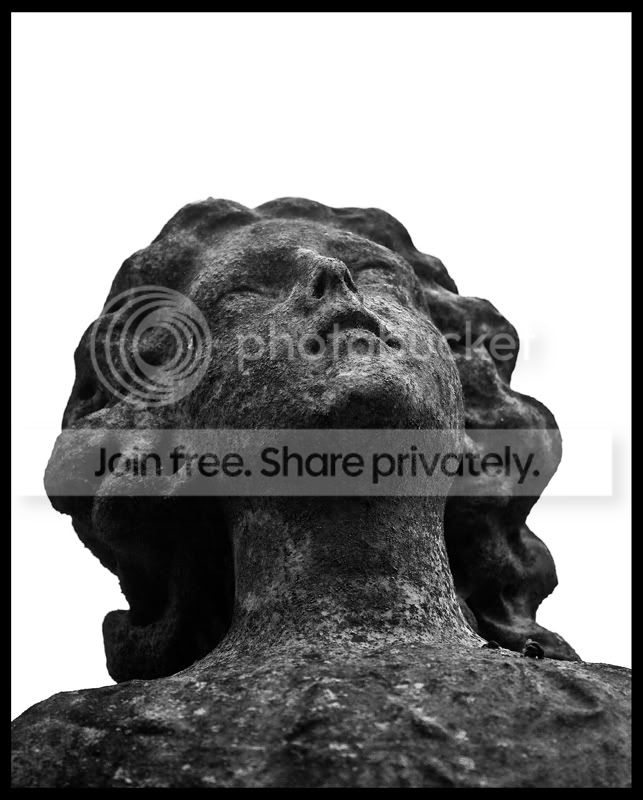
I saw it and straight away thought of last weeks episode of doctor who! Creepy. lol. I'm now just checking over my shoulder...
I really like it though... Nice texture...
Could be worth posting your 'layered' attempt.
I'm kinda tempted to post my layered effort......we'll see!

my PP skills are that of a 2 year old
Edit don't work either really mate.........
You can do this by
a) duplicating the layer (Layer>Duplicate Layer)
b) applying a Gaussian blur to the layer ..( Filter>Blur>Gaussian Blur - 2 pixels does it on the 800 pixel image, may want to up it a bit for full size)
c) select the eraser tool (looks like a rubber, change yours brush to something with soft edges, and I would go for opacity about 80%, - erase over the bits you want sharp, and then change opacity to 100% and go over the bits you want really sharp.)
I like it!!
Nice job Damien!
 I know it ain't great, but it fits the theme so perfectly on a number of levels that aren't apparent in this thread....and that will do for me!!
 Howevr, your clouds are nowhere near the disaster I imagined from what you'd said. The only bit I thought didn't work quite so well were the two little white fluffy clouds sitting on the shoulders of the statue. But honestly, I think the shot works either way.