Show us your Editing Computer/Darkroom

Pookeyhead

Suspended / Banned
Messages
11,746
Name
David
Edit My Images
No
In response to the "Show us your camera gear" thread, I'd like to add another for the other, and possibly equally important set of gear we all use... our digital darkrooms.

You sit here for hours... what's your working space like? What gear do you use? Are you happy with it? What would you change?


Here's where I sit for prolonged periods of time :)

Click for larger version.


Computer:
Home built.
CPU = water cooled Intel 6 Core i7-3960X @ 4.7GHz
Quad channel 16GB DDR3-2133MHz
Dual overclocked 4GB GTX670s
Asus Rampage IV Extreme motherboard
512GB Samsung 830 SSD
4TB of HDD space
Corsair 650D case.

Monitors:
Main screen - Eizo ColorEdge CG303W 30"
Secondary screen: Dell FP2005 20" in portrait orientation

Logitech G110 illuminated keyboard

Wacom Intuos4 medium graphics tablet.

Logitech G5 mouse.

One cup of Taylor's Hot Java Lava coffee. :)

This machine is also used for gaming... hence the OTT spec for mere photography.


Perfectly happy with it. I wuold like a second 20" screen in portrait on the other side, but no room for it at present. Need to swap rooms before I can do that.
 
Last edited:

Good idea David. Here's my setup:

sGU0Ku6.jpg


Computer:
Mac Pro Quad 3.0Ghz
ATI Radeon 5770
13GB of RAM
2 x 1TB drives

Monitors:
2 x Apple 30" Cinema Displays

Miscellaneous:
Apple mouse & Keyboard
2 x 2TB WD MyBook External Drives


Happy with my setup at the moment but looking to add an SSD and another couple of internal drives as I'm nearly out of space as it is!
 
That's very clean and minimalist :)
 
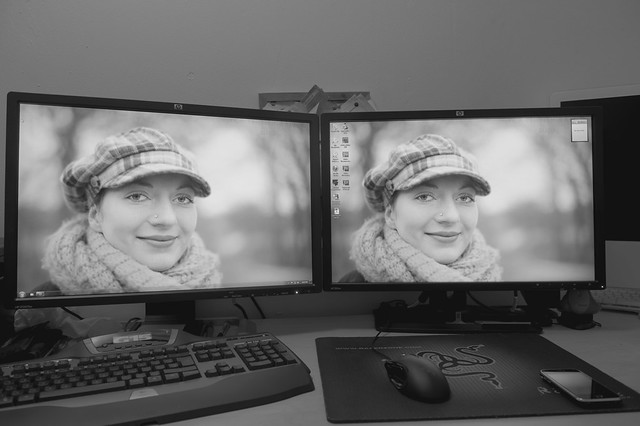
Mine, taken ages ago. But it hasn't really changed


monitors by TCR4x4, on Flickr
 
All your desks are far too clean!! Get some pointless crap and dust in there.... make it home :)


I jest... mine's usually scrupulously clean.. just got a lot on at the mo.
 
In response to the "Show us your camera gear" thread, I'd like to add another for the other, and possibly equally important set of gear we all use... our digital darkrooms.

You sit here for hours... what's your working space like? What gear do you use? Are you happy with it? What would you change?

Here's where I sit for prolonged periods of time :)

Click for larger version.
http://i.imgur.com/Hm2obQ7.jpg

Computer:
Home built.
CPU = water cooled Intel 6 Core i7-3960X @ 4.7GHz
Quad channel 16GB DDR3-2133MHz
Dual overclocked 4GB GTX670s
Asus Rampage IV Extreme motherboard
512GB Samsung 830 SSD
4TB of HDD space
Corsair 650D case.

Monitors:
Main screen - Eizo ColorEdge CG303W 30"
Secondary screen: Dell FP2005 20" in portrait orientation

Logitech G110 illuminated keyboard

Wacom Intuos4 medium graphics tablet.

Logitech G5 mouse.

One cup of Taylor's Hot Java Lava coffee. :)

This machine is also used for gaming... hence the OTT spec for mere photography.

Perfectly happy with it. I wuold like a second 20" screen in portrait on the other side, but no room for it at present. Need to swap rooms before I can do that.

You forgot the webcam....
 
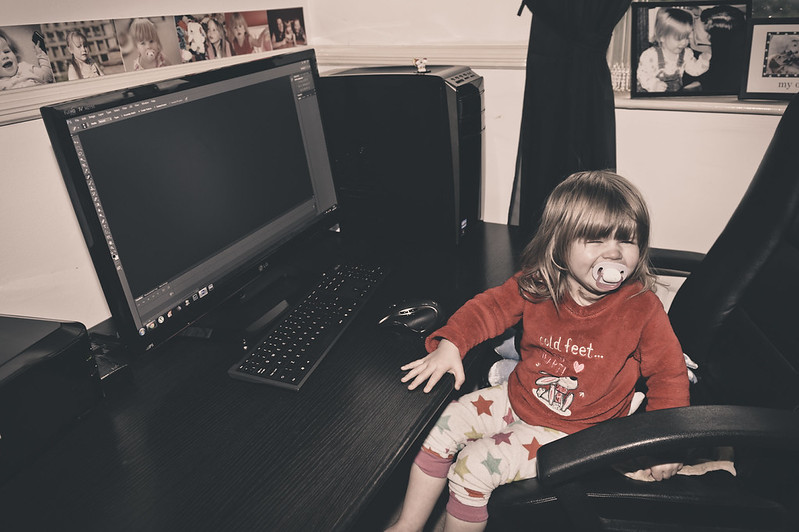
Reasonably Tidy


Abbie putting of going to bed by Soda Farl, on Flickr

Asus desktop
Intel Core i7 2600
16GB Ram
128GB OCZ S.S.D
2X 2TB H.D.D's
2GB Nvdida GeForce GT545
L.G 27" I.P.S Monitor
Western Digital 2TB usb 3 external H.D.D
LOGITECH Performance MX Darkfield mouse
Windows 7
Adobe Photoshop C.S 6
Adobe Lightroom 4.3

1 x Spawn of Satan :)


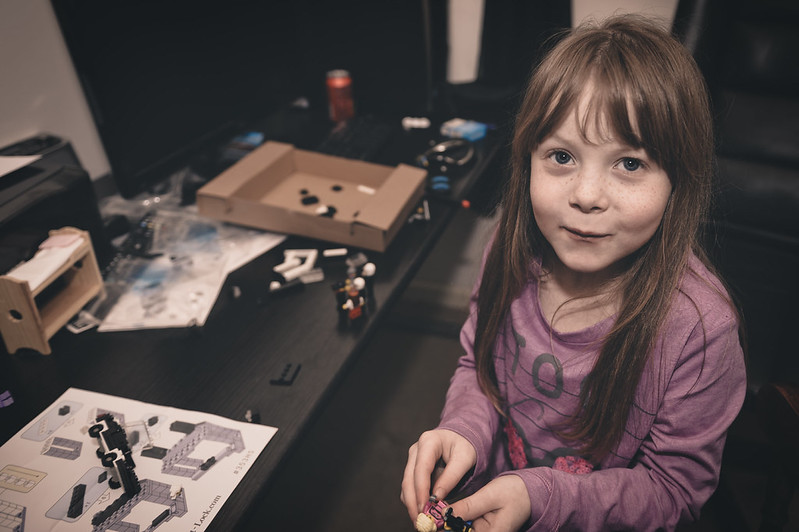
How it normally looks :(


Megan playing with my toys :( by Soda Farl, on Flickr
 
Last edited:
Whats with the 2 screens everyone? I'm i missing something!
 
Photoshop tools on one, and a nice clean working area on the other. Look at my image in the first post.
 
Whats with the 2 screens everyone? I'm i missing something!

I can't live without two screens. Not so much Lightroom, but general day to day computing. I'm screen real estate junkie. :lol:
 
Lightroom is also brilliant with 2 screens!

ZUqN1gK.jpg
 
Whats with the 2 screens everyone? I'm i missing something!
I agree completely. 2 screens is soooo yesterday....

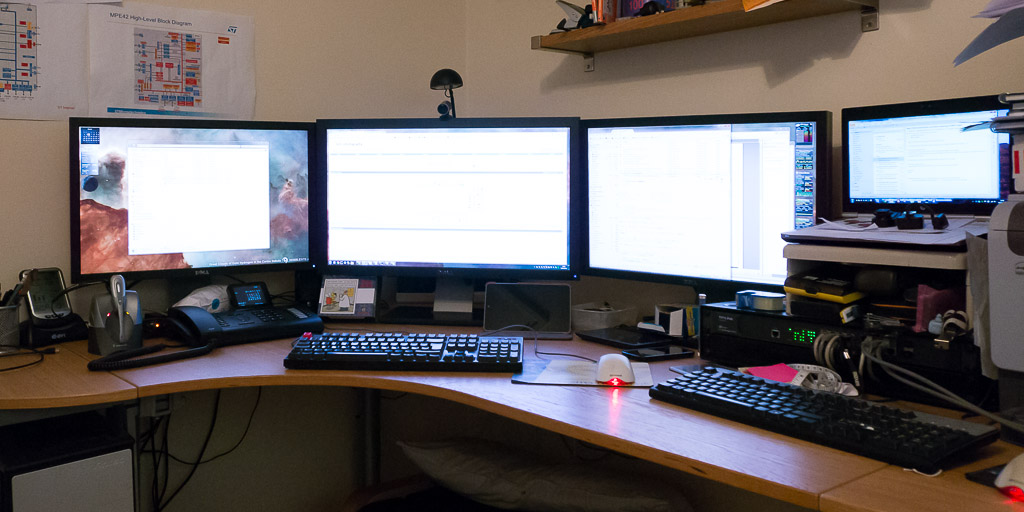
P1010518-1024.jpg


For reference U2410, U2711, U2410 and work laptop...
 
I had no idea people were doing this! So is it just a 2 screen setting in photoshop, or a bit more complicated than that?
 
Last edited:
I had no idea people were doing this! So is it just a 2 screen setting in photoshop, or a bit more complicated than that?

You just set them for extended desktop in your display settings not in photoshop in your O.S and drag across to the other monitor.

Works well and people have been doing this since Photoshop first became available.
 
Are some people a little smaller in another department :lol: making up for something??????
 
No point in taking a photo of my set up - it's a bog stock, off the shelf Packard Bell tower and screen (not sure of size but guessing at about 20" diagonal widescreen) with a Canon 9000F scanner and ix4000 printer attached. Does all I want/need it to do! I've got CS6 on it but have never really used it "in anger" and only have it since it was a freebie via my wife's work - what little PP I do is easily handled by PSE7 as bundled and preloaded on the machine (cropping and resizing is pretty much all I do).
 
I wish I had space for two screens, i've just got room for a 21" iMac.
 
ive not got an up to date shot, the ext hard drive has been replaced with a microserver..

EC597FE1-1550-4C46-B9B9-C523BC602984-2327-0000043427C2E3E6.jpg


HP Microserver N40L by neilgates, on Flickr

Editing Computer (build log):
Home build in Lian Li V354 Case
Intel Core i7 2600K @ 4.4Ghz / Alpehfohn Panorama Cooler
ASUS P8P67-M Pro m-ATX
Corsair Vengeance Black Low Profile 16Gb DDR3 1600
Sapphire ATI 7850
2x Samsung 830 128Gb SSD
1x Samsung F1 1TB
OCZ 750w
LG Blu-Ray Writer
Akasa Viper Fans (manual speed controlled)
Windows 7 64 Ultimate

Twin Dell 2209WA Displays

Storage Primary:
HP Microserver N40L (build log)
8gb memory upgrade
Windows Server 2008 R2
3x Samsung 2TB in RAID0 (~6TB)
Allway Sync Replication Software

Storage Backup:
Synology DS1010+
5x Samsung 2TB in RAID5 (~7TB)

Misc:
APC SmartUPS 1500
Netgear GS108 Gigabit Ethernet Switch
Corsair K60 Cherry Keyboard
Razer DeathAdder Mouse
Creative T40-II Speakers
Spyder3 Pro
 
Last edited:
Forum rules prohibit me from discussing my editing machine.

Let's pretend I have a Mac.
 
MODS.
Please please please stop this thread NOW!
As is is causing me verbal and physical pain, ie she who must be obeyed is saying " if there workspace can look so nice why is yours always a mess "?

So anyone else who posts please add a note to the post, cleaned up for the photo usually looks a mess.

A big thanks from a bruised and deaf photographer.:lol:
 
Right...

I've upgraded...

National_grid_uk_l.jpg


;)
 
How ours looks on a permanent basis.....sorry akcron I did think about messing it up just for your benefit, but I just couldn't bring myself round to doing it :D

8536710189_32ab6da205_c_d.jpg
 
How ours looks on a permanent basis.....sorry akcron I did think about messing it up just for your benefit, but I just couldn't bring myself round to doing it :D

HAHA! its the thought that counts m8 :lol:
 
I currently have a late 2012 13" MPB which I use on the closest flat surface/sofa.

I do need to get a proper monitor but then I need to find a stand or arm for the MacBook to get it up at proper monitor height.
 
Unlikely - but does that matter in a photography forum? ;)

That's a a bit of a gamer joke... I guess it isn't as funny in here :)


Are some people a little smaller in another department :lol: making up for something??????

Of course.. tiny penis here.... no other possible explanation after all is there? :)

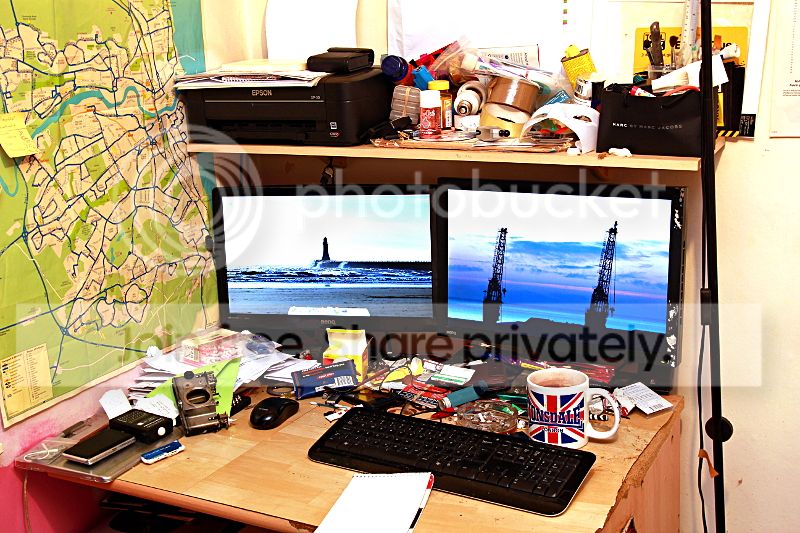
You folks are way too tidy!

This is mine on a good day :)

untitled-6110.jpg

That desk is giving me a OCD crisis!!

BTW.. you must REALLY hammer that tablet. I've got the same one, and mine's still nice and matt on the surface... and I use it all the time.
 
cant be having with all this clear desk policy nonsence, always looks like people never do any work!


Mike- i think your mug is in danger of getting up and walking away. Ever threatened it with fairy liquid?
 
Last edited:
Back
Top