

You are using an out of date browser. It may not display this or other websites correctly.
You should upgrade or use an alternative browser.
You should upgrade or use an alternative browser.
Show us yer film shots then!
- Thread starter Grant
- Start date

jgredline
Suspended / Banned
- Messages
- 2,622
- Name
- Javier
- Edit My Images
- Yes
A recent one from Hamburg. Provia 100 I think.

This is a brilliant photo.



jgredline
Suspended / Banned
- Messages
- 2,622
- Name
- Javier
- Edit My Images
- Yes
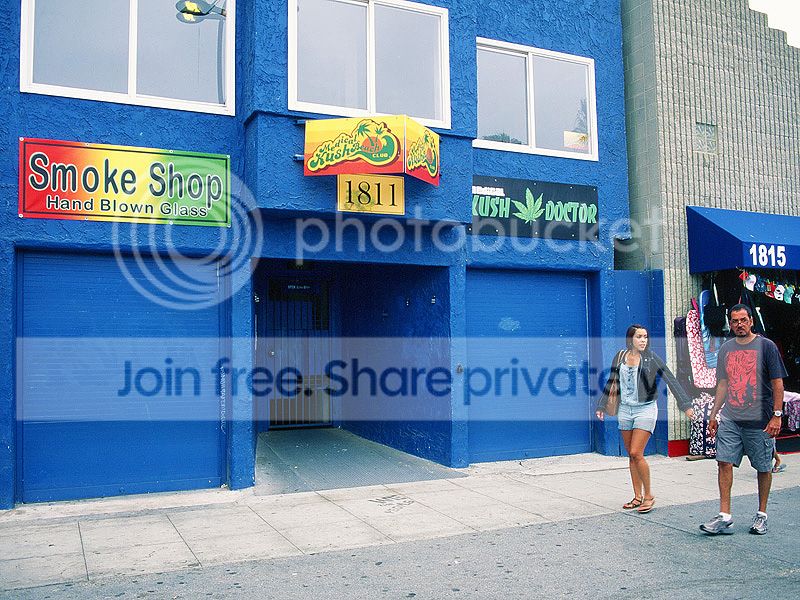
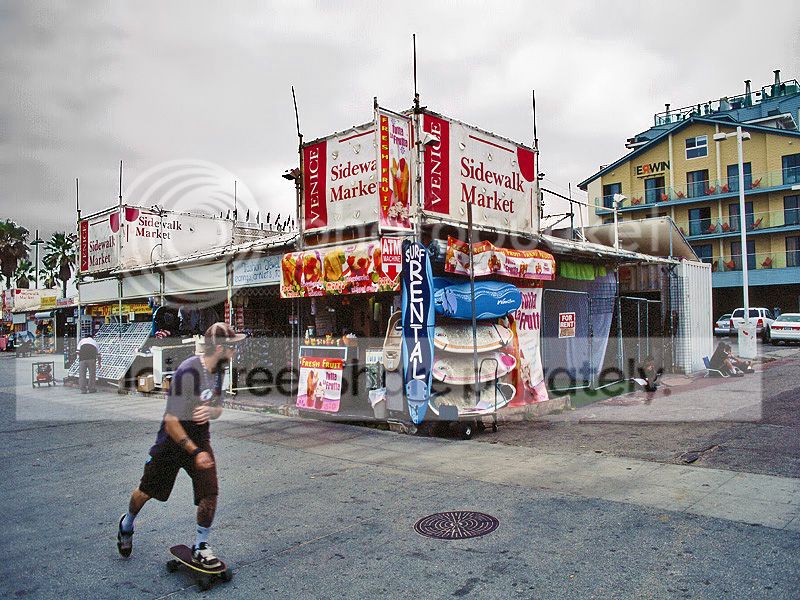
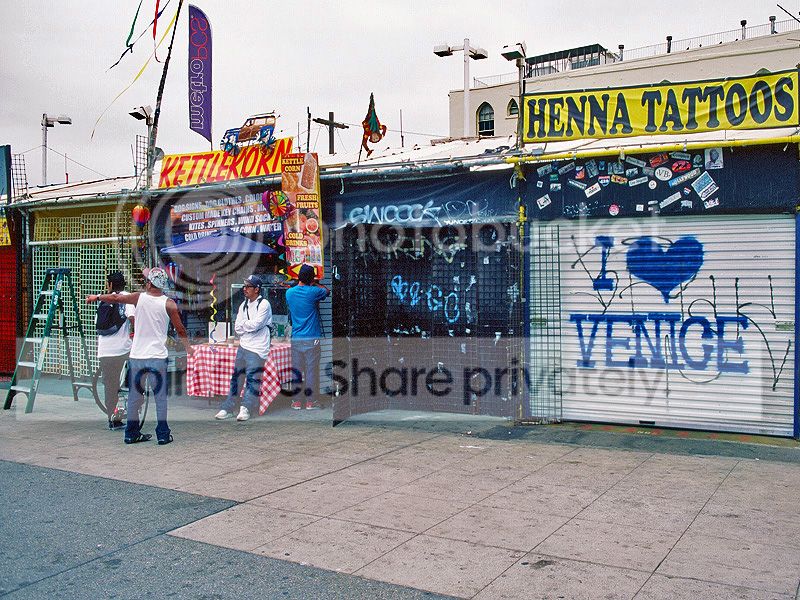
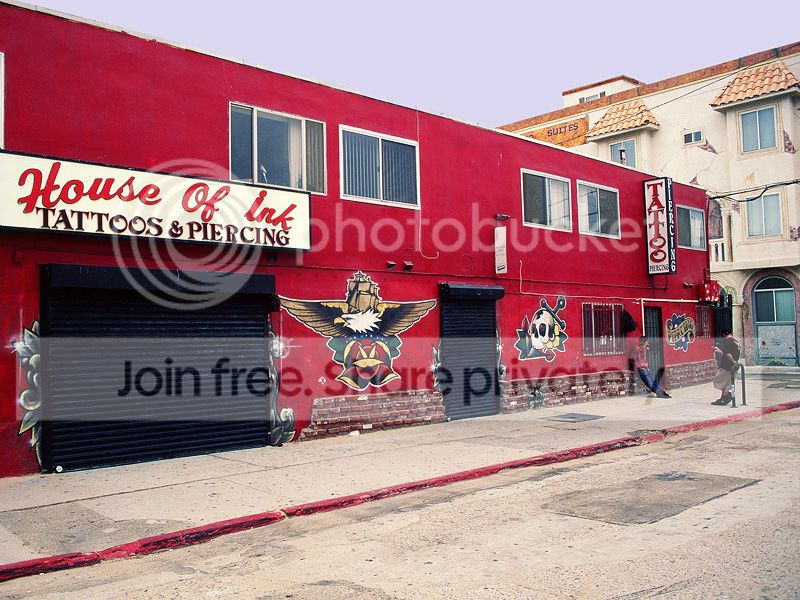
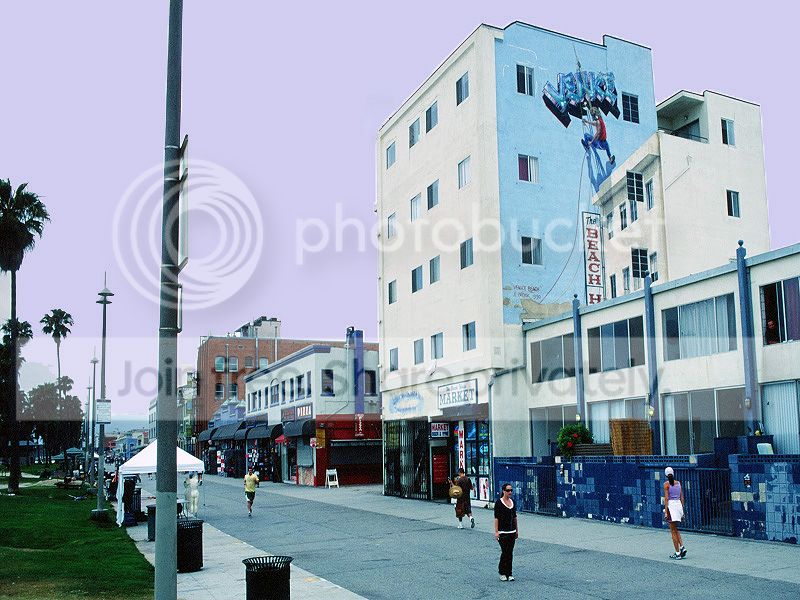
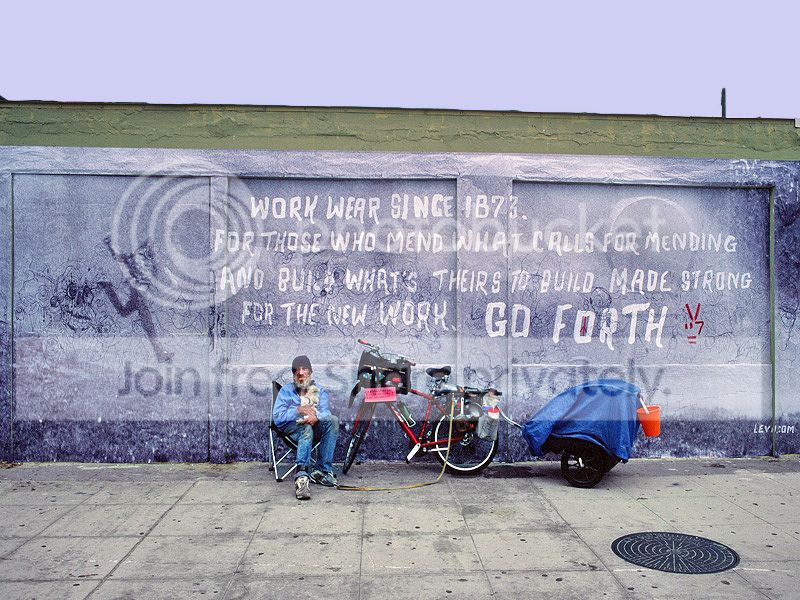
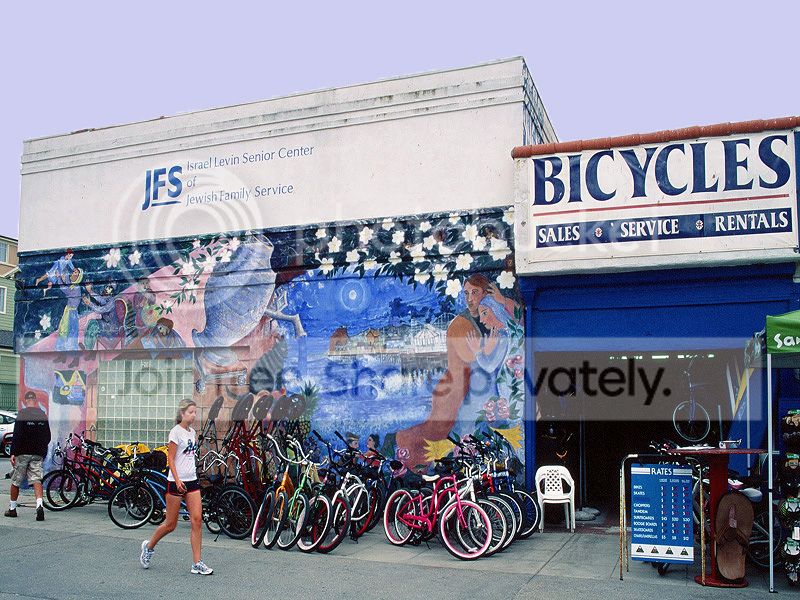
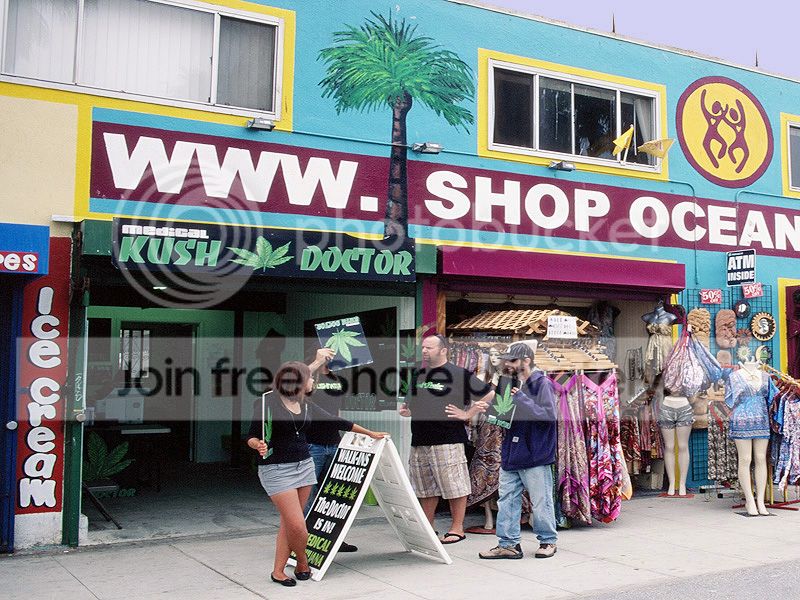
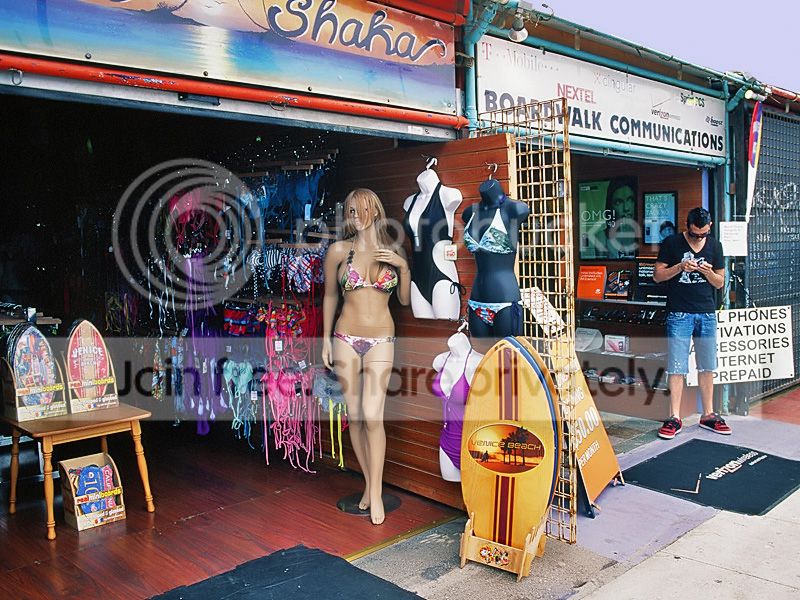
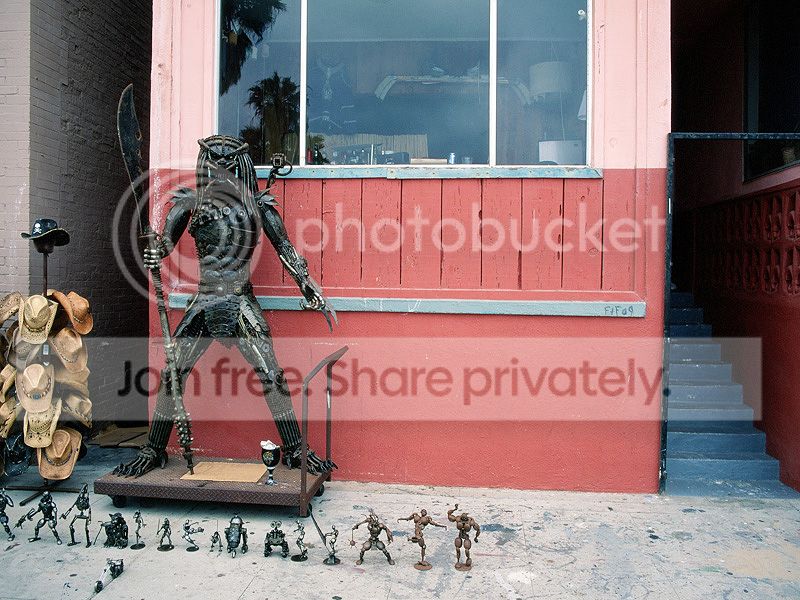
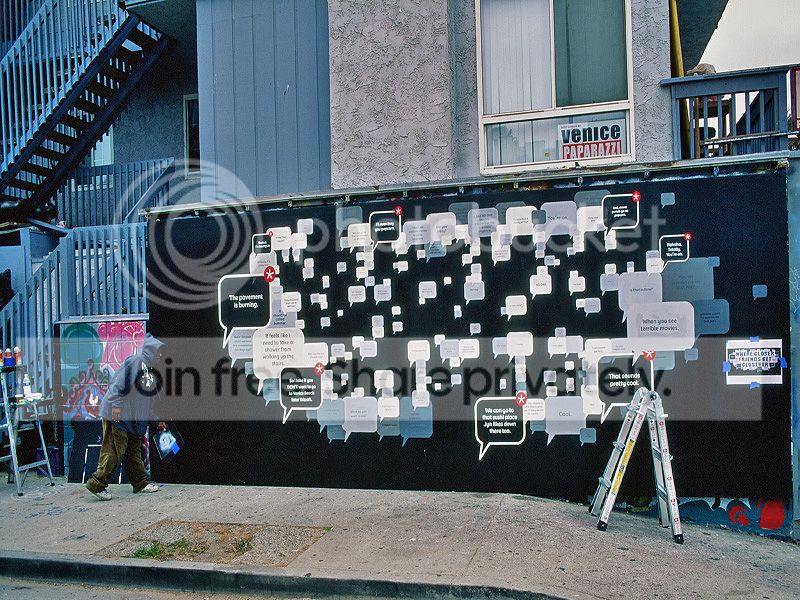
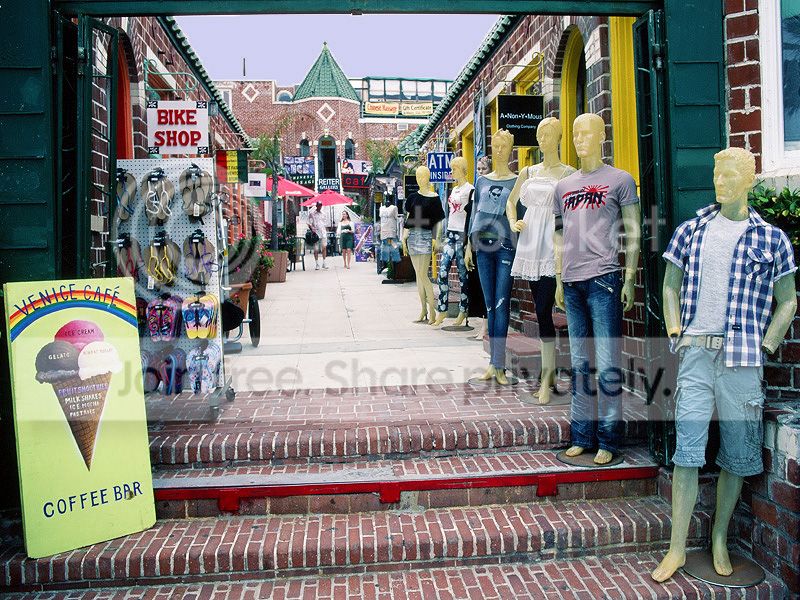
Hi folks. I had this roll of Velvia 50 processed and scanned by Samy's my local pro shop. They charged me $27.00 bucks for this and this did not include prints. My question is this. To my eyes and my monitor is calibrated, the color balance seems off to me. I see purple skies and believe me the skies where gray this day.. Does the color look right?

- Messages
- 12,294
- Name
- Brian
- Edit My Images
- Yes
The beach hotel 2nd from last has a blue cast and the sky looks greyish in others (well the tattoo one has slightly pinky sky)..but my old CRT monitor is not professional calibrated.

In the sky in the last 3 there is definately a purple/pink tinge.


TheBigYin
Moderator
- Messages
- 16,982
- Name
- Mark
- Edit My Images
- No
I normally find that with Velvia I get a magenta/purple colour shift if i've slightly underexposed the shot - hence I tend to shoot with a +1/3ev compensation (shoot Velvia 50 as 40, 100 as 80) As if it's not slow enough already - not a problem for my kind of stuff, landscapes not being noted for their speed of movement, but could be a problem with street stuff.


footman
Suspended / Banned
- Messages
- 4,914
- Name
- Laurence
- Edit My Images
- No
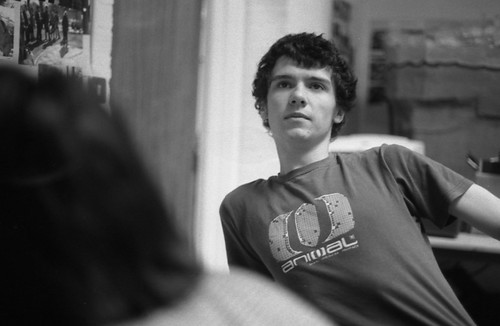
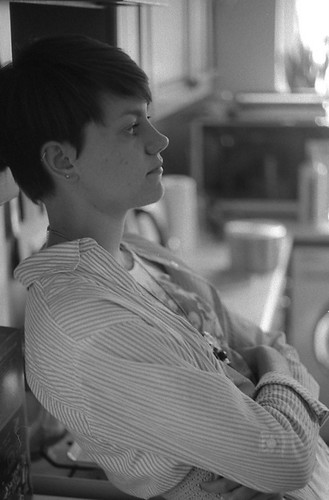
triple exposure (girlfriend's stubbed and bloody toenail)
ooooh, I'll just get my instruments sterilised. Is she scared of needles?


paleblue
Suspended / Banned
- Messages
- 705
- Name
- Rick
- Edit My Images
- No
ooooh, I'll just get my instruments sterilised. Is she scared of needles?
haha actually she's training to be a doctor, but gets faint at the sight of her own blood.
Cheers Sam


ujjwaldey8165
Suspended / Banned
- Messages
- 1,842
- Name
- Ujjwal
- Edit My Images
- No
Thats just wonderful Liam.
BTW, I had been trying to get a few shots with the setting sun in the frame. Some came out OK, some had the sun washed out (i.e it was a big blob of white). Whats the right way to meter it ( I was told that the VF should be placed looking onto the sky, with the sun just outside the VF, so that the sun cant be seen, and then lock the exposure). Is that correct, or should the sun be just outside the central focussing circle but inside the VF?
BTW, I had been trying to get a few shots with the setting sun in the frame. Some came out OK, some had the sun washed out (i.e it was a big blob of white). Whats the right way to meter it ( I was told that the VF should be placed looking onto the sky, with the sun just outside the VF, so that the sun cant be seen, and then lock the exposure). Is that correct, or should the sun be just outside the central focussing circle but inside the VF?
- Messages
- 12,294
- Name
- Brian
- Edit My Images
- Yes
I like that Paleblue, would have confused the hell outa me if you hadn't said what it was.
Some Legacy Pro (can't wait to shoot all this so I never have to again!)
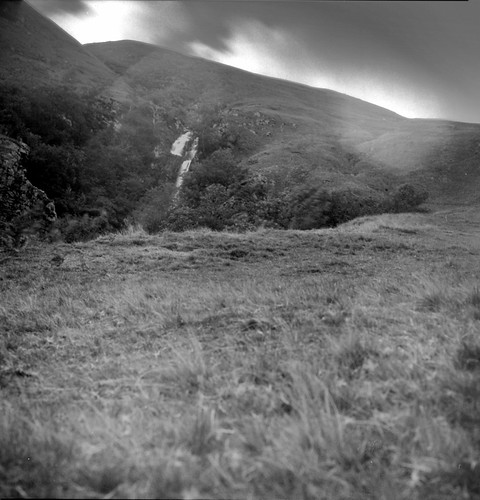
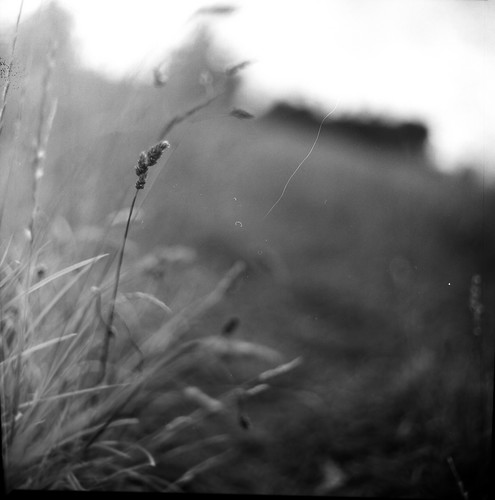
And 6x6 FP4
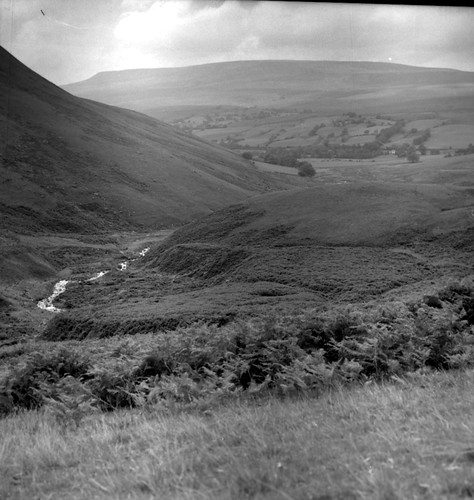
Sam.
erm is it my eyes or does this shot have uneven development

Liam
Suspended / Banned
- Messages
- 2,162
- Edit My Images
- Yes
Thats just wonderful Liam.
BTW, I had been trying to get a few shots with the setting sun in the frame. Some came out OK, some had the sun washed out (i.e it was a big blob of white). Whats the right way to meter it ( I was told that the VF should be placed looking onto the sky, with the sun just outside the VF, so that the sun cant be seen, and then lock the exposure). Is that correct, or should the sun be just outside the central focussing circle but inside the VF?
Thanks!
I am no expert but it depend on what you are trying to achieve, because the sun is always going to be a white blob as it is so bright. If you want the sun to be orange you will have to heavily underexpose the rest of the scene. Or you can be very lucky and see it through some cloud like in the first image below.
These images where metered off the sky just to the side of the sun, as you can see the sun is overexposed on the second image but the sky is ok.

Not sure if that helps..


mustanir
Suspended / Banned
- Messages
- 685
- Edit My Images
- No
Thanks!
I am no expert but it depend on what you are trying to achieve, because the sun is always going to be a white blob as it is so bright. If you want the sun to be orange you will have to heavily underexpose the rest of the scene. Or you can be very lucky and see it through some cloud like in the first image below.
These images where metered off the sky just to the side of the sun, as you can see the sun is overexposed on the second image but the sky is ok.
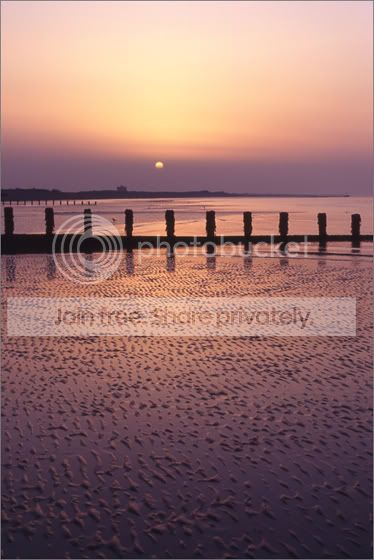
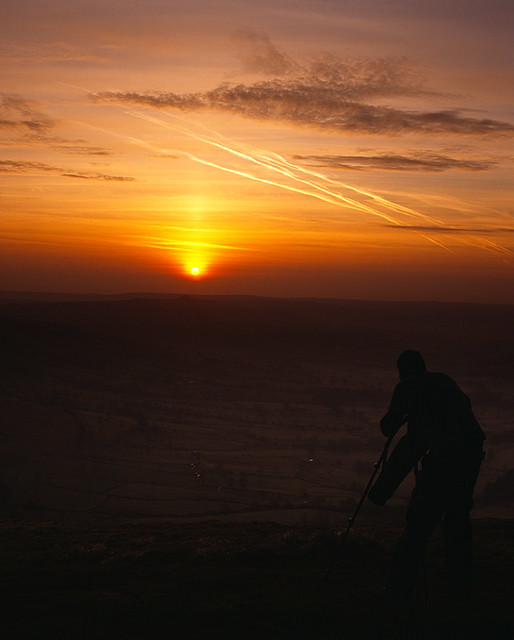
Easy solution - ND grad filter

Meter on the sun itself, fiddle everything else accordingly. The ND grad allows you to reduce the difference in brightness between sky and foreground. This was shot on Provia, not Velvia (so there is inherently less contrast anyway) and is a sunrise, but you get the idea. No overblown sun, still some foreground detail.

Mr_T
Suspended / Banned
- Messages
- 528
- Edit My Images
- Yes
I always try to avoid shooting towards a setting sun because it's always so much brighter than anything else (as seen in mustanir's example). The half arsed method I use is to meter the sky (making sure the sun isn't in the frame when metering) then meter the foreground. Add gradients to even out the difference then shoot with your foreground exposure. It's not nearly as accurate as using the zone system but it's given me OK results so far.
jgredline
Suspended / Banned
- Messages
- 2,622
- Name
- Javier
- Edit My Images
- Yes
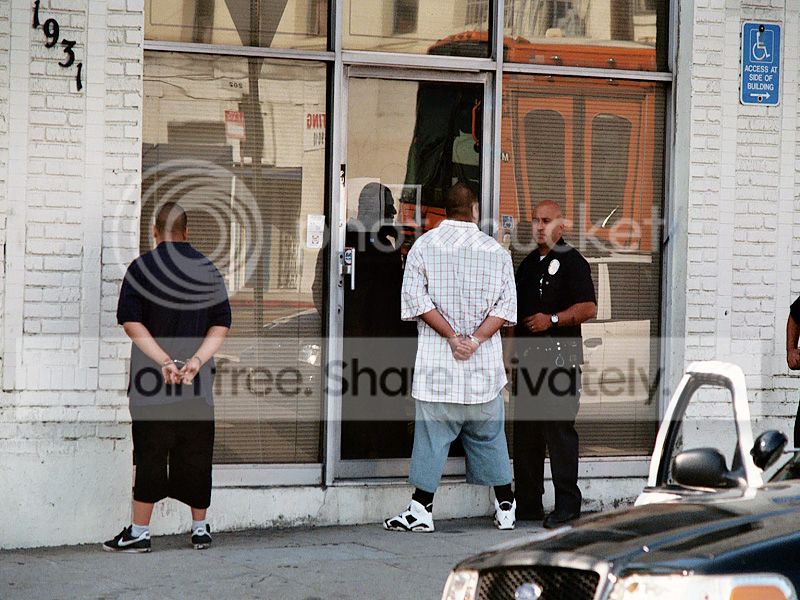
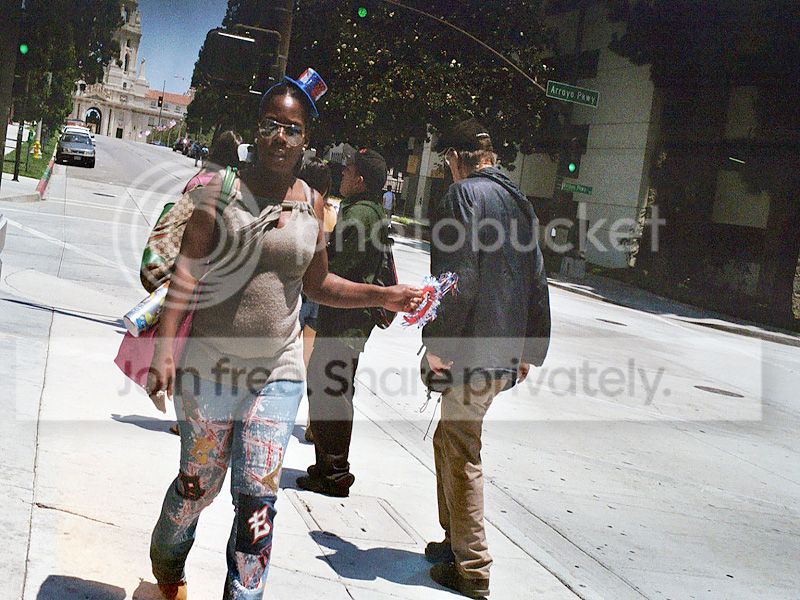
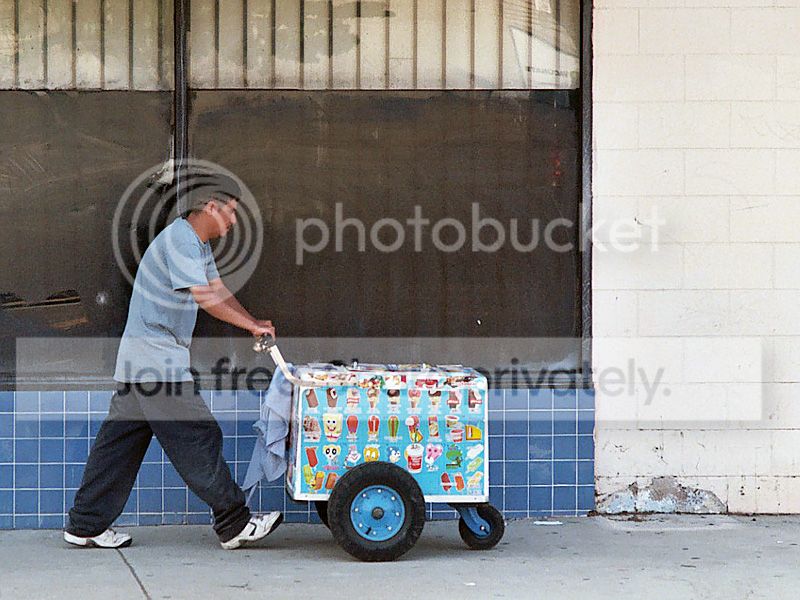
Loving the LA street pics Javier.
Thank you very much!
jgredline
Suspended / Banned
- Messages
- 2,622
- Name
- Javier
- Edit My Images
- Yes
Do have a sight colour shift but I love the last one, your best yet imho!
Andy1868, love em all!
Thank you very much.
jgredline
Suspended / Banned
- Messages
- 2,622
- Name
- Javier
- Edit My Images
- Yes
The beach hotel 2nd from last has a blue cast and the sky looks greyish in others (well the tattoo one has slightly pinky sky)..but my old CRT monitor is not professional calibrated.
In the sky in the last 3 there is definately a purple/pink tinge.
Thank you all very much for the feed back.
Thank you and I believe you have nailed it according to my little bit of research. Thank you!I normally find that with Velvia I get a magenta/purple colour shift if i've slightly underexposed the shot - hence I tend to shoot with a +1/3ev compensation (shoot Velvia 50 as 40, 100 as 80) As if it's not slow enough already - not a problem for my kind of stuff, landscapes not being noted for their speed of movement, but could be a problem with street stuff.
jgredline
Suspended / Banned
- Messages
- 2,622
- Name
- Javier
- Edit My Images
- Yes

CaptainPenguin
Suspended / Banned
- Messages
- 5,161
- Name
- Nigel Cliff
- Edit My Images
- Yes
Thts a great set of shots technically spot on and the subject matter is fabulous
CaptainPenguin
Suspended / Banned
- Messages
- 5,161
- Name
- Nigel Cliff
- Edit My Images
- Yes
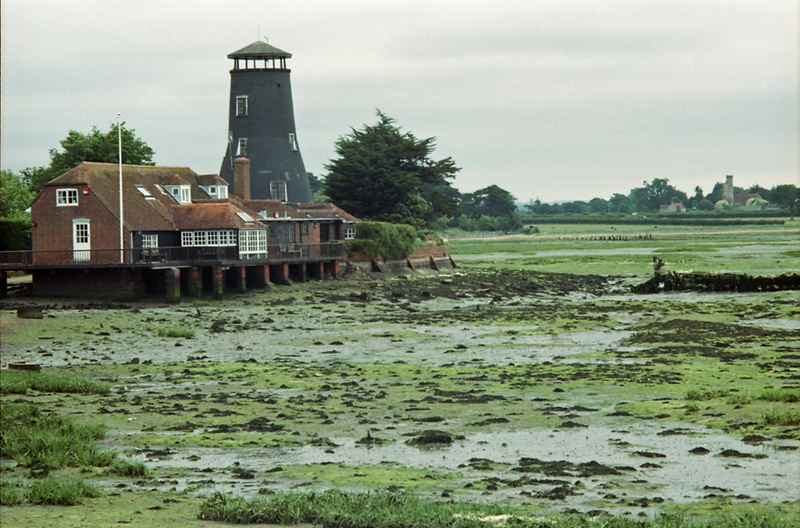
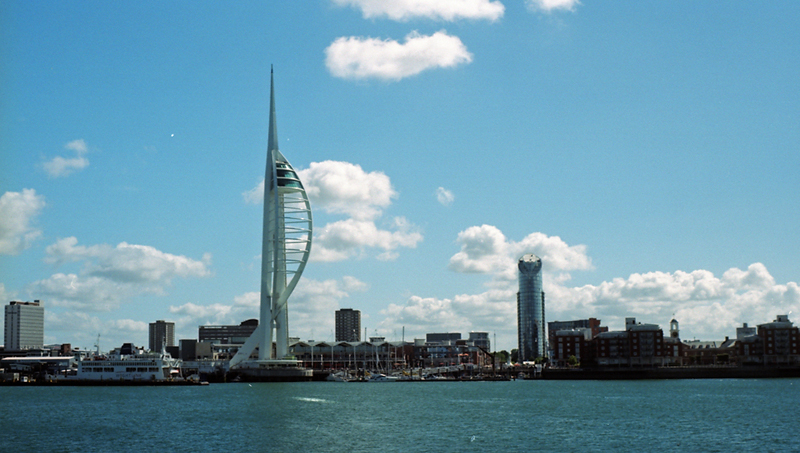
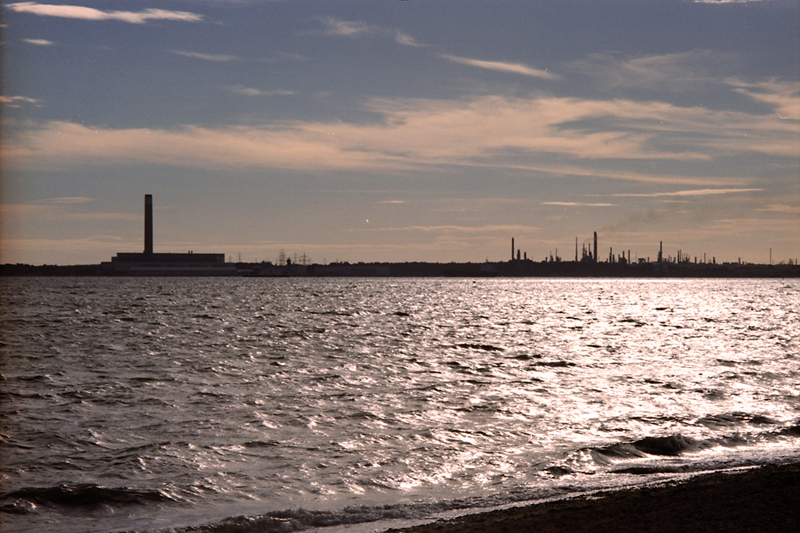
First set of shots from the Minolta XD7 taken whilst on holiday in Hampshire

Knikki
Suspended / Banned
- Messages
- 1,901
- Name
- Nick (yes there is more than one of us)
- Edit My Images
- Yes
Some really nice photographs. Looking good out of the Minolta Nigel
Also liking the LA shots from jgredline.
Ok a couple from me. All shot on the Yashica 124 using Extar, processed and scanned at The UK Darkroom. I have messed with the colour on 2 in PS to get something a little different.
1

2

3

Also liking the LA shots from jgredline.
Ok a couple from me. All shot on the Yashica 124 using Extar, processed and scanned at The UK Darkroom. I have messed with the colour on 2 in PS to get something a little different.
1
2
3


CaptainPenguin
Suspended / Banned
- Messages
- 5,161
- Name
- Nigel Cliff
- Edit My Images
- Yes
Some really nice photographs. Looking good out of the Minolta Nigel
Also liking the LA shots from jgredline.
Ok a couple from me. All shot on the Yashica 124 using Extar, processed and scanned at The UK Darkroom. I have messed with the colour on 2 in PS to get something a little different.
1
2
3
Love no 2 with all those curves and 3 is almost there but I think the figure spoils it a touch
TheBigYin
Moderator
- Messages
- 16,982
- Name
- Mark
- Edit My Images
- No
Nice subtle self-portrait there
Agreed, it's a minor shame about the figure on the right, and the backs of the cars. Up on the North Terrace, Whitby ?Up on the North Terrace, Whitby ?
Looks like it. 'The Royal' was filmed in the hotel immediately out of shot to the woman's right. In the first shot you can just see the cliffs at Sandsend with Kettleness headland in the distance.

joxby
Suspended / Banned
- Messages
- 8,782
- Name
- John
- Edit My Images
- No
I used my 20mm AF-D for a wide on kodachrome, and its a right distorted thing on a 35mm film camera, not half as bad on a crop sensor.
And another thing, I'm not impressed with mounted slides, you lose too much of a frame for scanning, proper buggered up this church shot...:shake:


And another thing, I'm not impressed with mounted slides, you lose too much of a frame for scanning, proper buggered up this church shot...:shake:


jgredline
Suspended / Banned
- Messages
- 2,622
- Name
- Javier
- Edit My Images
- Yes