

You are using an out of date browser. It may not display this or other websites correctly.
You should upgrade or use an alternative browser.
You should upgrade or use an alternative browser.
Show us yer film shots then!
- Thread starter Grant
- Start date


Mr_T
Suspended / Banned
- Messages
- 528
- Edit My Images
- Yes
I scanned a roll of FP4 yesterday but the results are awful, I tried to "fix" the major lack of contrast in these frames by playing with levels but I'd really like to avoid this (I want to see film characteristics, not make them myself). I'm trying to work out if the problem is the light, the orange filter, the metering,grad placement, development or the scanning  .
.
1. A product of PhotoShop buggery.

2. Pretty much the same as 1.

3. I gave up the will to live so started tweaking the gamma and other such things, no separate masks for foreground or sky or anything like that.

. 1. A product of PhotoShop buggery.
2. Pretty much the same as 1.
3. I gave up the will to live so started tweaking the gamma and other such things, no separate masks for foreground or sky or anything like that.

jgredline
Suspended / Banned
- Messages
- 2,622
- Name
- Javier
- Edit My Images
- Yes
Here's a B&W. I don't think anyone should get upset about excalibur2's opinion; he's entitled to it.
Delta 3200 @ 1600 in D76. Mamiya c330 pro F

wow....

jgredline
Suspended / Banned
- Messages
- 2,622
- Name
- Javier
- Edit My Images
- Yes
Ujjwal - those panos rock
+1...Nice shooting!

- Messages
- 12,294
- Name
- Brian
- Edit My Images
- Yes
I scanned a roll of FP4 yesterday but the results are awful, I tried to "fix" the major lack of contrast in these frames by playing with levels but I'd really like to avoid this (I want to see film characteristics, not make them myself). I'm trying to work out if the problem is the light, the orange filter, the metering,grad placement, development or the scanning
1. A product of PhotoShop buggery.
3. I gave up the will to live so started tweaking the gamma and other such things, no separate masks for foreground or sky or anything like that.
You are nearly there using Photoshop by using the gamma to darken the shot for the sky then using a member's method of high pass sharpening which brightens the foreground. Sometimes Photoshop's shadow lightener is useful....all this is not cheating as in the old days using a card or dodging tool to hold back areas for exposure, on the print, was done in the darkroom, plus using chemicals to lighten dense negs and other tricks that I've forgotten.

Knikki
Suspended / Banned
- Messages
- 1,901
- Name
- Nick (yes there is more than one of us)
- Edit My Images
- Yes
I agree with Excalibur that you are almost there.
See if you can find a website or stuff done by a chap called Paul Gallagher, he shoots film on 5x4 then scans, then alters in PS before printing.
Try using the Lasso selection Tool with a big feather setting like 150 - 200 pixels, select an area of the image use either Levels or Curves to get the effect your after. You can do this a number of times over the whole image to get the effect your after.
Using PS like this is simply simulating what you can do in the darkroom, Curves can be used overall to add contrast and simulate paper grades.
I do this method a lot on my images and like the effect it gets.
I think your landscapes are very good Mr_T
See if you can find a website or stuff done by a chap called Paul Gallagher, he shoots film on 5x4 then scans, then alters in PS before printing.
Try using the Lasso selection Tool with a big feather setting like 150 - 200 pixels, select an area of the image use either Levels or Curves to get the effect your after. You can do this a number of times over the whole image to get the effect your after.
Using PS like this is simply simulating what you can do in the darkroom, Curves can be used overall to add contrast and simulate paper grades.
I do this method a lot on my images and like the effect it gets.
I think your landscapes are very good Mr_T

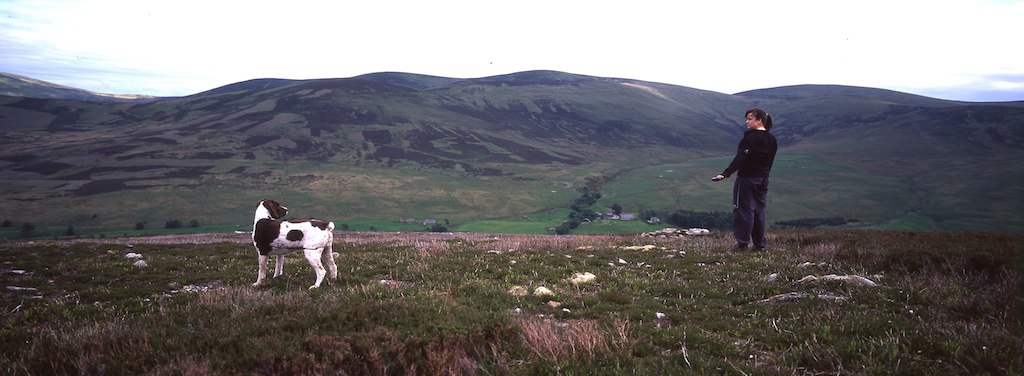
Mr_T
Suspended / Banned
- Messages
- 528
- Edit My Images
- Yes
Thanks for the advice excalibur2 and Knikki, I'll look into the techniques mentioned and see where they get me.
*edit*
Right, I just finished scanning my roll of Rollei Retro 80s and have to say that I'm pretty bummed out. I absolutely love the rendition of this film (used here with an orange filter) but somewhere along the line something has seriously messed up. The entire film is covered in absolutely awful scratches and streak marks to the point where I've given up trying to fix the issue and on top of this it appears that several frames have been fogged. As my own processing is awful I sent all of these rolls off to Peak Imaging but I don't know where they or I have gone wrong.
1. I did a lot of healing here but it came out OK in the end.

2. I started working on the healing here until I realised that a lot of what I perceived as being blades of grass were in fact clusters of scratches everywhere.

3. Not as bad as 2 for scratches but if you look at the top right you can see boxes.

4. You can even more clearly see both boxes and numbers on this frame, I have no idea where they have come from.

*edit*
Right, I just finished scanning my roll of Rollei Retro 80s and have to say that I'm pretty bummed out. I absolutely love the rendition of this film (used here with an orange filter) but somewhere along the line something has seriously messed up. The entire film is covered in absolutely awful scratches and streak marks to the point where I've given up trying to fix the issue and on top of this it appears that several frames have been fogged. As my own processing is awful I sent all of these rolls off to Peak Imaging but I don't know where they or I have gone wrong.
1. I did a lot of healing here but it came out OK in the end.
2. I started working on the healing here until I realised that a lot of what I perceived as being blades of grass were in fact clusters of scratches everywhere.
3. Not as bad as 2 for scratches but if you look at the top right you can see boxes.
4. You can even more clearly see both boxes and numbers on this frame, I have no idea where they have come from.
Last edited:

Kev M
Suspended / Banned
- Messages
- 4,347
- Name
- You can call me Sir.
- Edit My Images
- Yes
What camera were you using? I was going to say that the last one looks like frame numbers from backing paper but then the numbers are never lined up like that on roll film.
Whatever it is it is very strange. I've had a few problems with Peak in the past but not scratches to the extent you seem to have experienced. Could it be a problem with the camera? Some sharp edges or something? Could it be your handling when scanning?
Whatever it is it is very strange. I've had a few problems with Peak in the past but not scratches to the extent you seem to have experienced. Could it be a problem with the camera? Some sharp edges or something? Could it be your handling when scanning?

- Messages
- 4,126
- Name
- Arthur
- Edit My Images
- No
Been a while, here's a few from the C35-EF3 again... I must get a film in something else! (I have a colour one in the R1 and also in the Dynax 7 but the C35 is pocket-size and the R1 lives in the car!)
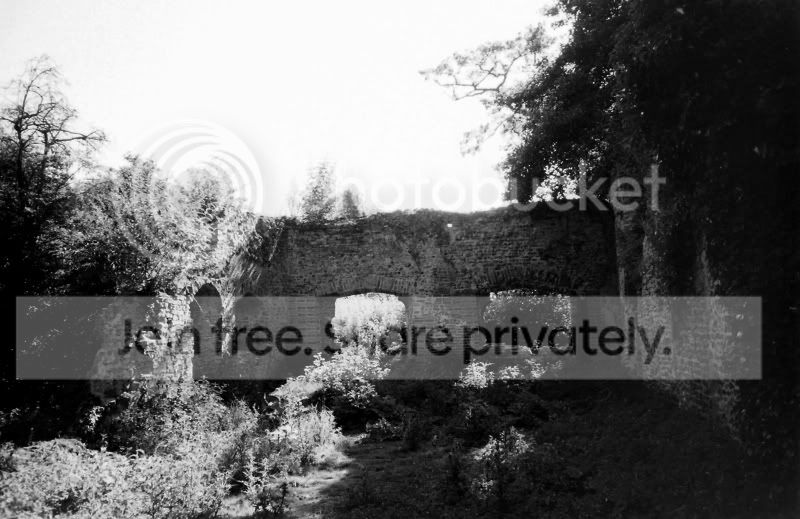
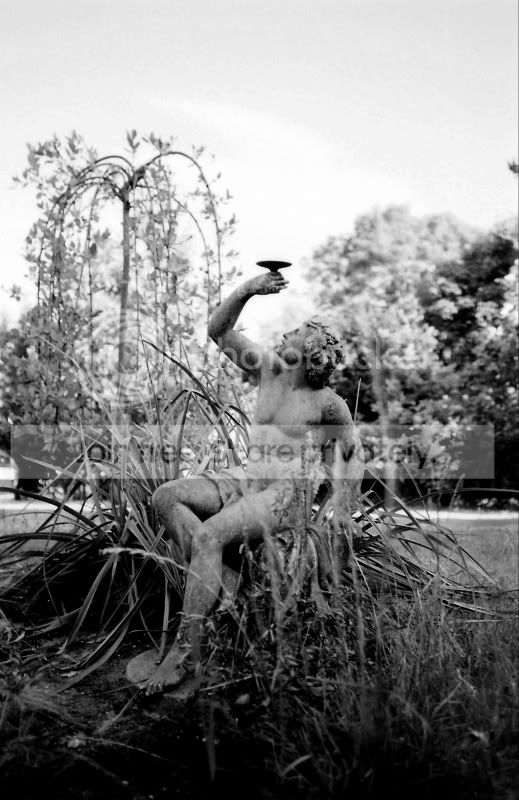
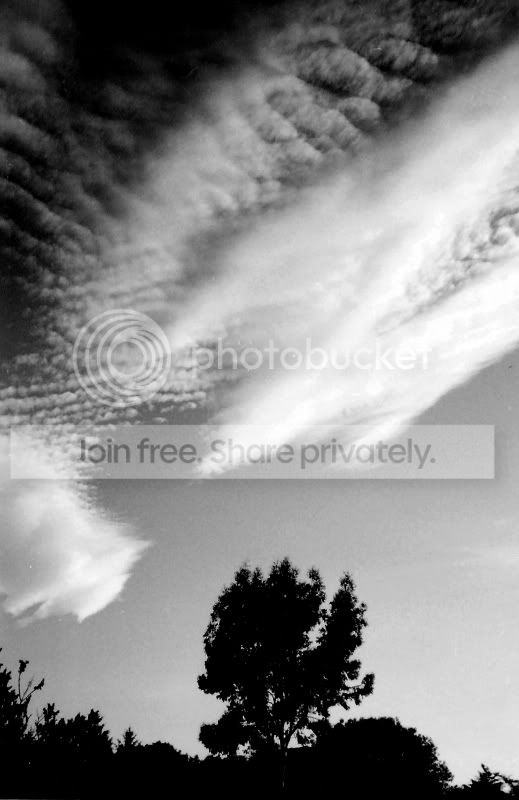
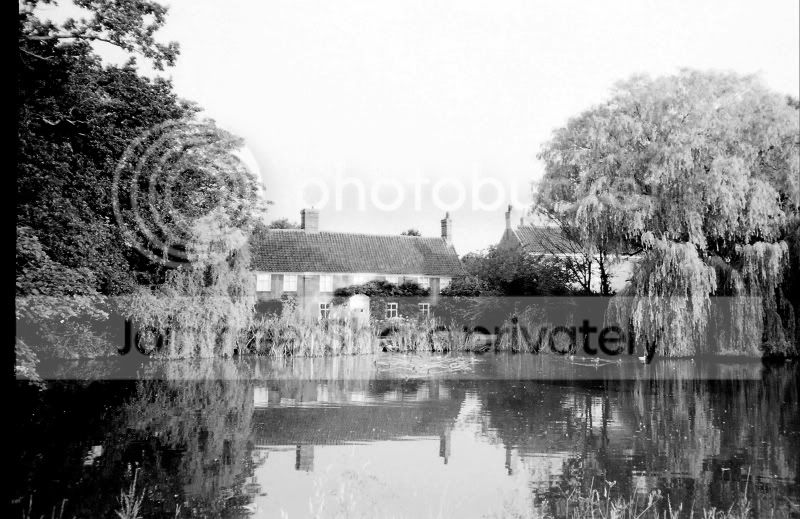
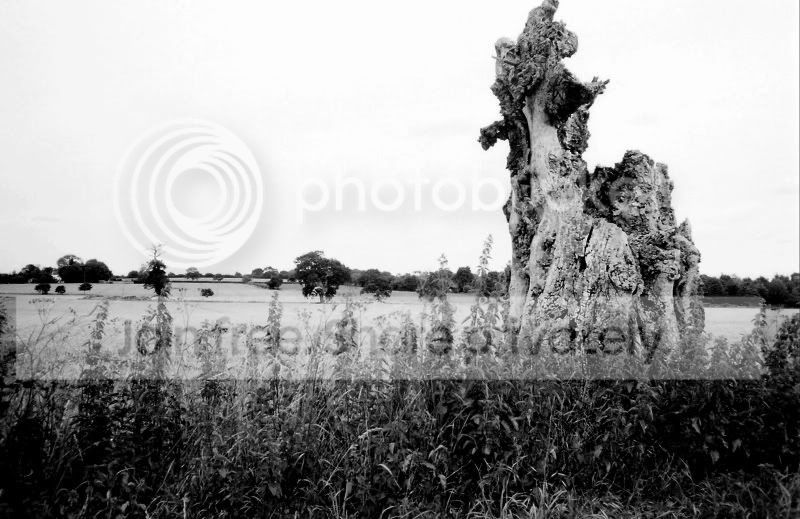
All bar the last were shot through a yellow filter. Statue in number 2 is about 6 inches
Rollei Retro 100, ID-11, blah blah.
All bar the last were shot through a yellow filter. Statue in number 2 is about 6 inches
Rollei Retro 100, ID-11, blah blah.
Last edited:

Liam
Suspended / Banned
- Messages
- 2,162
- Edit My Images
- Yes
What camera were you using? I was going to say that the last one looks like frame numbers from backing paper but then the numbers are never lined up like that on roll film.
Whatever it is it is very strange. I've had a few problems with Peak in the past but not scratches to the extent you seem to have experienced. Could it be a problem with the camera? Some sharp edges or something? Could it be your handling when scanning?
I agree, it has to be the backing paper. To get this you would have to have a leak from behind the film or was it a long exposure? Very strange..
Mr_T
Suspended / Banned
- Messages
- 528
- Edit My Images
- Yes
I know that this film is special in that it is also an infrared capable film, perhaps that makes it more sensitive, it's a very thin film. After putting the exposed film in my bag I opened up the bag and had direct sun shining on the roll briefly, would that explain it? These problems all showed up in the 5X4 prints I had done at the same time (apart from scratches which you can't see at that size). None of these shots were long exposures and I've never had problems like this with the other rolls I put through the camera after this one.
Last edited:

joxby
Suspended / Banned
- Messages
- 8,782
- Name
- John
- Edit My Images
- No
The numbers are correct 6x6 frame numbers, that would make the format 6x7/6x8 ??
Rollei IR 400 is IR film not retro 80, but it still looks like a leak after the film was exposed since its the arse end of the film.
I wouldn't have thought a few of seconds exposure to daylight of a wound roll of 120 would do that though, it would have to be 360 degrees of light....:shrug:
Rollei IR 400 is IR film not retro 80, but it still looks like a leak after the film was exposed since its the arse end of the film.
I wouldn't have thought a few of seconds exposure to daylight of a wound roll of 120 would do that though, it would have to be 360 degrees of light....:shrug:
joxby
Suspended / Banned
- Messages
- 8,782
- Name
- John
- Edit My Images
- No
Been a while, here's a few from the C35-EF3 again...
Rollei Retro 100, ID-11, blah blah.
You need to get a grad on that, its a proper little sky blower that c35 Arthur.
Still, its better than a perfect sky and a load of black in the foreground..
Mr_T
Suspended / Banned
- Messages
- 528
- Edit My Images
- Yes
The numbers are correct 6x6 frame numbers, that would make the format 6x7/6x8 ??
Rollei IR 400 is IR film not retro 80, but it still looks like a leak after the film was exposed since its the arse end of the film.
I wouldn't have thought a few of seconds exposure to daylight of a wound roll of 120 would do that though, it would have to be 360 degrees of light....:shrug:
In all fairness, the film comes in a black plastic container which I cunningly neglected to put it back into. The film, cosily wrapped around its spool was sunning itself for a time that could be seconds but is probably closer to minutes. I presume this happened while the film was in my possession but after it was taken out of the camera but may be wrong, either way the negs themselves look pretty *****.
Last edited:
Kev M
Suspended / Banned
- Messages
- 4,347
- Name
- You can call me Sir.
- Edit My Images
- Yes
The numbers are correct 6x6 frame numbers, that would make the format 6x7/6x8 ??
Rollei IR 400 is IR film not retro 80, but it still looks like a leak after the film was exposed since its the arse end of the film.
I wouldn't have thought a few of seconds exposure to daylight of a wound roll of 120 would do that though, it would have to be 360 degrees of light....:shrug:
I thought that the frame numbers were staggered across the roll to account for different frame sizes?:shrug: Been a while since I've paid any attention to frame numbers as I've not used the folder or tlr in a looooooong time.
- Messages
- 4,126
- Name
- Arthur
- Edit My Images
- No
You need to get a grad on that, its a proper little sky blower that c35 Arthur.
Still, its better than a perfect sky and a load of black in the foreground..
Yeah, I think you're right there. Right now though I am trying to get the tele and wide adapters fitted... *then* I can sort other filters maybe - but they would all need to fit all the Konicas around here!
I know that this film is special in that it is also an infrared capable film, perhaps that makes it more sensitive, it's a very thin film. After putting the exposed film in my bag I opened up the bag and had direct sun shining on the roll briefly, would that explain it? These problems all showed up in the 5X4 prints I had done at the same time (apart from scratches which you can't see at that size). None of these shots were long exposures and I've never had problems like this with the other rolls I put through the camera after this one.
You've just reminded me why I never changed 120 film in daylight if I could help it.
I carried a changing-bag to reload film backs for the Hasselblad and the Pentax 6x7 so as to avoid what's happened to you.
Studio work is less of a problem as there's less bright light kicking around...
After the films were rewound and put back in their foil wrappers, I then put them in a tupperware box that I'd covered in gaffer-tape to make totally light-proof.
Very tricky in the summer as sweaty hands and film emulsion are not a good mix - I used thin white cotton gloves to handle everything...
Blimey - the things you forget!!!
Last edited:
Mr_T
Suspended / Banned
- Messages
- 528
- Edit My Images
- Yes
You've just reminded me why I never changed 120 film in daylight if I could help it.
I carried a changing-bag to reload film backs for the Hasselblad and the Pentax 6x7 so as to avoid what's happened to you.
Studio work is less of a problem as there's less bright light kicking around...
After the films were rewound and put back in their foil wrappers, I then put them in a tupperware box that I'd covered in gaffer-tape to make totally light-proof.
Very tricky in the summer as sweaty hands and film emulsion are not a good mix - I used thin white cotton gloves to handle everything...
Blimey - the things you forget!!!
Ah, excellent, I was getting a bit paranoid that there was something wrong with my trusty Pentax for a minute there. Just as I suspected the only tool that failed is myself. I don't know if I'd go as hardcore as using a changing-bag but I will try to have some kind of bag to prevent such problems arising in the future.


- Messages
- 12,294
- Name
- Brian
- Edit My Images
- Yes
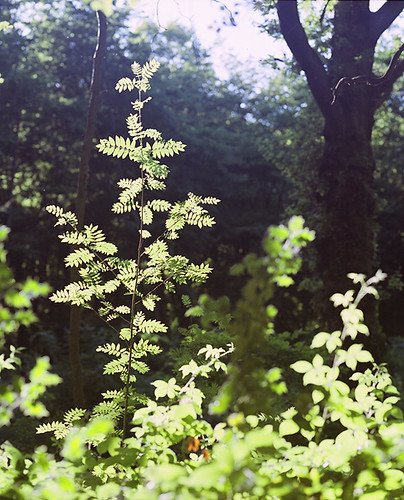
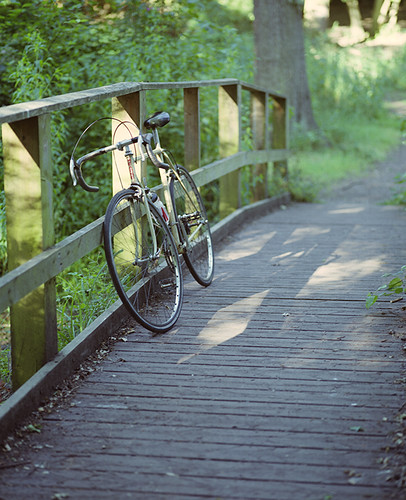
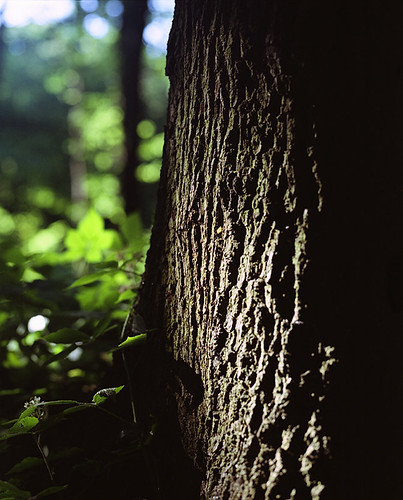
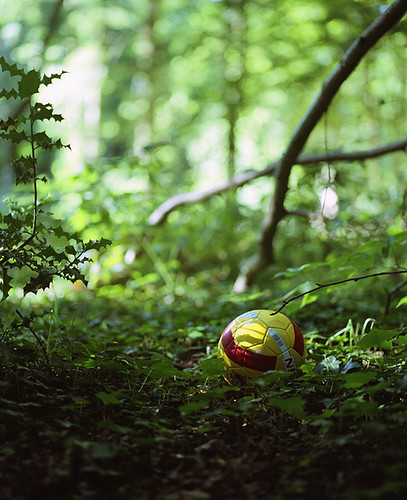
***A few from this weekend with the Mamiya RZ67 shot on colour neg film***
With that size posted the quality is like a Rolls Royce cruising at 30mph.
With that size posted the quality is like a Rolls Royce cruising at 30mph.
Liam
Suspended / Banned
- Messages
- 2,162
- Edit My Images
- Yes
A few from this weekend with the Mamiya RZ67 shot on colour neg film
Lovely images and nice bike, fixed? I need to get some images of my peugeot as its being neglected at the moment as I am having to drive to work


VirtualAdept
Suspended / Banned
- Messages
- 2,169
- Name
- Mads
- Edit My Images
- Yes
My first attempt at sharing any of my 35mm images. No processing other than resize on all and crop on the second one. EDIT: And a touch of direct positive preset on the first.
I have to say I'm really really pleased with how these came out considering it was a £1 roll of kodak colour film.


I have to say I'm really really pleased with how these came out considering it was a £1 roll of kodak colour film.

ekimeno
Suspended / Banned
- Messages
- 2,659
- Name
- Mike
- Edit My Images
- Yes
Lovely images and nice bike, fixed? I need to get some images of my peugeot as its being neglected at the moment as I am having to drive to work
Thanks Liam - it's a late 70's 6-speed steel frame bike with all original Campagnolo components - very comfy and is only slightly slower than my light weight full carbon bike.
Some shots from my newly acquired Canon AE-1 Program and the 50mm 1.8. Tesco Dev and CD, some cloning of marks and resize only
Those are some excellent shots - the contrast is spot on. Not bad that XP2...
Last edited:

pepper
Suspended / Banned
- Messages
- 802
- Name
- Richard
- Edit My Images
- Yes
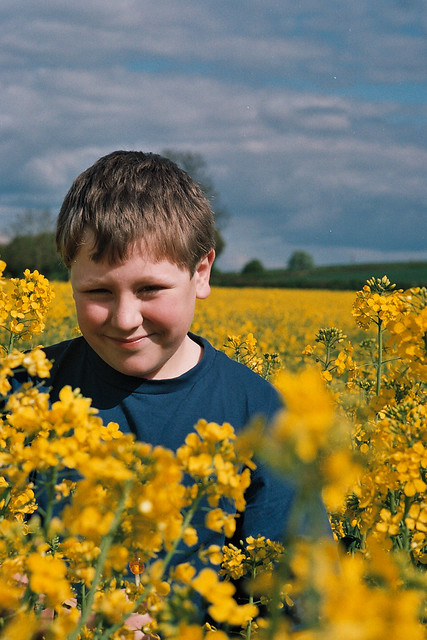
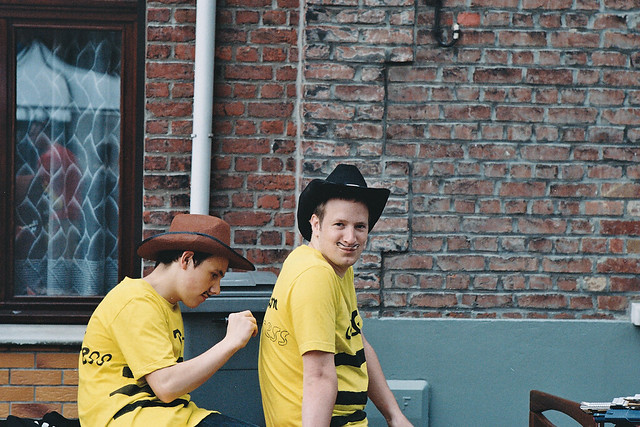
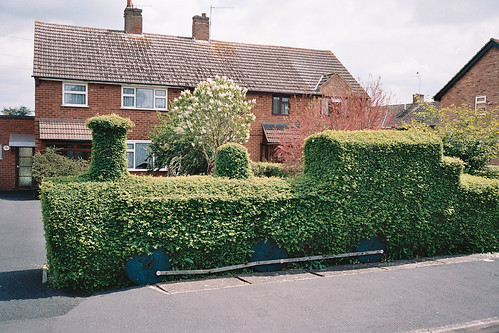
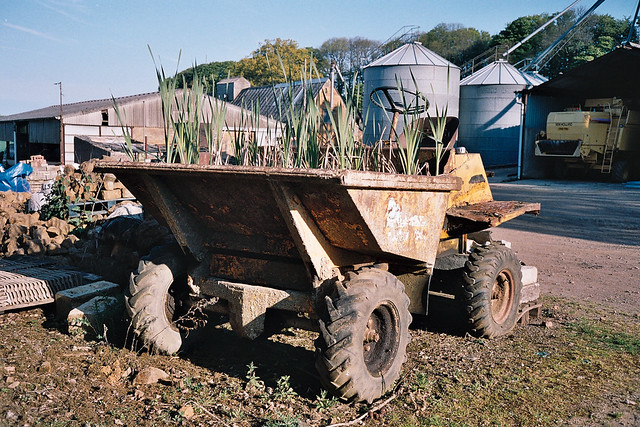
Well I've been out playing with my Bessa R2a and here are a few from my latest Tesco developed film.
The wide angle images were taken with my shonky cracked 35mm Summicron f2 and the others were taken with my Rusky 85mm Jupiter 9 which I acquired from a lovely gentleman who hangs around these parts.
The film was Kodak Portra 160VC, when I went to pick up the film from my local girl she commented that she loves developing my Portra as its colours are so vivid and clean compared to most of the stuff she puts through the machine, she apologised for the fact that they don't use distilled water which had left a few marks on the negatives. But in general Tesco Banbury's photo girls take a lot of time and trouble and are really helpful.
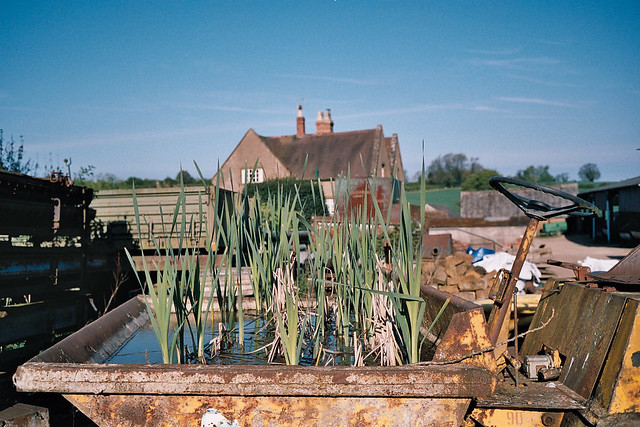
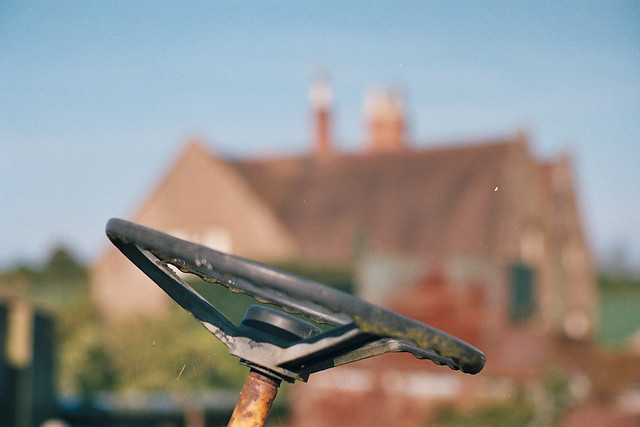
The wide angle images were taken with my shonky cracked 35mm Summicron f2 and the others were taken with my Rusky 85mm Jupiter 9 which I acquired from a lovely gentleman who hangs around these parts.
The film was Kodak Portra 160VC, when I went to pick up the film from my local girl she commented that she loves developing my Portra as its colours are so vivid and clean compared to most of the stuff she puts through the machine, she apologised for the fact that they don't use distilled water which had left a few marks on the negatives. But in general Tesco Banbury's photo girls take a lot of time and trouble and are really helpful.
Last edited:

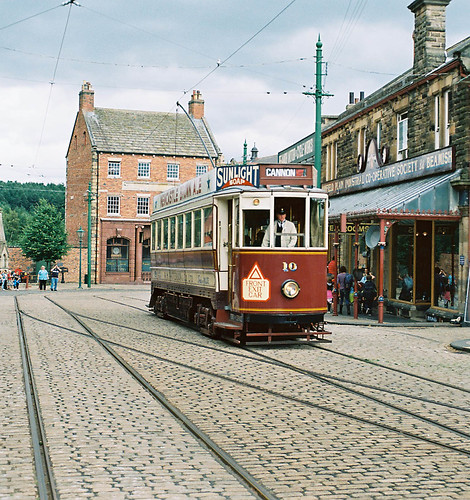
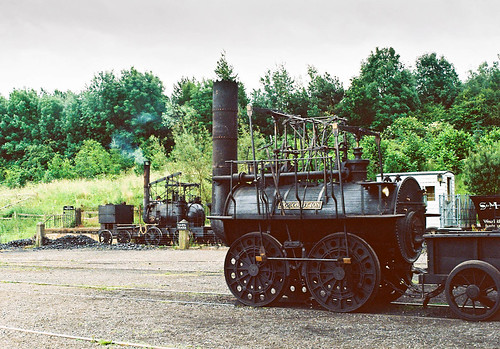


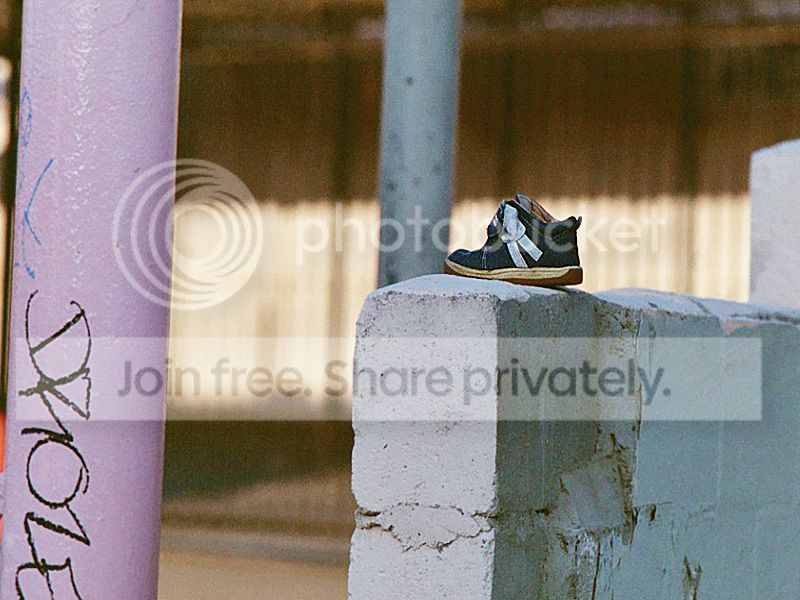
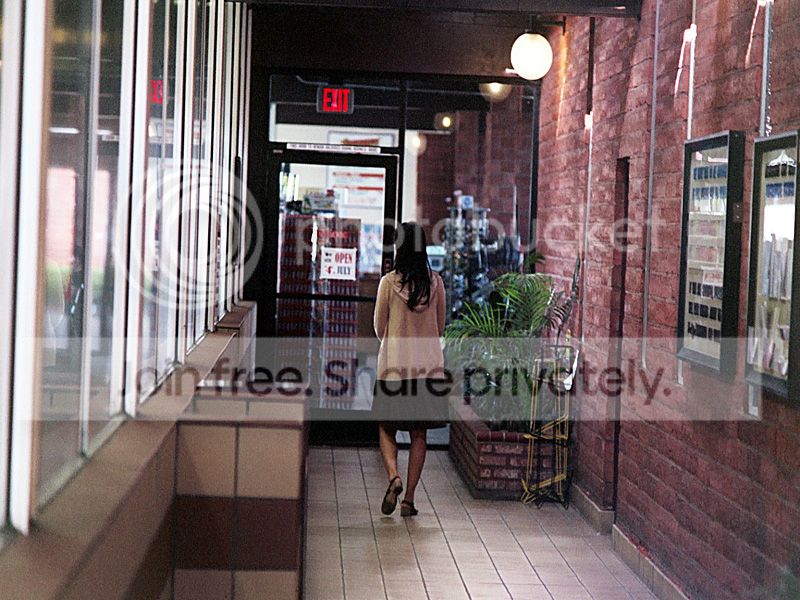
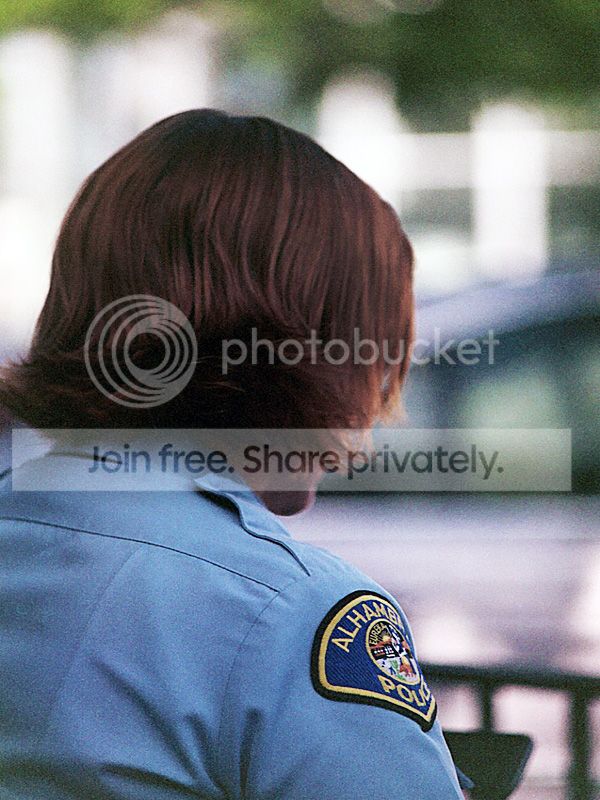
 I've forgotten how to do that.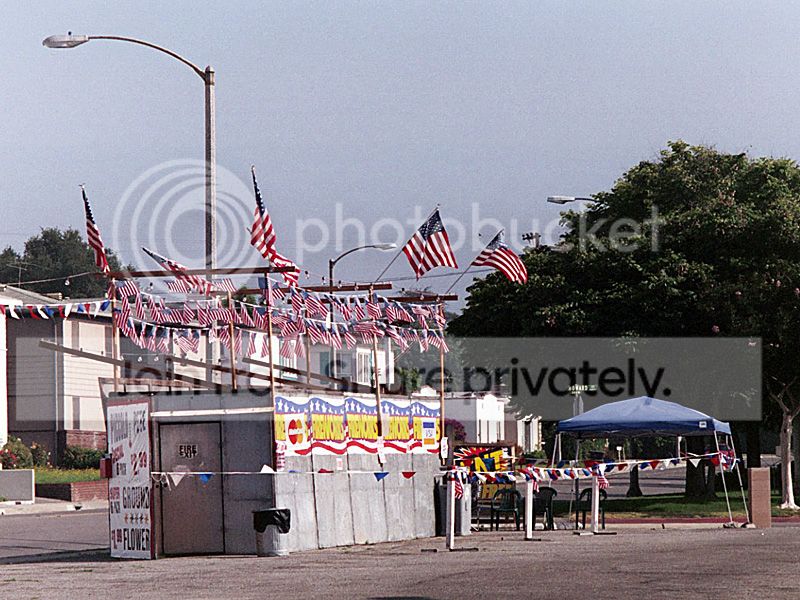

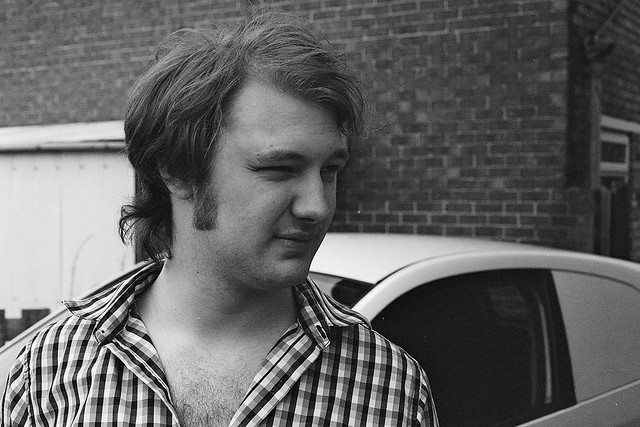
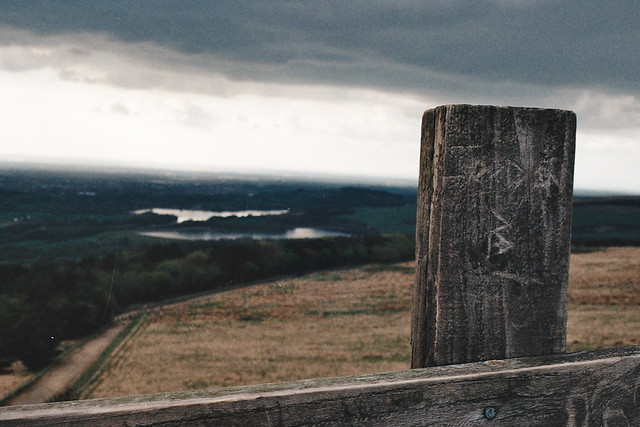
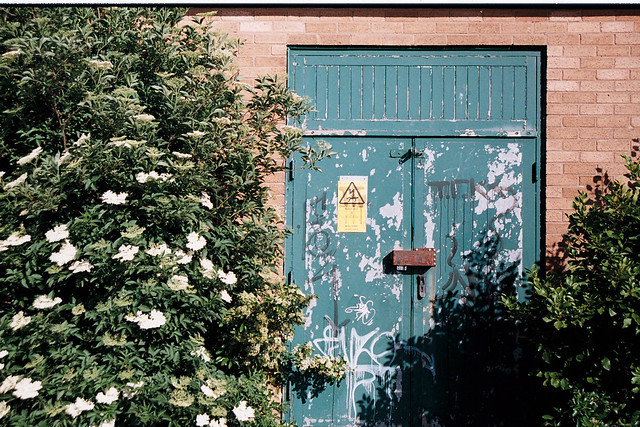
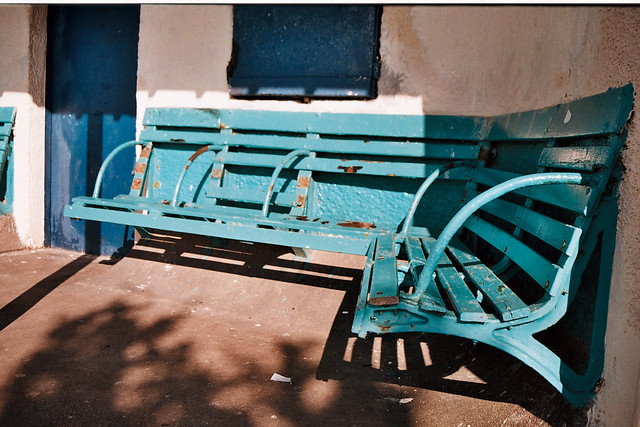
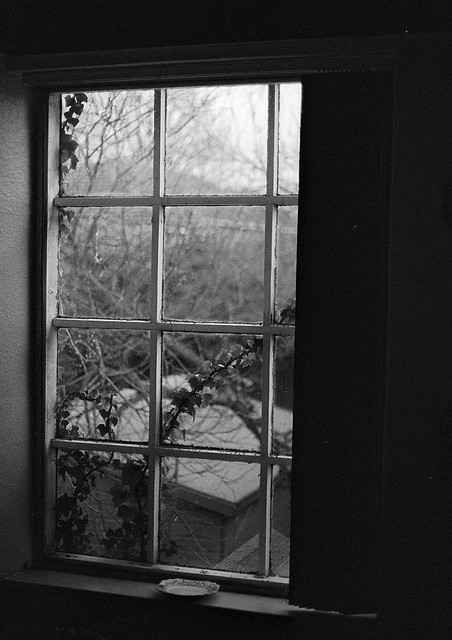
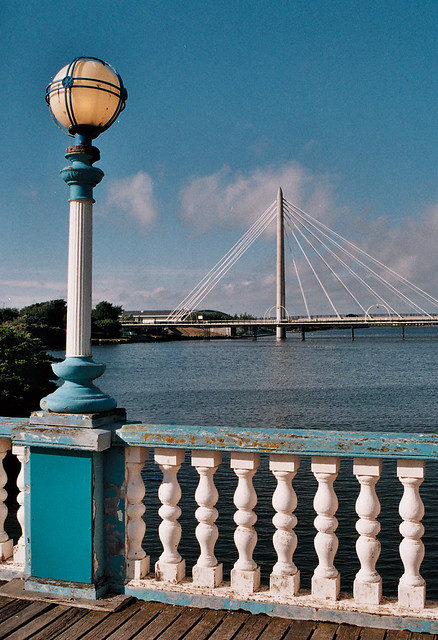
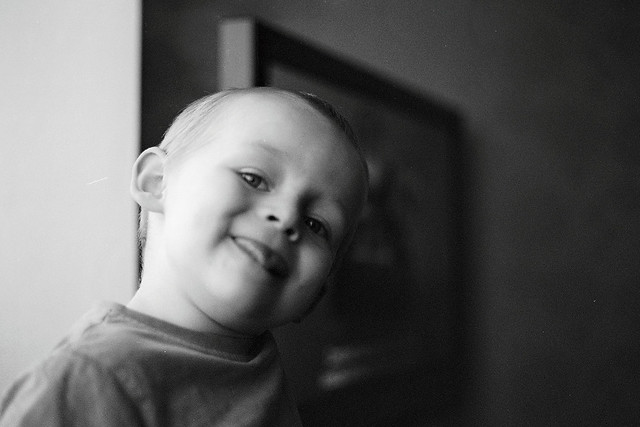


jgredline
Suspended / Banned
- Messages
- 2,622
- Name
- Javier
- Edit My Images
- Yes
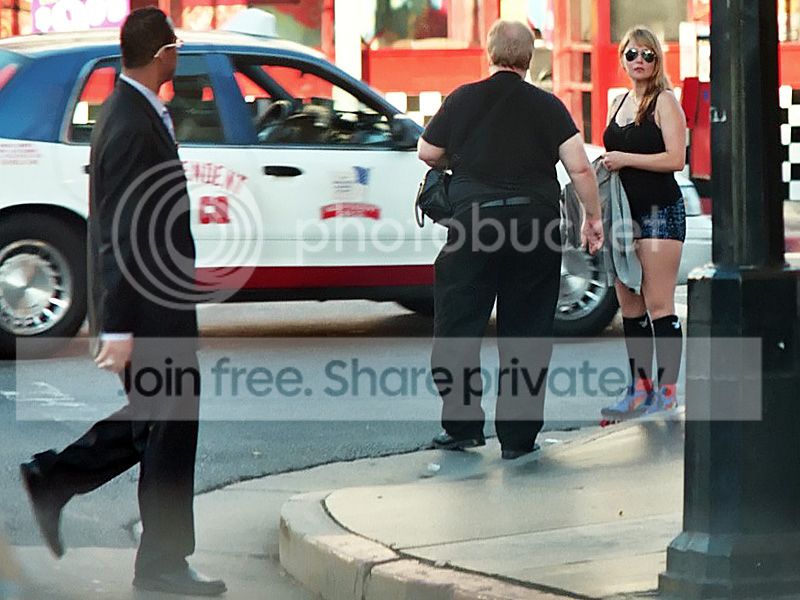
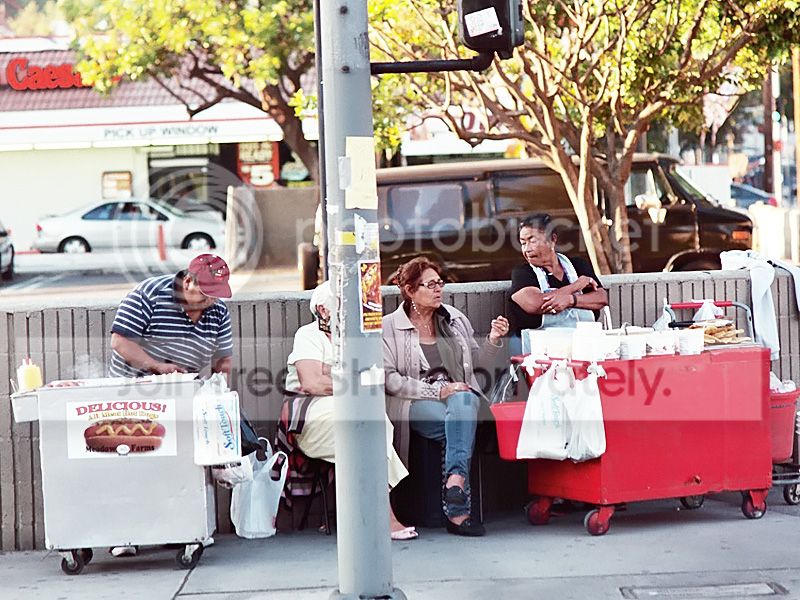
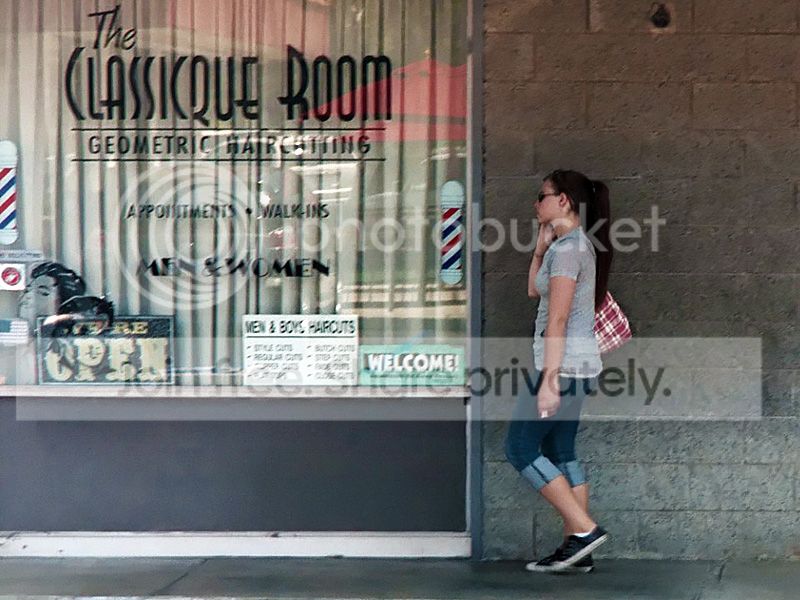
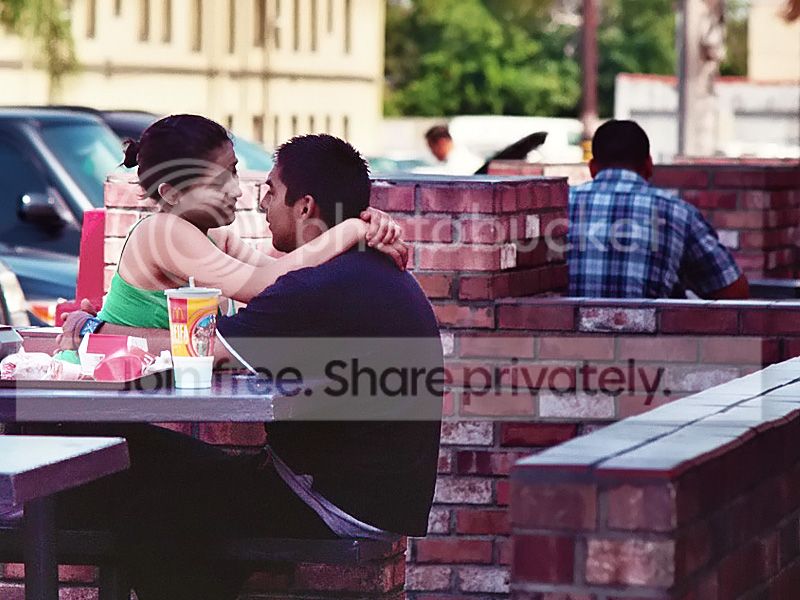
Well it is lunch time here. I think I will head out to Pharos and buy one of these
ME Super smc m50f/1.4 and Ultramax 400 shot wide open
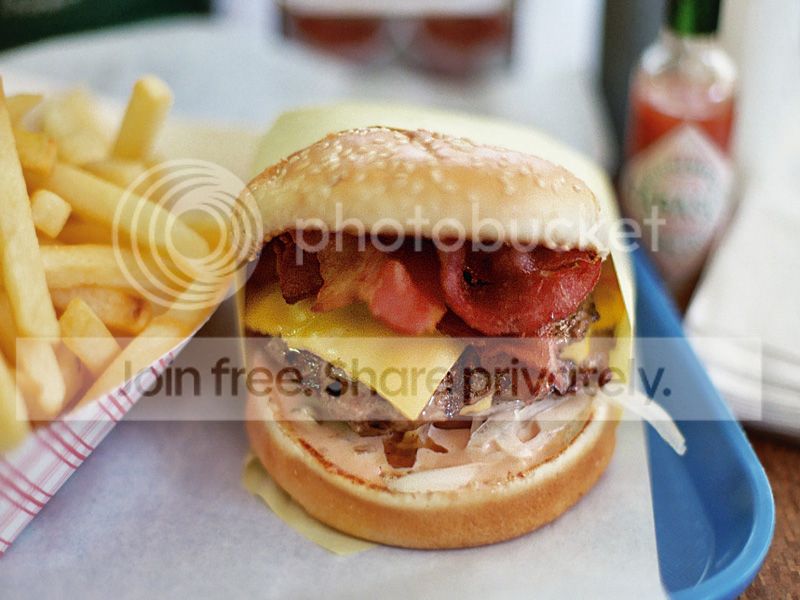
These are so bad for you, but taste so good. I can no longer finish this, but when I was younger no problem.
ME Super smc m50f/1.4 and Ultramax 400 shot wide open
These are so bad for you, but taste so good. I can no longer finish this, but when I was younger
no problem.
Mr_T
Suspended / Banned
- Messages
- 528
- Edit My Images
- Yes
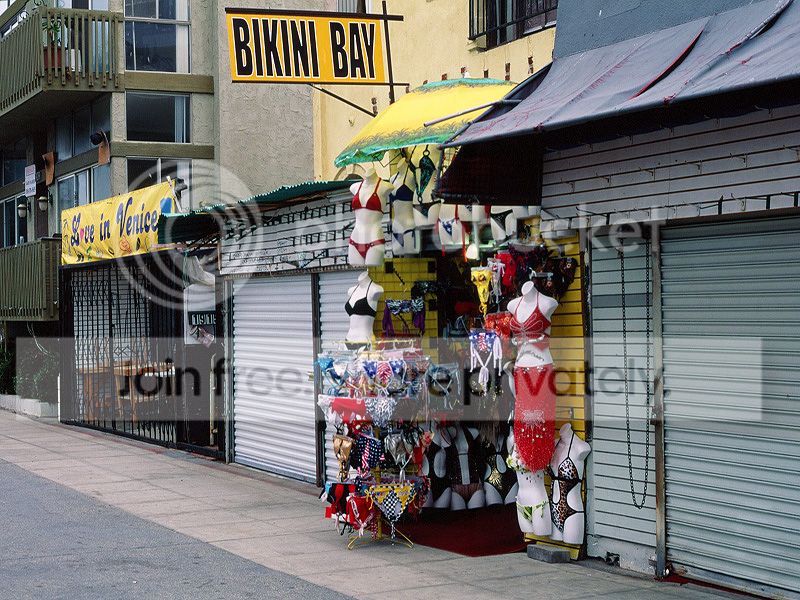
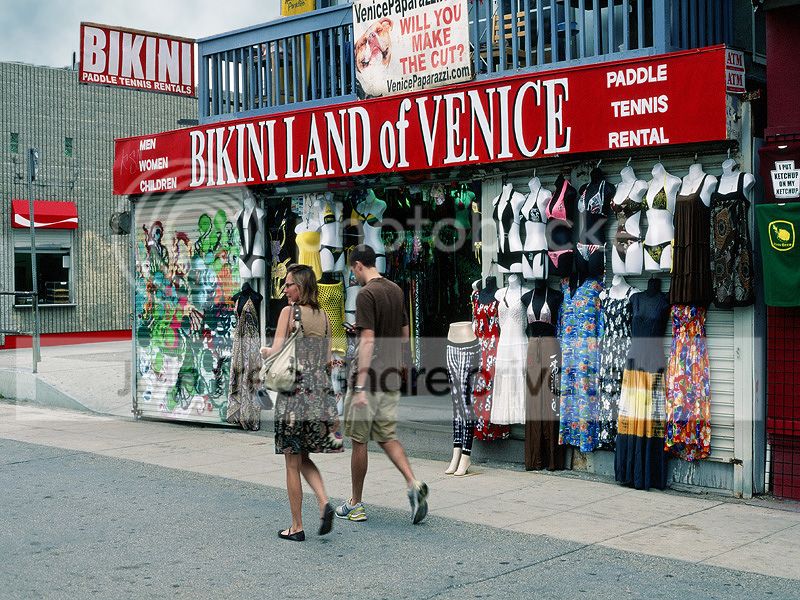
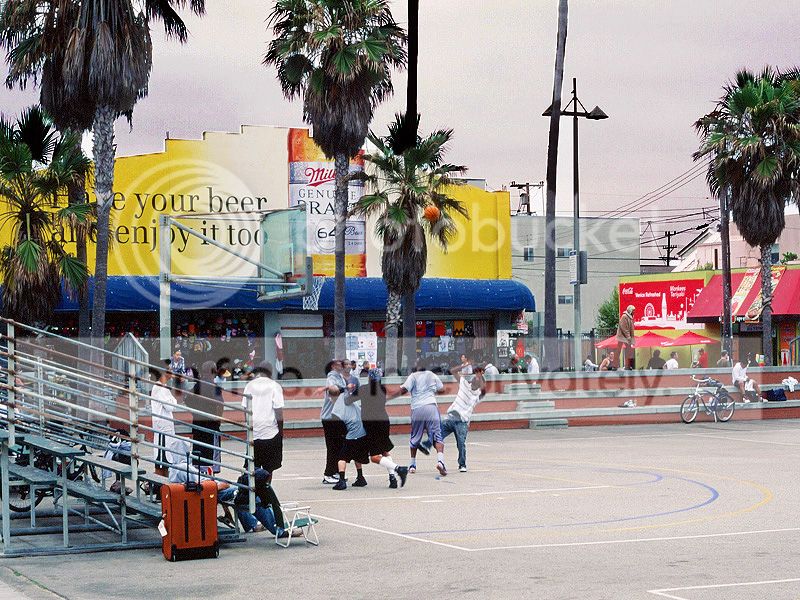
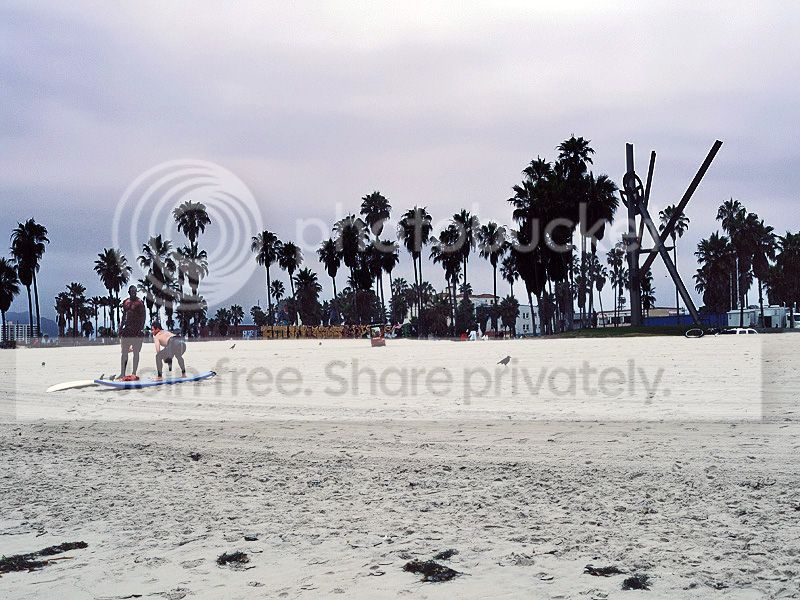
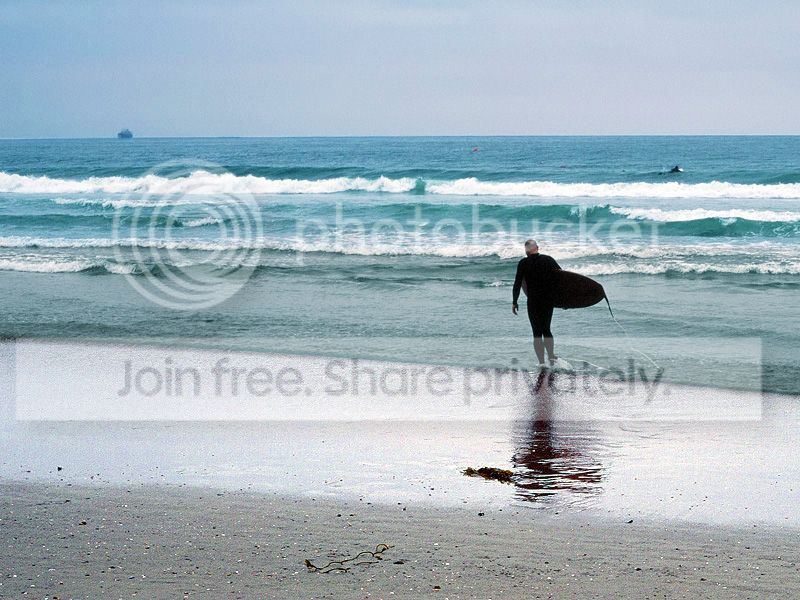
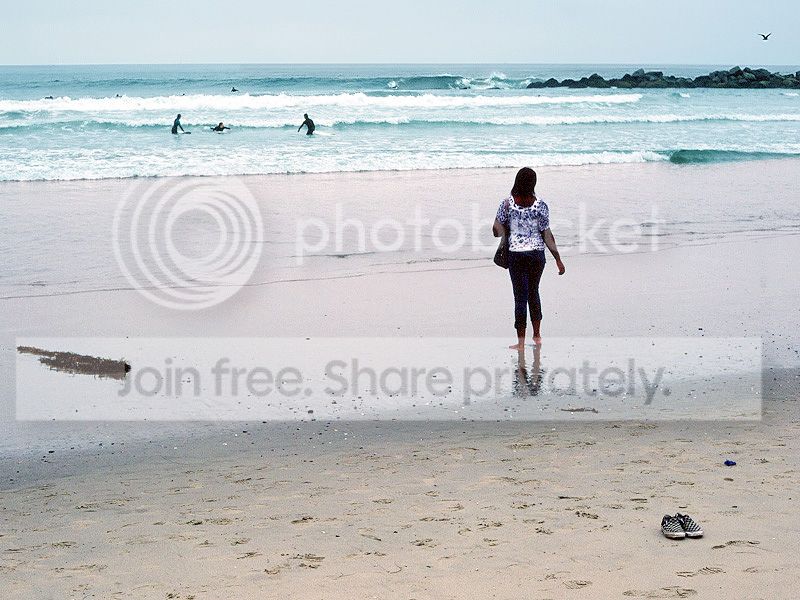
and afew more, i hope double posting isn't too much of a faux pas!
You've got some really nice shots there, the first one is particularly wonderful.

