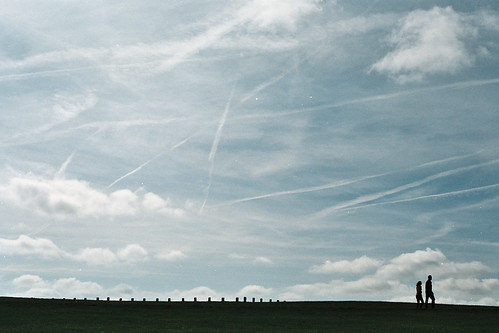
Show us yer film shots then!

albedo, nice pictures, like blapto said, technically no where near good but think they look great. especially like number 1 and 2. :thumbs:
 
not wanting any crit on these, just a test roll through my canonet 28. same roll of film, few shots apart, why is there so much difference in the colours???


My sons EOS 400 is doing the exact same thing with the last two shots of any film?? Light seals? Sticky shutter
 
My sons EOS 400 is doing the exact same thing with the last two shots of any film?? Light seals? Sticky shutter

the light seals are pretty bad by looks of it, may need to replace them.

i thought it could be the fact that i shot most on the auto mode and some i messed around with different apertures but theres maybe only 6 out of the roll like this!?
 
daveharlow, have you joined the trip 35 group on flickr?

there pretty cool shots, i agree, the focussing is pretty hard to begin with, im only on my second roll but love the little thing.

shot a roll of expired kodachrome through it, need to send it away...

Yeah have signed up over on flickr as well, have a roll of expired fujifilm 400 (can't remember much else apart from that) in it, really need to finish shooting and get it developed. Have a few rolls of Ilford HP5 also expired that I need to give a go as well.
 
How are you coping, souping colour in the kitchen ?
 
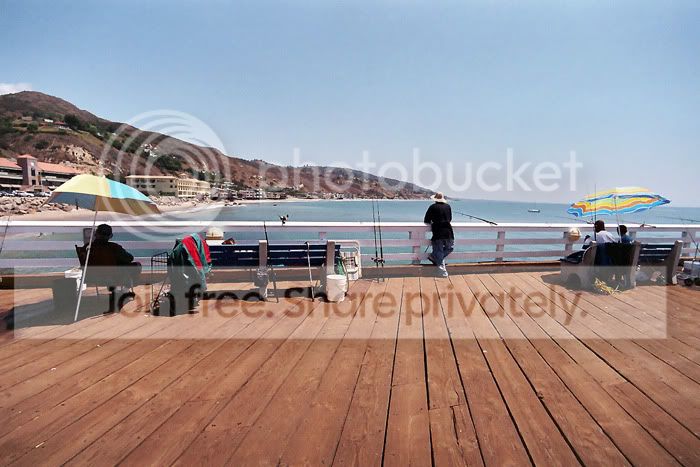
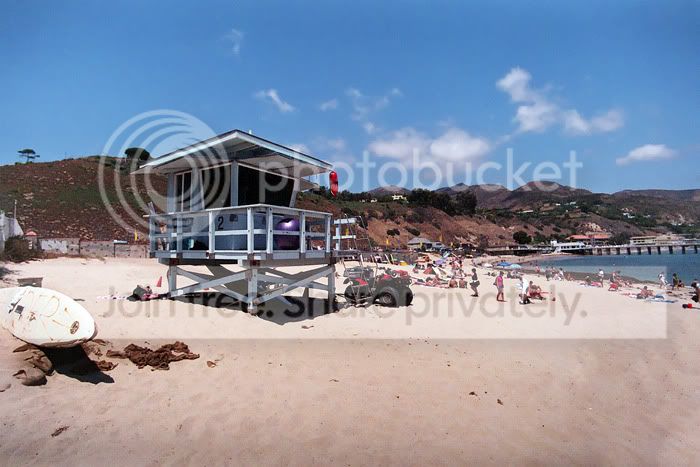
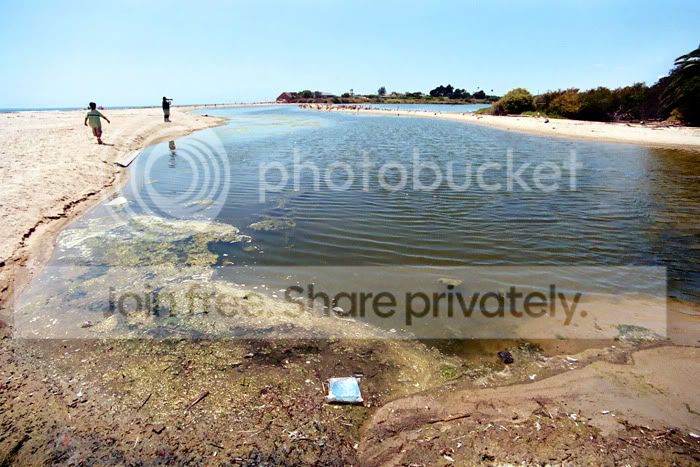
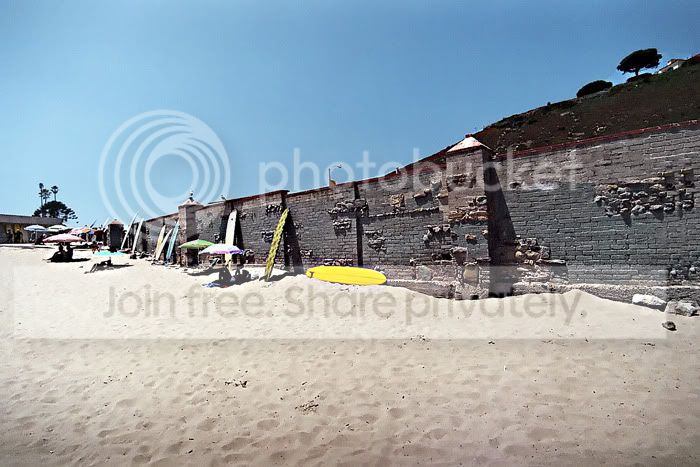
Pentax ME-F, Tokina 17mm, Fuji xtra 400.
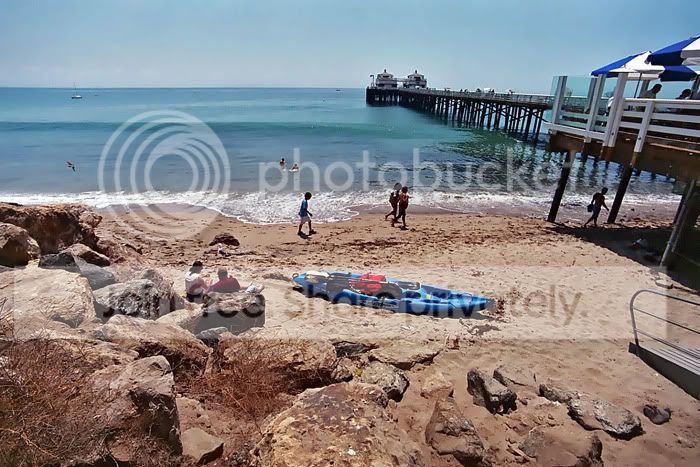
Malibu beach. Home to some of the wealthiest, most famous people in the world...
you would think they would have a cleaner nicer beach, but I guess this makes
them feel more normal...Here I am having a cow because I had to pay $14.00
for parking when the sign said $4.00 (but in fine print, ''if'' you eat at the expensive
restaurant)..
MalibuME-FTok17Xtra4008.jpg


MalibuME-FTok17Xtra40025.jpg


MalibuME-FTok17Xtra40022.jpg


MalibuME-FTok17Xtra40018.jpg


MalibuME-FTok17Xtra4002.jpg


To see the rest of the roll, click on link.
http://jgredline.smugmug.com/gallery/9218226_QKQhm#615441657_gKUw4
 
Last edited:
How are you coping, souping colour in the kitchen ?

I'm finding it ridiculously easy since moving into my new place - nice big kitchen to store chemicals/containers and to work. This is now the fifth batch of E6 dev'ing I've done with the same 1-litre Tetenal kit (2 rolls at a time).

These chems seem to last quite a long time, but I'll probably get a fresh batch after my next 2 rolls to be on the safe side - I've read in the instructions that 12 rolls is the maximum you should expect to get out of a 1 litre kit at mnimum of 2-rolls per tank.

My last Tetenal kit was the 5-litre but I think I wasted a lot as I was chucking all the chems down the sink after every third tank full :bonk:
 
I was thinking more about the mechanics of temp control, bowls of water, jugs and containers.
Still trying to find a home for my tank of convenience...
 
To keep the temp fairly regular, I fill up a massive aluminium soup pot with hot water from the tap and then let my pre-mixed chmicals float in the pot in their containers (usually 1.5 litre spring water bottles) with a thermometer inside the 1st dev. When the temp gets to 38 deg C (1st dev cools to the optimum 37 deg by the time the developing starts), I pull the bottles and start processing, keeping the Paterson tank in the soup pot in between agitations.

The temperature ends up at about 34 deg C by the end of the bleach fix, but by this time the temparture doesn't matter much - it's the first dev temp that need to be correct within a few points of a degree. The second dev and bleach steps are not too temparture critical.

Tank of convenience? Is that the big developing machine we saw posted up here a while back? Does it work?
 
Tank of convenience? Is that the big developing machine we saw posted up here a while back? Does it work?

Yes and no...

Sounds like you're managing ok to me, once you have a method that works, its pretty steady..
 
Not done any film for a while, been lazy..

that looks retro, 50's film star kinda feel.
somethings crushing the detail out of it, but then 50's film stars didn't want you to see every hairy mole and pimple..:)
 
:agree: ... that first one looks as though she is falling into your arms... :D ... excellent stuff Jox... :thumbs:


:p
 
Thanks guys.
She is, those sticks bend right out over the crowd, I swear I was closer.

Can't get the red out of the sky in the second one without the skin tones going to pot..:(

I gotta say, my usual processor for E6 has made a bit of a fanny of this roll of C41.
 
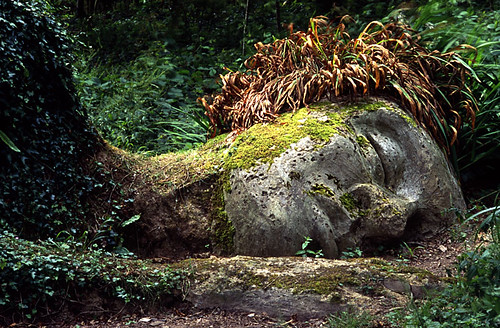
The Mud Maiden, shot on Provia 100f in a Canon FTbn at the Lost Gardens of Heligan. I always seem to find them though.

429667949_34bd2cb48c.jpg
 
Here is one of mine which is totally different to what I normally do.

I was doing the sound for a concert by Patti Smith and took this of the empty room just after the soundcheck:

farringford3.jpg


Voigtlander Vito B
Ilford FP4+
f5.6 1/30


Steve.
 
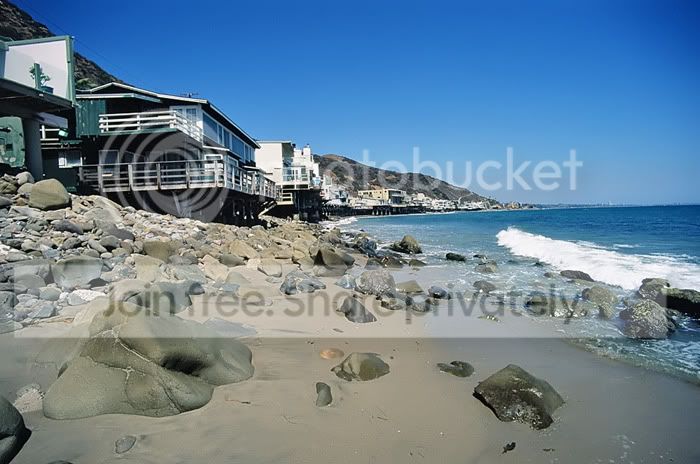
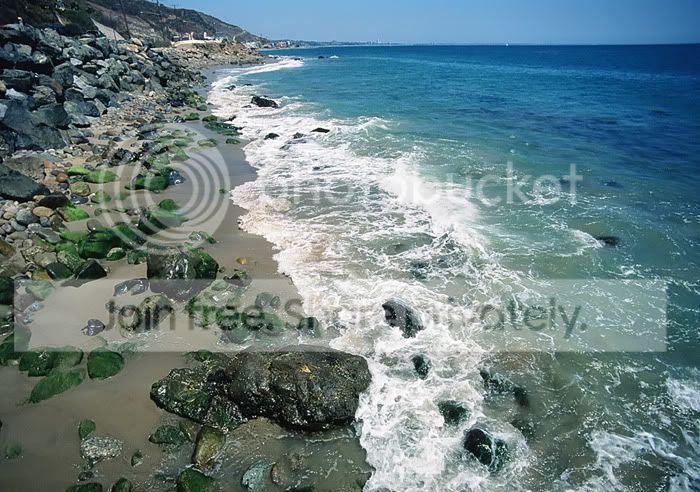
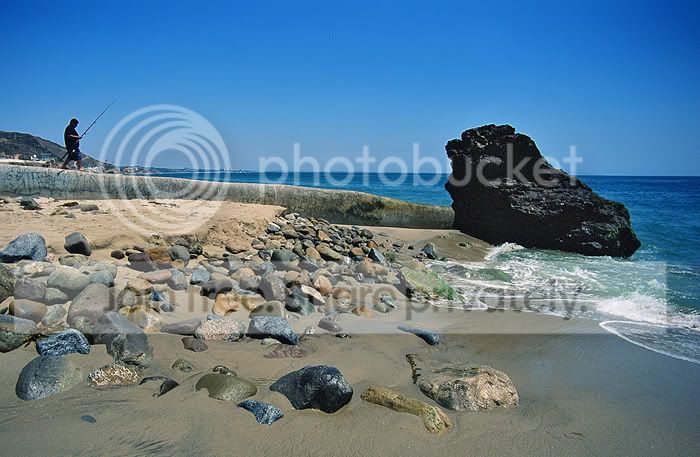
Here are my first Velvia 50 images...I have noticed ''allot'' of vignetting and what is odd, is that
I have used this combo through a 1/2 dozen rolls and only with this velvia did it show up..Any Ideas
on why? Pentax ME-F, Tokina 17mm (no hood or filter)


10 million dollar + houses on malibu beach.
velvia50meftok179.jpg


The malibu coast line.
velvia50meftok178.jpg


The lone fisherman
velvia50meftok177.jpg
 
Lovely shots there Javier. I can see you are improving all the time :thumbs:

Watch your horizon lines, though ;)

Vignetting is usually most noticable in scenes where the corners of the shot are quite light and plain in texture - ie - the blue sky... perhaps the other rolls of film had the vignetting but you didn't notice because the corners were over darker or more detailed areas :shrug:
 
Nice pictures Javier

Your vignetting could be caused by the lens not getting enough light coverage across the film frame, so causeing the corners to appear dark.

Normally I have seen this on the panoramic cameras like the Fuji 617 or Haselblad X-Pan which is why they recommend using center spot ND filters to even out the light.

It looks a bright day do you remember what aperature you were using?
 
Lovely shots there Javier. I can see you are improving all the time :thumbs:

Watch your horizon lines, though ;)

Vignetting is usually most noticable in scenes where the corners of the shot are quite light and plain in texture - ie - the blue sky... perhaps the other rolls of film had the vignetting but you didn't notice because the corners were over darker or more detailed areas :shrug:

Thank you. Coming from you, it means ''allot'' I am still very much learning. I am thinking that the mistake was I was shooting in the middle of the day and since print film is more forgiving, it masked many of my mistakes.
 
Nice pictures Javier

Your vignetting could be caused by the lens not getting enough light coverage across the film frame, so causeing the corners to appear dark.

Normally I have seen this on the panoramic cameras like the Fuji 617 or Haselblad X-Pan which is why they recommend using center spot ND filters to even out the light.

It looks a bright day do you remember what aperature you were using?

Thank you. The ND filter makes allot of sense to me. As for Aperture, I was at F/8 This I am certain. I like the filter idea allot. Thanks :)
 
Taken from a couple of rolls of fujifilm superia x-tra 400, developed and scanned in tesco.. really cheap!

3834141454_c2bae5e378.jpg


3834138480_1135aaba55.jpg


3834130822_5f871abe84.jpg


3833241745_7d5ee63d91.jpg


3833252501_8b94a600e2.jpg
 
ekimeno, lovely shots. just a question about the process. I use C41 Kodak 400 B/W films; and can't seem to get the grey as lovely as yours. They are more contrasty - the black more black and the white more white, and less of grey tone. Is it because of the film type or the development process? Or have you done something though photoshops etc (no offence, just asking).
 
Yes, I have done some pp work on the negs. It's really simple, though - my usual procedure is: cropping, levels adjustment, exposure or brightness/contrast adjustment and then a resize and sharpen.

What makes the blacks actually black and the whites white is by using a threshold layer and making markers where the darkest and brightest part of the photo are. Then it's a case of opening a levels adjustment layer and by using the black and white eye droppers, clicking on the markers. This pulls the image levels all the way from black to white so that your photo becomes correctly balanced. This technique can also be applied to colour photos, but the middle gray eye dropper comes into play here to help remove colour casts :thumbs:
 
Some great shots here :)

Mamiya 645, shooting on well expired and poorly treated XP2 (At a Euro a roll, I couldn't refuse)
CNV00033.jpg

Scanned in colour to get the duotone look out of it. It's probably the best thing about shooting B&W C41 :)

Edit; Rather than starting any new threads, if anyone had any tips on good quality:good value film processing in London, it'd be greatly appreciated :)
 
Last edited:
Rather than starting any new threads, if anyone had any tips on good quality:good value film processing in London, it'd be greatly appreciated :)

Love that shot.

Here's a tip - get some real B&W film (ie. not XP2... not that there's anything wrong with XP2...) and develop it yourself. It's so easy to do, you'd wish you'd started earlier. Once you have yourself the tools you need it is pretty cheap as well.
 
Oh, I'd love to :)

I've actually been developing for a good few years, from 4x5 to 35mm, but I'm just after moving to the UK, and don't have the room to do it unfortunately - plus I left whatever bits and bobs I didn't give away back home!
 
Last edited:
My film shots aren't getting that much response elsewhere so I'll post them here.

These were taken near Rutland Water with my F5

birds%20on%20a%20pole%20copy.jpg


church%20in%20the%20distance%20copy.jpg


cracked%20river%20bed%20copy.jpg


grazing%20sheep%202%20copy.jpg


grazing%20sheep%20copy.jpg


hay%20bales%20copy.jpg


house%20by%20the%20lake%20copy.jpg


Theres a huge amount of noise in these for some reason (Fuji 400h film) so I had to convert some to B/W
 
Back
Top