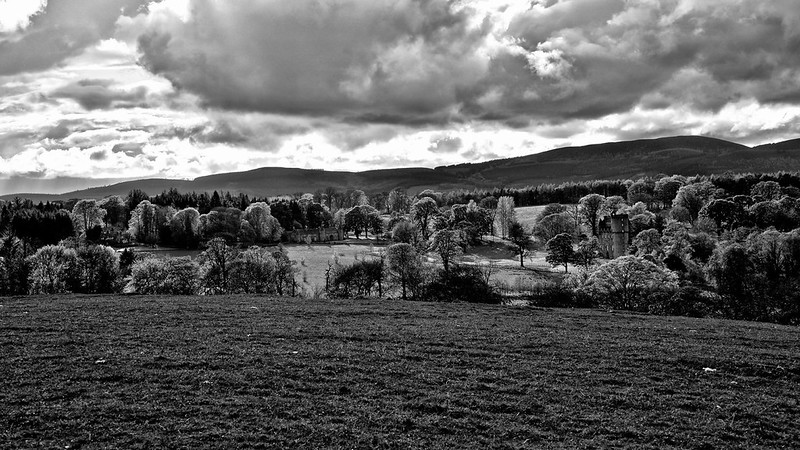
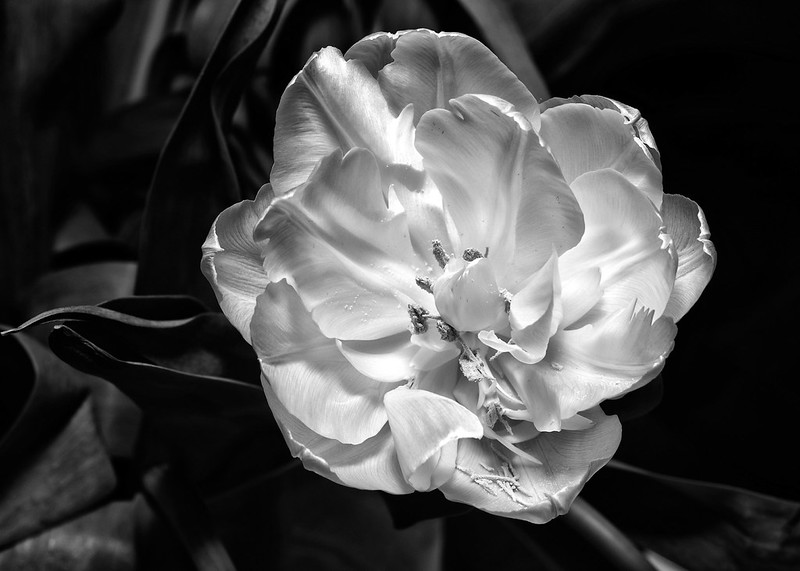
Nikon D800......

I run a 15" 2011 mac book pro i7 2.5ghz with 8gb ram.

lightroom 4 runs a bit sluggish but did so using my d700 i think after reading reports its a lightroom issue, more so that d800.

Ive still to try NX2..anyone use that?

Yeah, capture NX I found was really good but I am too stuck in my ways with adobe software

Also I found the NEF files looked better in comparison to ACR
 
Last edited:
I run a 15" 2011 mac book pro i7 2.5ghz with 8gb ram.

lightroom 4 runs a bit sluggish but did so using my d700 i think after reading reports its a lightroom issue, more so that d800.

Ive still to try NX2..anyone use that?

I have it installed and have tinkered around with it. I also have a book on it.

Having been used to PSE for a number of years I just found that NX2 was a lot different so have stuck with PSE.
 
@Fred
Lossless compressed is faster and has no loss in quality. It's the right choice 99.9% of the time. I think the uncompressed option only exists in case of incompatibility with some software.
12-bit or 14-bit also affects file size a bit. 14-bit has 4 times the tonal resolution. Most people can't tell the difference in normal use, but if you pump up the post processing you can see a small difference, especially in darker areas. Leave it on if you don't mind the extra storage use; you might want the extra 2 bits some day.
 
Thanks for all advice, NX2 is slow and i found it awkward, can i use Aperture or Lightroom directly import included or I'm going to loose quality.
 
fred2511 said:
Thanks for all advice, NX2 is slow and i found it awkward, can i use Aperture or Lightroom directly import included or I'm going to loose quality.

lossless compress 14 bit it is then :)
 
In more simple word, can i just put the sd card in the Mac and do everything in Aperture?
 
Thanks everyone.

I currently have a 2.3Ghz i5 (Early 2011) MBP and when doing retouching / big batch editing its slowing me right down.

I'm looking at a 27" iMac. I popped into Apple yesterday and have a chat with really nice guy there. He recommended just going for the 3.2Ghz with a fusion drive as a minimum, anything else I decided to upgrade would be just a little bonus.

What would you lot do in my position?? Is it worth upgrading anything else??
 
Pop into apple with some RAW files on an SD card and do some tests, they are very accommodating if it leads to a £2k + sale :)
 
Im not sure how the new iMac's are but the new MBP and retina cant be upgraded later from what I read. This was one reason I went for a refurb 2011 MBP, I didnt want to pay apple 4x the price for ram or hd space than I could buy it for myself.

May be worth finding this out for the iMac.

I briefly owned a 27" iMac until it was returned with a fault and it was a super machine.
 
Pop into apple with some RAW files on an SD card and do some tests, they are very accommodating if it leads to a £2k + sale :)

Problem is they don't have them with the little upgrades (such as different processor, graphics, drives etc..) and I would need to load a wedding in and then some big PSD files. Not sure they have PS installed on them either??

Im not sure how the new iMac's are but the new MBP and retina cant be upgraded later from what I read. This was one reason I went for a refurb 2011 MBP, I didnt want to pay apple 4x the price for ram or hd space than I could buy it for myself.

May be worth finding this out for the iMac.

I briefly owned a 27" iMac until it was returned with a fault and it was a super machine.

You can upgrade the RAM yourself which is what I would do. As its so much cheaper.

HD - I would get a 1TB fusion drive. And most of my stuff would be on externals.

Its the processor and graphics that I'm not sure if I should upgrade or not and it needs to be decided before I buy as I cant upgrade these at a later date. :shrug: Its (I think) another £300ish if I did and would take it over the 2k mark. Which is a lot of money to me, but if its going to save me time I will spend it.

I just want to make sure I'm spending my money in the right areas. As I need to buy some new software too which is around the £300 mark and that could be saved from not upgrading other bits. :)
 
Problem is they don't have them with the little upgrades (such as different processor, graphics, drives etc..) and I would need to load a wedding in and then some big PSD files. Not sure they have PS installed on them either??

I did it a few years ago and they had the CS suite on...also, if you could be bothered with potential hassle, apple do a no quibble return within 14 days even on custom configured systems I believe.

For info, I have the lastest iMac 3.4 i7 with 24GB ram, but a standard drive and it is much faster than my old 2010 3.something i7 - I don't use a D800 though.
 
They do actually have Photoshop CS6 loaded on in the shop as I was in there a few days ago playing (and buying).

Edit :- beaten to it.
 
Argh!! :lol:

Well I've been put in touch with their business team and have been offered to come in for a chat to discuss what they can do for me :)

So I may do that.
 
Are macs slower than pc laptops or something, with similar specs? Someone mentioned they found LR4 to run slow on their i7 mac! My i7 pc Lappy runs LR4 and CS6 simultaneously with ease. It's got 8Gb of RAM and 2.3Ghz, though with boost up to 3.3
 
I dont think there any slower it seems to be a LR4 issue.
Check the processing part on here even, it seems to just run slowish for some people even those with high end machines(pc or mac) and faster for others with lower specced machines.

Its know to be a lot more resource hungry than CS why I'm not sure. I would have expected the opposite myself, maybe its due to the way files are ran.
Its definitely slower than LR3 I've found.
 
I'm doing it all with aperture and is fast.Not sure if i'm loosing on anything not using NX2
 
One advantage of NX2 is you can make adjustments selectively - to do the same thing in Photoshop usually requires several adjustment layers & masks.

The big plus though is NX2 saves the entire edit history so any step can be modified or undone. Photoshop dumps all of its edit steps as soon as you close the programme.

Not sure about Aperture - never used it.
 
Last edited:
Picture Controls.

Actually it's the only software that can "properly" read NEF files the way nikon intended.

Adobe camera raw uses an element of "guesswork" to their NEF processing
 
Actually it's the only software that can "properly" read NEF files the way nikon intended.

I think Aperture uses simulated presets though. With NX2 you can switch between the Picture Control used by the camera at the time of shooting and any of the others - it can also re-adjust any component of the Picture Control. It does all of this in one edit step.
 
NX adjustments and Photoshop layers is a poor comparison. Compare NX to Camera Raw, which stores adjustments as metadata, and does not alter the original, unlike NX which writes to the file. Camera Raw is the raw converter "plug-in" (it's a epic piece of work nonetheless) which comes with Photoshop, and is also ported into Photoshop Lightroom, which does everything that Camera Raw does and more.
 
Yammer said:
NX adjustments and Photoshop layers is a poor comparison. Compare NX to Camera Raw, which stores adjustments as metadata, and does not alter the original, unlike NX which writes to the file. Camera Raw is the raw converter "plug-in" (it's a epic piece of work nonetheless) which comes with Photoshop, and is also ported into Photoshop Lightroom, which does everything that Camera Raw does and more.

So camera raw then import to Aperture or Camera raw and import to lightroom ?
 
So camera raw then import to Aperture or Camera raw and import to lightroom ?

Camera Raw and Lightroom do the same thing. You don't need both. Camera Raw is used to manipulate the conversion for Photoshop. You can also use Lightroom to do the same thing, except Lightroom does printing and file management too.

I've never used Aperture.
 
Ozei said:
Yes.

[*]Main edit in NX2
[*]Save as TIF
[*]Import TIF to Photoshop for anything that can't be done in NX2

I have try that but it's slow and not really an interface i like using.
 
I wouldn't use NX2 either but its the only way to truely see the file as it is stored. I'm sure the differences are minuscule though. It really isn't a bad piece of software it's just that I am institutionalised with photoshop lol
 
I wouldn't use NX2 either but its the only way to truely see the file as it is stored.
Splitting hairs now, but that's actually a matter of opinion, unless you're using Active D-Lighting. Raw is Raw. Nikon's interpretation is no more valid than Adobe's or Apple's, Phase One, etc.

It's understandable that people feel that the camera manufacturer knows best, but conversion of Raw to a raster image is a complex process which can be done in lots of subtly different ways. Just because we're given Nikon's version on the back of the camera, doesn't mean it's the best or is "straight out of the camera".
 
I find lightroom so much easier and enjoyable to use than any of the others. I do use Photoshop, more so for images that may require some clean up/cloning, because otherwise LR can do just as good a job on it's own for most purposes. Tried NX before, just found it bland towards LR.

I may be lucky with my LR4, because I actually find it faster than LR3
 
Very nice, now get yourself down to that castle for some cool historical images :)
 
Back
Top