HappySnappy1977
Suspended / Banned
- Messages
- 692
- Name
- Dean
- Edit My Images
- Yes
Hi,
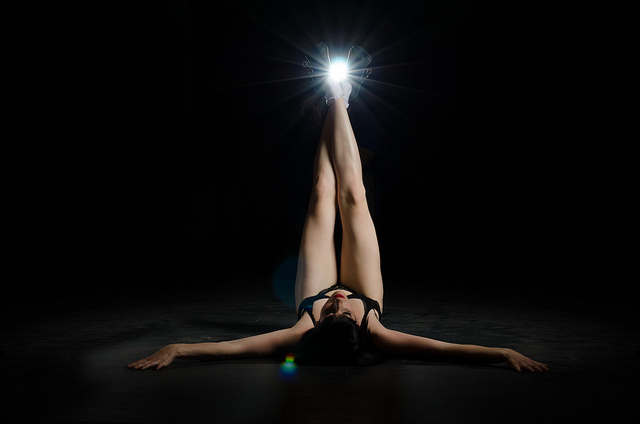
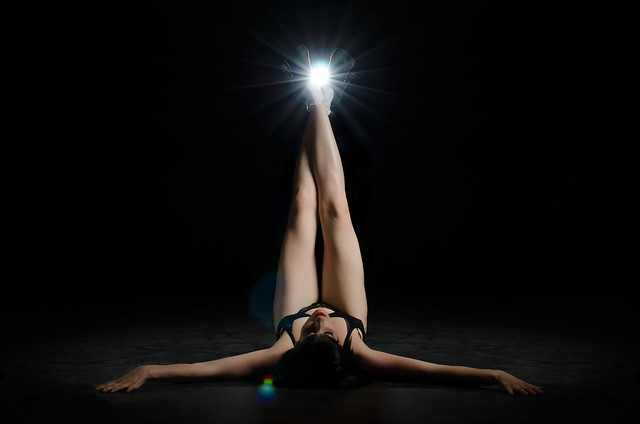
I took the picture below at a shoot yesterday and I think it could be a winner. It came out exactly how I expected it to and I'm really happy with it except for one thing. I need to know how to edit the "phantom person" coming out of the background!!
Not at all worried about the 2 flare spots as I wanted them in the shot or the chap throwing some light back onto the model who is easily cloned out. I'm not even too fussed over the disruption to the spotlight type spill on the floor to the left of the image as I'm sure I can sort this but I really want to get the chap that's holding the flash in the background out of the image while still keeping the integrity of the flare and starburst (if that makes sense!)
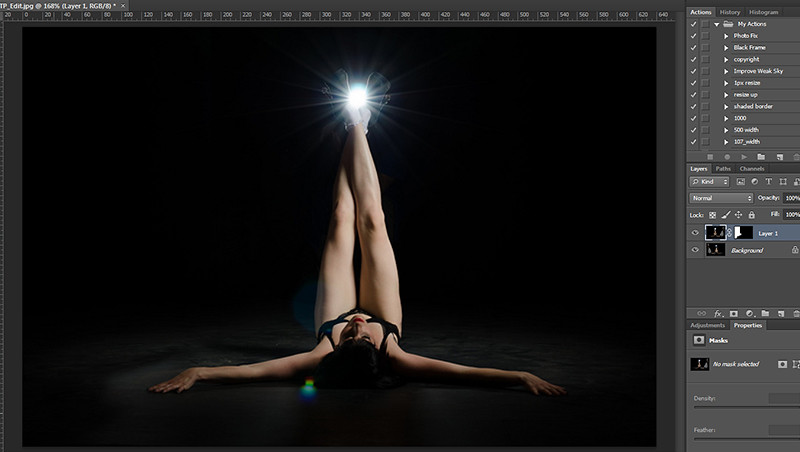
Can anyone help with a step by step as my PS skills are not that great. I have LR4 and PS6.
Thanks (I hope) in advance
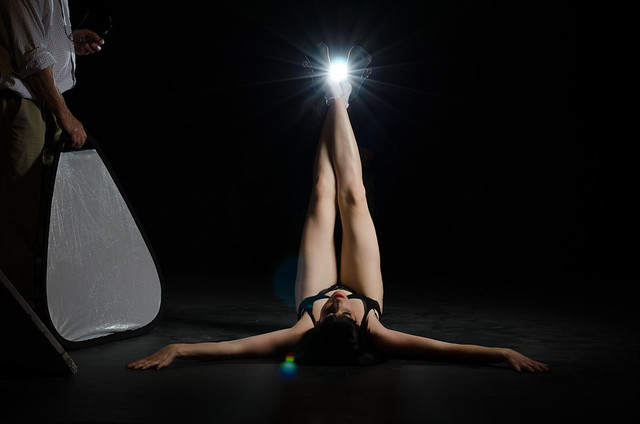
I took the picture below at a shoot yesterday and I think it could be a winner. It came out exactly how I expected it to and I'm really happy with it except for one thing. I need to know how to edit the "phantom person" coming out of the background!!
Not at all worried about the 2 flare spots as I wanted them in the shot or the chap throwing some light back onto the model who is easily cloned out. I'm not even too fussed over the disruption to the spotlight type spill on the floor to the left of the image as I'm sure I can sort this but I really want to get the chap that's holding the flash in the background out of the image while still keeping the integrity of the flare and starburst (if that makes sense!)
Can anyone help with a step by step as my PS skills are not that great. I have LR4 and PS6.
Thanks (I hope) in advance