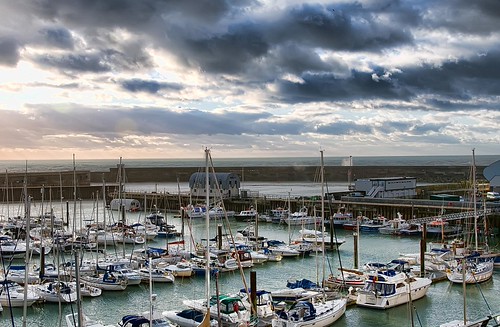
Dead simple. Open raw file in photoshop or whatever editing program you use. Save one version as it is as a tiff file, naming it 'exposure 0' for example then adjust your exposure in photoshop and save individual tiff copies to get the range you want eg +2, +1,0, -1, -2 depending on what exposures you need to get the highlight/shadow detail. Don't do any other editing in photoshop at this stage. When you load the images into photamatix, you can enter the exposures manually or let it do it automatically. I think I normally enter them manually as per my exposure adjustments in photoshop. You then tone map the image and once you've saved it you can do final tweaks in photoshop. I've found surprisingly good results can be had in HDR using the above method from one original photo.
Photomatix is good so enjoy but with HDR, less is more when it comes to editing, overcooking's horrible in my opinion...good luck.



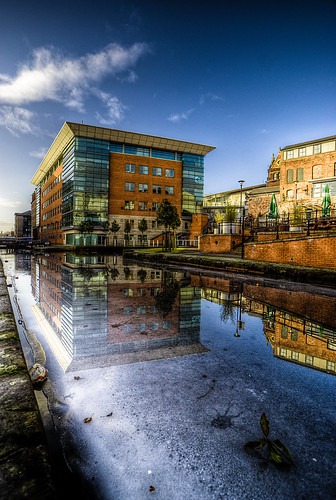


 I tend to right click on the raw in lightroom, click on 'Show in explorer' then drag it from there into lightroom...sounds long winded but is quick once you get it sorted (helps to have 2 monitors)