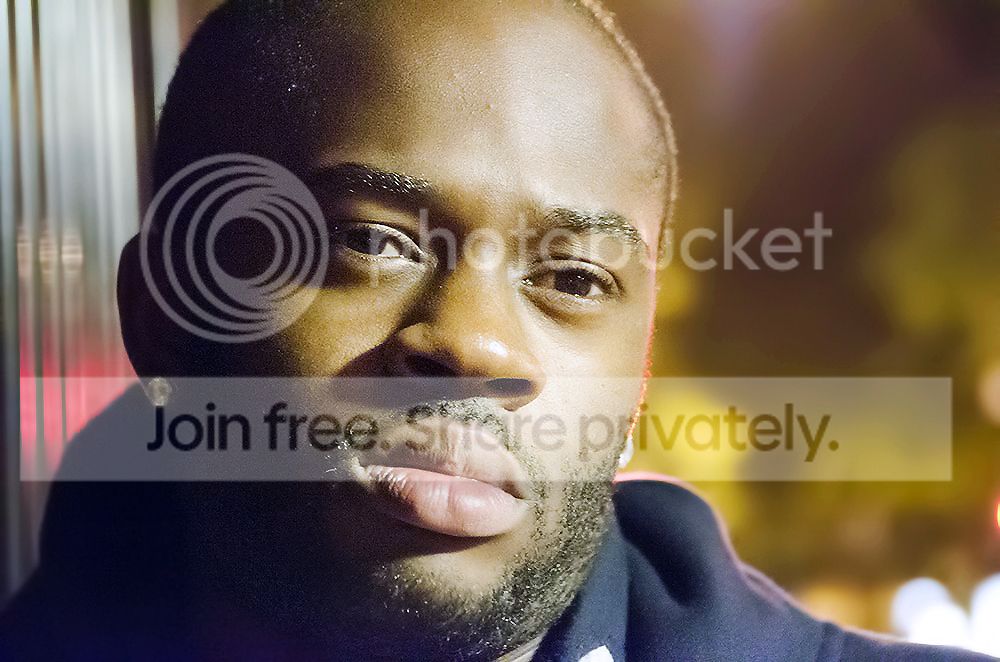
High ISO weekend - aim to get "usable images".

Either that or everyone could lighten up and be friendly. And we can have a thread that's both useful and a bit of lighthearted fun? After all this is a friendly place to be and I would like it to stay that way.

Just a suggestion. :shrug:

Another suggestion: once a thread has been cleaned and people clearly want to talk about the thread as it should be, perhaps not taking it back to where it was is a good idea!

Joe. You haven't yet contributed to the thread positively, I don't want this thread to turn into a discussion about last weeks football or why some of us aren't on TP to joke around...can you please stick to the thread topic? - It was meant to help me and others, not bicker etc.
 
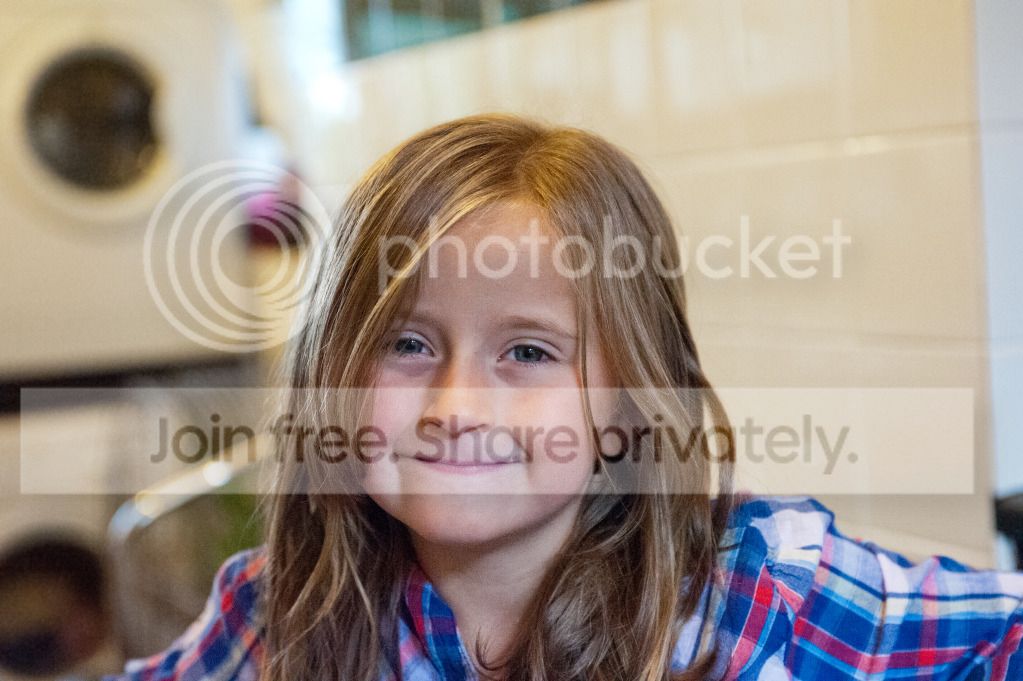
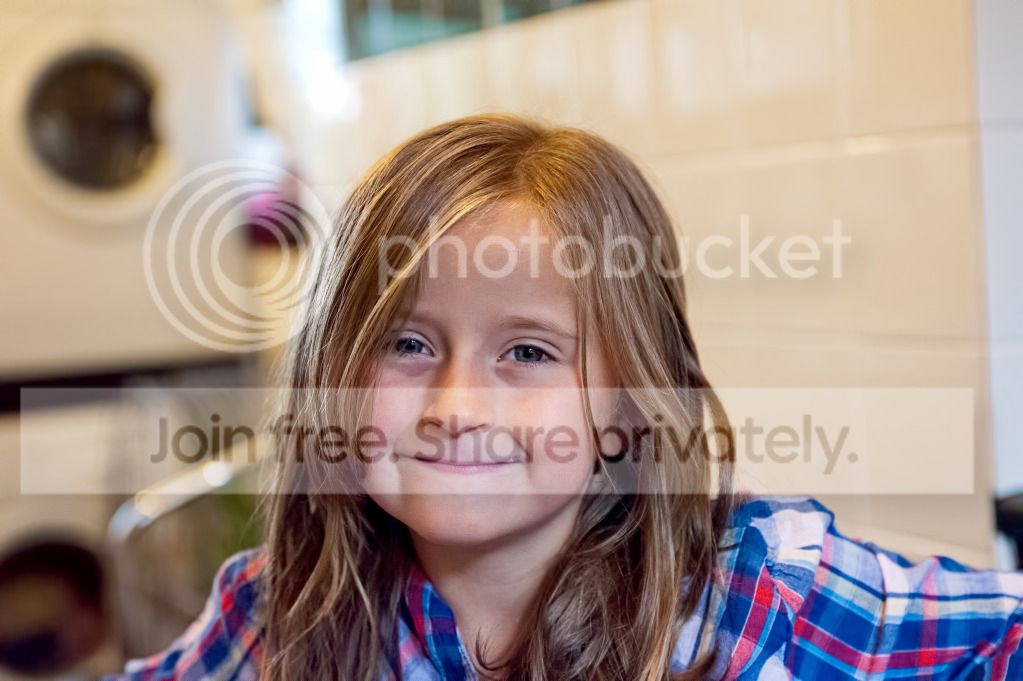
hope you dont mind phil, im not sure on your editing so just had a quick go on one of your low res images(just shows how things can be done diferently)
DSC_3771_after.jpg

my edit using your un edited version.
DSC_3771_copyss.jpg

looking at both together i prefer yours now:D
 
Last edited:
For anybody that hasn't guessed the processing...

To make a stupidly high ISO pass off as something a lot clearner the trick is to keep the detail but get rid of the noise.

Firstly, the higher the ISO, the more you will need to compensate your camera to allow more than the "normal metered" exposure - noise is very apparent in shadows so highlighting these is the priority when shooting high.

For the cleaning process I have worked with 2 RAW layers - one with high clarity to enhance the detail and the other with soft clarity & aggressive NR to take away the noise.

I put the NR layer on top of the clarity layer and use a low-flow soft erasure and go over the details, which will come through. Use a low-flow soft brush otherwise you will get a wall where noise meets soft.

Once I have got all the detail from both images I merge the layers & increase the black in both neutral & black (selective colour adjustment tool). This give it some of the punch lost through high ISO.

After that I make my final checks (spots etc) and done! Takes me 10mins max when using a pen.

It's no good simply applying NR at these crazy ISOs - you will lose too much detail. Equally, you have to apply it because it is way too noisy. The above is what I do to get my high ISO images looking like something 3-4 stops less (although previously only done at 12800 I will now shoot higher).

I assume you're doing all this in Photoshop, Phil? It sounds like a variation on high-pass sharpening, but your process is all about merging a sharp and less sharp version of an image to selectively retain detail.

Do you use layer masks?
 
Another suggestion: once a thread has been cleaned and people clearly want to talk about the thread as it should be, perhaps not taking it back to where it was is a good idea!

Joe. You haven't yet contributed to the thread positively, I don't want this thread to turn into a discussion about last weeks football or why some of us aren't on TP to joke around...can you please stick to the thread topic? - It was meant to help me and others, not bicker etc.

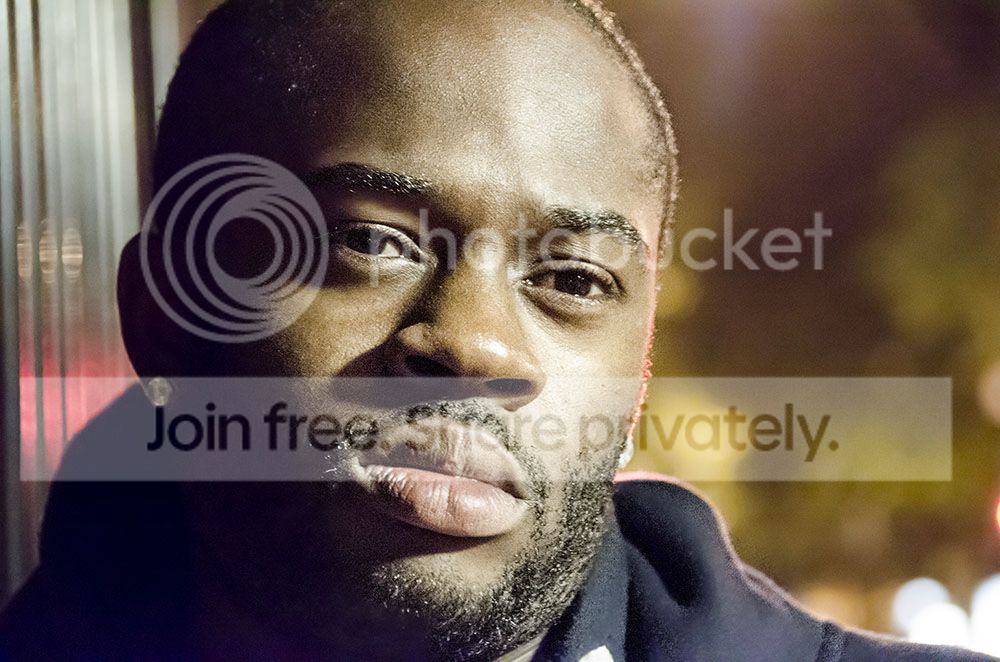
I'll post a pic taken at high ISO today.

I definitely don't want to talk about last weeks football. Shudder
 
Last edited:
I assume you're doing all this in Photoshop, Phil? It sounds like a variation on high-pass sharpening, but your process is all about merging a sharp and less sharp version of an image to selectively retain detail.

Do you use layer masks?

Pat - I don't know what high-pass sharpening is lol I just know what I know ;)

All done in photoshop - afraid you can't get away with this in LR...

I don't use layer masks, I always find it more effective to duplicate layer, make necessary changes and then use erasure tool.
 
Pat - I don't know what high-pass sharpening is lol I just know what I know ;)

All done in photoshop - afraid you can't get away with this in LR...

I don't use layer masks, I always find it more effective to duplicate layer, make necessary changes and then use erasure tool.

If you use masks they are none destructive, it becomes a smaller file size (so easier on the PC/Mac processors), a mask can be a positive or a negative where as the eraser is only a negative.

If I were you I would read up on masks as you will probably find them to be beneficial once you get used to them.

Didn't know that Vince Clark was a photoshop fan.
 
tiler65 said:
If you use masks they are none destructive, it becomes a smaller file size (so easier on the PC/Mac processors), a mask can be a positive or a negative where as the eraser is only a negative.

If I were you I would read up on masks as you will probably find them to be beneficial once you get used to them.

Didn't know that Vince Clark was a photoshop fan.

I agree. Phil, you'll find layer masks easy to use and incredibly effective for this kind of work.
 
Pat - I don't know what high-pass sharpening is lol I just know what I know ;)

I don't use layer masks, I always find it more effective to duplicate layer, make necessary changes and then use erasure tool.

As said, layer masks are really handy because they can be straight overlays (for example, to burn through to a darker version underneath) but you can also apply filters like blur and sharpening than can then be brushed in (or out) without having to actually apply the filter to the image - as Tom ays, it's basically non-destructive editing.

High pass sharpening is very effective as an alternative sharpening technique, although it can also be used as selective sharpening (using layers), a bit like you've done above to give a bit of sharpening to specific areas of an image.

....All done in photoshop - afraid you can't get away with this in LR...

That's my only issue with LR - lack of pixel level editing and the ability to freely use brushes in the same way as in PS. I have a copy of CS3 that I use for all my layer work - thankfully it still works on new machines :)
 
I do like LR - its allowed me to edit 850 wedding images in 8hrs...but for things like cloning and selective tools its a bit pants.

Its incredibly good for its purpose though, made my life a lot easier!

For big jobs I usually do my first batch in LR and apply any grading then second edit in PS.
 
.......after reading this thread it's made me realise I need to really brush up on my Photoshop skills. I usually just reduce noise in LR but obviously thats only on average ISO's. Very informative thread.. and again, thanks for starting.
JohnyT
 
Thanks for the comment Phil.
@Scottthehat...really nice processing skills but as you say, prefer the original version as it makes the guys skin look more rugged rather than smooth. Did you use the same method as Phil?
Thanks
JohnyT
 
Scott, your edit doesn't need that much sharpening, mate. I love the D700 high iso capabilities though.
 
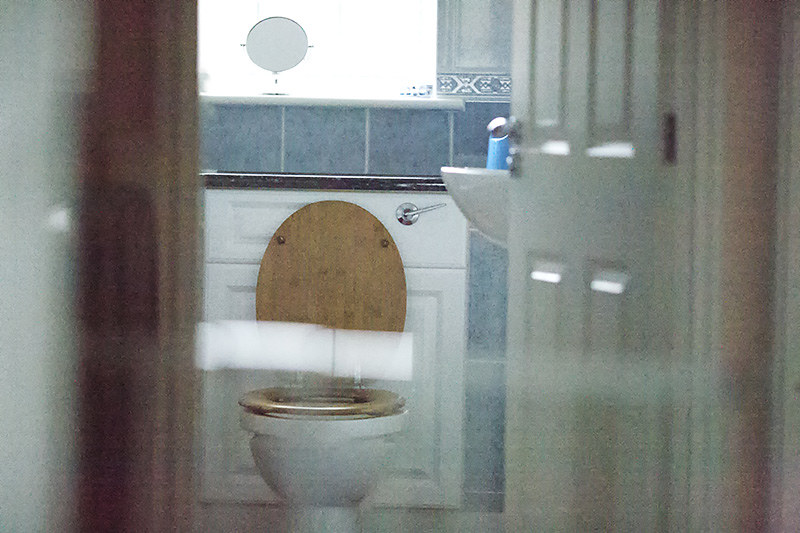
Well I havent had any time at all today to take any pics as been cooking a roast dinner for 8 people. Then I was checking the net quickly and remember I promised a pic today so I just stuck the camera on h2 which is 102400 ISO and fired it out the door of my office, which has a good range of shadows and highlights really (albeit a scene of my toilet :lol:).

It gave me a shutter of 6400 which obviously I didn't need but below is the result after some noise reduction, what do you think? usable?

I'll take a more interesting shot tomorrow when I have more time on my hands


toilet by JoeBoyMan, on Flickr
 
Last edited:
Well I havent had any time at all today to take any pics as been cooking a roast dinner for 8 people. Then I was checking the net quickly and remember I promised a pic today so I just stuck the camera on h2 which is 102400 ISO and fired it out the door of my office, which has a good range of shadows and highlights really (albeit a scene of my toilet :lol:).

It gave me a shutter of 6400 which obviously I didn't need but below is the result after some noise reduction, what do you think? usable?

I'll take a more interesting shot tomorrow when I have more time on my hands


toilet by JoeBoyMan, on Flickr

No. Unless it is being used as an example in a test/thread like this.

On that basis ... every image we shoot is usable.
 
I reckon that shot could be made more usable, which is Phil's point really.
 
Flickr says the ISO on your loo-shot is only 36864

Probably because it's an expanded ISO.... strange number though. Noticed another one in a thread yesterday - the guy had shot a band somewhere and he'd set it on 10,000 but it actually read something 10,175... wierd :)
 
I'd first have compensated +1 to give more exposure and go from there.

As I reach 6400 I always find myself exposing more than my camera meters - I think this could be a big reason in why some people don't see past this figure useable.
 
Probably because it's an expanded ISO.... strange number though. Noticed another one in a thread yesterday - the guy had shot a band somewhere and he'd set it on 10,000 but it actually read something 10,175... wierd :)

That was my shot :D I said 10K, but it's actually 10159 or something weird. Again, one of the H1 modes. The D800 only pushes to 25,600 - Which is H3. 6400 being the highest true ISO. I doubt I'd ever need to go above that but I'm going to try some 25,600 shots tonight, see how they turn out.
 
I'd first have compensated +1 to give more exposure and go from there.

As I reach 6400 I always find myself exposing more than my camera meters - I think this could be a big reason in why some people don't see past this figure useable.

Yes, exposing to the right is the way to go. Everyone should know this.
 
I'd first have compensated +1 to give more exposure and go from there.

As I reach 6400 I always find myself exposing more than my camera meters - I think this could be a big reason in why some people don't see past this figure useable.

Phil, not sure if you're applying the +1 ec to just that example or whether you mean that generally?

I only mention it as I think sometimes you have to be pretty careful as the camera may already be fooled into overexposing the image before you've adjusted anything. To use a real example, I have a black cat that has a white face. If I'm shooting a close up of him, the camera is seeing mainly black and thinks it's seeing a pretty dark scene. If I leave it to its own devices, it'll nearly always blow the whites and leave the blacks looking a bit grey so I tend to dial in a bit of negative exposure compensation, sometimes as much as two stops. If I were shooting the cat (RSPCA, are you reading?) in really low light at high ISO, I'd likely be dialling in just enough exposure compensation that the whites don't escape the histogram but I know it would still be negative compensation.

This is of course what can make some of these high contrast low light scenes such a challenge as it's always a balance between blowing highlights and noisy shadows.

For what it's worth you seem to have done an admirable job of controlling the exposure other than a couple of blown areas on the shot of your friend. You seem to have a decent technique for noise removal too. It's an area that I really feel I need to learn more about as there will always be shots that no matter how careful you are, you're left with noisy areas that could use a little cleaning up. I use Aperture 3 and it is pretty crude in the way it handles noise, though I believe there are some decent plug ins available.
 
Exp comp doesn't make a difference in Manual of course. But I usually shoot in Aperture priority besides, and usually at -0.7 exp comp. To keep the Shutter speed up. Must try the reverse on higher ISO settings.
 
Let me clear any confusion.

Weather you are in manual, aperture priority or another mode, generally (in my experience) the camera’s meter will not expose correctly at such high iso - usually exposing as it does at most others.

However you do it, spot metering probably being the best automatic way or EV compensation, you have to shoot these high ISO shots a little more to the right than you normally would to avoid the shadow noise.

I could have pulled back those highlights in pp but the priority was exposing the shadows properly.

I shoot manual and A, if I'm in manual I'm dialling in a slower speed, if I'm in A then I leave it on evaluative metering and just compensate.

Whatever way you choose to expose the shadows, its important to bear in mind that you can't pull them back in PP like a 800-1600 shot so more light to start with is really important for the final image.

If I'm out shooting in OK light and ISO800 I wouldn't be worrying if I under expose by a stop or two, I'll pull it back more often than not...at higher ISOs I'm getting those shadows nailed if it takes me 6 shots to get it right.
 
gad-westy said:
Phil, not sure if you're applying the +1 ec to just that example or whether you mean that generally?

I only mention it as I think sometimes you have to be pretty careful as the camera may already be fooled into overexposing the image before you've adjusted anything. To use a real example, I have a black cat that has a white face. If I'm shooting a close up of him, the camera is seeing mainly black and thinks it's seeing a pretty dark scene. If I leave it to its own devices, it'll nearly always blow the whites and leave the blacks looking a bit grey so I tend to dial in a bit of negative exposure compensation, sometimes as much as two stops. If I were shooting the cat (RSPCA, are you reading?) in really low light at high ISO, I'd likely be dialling in just enough exposure compensation that the whites don't escape the histogram but I know it would still be negative compensation.

This is of course what can make some of these high contrast low light scenes such a challenge as it's always a balance between blowing highlights and noisy shadows.

For what it's worth you seem to have done an admirable job of controlling the exposure other than a couple of blown areas on the shot of your friend. You seem to have a decent technique for noise removal too. It's an area that I really feel I need to learn more about as there will always be shots that no matter how careful you are, you're left with noisy areas that could use a little cleaning up. I use Aperture 3 and it is pretty crude in the way it handles noise, though I believe there are some decent plug ins available.

Using the above technique you can use gaussian blur by way of NR, perhaps it'll be better than aperture’s NR tool?

It doesn't matter too much about retaining detail as you have a layer for that underneath and use clarity (assuming aperture has something similar to clarity in PS??) to enhance the detail.
 
Never used it myself, but wondered if anyone uses 'in camera' NR, and if its any good. Would it help reduce the amount of PP needed?
 
Using the above technique you can use gaussian blur by way of NR, perhaps it'll be better than aperture’s NR tool?

It doesn't matter too much about retaining detail as you have a layer for that underneath and use clarity (assuming aperture has something similar to clarity in PS??) to enhance the detail.

Cheers. Aperture is quite different in the terms of how it handles edits. Simple brush ins and brush outs, all of which are reversible. It does allow selective blur and definition (I'm guessing a similar tool to clarity). This works to an extent though I know generally Aperture's often cited weak point is it's handling of noise removal so I may be urinating in the breeze as it were. I know PS is way more powerful for this sort of stuff but being honest I just can't be bothered with it sometimes, everything seems to take me 10 times longer than I know it should. I do think I should persevere a bit though as you've amply demonstrated whats achievable.
 
it does if you use auto iso on nikons.


Why would anyone use auto ISO?? It takes a split second to gauge a scene, decide you need to up it or not, and set it to go. For me, the less input the camera has into choosing exposures, the better.
 
Why would anyone use auto ISO?? It takes a split second to gauge a scene, decide you need to up it or not, and set it to go. For me, the less input the camera has into choosing exposures, the better.

Auto iSo is a godsend.

Try shooting in conditions where the light and dark differences ar changing constantly and you have no time to think about settings, like at a wedding. Setting a minimum shutter speed and then allowing your iOS to jump around as needed is a match made in heaven

By the way if in this thread I write iOS, just ignore it, my iPad is obsessed with changing iso to either ISP or iOS and I can no longer be bothered to keep editing my text.
 
Last edited:
Back
Top