OP

- Messages
- 3,158
- Name
- Mike
- Edit My Images
- Yes
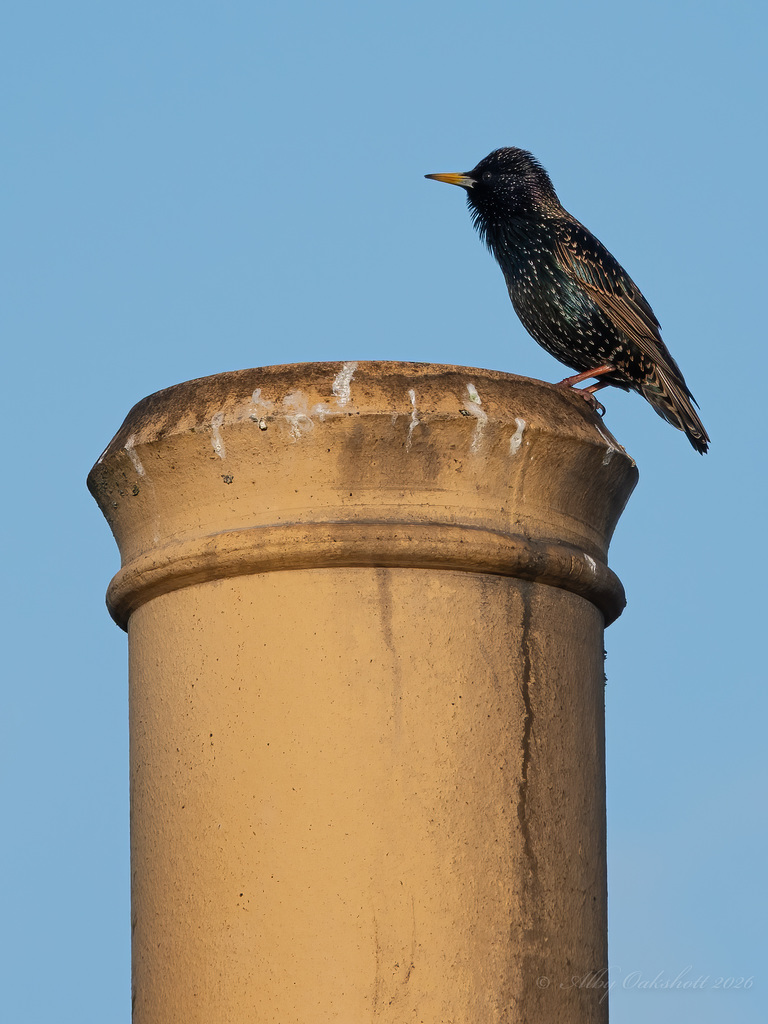
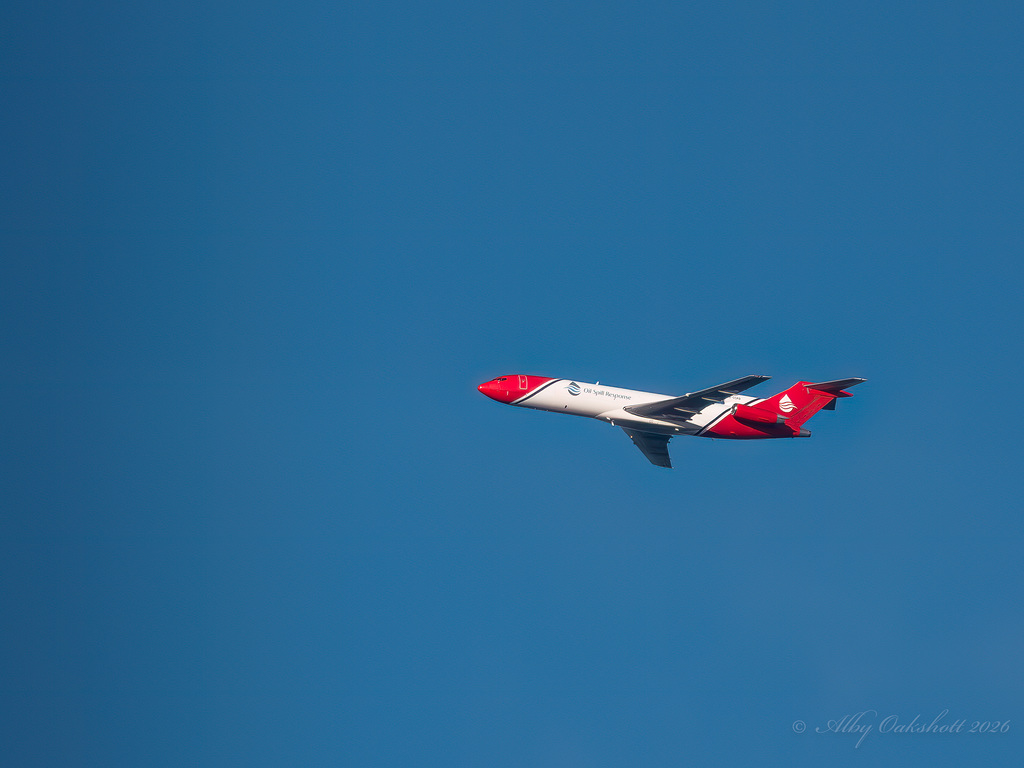
That's interesting... as I think I said before I kept expecting the OM1 + 300mm to absolutely destroy the RX10iv and it just didn't (for me anyway). Also I had very high expectations of the OM kit and the reality is you still need to be in the right place at the right time to get a great shot regardless of camera so I was probably destined to end up a bit disappointed. Anyway I hope it's in great condition when it arrives and I look forward to seeing some shots! CheersI've been looking back over some of my old shots with the RX10 and it seems very much to me that I could get sharper shots with that then I can with the OM-1 which I find remarkable . I have to edit the om files loads more than I ever did the sony files. I like the extra reach the om gives me so I might go for the 150-600 or the 300 f4 pro and add the 2 times extender for some extra reach. Looking forward to getting back to the rx10 iv though, I've really missed it. The sony is a much better option than the 100-400 mk2 I think.