High Dynamic Range (HDR)

thanks for all the help, heres what i have managed to get, any improvements?
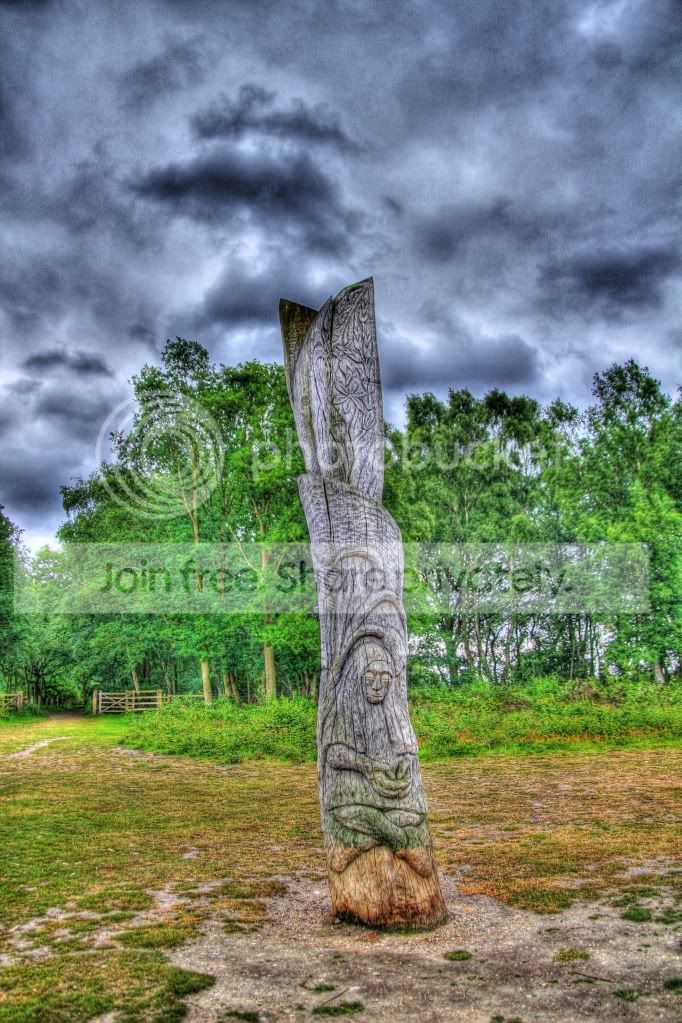
IMG_3987_8_9_tonemapped_tonemapped.jpg
 
Looks good to me, good saturation and strong colours, I particularly like where the trees meet the sky.

No doubt you'll be inundated with the "aaarrgghhh its burning my eyes" brigade, but ignore the haters - I like it and I'm sure you do! I think the technique works best when you have good colours in the sky - blues and stuff with fluffy clouds and a bit of grass in the background.
 
glad you like it, trying to pick which one looks best on the preset list is tough, cs5 doesnt seem to make much difference, i also really like what TCR4x4 did with the roderdendrum bush too
 
I think thats the default compressor or fusion on photomatix, I got the same result so didn't bother posting! It's brightening up out there, why not get yourself across to Heybridge, there is a rotten white little boat sat in the mud screaming out for a HDR attempt :lol:
 
heres the original 3 pics if anyone wants to try to improve it, also on the AEB setting im setting it to 2 stops either side, is that too much, really enjoying this so thanks to the thread starter

IMG_3987.jpg

IMG_3988.jpg

IMG_3989.jpg
 
2 stops either side (3 shot bracket) is good, but if you can and everything is still enough do 5 shots using exposure compensation.
 
Here is a quickie, like I said, I personally prefer the more subtle use, so Its not as "in your face" as yours but each to thier own!


hdrpole by TCR4x4, on Flickr
 
Also for me, 2 stops is too much. I'd do 1 stop. Looking at those photos, the last one has completely blown the sky and most of the pole, and the first has blwon the sky,so you are only getting 1 bit of sky data. The last shot wont really add anything, as all the data is there in the other 2 shots. The whole point of HDR is to capture the range of tones that the camera cant manage in 1 shot due to different levels of brightness.
 
When the day is dull as in your shots then there really is no point in taking 3 (or more) shots since the whole dynamic range of the scene can be accomodated in one shot.

You can produce virtually the same results using just one shot in most HDR programs.

.
 
I think thats the default compressor or fusion on photomatix, I got the same result so didn't bother posting! It's brightening up out there, why not get yourself across to Heybridge, there is a rotten white little boat sat in the mud screaming out for a HDR attempt :lol:
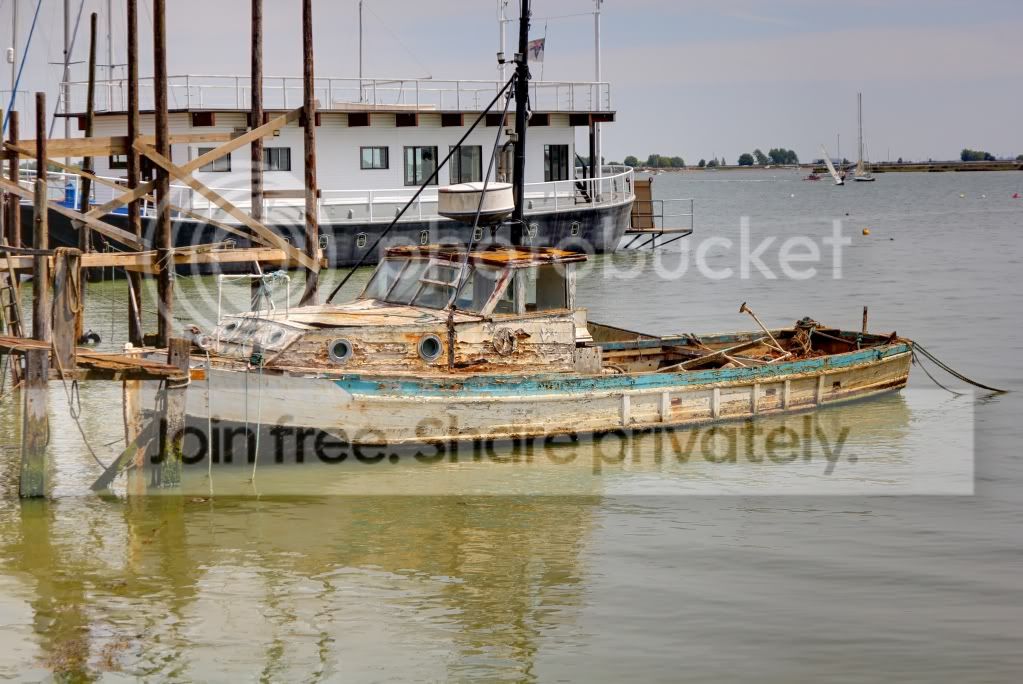
i think i know the boat you mean, im sure i have a pic already, its sunny now so i may have another go, with al the advice taken on board, thanks guys.
 
Don't forget that as well as highlight and shadow detail being played around with, so is the colour. It is normally a good idea to desaturate a bit. ;)

HDR doesn't seem to work well with trees, power/phone lines and aerials against a sky, were you may get unpredictable effects or easily visible halos which I think is something to try to avoid, though it doesn't seem to be a problem for the OTT HDR enthusiast. ;) :lol:
 
going to try again today, i dont think its something i will do to much of tbh, but its a new tecnique, and as im just starting out really i want to try it all
 
I think thats the default compressor or fusion on photomatix, I got the same result so didn't bother posting! It's brightening up out there, why not get yourself across to Heybridge, there is a rotten white little boat sat in the mud screaming out for a HDR attempt :lol:

did you mean this one?
IMG_4097_8_9_fused.jpg
 
I went for the 32bit photomatrix trial, I have windows 7, what difference does the 64bit make?

Thanks.
 
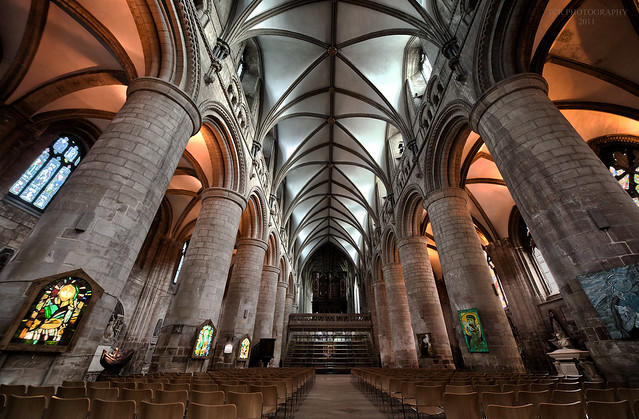
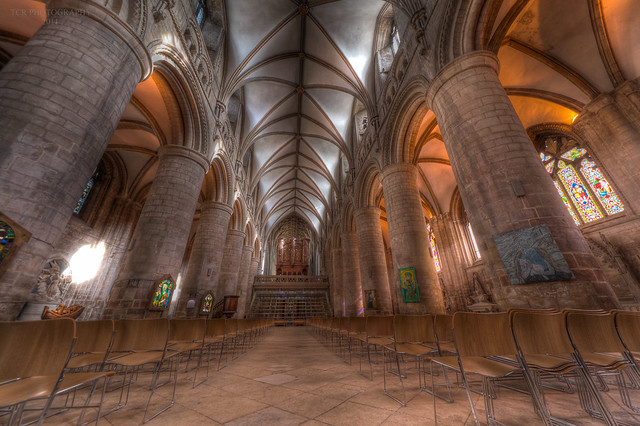
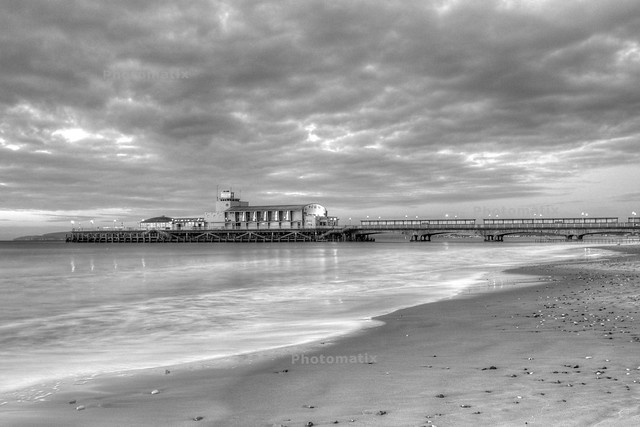
Works well on buildings. Depending how you do it, you can get completely different looking shots.
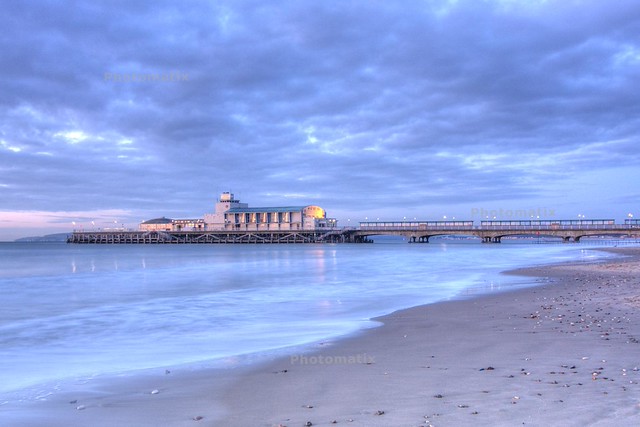
navehdr by TCR4x4, on Flickr


Nave by TCR4x4, on Flickr​

From a person who is not a fan of hdr i think the following. It is a bit like marmite. You pick the jar up and it looks like something you want to try. That is what i think of your 1st nave shot. I think it is really good. Your second nave shot is like opening the jar and licking the lid. In other words that's quite enough for me. That is where it should stop, but unfortunately there are people who eat the whole jar and they are definitely feeling very very ill and decide to become an expert at hdr. If those who want to create a great looking photo using hdr should take your first nave shot and aim for that quality.
Well done:thumbs:
 
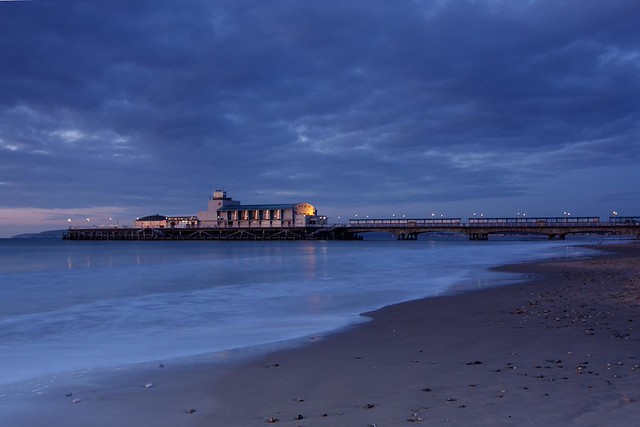
Of the two i prefer the 1st one, unfortunately the pier looks a little lost in the picture.
 
HDR doesn't seem to work well with trees, power/phone lines and aerials against a sky, were you may get unpredictable effects or easily visible halos which I think is something to try to avoid, though it doesn't seem to be a problem for the OTT HDR enthusiast. ;) :lol:


:D

bit like this..

electronlines.jpg


Fab isn't it. lol
 
In my experience, HDR works best where you've got a scene with a lot of contrast i.e. several stops difference between the highlight and shadow areas. For anything other than that, it's a case of using a technique for it's own sake, and I found that the novelty quickly wore off for me. The other thing I found was that the tone mapped image was only the starting point for further work in Photoshop to finish it off. I rarely ended up with a 'finished' image straight out of Photomatix. In the end I gave it up as a bad job and just process my images using doing different adjustment layers in Photoshop.
 
In my experience, HDR works best where you've got a scene with a lot of contrast i.e. several stops difference between the highlight and shadow areas.

It can be used to bring out a bit of drama to a relatively dull sky (of which we have many in the UK :() but generally that is my opinion too.

For anything other than that, it's a case of using a technique for it's own sake, and I found that the novelty quickly wore off for me.

When a lot of people say HDR the mean the OTT effect unfortunately, and when they do it, it is the effect which is 'the picture' rather than enhancing the subject imho. :(
 
I did alot of research into HDR v nd grad filters.

Firstly HDR I notice alot of *** love it for it's artistic effects which alot of the time are overcooked very cartoony but it is pretty cool the whole HDR experience if done correct as there can b alot of odd effects too, but if your choosing it over nd grad filters your making a mistake
 
im still learning myself heres one i did yesterday and processed in photomatix.
Picture080_1_2_tonemapped.jpg
 
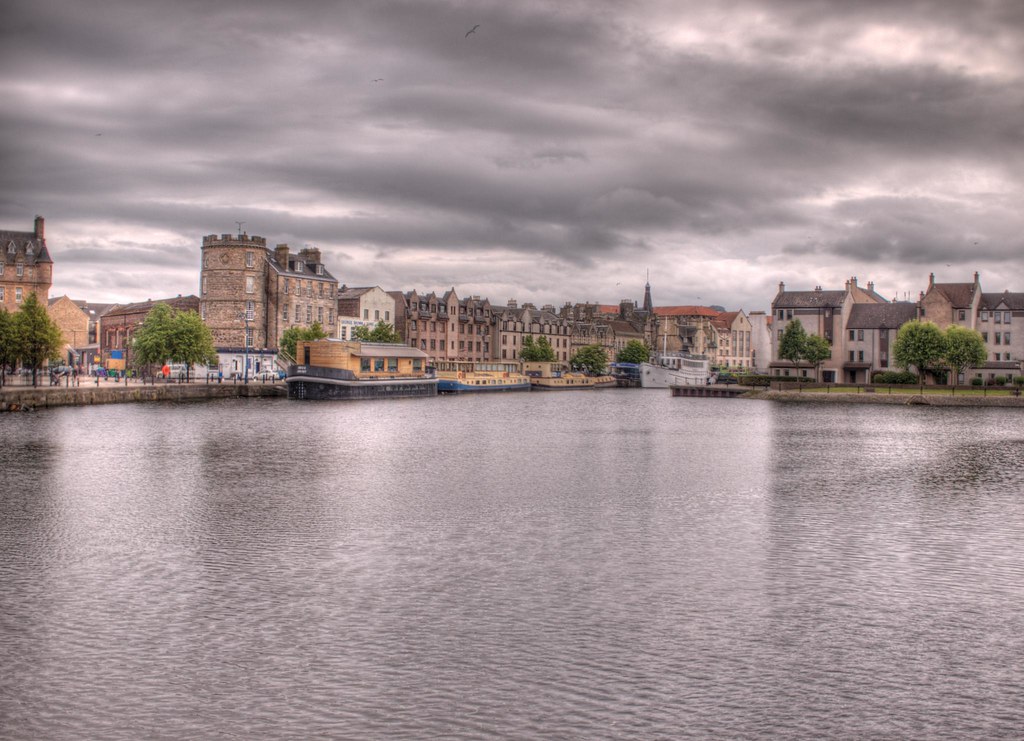
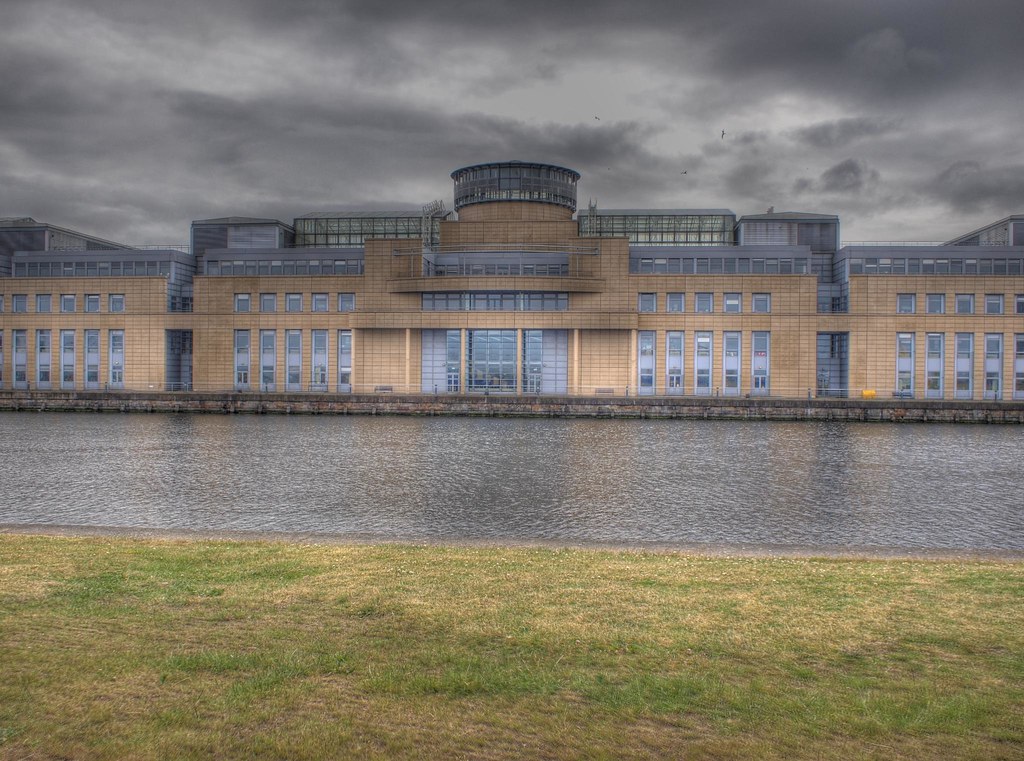
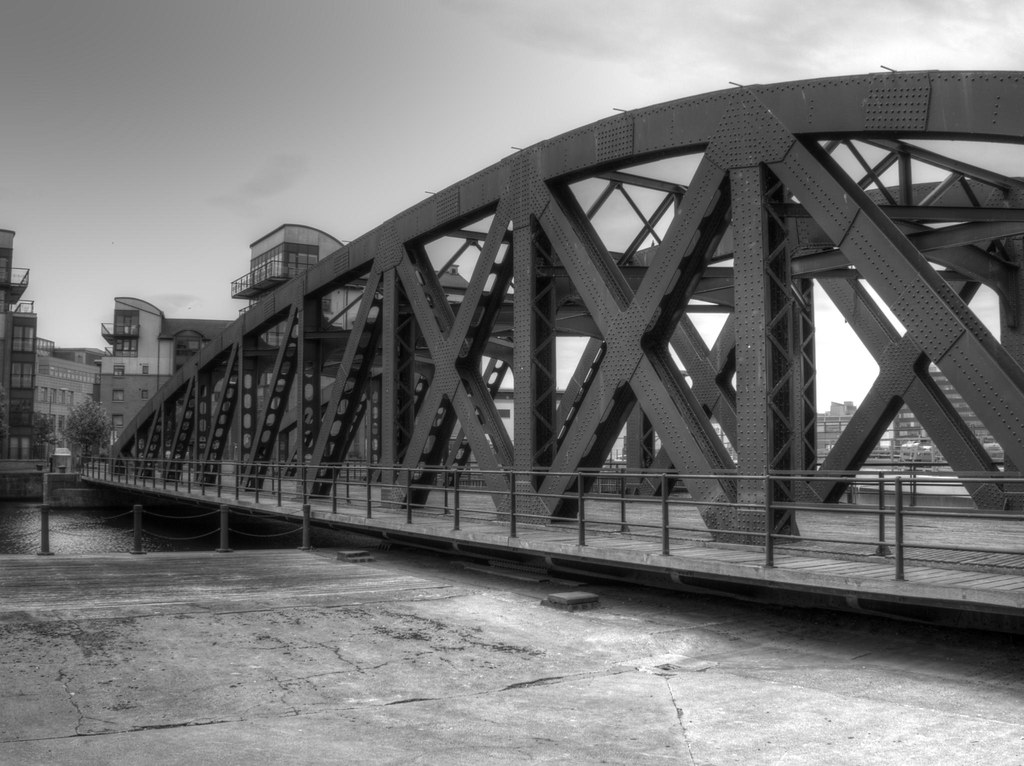
Had a play with some HDr today. first day out with my new Olympus Pen EP1, so the shots aren't very good but wanted to play with multiple exposures:

The Shore, Leith, Edinburgh
5800682566_9a9be3fd42_b.jpg

Footbridge at The Shore, Leith, Edinburgh
5800121519_0fbe5e7c25_b.jpg

Final one, Scottish Government, Leith, Edinburgh in Black and White
5800692112_a5c7f47478_b.jpg
 
Last edited by a moderator:
It's not just about hdr. Surely the subject has to be something of interest, then if your not happy with that try to improve it with hdr. Unfortunately i feel you have missed out on both subjects. Totally overdone and the subject is uninteresting.
 
andy, a bit overdone I feel, but it also seems that you've lost a bit of image alignment in the first one towards the right...this might be due to chromatic aberation...a pet hate of mine in HDR, which you can see for example along the top of the roof. The HDR is better in the second one (although stil some CA - see the panels against the shed)...I'd start by cropping out the door frame on the right.
 
Thanks for the input...Yer i understand what you mean. I know it has to be of something interesting etc...I was just having a play, and really interested in weather i was going a bit OTT on the HDR effect... I now understand that if its a good picture to begin with, then this whole process would be much more effective. Bring on the weekend. I only seem to have +1 & -1 in the bracketing menu on my camera as a max... is this enough, as I've seen quite a few that say maybe 2 is best? Thanks again.
 
Had a go myself some are over cooked but some photos do suit this :)


Bit overcooked, maybe like mine in the first instances... But like you say some suite it. In my opinion i think that looks pretty good to me, apart from the cannon itself and other bit behind it. Maybe a little less strength on them, as they look a bit too cartoony... I know im not the best person to judge this, but anyones input is some input. :bonk:

Looked on your Flikr too, without sounding like an idiot how have you got bits of colour in the black and white, like the spitfire? Just Photoshop
 
Last edited:
I am thinking of buying photomatrix, unless anyone can tell me of a better option (free would be good:thumbs:). I dont seem to have much success with picturenaut, but I have only tried it by changing the exposure on a single RAW shot and it comes up black everytime.

Mind you the photmatrix trial says that all are exposed the same when I try using the same RAW filed saved with three different exposures.

Any thoughts?

Thanks.
 
The process involves taking exposure-bracketted photos, loading them into your computer, turning the settings up to maximum post-apocolyptic or chocolate box unreality, gougeing both your eyeballs out with a blunt spatula, then posting them online...

I was just about to say the same thing :lol::lol::lol:

Les :D
 
Bit overcooked, maybe like mine in the first instances... But like you say some suite it. In my opinion i think that looks pretty good to me, apart from the cannon itself and other bit behind it. Maybe a little less strength on them, as they look a bit too cartoony... I know im not the best person to judge this, but anyones input is some input. :bonk:

Looked on your Flikr too, without sounding like an idiot how have you got bits of colour in the black and white, like the spitfire? Just Photoshop

Sorry only just seen this reply, all i did was do the selective colour first in PS, then run through photomatix as a single batch photo. HTH :)

Thank you all for the nice comments about the photos :thumbs:
 
Last edited:
A
If you shoot in RAW, you can manage with 1 shot in Photoshop. Like with Photomatix, sometimes it works, sometimes not. The way it works is:
1. Open the RAW image from Bridge in Camera Raw. Make all your adjustments (sharpness, white balance, etc) except anything which upsets orientation (like levelling). Make a note of all your adjustments. Now set the exposure adjustment to -1 (alternatively set the exposure so that the highlights are showing). Export to Photoshop and save as Image A.
2. Go back to Bridge and open the RAW image again in Camera Raw. Make sure the settings are the same, but change the exposure adjustment to 0 (or alternatively, to a point that will be in the middle of Images A & C). Export to Photoshop and save as Image B.
3. Return to Bridge and follow stage 2, but changing the adjustment to +1 (if you are following the alternative route expose so that the darker areas are just exposed). Export to Photoshop and save as Image C.

You now have 3 images. Go to File/ Automate / Merge to HDR Pro. Cheaper but less effective than Photomatix.


B
If you search only there are several free P?S Action (eg "HDR for Dummies" and "Pseudo HDR" which will allow you to play around without dirtying your hands too much.

C
If you want to try the bracketing route, read and absorb two entries in your instruction manual - "Selecting the drive mode" and "AEB (Auto Exposure Bracketing). Basically if your camera is set to one of the continuous shooting modes, you press the button only once and hold it for 3 exposures. If you are in single-shot mode you press it once for each exposure. The former is better.

Using a tripod will eliminate some of the potential ghosting problems
 
Back
Top