Help needed with Epson V500 scanner settings

ianjmatt

Suspended / Banned
Messages
255
Name
Ian
Edit My Images
Yes
Hi. I have recently purchased an Epson V500 scanner and I am having trouble getting a decent result. I am currently trying to scan some C41 Black and White negatives, but get a lot of noise. The settings I am using are: Film, negative, black and white; 16 bit greyscale; scanning quality: best; resolution 9,600 dpi; target size - original; unsharp mask on; grain reduction on; Digital ICE Technology.

Any ideas?
 
Hi Ian,

I'm not sure about the V500 personally but I'd try lowering the resolution less than 4800. There are other threads discussing the true optical resolution of scanner in this forum. I'd also turn off unsharp mask, grain reduction and Digital ICE.

I think these things are all better handled in photoshop personally.
 
Noise or grain? What film is it you're scanning is it just very grainy?
 
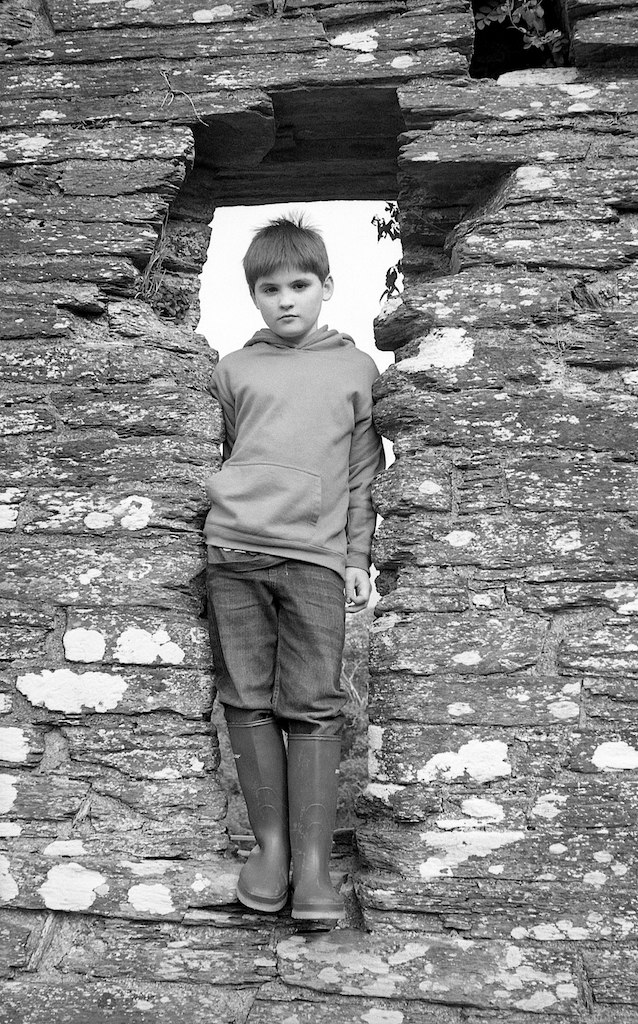
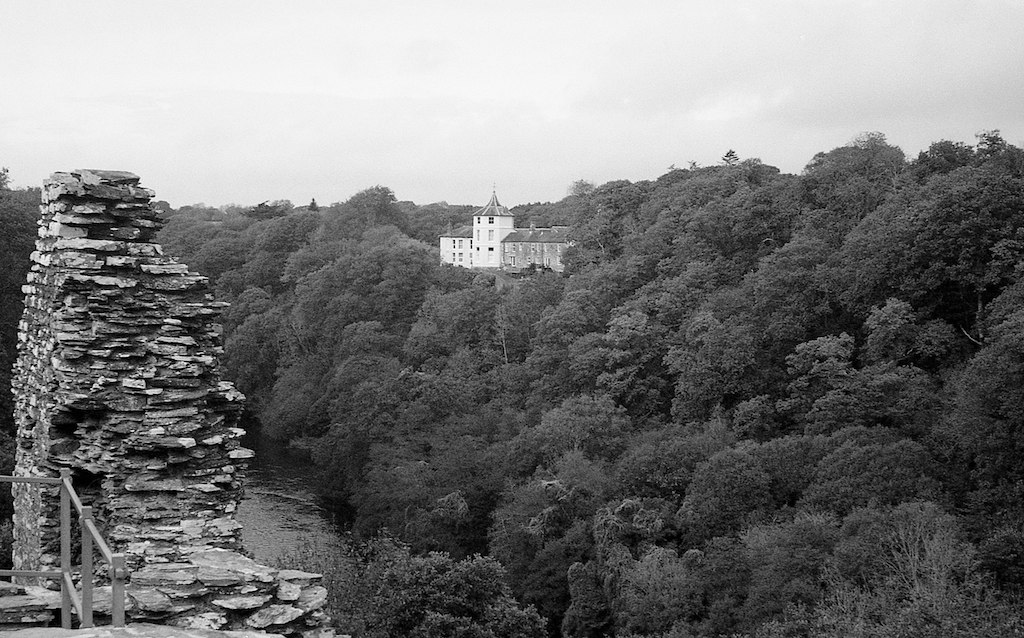
Good question. I think it is noise as I don't see it on the prints I had made, but could be wrong. The film is Ilford XP2 400 C41 film. Here are a couple of scans:

6349504177_9806b8e06c_b.jpg


6349508745_ab7bc8a017_b.jpg


Thanks
 
I've found the workflow described for the V500 here to give very good results.
 
Hmmm. I'd be inclined to knock off the grain reduction - I've found it works rather like noise reduction and just takes the edge off the definition in your pics - I'd rather see the grain personally.

I wouldn't use ICE unless the negs are really messy - it adds enormously to scanning times. If it's just a few dust specs there're easy enough to spot out in editing anyway.

Try that and see what you get - let's see a sample. :thumbs:

EDIT

These look neither grainy or noisy - i'd say the grain reduction is just taking the edge of the sharpness..
 
Last edited:
I'd be tempted to scan the prints instead of the negatives personally.
 
Turn off anything auto. So auto levels etc.

Turn off ICE, it screws up b&w shots massively. Turn off sharpening.

Do a preview scan and adjust levels manually to give contrast without clipping blacks or highlights.

What software are you using?
 
Right - here is another attempt. I think they look a little better, but I think there is grain/noise that will show up if I print them. Have removed all the preset stuff, and scanning at 4800dpi. What do people think?

6349612585_e5996ab1a7_b.jpg


6349600343_797af31849_b.jpg
 
Well they look a whole lot better to me- certainly sharper and I'm not seeing any noise in the darker areas where you'd expect to see it.

I dunno if the V500 neg carriers are the same as the ones supplied with the V700, but if they are then have a look at the little height adjusters on the back of the carriers. Mine came set to the 0 setting. I found that turning them round and refitting them at the + setting made a huge difference to sharpness.
 
A big improvement. Just print it and see what happens.
 
I own V500 and went through a lot of trial and error with it so I understand your pain :)

Firstly, ICE does not work for B/W negatives at all so it should be off.

Then V500 native resolution only goes to 4800 dpi, 9600 is an interpolated one. Even that 4800 rarely gives you more details than scanned at lower resolution. What I tend to do is to scan at 4800 and then downsample it to 2400 or 3200 - this produces marginally better images than scanning at those settings directly.

I would advise to get a VueScan - you can control things with it that you cannot (not directly) with Epson software. For example, VueScan Pro allows to set an exposure (setting that controls scanning sensor gain) so you can vary it to expose darker parts of negative more (helps with the noise as boosting them in PP does not always help). Epson software can also do it but apparently you have to tweak the curves (blue one in particular) to make it expose for longer/up the gain. Have a look at this article if you want to try that with Epson software.

And the last, I would really switch off all the sharpening, noise reduction etc stuff in scanner software as it does not really add the resolution (noise/grain reduction simply blurs the image more) - you can always do it yourself in PP usually with better results.

Regarding the grain - unlike digital photography (sensor based), in film the grain will be more apparent in midtones not shadows or highlights. You should not therefore expect the same characteristics from scanned film as you'd see on digitally made photo.

 
menthel said:
Not entirely correct, ICE can work with C41 B&W, as these are.

Uh? What's the difference between scanning normal b&w and c41?
 
That is way too technical for me! All I know is that whilst ICE is not recommended for normal B&W, it is for C41. Must be differences in the substrates and emulsions or some such thing. Its in the instructions for my scanner, vuescan instructions and the vuescan bible. Hopefully they are not all making it up!
 
That is way too technical for me! All I know is that whilst ICE is not recommended for normal B&W, it is for C41. Must be differences in the substrates and emulsions or some such thing. Its in the instructions for my scanner, vuescan instructions and the vuescan bible. Hopefully they are not all making it up!

Hmmm...I'm sure there must be a reason then!
 
Wikipedia to the rescue (with all the usual caveats!):

Limitations of Digital ICEDigital ICE is used to detect scratches and dust during transparent film scan and is not applicable for opaque document scanning. Where Chromogenic black-and-white films are supported by Digital ICE, other black-and-white films containing metallic silver (which form from silver halides during the development process of the film) are not. This is because the long wave infrared light passes through the slide but not through dust particles. The silver particles reflect the infrared light in a similar manner to dust particles, thus respond equally in visible light and infrared light. A similar phenomenon also prevents Kodak Kodachrome slides from being scanned with Digital ICE (Kodachrome's cyan layer absorbs infrared).
 
What it is is that ICE technology apart from scanning the red, green and blue channels also scans on a fourth infra red channel, Colour film is transparent to the infra red light - apart from any scratcheds and blemishes, which is why it works.

B and W film isn't transparent to IR light,. in fact the dark parts of the negative are as dark as the IR light so highlights will be knackered completely.

Don't hold me to it, but I think if you shoot B&W on colour film then you can still use ICE
 
Last edited:
Hmmm...I'm sure there must be a reason then!

As Jim's Wikipedia quote said - the traditional silver based B&W films are not transparent for IR. The C41 and E6 films are transparent to IR so you can basically create a mask of all the scratches/imperfections. For the B&W film the mask will be essentially repeating the negative itself so subtracting it will effectively zero your image (not entirely since a lot of differences in an IR channel so it will leave some details behind) - boosting that up in a software later does create a lot of noise.
 
Last edited:
Nor does normal ICE work for Kodachrome either as the cyan layer absorbs IR light so the scanner assumes it is dust/scratches.

However the Nikon Coolscan 9000ED was the only scanner to have ICE4 which could scan Kodachrome with IR dust/scratch reduction, along with the the earlier Kodak HR500 Plus lab scanner which used a different method. However apparently the iSRD in Silverfast works on Kodachrome with any scanner as well.
 
My experiences with ICE are that I usually end up spending more time fixing the bits it's got weirdly wrong than I would have spotting out the dust in the first place.

Giving the negs/slides a good going over with a rocket blower works well enough for me most of the time.
 
Back
Top