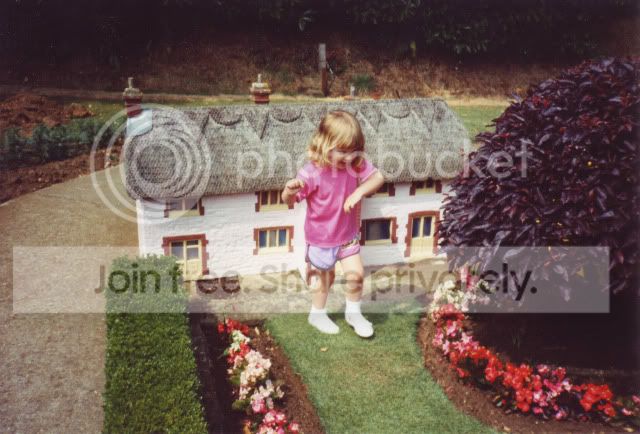
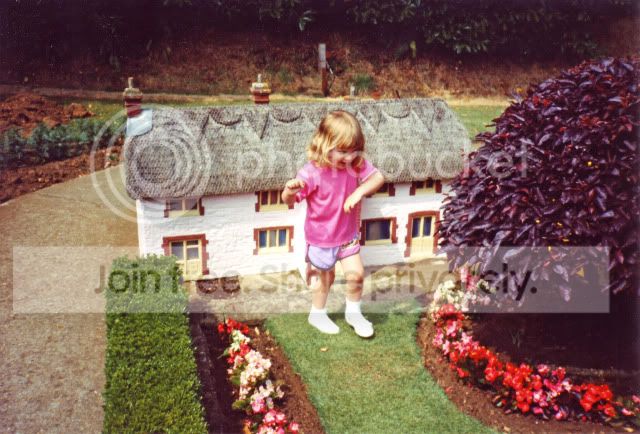
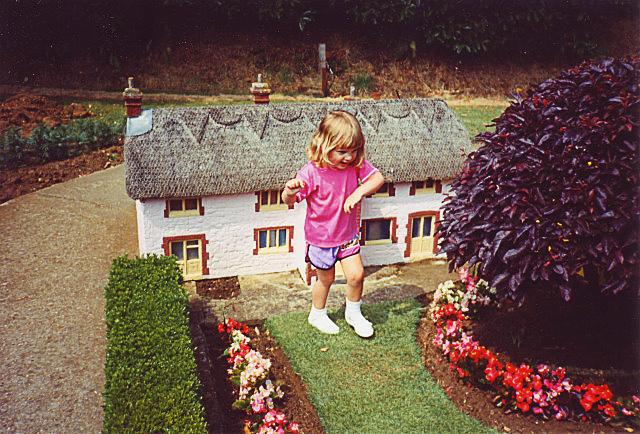
Color correction is usually concerned not with the artistic content of an image, but with remapping tonal values in an existing photographic image to optimize color reproduction, in particular to improve the appearance of highlight and shadow areas, midtone neutrals, and overall contrast.
Don’t freak out just because there are gaps in your histograms after color correction, but at the same time do everything possible to avoid them by minimizing the number of image processing operations such as curves, levels, and other tonal adjustments.
There are many different factors that can ruin a photograph, but exposure errors seem to be the most common. We’ve all seen underexposed pictures that seem to show a black dog in a coalmine at night, or overexposed images that appear to be polar bears in a snowstorm.
So, it’s no surprise that the single technique used most often in color correction involves finding and resetting the lightest and darkest parts of the image: the highlights and shadows.
Setting proper highlight and shadow values is central to color correction because these two points define the maximum tonal range of an image, and therefore its contrast… Also, making the highlights and shadows neutral helps maintain proper neutral tones throughout an image, ensuring overall colour balance.
Regardless of why an original image looks wrong, you can always improve it by establishing proper highlight and shadow values, ensuring midtone neutrals are really neutral, enhancing contrast in the area of interest, and applying sharpening in a manner appropriate to the image content and output conditions.
One of the basic rules of color correction is that if the neutral tones in an image are wrong, everything else is likely to be wrong… One of the main tenets of color correction is that the major problems should be fixed first, which is why exposure issues – proper highlights and shadows – take precedence. The next priority must be to eliminate any color casts and restore proper color balance, so that colors throughout the tonal range look “right” both by themselves and with other colors. And the colors in an image will look balanced only when areas that are supposed to be neutral actually are neutral.
…when neutral colors have a color cast, even a small color cast, so do all of the other colors in the image. That’s why it’s essential that every image be properly corrected for gray balance… a little detective work is often necessary to find something in an image that is (or should be) neutral gray.
One helpful hint is that when you’re not really certain that an image has been properly neutralized, even if the numbers are right, look for colors that don’t seem to believable. Even if the colors do seem believable on the screen, it’s still a good idea to drag the eyedropper tool through the image, noting the relationships between each channel and looking for anything out of whack.
[The] Levels [Tool] is easier to use and understand, but Curves is more powerful... Curves provide the most powerful way of precisely remapping tonal values… So ignoring a color cast can ruin an image, but overcorrecting a color cast can also ruin it, turning all the ambient warm tones cold and sterile. The best way to deal with this uncertainty is to always, always, always apply curves and other tonal changes on an adjustment layer, rather then directly on the image.
From Photoshop Color Correction by Michael Kieran