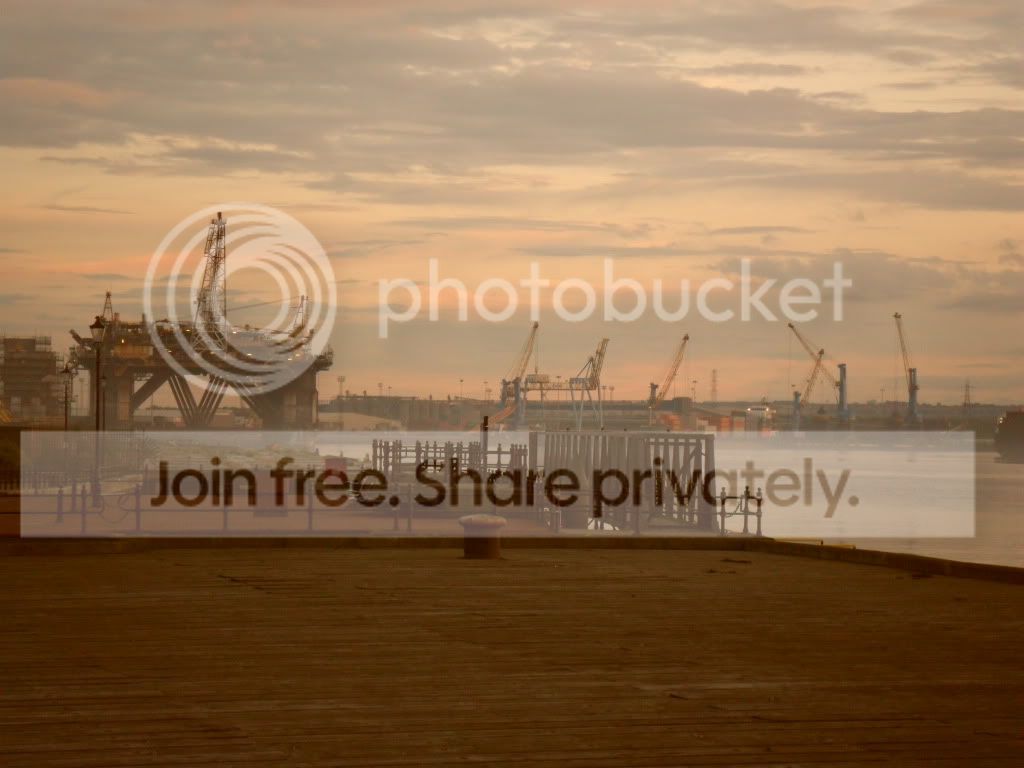
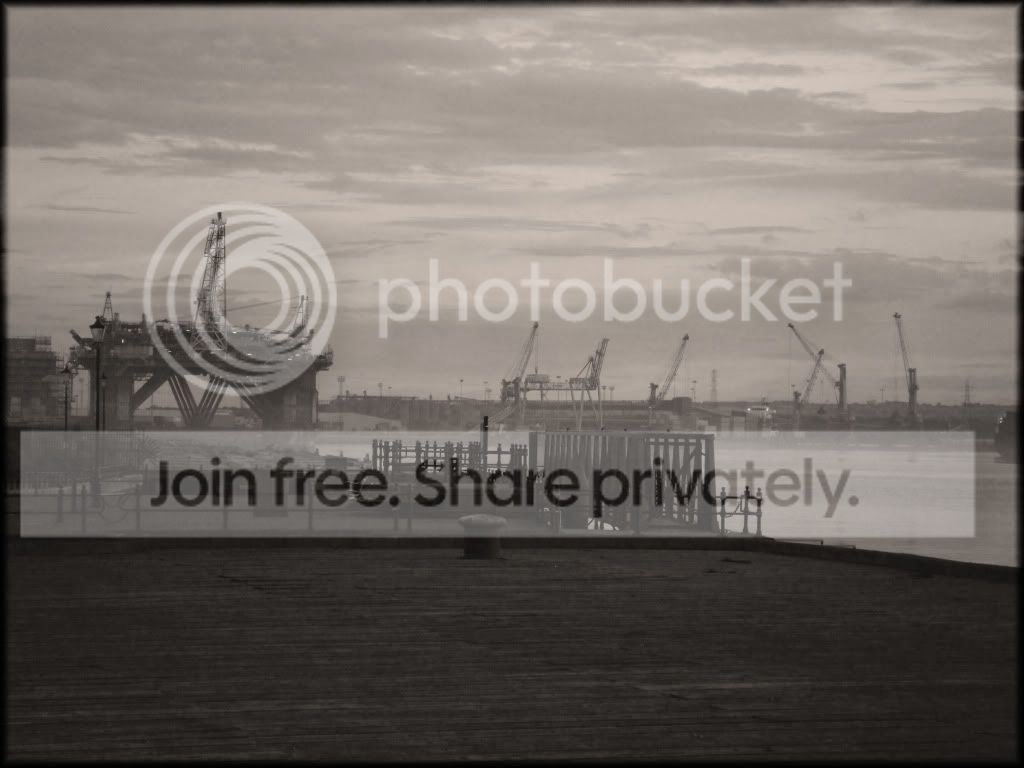
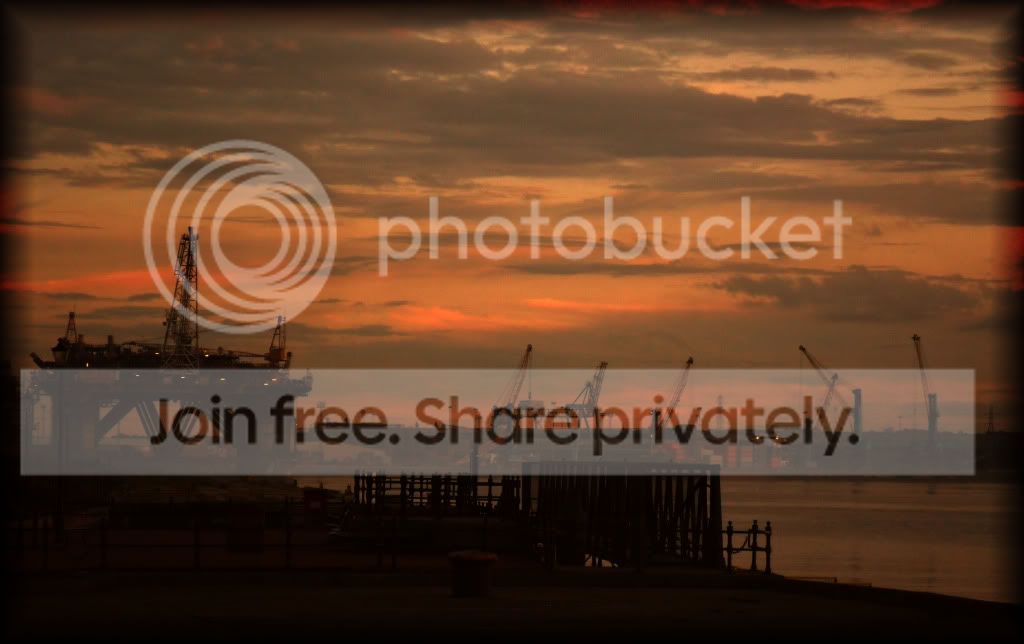
hope you don't mind, but I went on and made some edits so I could talk you through what I did
I think it's a nice image to start with, although there's not enough happening outside the middle of the frame so I chose a 2.35:1 crop (widescreen) to get rid of that and make the image have a cinematic feel.
I prefer the colour version so I stuck with that.
In photoshop cs5
First I used curves to darken the sky, I blended it with a black to white gradient on a layer mask.
The image lacked contrast so I pushed the contrast a little, mainly in the buildings in the centre
I used colour balance to tone the image slightly and remove some (but not all) of the red cast
Added a maroon border to frame the image
there are some other little tweaks but it's a secret

I finally used unsharp mask on a high amount, low radius to sharpen
hope you like the result and this post helps you to understand what editing can do