First Edited Photo

mystic-cay

Suspended / Banned
Messages
75
Name
Carly
Edit My Images
Yes
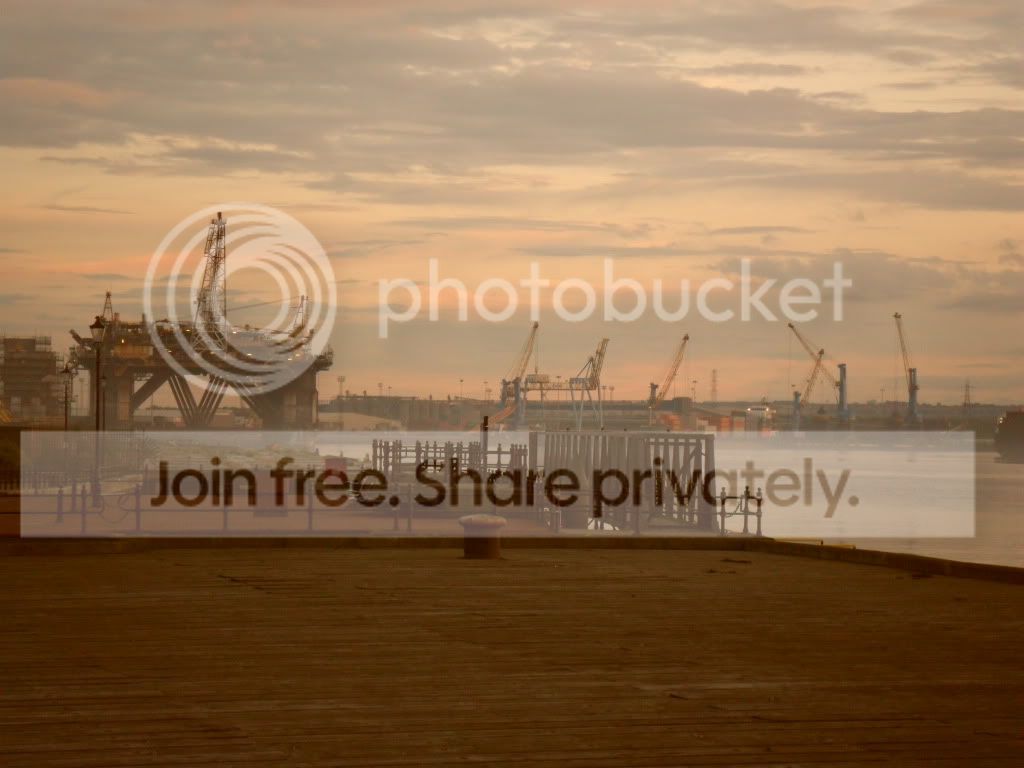
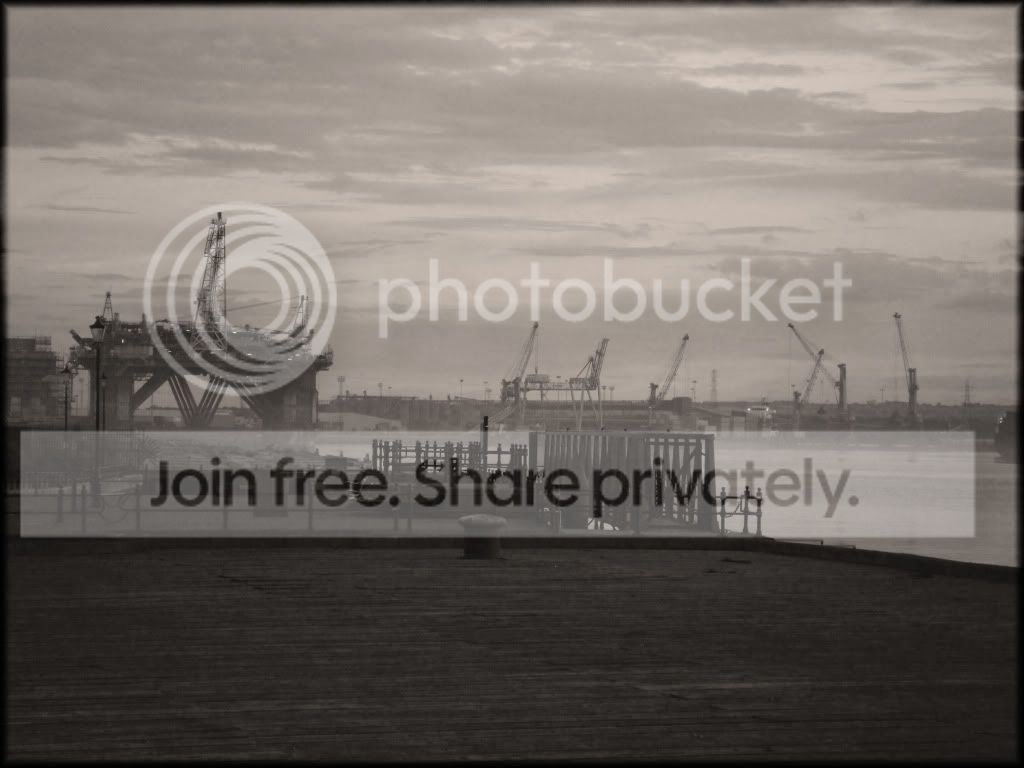
Hey , i edited a photo for the first time and i like the outcome. i haven't done alot to it so was wondering what people thought.


Before:
SAM_0037.jpg


After:
Dockscopy.jpg


comments please :D

x
 
I think B&W treatment improves it a lot. I think the image has a *tiny* tilt to the right. Possibly a smidge anti-clockwise may help.
Even though the horizon is halfway up, there is enough interest in both sky and land to warrant such a split.
The low contrast also gives it a pleasing smoky/grimy feel.
I suppose I'd want to run an unsharp mask over it to bring out foreground detail, but all in all I like it.

C
 
Hi. I disagree. The color version has a colorcast, run Autocolor on it and it improves it. Just dodge/burn and selectively saturate the sky to make it more dramatic and crop some of the lower foreground which doesn't add anything to the image. The BW version lacks contrast.
 
Not a great picture to start with I'm afraid - but the colour is better if you did as advised above. It badly needs cropping and the WB sorted.
 
Well done on the edit, looks good, but I have to say that I prefer the colour verion. I agree with Carol, crop the foreground a little as ther is nothing of interest in that part of the image. Might be worth while cropping to remove the object thats just creeping in on the rightside as well.
 
Hi. I disagree. The color version has a colorcast, run Autocolor on it and it improves it. Just dodge/burn and selectively saturate the sky to make it more dramatic and crop some of the lower foreground which doesn't add anything to the image. The BW version lacks contrast.

I'd be truly horrified if someone didn't disagree with me :).

I wonder if we/I should also express how far we personally are willing to go with editing to bring the best out of a photo? I wouldn't selectively saturate or dodge/burn except in extremis - I prefer 'whole image manipulation'. No specific justification/religious reasons BTW. Taking that into account, the OP may wish to completely disregard my comments and go for Photodivas recc of dodge/burn in the sky.

C
 
thank you for all your comments :D


i am going to have a try at this burn thing and the cropping might take me a while lol and then i will post my finished image and see what everyone thinks :D

really appreciate every ones help :D

x
 
What graphics program did you use to edit it ?

I prefer the colour version as your eyes are drawn to the subject being the platform and bridge

But the B&W version makes the grass to dark and bold and makes it look like you wanting that to be the subject of your image ?


does your graphics editor, have setting to convert to B&W for different filters ie red or Green ?

Try apply a filter to lighten the grass ... Green should do it, but will also darken the sky

I would give them all a go and remember to make the subject of your photo your eyes want to rest
 
But the B&W version makes the grass to dark and bold and makes it look like you wanting that to be the subject of your image ?


Try apply a filter to lighten the grass ... Green should do it, but will also darken the sky

Are we looking at the same picture? What grass? The foreground looks like concrete with a green colour cast!
 
i think he is reffering to the mouldy wood ......

the whole point of the picture is the industry in the back ground this was taken at the Mill Dam in south shields and the cranes and things are hebburn docks and port of tyne


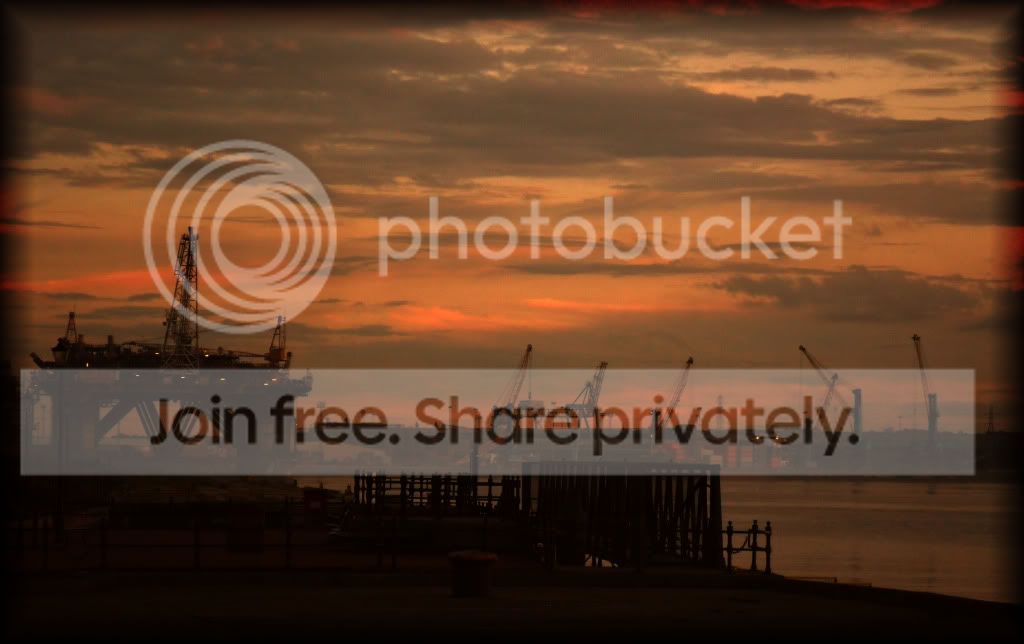
what about this one:
DocksDark.jpg


i genuinly have no idea what im doing so im just "fannying" around on Photoshop :D
 
I'd be truly horrified if someone didn't disagree with me :).

I wonder if we/I should also express how far we personally are willing to go with editing to bring the best out of a photo? I wouldn't selectively saturate or dodge/burn except in extremis - I prefer 'whole image manipulation'. No specific justification/religious reasons BTW. Taking that into account, the OP may wish to completely disregard my comments and go for Photodivas recc of dodge/burn in the sky.

C

Hi - I think 'global' fixes are OK for some editing, e.g. color cast. But often to bring out the best, selective editing needs to be done as well (like cloning). Just a 'whole picture' levels or curves may not really be the solution. Start with the global and move 'in'.
 
hope you don't mind, but I went on and made some edits so I could talk you through what I did

dockr.jpg


I think it's a nice image to start with, although there's not enough happening outside the middle of the frame so I chose a 2.35:1 crop (widescreen) to get rid of that and make the image have a cinematic feel.

I prefer the colour version so I stuck with that.
In photoshop cs5
First I used curves to darken the sky, I blended it with a black to white gradient on a layer mask.
The image lacked contrast so I pushed the contrast a little, mainly in the buildings in the centre
I used colour balance to tone the image slightly and remove some (but not all) of the red cast
Added a maroon border to frame the image
there are some other little tweaks but it's a secret ;)
I finally used unsharp mask on a high amount, low radius to sharpen

hope you like the result and this post helps you to understand what editing can do :)
 
Hi Carly. I think you've gone too far on that, and its now too dark.
Depending on which version of PS you have, go to Image - Adjustments - Auto Color and try that on a duplicate of the original.
I've done a quick edit
cranes2.jpg
 
Last edited:
Back
Top