arad85
Suspended / Banned
- Messages
- 9,438
- Name
- Andy
- Edit My Images
- Yes
So... over the past couple of months, I've built a silent PC (no fans whatsoever) and I've upgraded the home server with the same technology. That too is effectively silent (although I still have a couple of fans gently blowing air over the 8 HDDs there, but you can't hear them)....
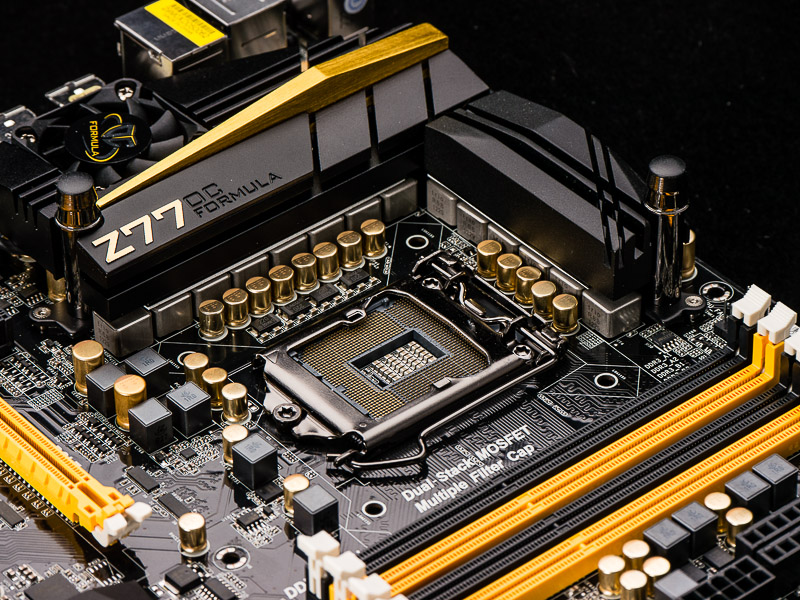
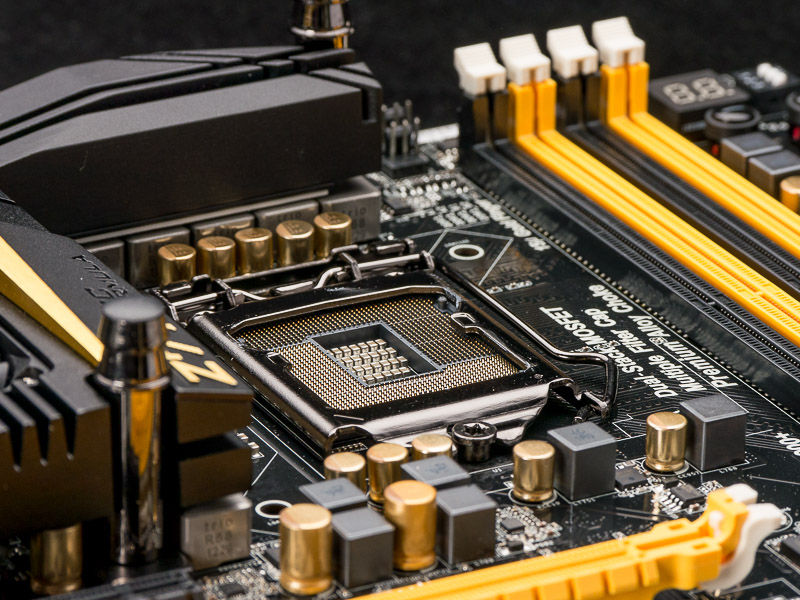
Now it's time for my main editing PC - an overclocked i7-2600K at 4.4GHz. It's currently in a silent case (Antec P180) with a Corsair TX650 PSU. The case has 4 fans and the heatsink for the CPU has a temperature controlled one too making 5 in total. It's quiet, just not quiet enough given the computers around it. I'm looking at making this rebuild as quiet as possible (not changing the CPU/mobo at the moment, just the case & environment it lives in).
As far as I can see, there are two ways of making things quiet - either maximise airflow and minimise fans or maximise sound deadening and balance with some quiet fans. The NoFan (which I used on both previous quiet/silent builds - see: http://www.talkphotography.co.uk/forums/showthread.php?t=449072) is definitely of the former having no fans, but the other two machines it is used on are not being overclocked (the server has a processor that draws a similar power, but is not overclocked).
The aim of this thread is to share my experiences (this is definitely WIP - I only ordered some of the bits today) so hopefully, it will help others who are looking to do similar.
OK. so what am I doing. Simply:
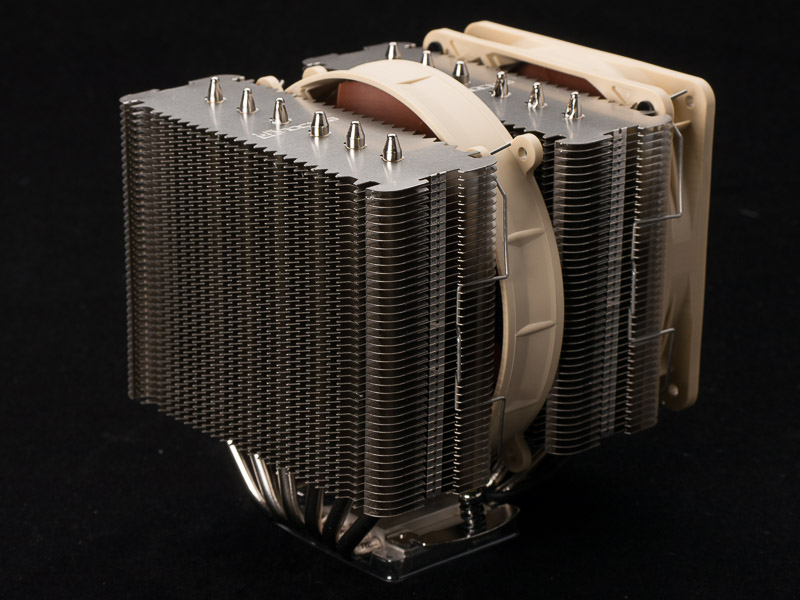
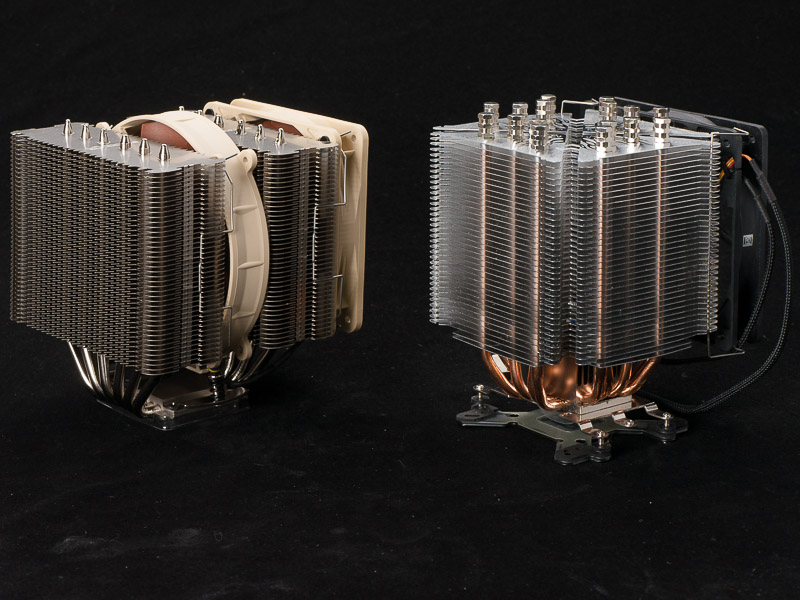
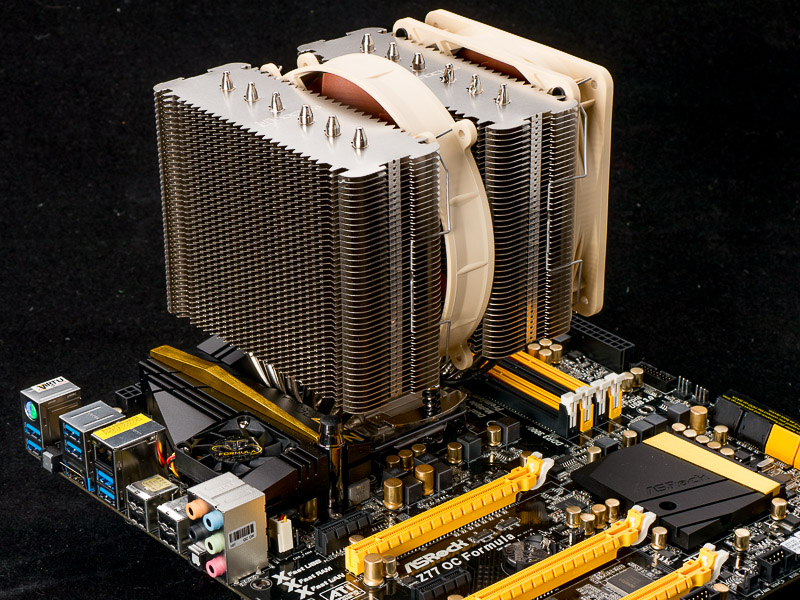
I'd like to use another NoFan, but I'm not sure on two points: firstly, the thing won't fit on my motherboard and allow me to keep the graphics card I am using (heatsinking on the gfx will get in the way). Secondly, I'm not sure if I want to move to Haswell when it arrives). Coinsequently, I'm going to run the current CPU/heatsink in a new enclosure and see what happens in both "maximum convection airflow" mode and "managed silence" mode. I'll make a decision later what to do with the CPU...
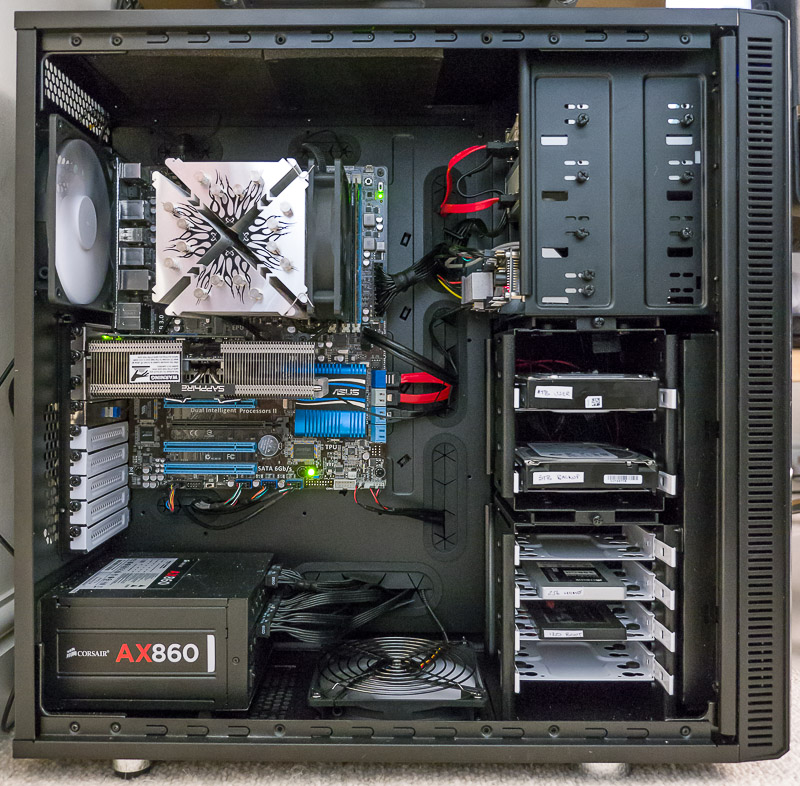
So.. what have I found... Well, as for case, there isn't a "perfect" case. They either tend towards open and full of mesh or closed and managed airflow. There are only a few cases that try to address both methods of working. I looked at Coolermaster, Corsair Obsidian and a number of others (I must have spent hours pouring over case specs and reviews this weekend). I finally decided on a Fractal XL R2 which is a beast of a case allowing 4 x 5.25" drives and 8 x 3.5" drives plus an oversized motherboard. This is overkill for what I want, but I know from previous experience, I will always find a need for the larger size... This is now my third Fractal case. They just seem to "do it" for me being a combination of great value, great design and something which doesn't look too bling... I will be trying it in both "everything open" and "everything closed" mode to see which comes over the quieter.
PSU was quite easy. I wanted 500+W and quiet. Very, very quiet. This meant either a passive PSU or one that is so efficient, it doesn't need active cooling until it is well into it's power envelope. Passive PSUs kind of finish at just over 500W, but given this machine gets changed often, I wanted future proof. IMHO, that left only one PSU - the Corsair AX series. I was going to buy the 760W version, but ebuyer had one of those quirks where the 860W version was 10% cheaper than the 760W one. 860W acquired The other advantage is that it works completely fanlessly until power draw gets into the 400+W range - which is the same sort of range as the fanless PSUs.
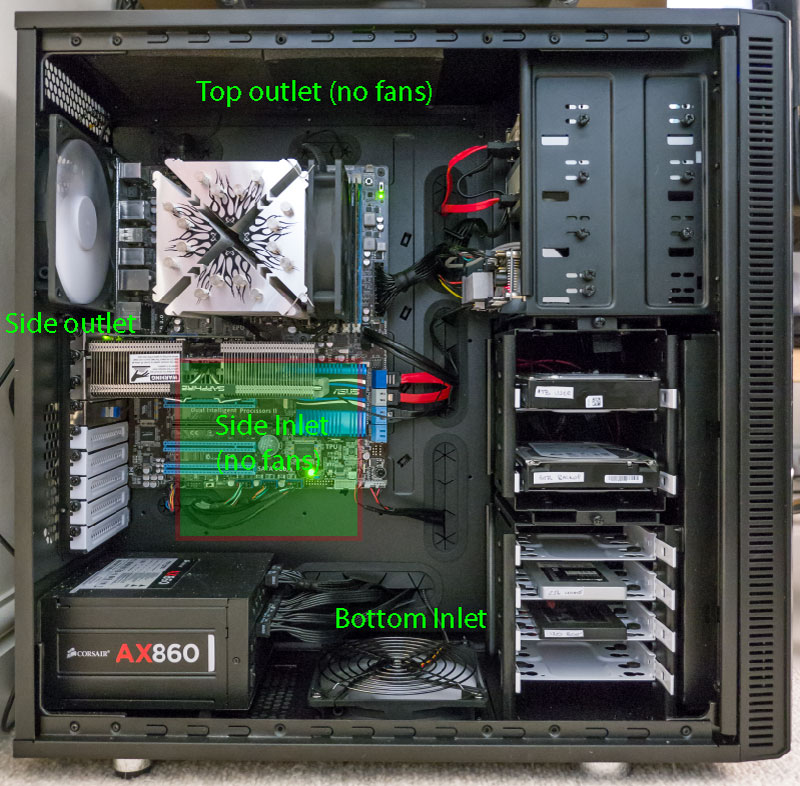
That led onto how to cool this thing. I've been going back and fore between liquid and air cooling, and think I've decided on air - simply because the CPU coolers aren't massively different - it's the gfx coolers that really get liquid winning and I'm on a passive graphics card anyway. Having said that, I want to go completely passive if I can, so would like no fans at all. A fallback position of some fans when it is being used heavily is ok if that's what it takes. I also want it to be automatic too - so that as temps rise, so cooling kicks in if needed (always assuming passive doesn't work of course). I think this leads me to the main purpose of this thread: controlling the fans....
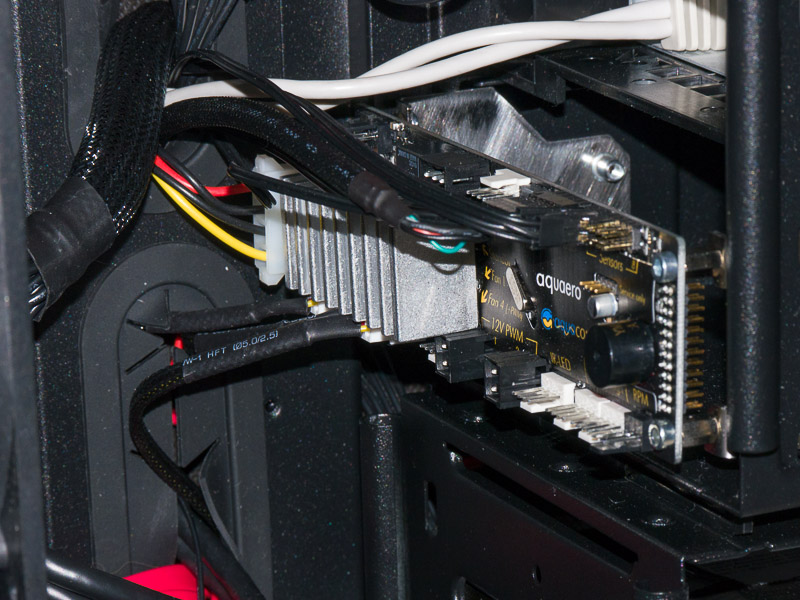
Essentially, I've been looking for an active control system that manages itself, and I think I have found it (at a reasonable price!). I've just bought an aquacomputer (http://www.aquacomputer.com/) Auuaero 5 LT (the one without the LCD). http://www.aquacomputer.com/aquaero-5.html Basically a unit that has temperature monitors, fan controllers and software that allows you to specify what fan gets turned on, how hard it gets turned on and under what circumstances that fan ramps up.
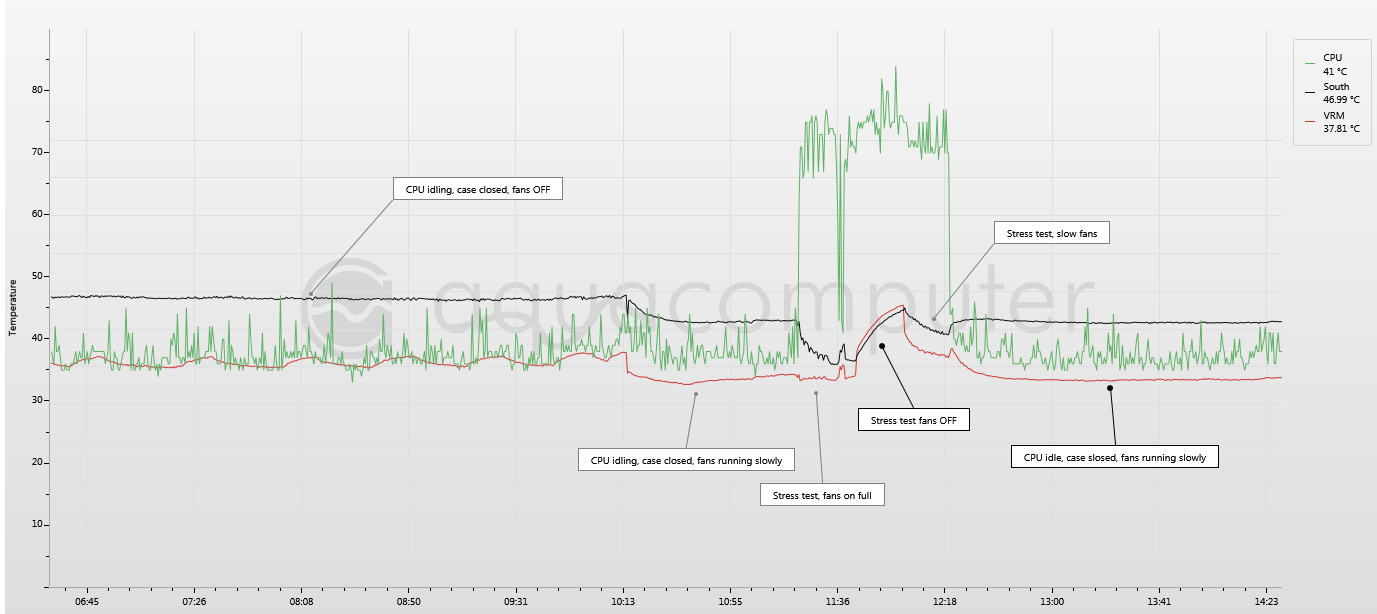
Basically, I'm going to try passive (bar the CPU at the moment). Failing that, I will use the software controller to have no fans at idle, but to switch on when the chassis heats up and then increase the airflow as things get hotter. I will also probably experiment with the CPU heatsink controlled by this unit too....
More once things arrive (and yes, there will be computer porn... ).
). 
Now it's time for my main editing PC - an overclocked i7-2600K at 4.4GHz. It's currently in a silent case (Antec P180) with a Corsair TX650 PSU. The case has 4 fans and the heatsink for the CPU has a temperature controlled one too making 5 in total. It's quiet, just not quiet enough given the computers around it. I'm looking at making this rebuild as quiet as possible (not changing the CPU/mobo at the moment, just the case & environment it lives in).
As far as I can see, there are two ways of making things quiet - either maximise airflow and minimise fans or maximise sound deadening and balance with some quiet fans. The NoFan (which I used on both previous quiet/silent builds - see: http://www.talkphotography.co.uk/forums/showthread.php?t=449072) is definitely of the former having no fans, but the other two machines it is used on are not being overclocked (the server has a processor that draws a similar power, but is not overclocked).
The aim of this thread is to share my experiences (this is definitely WIP - I only ordered some of the bits today) so hopefully, it will help others who are looking to do similar.
OK. so what am I doing. Simply:
- Get a case that can handle either reasonably good air flow OR can be put into silent mode by blocking up holes.
- Improve the PSU (fanless if possible)
- Address cooling in the case (not sure if I will need fans or not)
- Address CPU cooling (I'm currently using a Scythe Ninja heatsink with attached fan that spins up when the system gets heavily loaded).
I'd like to use another NoFan, but I'm not sure on two points: firstly, the thing won't fit on my motherboard and allow me to keep the graphics card I am using (heatsinking on the gfx will get in the way). Secondly, I'm not sure if I want to move to Haswell when it arrives). Coinsequently, I'm going to run the current CPU/heatsink in a new enclosure and see what happens in both "maximum convection airflow" mode and "managed silence" mode. I'll make a decision later what to do with the CPU...
So.. what have I found... Well, as for case, there isn't a "perfect" case. They either tend towards open and full of mesh or closed and managed airflow. There are only a few cases that try to address both methods of working. I looked at Coolermaster, Corsair Obsidian and a number of others (I must have spent hours pouring over case specs and reviews this weekend). I finally decided on a Fractal XL R2 which is a beast of a case allowing 4 x 5.25" drives and 8 x 3.5" drives plus an oversized motherboard. This is overkill for what I want, but I know from previous experience, I will always find a need for the larger size... This is now my third Fractal case. They just seem to "do it" for me being a combination of great value, great design and something which doesn't look too bling... I will be trying it in both "everything open" and "everything closed" mode to see which comes over the quieter.
PSU was quite easy. I wanted 500+W and quiet. Very, very quiet. This meant either a passive PSU or one that is so efficient, it doesn't need active cooling until it is well into it's power envelope. Passive PSUs kind of finish at just over 500W, but given this machine gets changed often, I wanted future proof. IMHO, that left only one PSU - the Corsair AX series. I was going to buy the 760W version, but ebuyer had one of those quirks where the 860W version was 10% cheaper than the 760W one. 860W acquired
The other advantage is that it works completely fanlessly until power draw gets into the 400+W range - which is the same sort of range as the fanless PSUs.That led onto how to cool this thing. I've been going back and fore between liquid and air cooling, and think I've decided on air - simply because the CPU coolers aren't massively different - it's the gfx coolers that really get liquid winning and I'm on a passive graphics card anyway. Having said that, I want to go completely passive if I can, so would like no fans at all. A fallback position of some fans when it is being used heavily is ok if that's what it takes. I also want it to be automatic too - so that as temps rise, so cooling kicks in if needed (always assuming passive doesn't work of course). I think this leads me to the main purpose of this thread: controlling the fans....
Essentially, I've been looking for an active control system that manages itself, and I think I have found it (at a reasonable price!). I've just bought an aquacomputer (http://www.aquacomputer.com/) Auuaero 5 LT (the one without the LCD). http://www.aquacomputer.com/aquaero-5.html Basically a unit that has temperature monitors, fan controllers and software that allows you to specify what fan gets turned on, how hard it gets turned on and under what circumstances that fan ramps up.
Basically, I'm going to try passive (bar the CPU at the moment). Failing that, I will use the software controller to have no fans at idle, but to switch on when the chassis heats up and then increase the airflow as things get hotter. I will also probably experiment with the CPU heatsink controlled by this unit too....
More once things arrive (and yes, there will be computer porn...
).