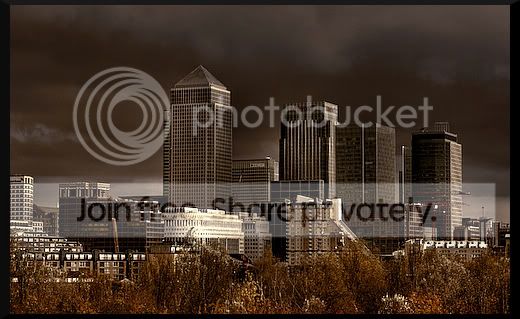
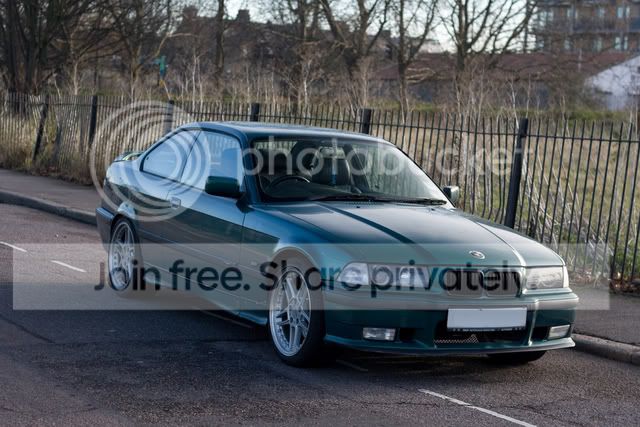
will anyone let me have a go ??

Jade

Suspended / Banned
Messages
494
Name
Jade
Edit My Images
Yes
hi ive been playing round with a few pics ive seen on the web and i wondered if anyone would allow me to edit some of there pics and show them the results ?
would be a great help and bit of practise whilst giving me something fun to do


Thankyou
Jade
 
anythings good just to let me have a play around
thankyou
am i ok to pm you the results please so you can give me abit of feed back ?
 
Have a look at images whose owner has "EDIT" ticked under their avatar, and you should be o/k.
 
anythings good just to let me have a play around
thankyou
am i ok to pm you the results please so you can give me abit of feed back ?

No problem. You can post em in here too if you like.

What are you intending to do with them? As they have already been edited from the originals? Would you prefer some unedited pics?
 
just a general play around so any pics would be great
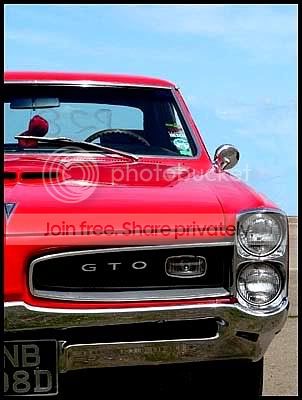
this is my first one from your site i know its not much different but just a little bit

car.jpg

just enhanced colours a bit and sharpened slightly
 
Jade

Why not try and clone out the number detail from the back screen and the fluffy dice too ?
 
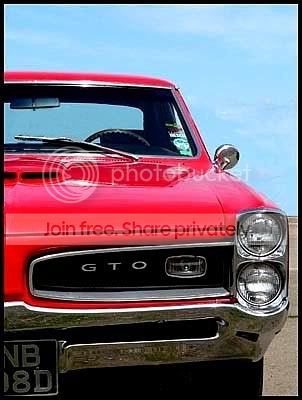
Yay me! Read a couple of tutorials on cloning and i've managed this. Got rid of badge on grill, fluffy dice and rear screen print :nuts:

car1.jpg
 
can anyone tell me how to use the clone tool lol im compleatly lost on this one
 
ok i think ive managed it its not great but not too bad
car-1.jpg
 
I've got a few on flickr..be my guest

Robin
 
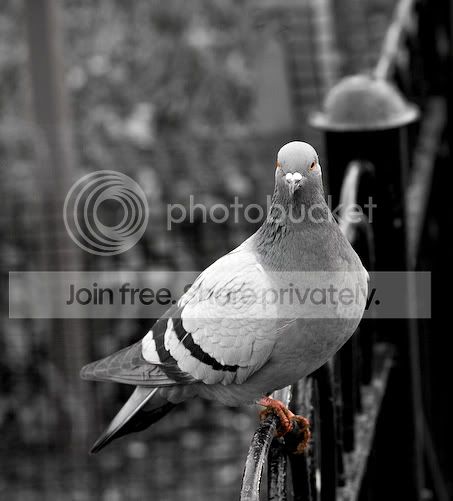
pigion.jpg

really liked that shot all i changed was the contrast and sharpness
thanx for letting me use it

Jade x
 
that contrast is much better.
Can I ask what software are you using to process these shots? Also what method of sharpening are you using?

Michael
 
and another bit more done on this one
although may have another go in a mo

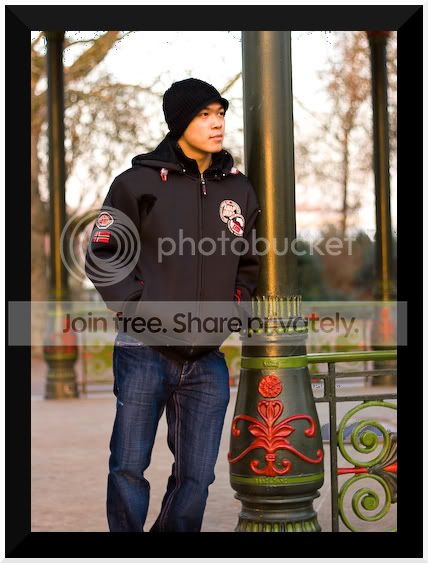
mho.jpg
 
im using gimp and just using the sharpening tool on there and contrast ect
 
eah i dunno wat clone tool is either ive looked on CS 2 and cant find anything that says clone lol im a newbie to photoshop
 
im using a program called gimp its great im using the sharpening and contrast on there to sharpen it up a little ect
thanx again for letting me have a go

Jade
 
eah i dunno wat clone tool is either ive looked on CS 2 and cant find anything that says clone lol im a newbie to photoshop

type it in to goolge how to use clone tool and lots come up
thats how i just worked it out
 
Jade: how does GIMP compare to the usual post processing apps like photoshop, lightroom and aperture? I haven't really found one I can stick it, e.g atm I use lightroom for most of the processing but need to go into photoshop to sharpen. I would much prefer to do it all in one program.

Ashers: I think in photoshop cs it's called the stamp tool.
 
btw I have loads of unprocessed pics if you really want to get your hands dirty lol. Let me know if you want them.
The ones on my site have already been processed so probably won't need a great amount done to them.
 
cwHDR.jpg


ok last one from your site before you think ive gone nuts but i really liked this shot
 
to be honest im completely new to all this i havnt even received my camera yet
i will be able to answer you that better in about a months time but i quite like gimp

(if ever you want me to edit some of your shots before you put them up im happy for you to claim it as your own as its something i love doing)
 
btw I have loads of unprocessed pics if you really want to get your hands dirty lol. Let me know if you want them.
The ones on my site have already been processed so probably won't need a great amount done to them.

if you want to send them to me that would be great i love doing stuff like this
 
Attention to detail, is the name of the game, your "style" of processing is a secondary issue.
If you can sort the basics, you wont go far wrong.

#1. horizon, I know it doesn't seem like part of processing but it is, so get things straightened up unless you intend it to be wonky.

#2. artifacts, clean em up as early in processing as possible, theres a big'ole'lump of god knows what just to the left of the sun.

#3. maintain detail (enhance), during your processing you prolly upped the contrast, but in doing so lost loads of detail in the blacks, check the beach at the bottom of the photo.

Obviously theres loads of nonesense to processing, ya cant learn it all in a night, it takes time and practice to decide basically, how you like your photos.
Its good that your allready thinking about what you'll need to do before you've even got a camera.


71g5mwg.jpg


8ek60oy.jpg
 
right as Michael so kindly let me us his work id like to show you just what ive done withthis one

original
jade6.jpg

my take on this picture
jade62.jpg


let me know what you think that one was alot of fun
 
thanx for the feed back joxby ive had another go still having a prob with noise
but have changed the crop so its more to my style now ive worked out how
i prefer the colours in this one to my first attempt
surf1.jpg
 
try and remember your compostion also in the edits the last one is cropped way to close to the figure he needs room to have "come from" in this picture.
 
thankyou lisa
im just lookin for more to edit
 
Back
Top