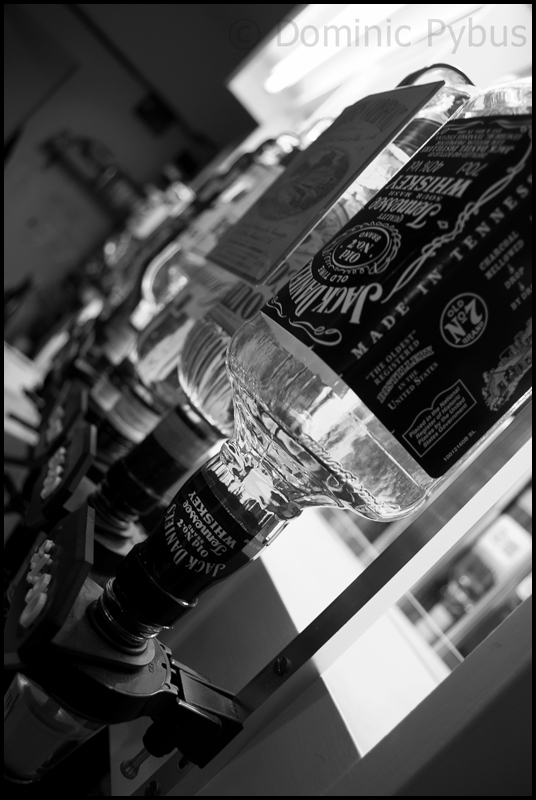
Which watermark?!

Which watermark?

  • Graphical watermark

    Votes: 3 15.8%
  • Text watermark

    Votes: 11 57.9%
  • Try again pal...

    Votes: 5 26.3%

  • Total voters
    19

Astraeus

Suspended / Banned
Messages
1,063
Name
Ciaran
Edit My Images
Yes
I've just been having a toy around with watermarks for photos and wanted to get some opinions on which watermark to go for - or whether I need to find something completely new?
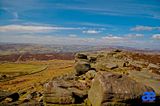


Or the simple text watermark on this page.

:thumbs::thumbs:
 
I like the white text, you might find it good to have a fine black border around the white text that way it does not disappear when it appears over a white bit.
 
I like the white text, you might find it good to have a fine black border around the white text that way it does not disappear when it appears over a white bit.

I was thinking of a way to do that but using LR3 at the moment and the ease of doing that as opposed to making a graphic is much appreciated.
 
If you use Photoshop then my script writer script will add a graphical watermark automatically and can be used as a batch. Can you not do something similar with LR2?
 
If you use Photoshop then my script writer script will add a graphical watermark automatically and can be used as a batch. Can you not do something similar with LR2?

I have Photoshop...but it's slooooow on my PC and I prefer zipping through watermarking on LR.
 
sorry to hijack, but can you apply a watermark to your photo's automatically in lr2?
 
What do you want the watermark to do? If you want it to stop theft - then these are useless - if it's just to identify your work I prefer the text version.
 
I'm with AWP on this
 
like the text better, looks more professional and will suit more pictures as is a neutral colour over the blue thing.
 
Thanks for the input. Does anyone know what the best way to have the white text watermark with a black edge around the writing? Is it to make a transparent image on PS and then use that graphic on LR?
 
I use a piece of text but have the opacity set around 30% so it doesn't distract the eye so easily. Here's an example of what I did

4319453580_28d20ccdeb_o.jpg


http://farm5.static.flickr.com/4044/4319453580_28d20ccdeb_o.jpg
 
sorry to hijack, but can you apply a watermark to your photo's automatically in lr2?

I dont believe that LR2 does this out of the box, but you can use a plugin such as mogrify to do it.

IIRC, watermarking is one of the improvements with LR3.
 
Thanks for the input. Does anyone know what the best way to have the white text watermark with a black edge around the writing? Is it to make a transparent image on PS and then use that graphic on LR?


If you do it as a brush in Photoshop you can change the colour to fit the photo.

Pete
 
I used this and got myself a typo www.dafont.com .. be careful as some are copyrighted.

Changing the opacity makes it subtle and doesn't take your eye away from the actual image.
 
If you do it as a brush in Photoshop you can change the colour to fit the photo.

Pete

Cheers Pete. The only thing is that'd mean needing to load all the photos in PS, wouldn't it? I just have major problems with my PC and much PS work! :shrug:
 
Back
Top