What do I need to do?

andycallaghan

Suspended / Banned
Messages
503
Edit My Images
Yes
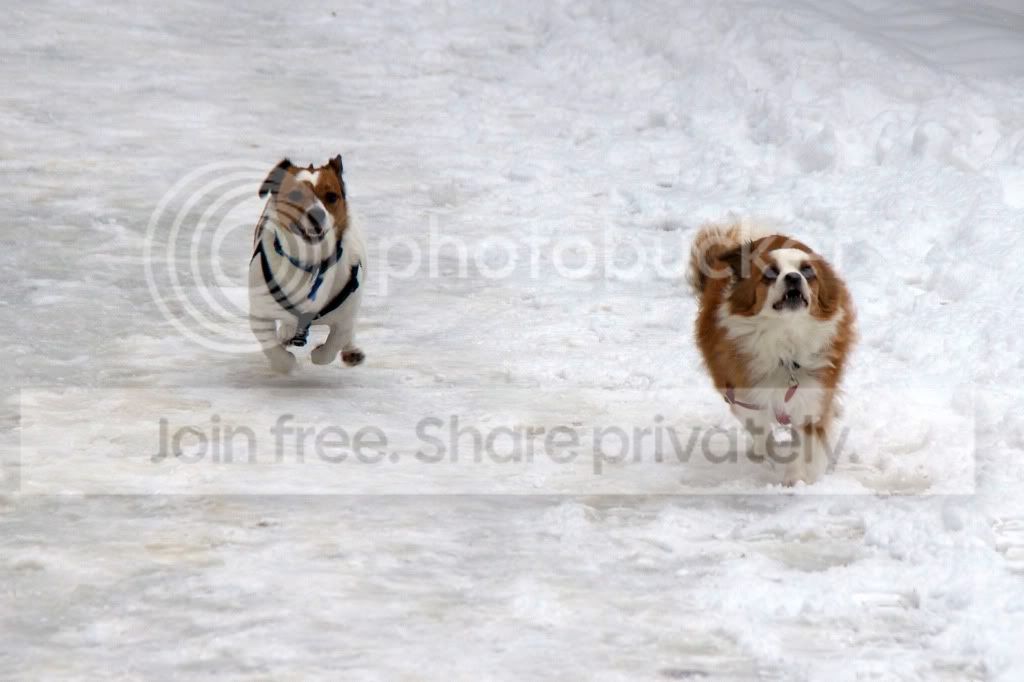
What do I need to do to make this picture look "better"?

It was taken today whilst out on a walk, and although not great, I'd love to get it onto canvas as a surprise present for the OH.

The snow isn't white, so do I just need to increase the brightness?

Any help much appreciated.
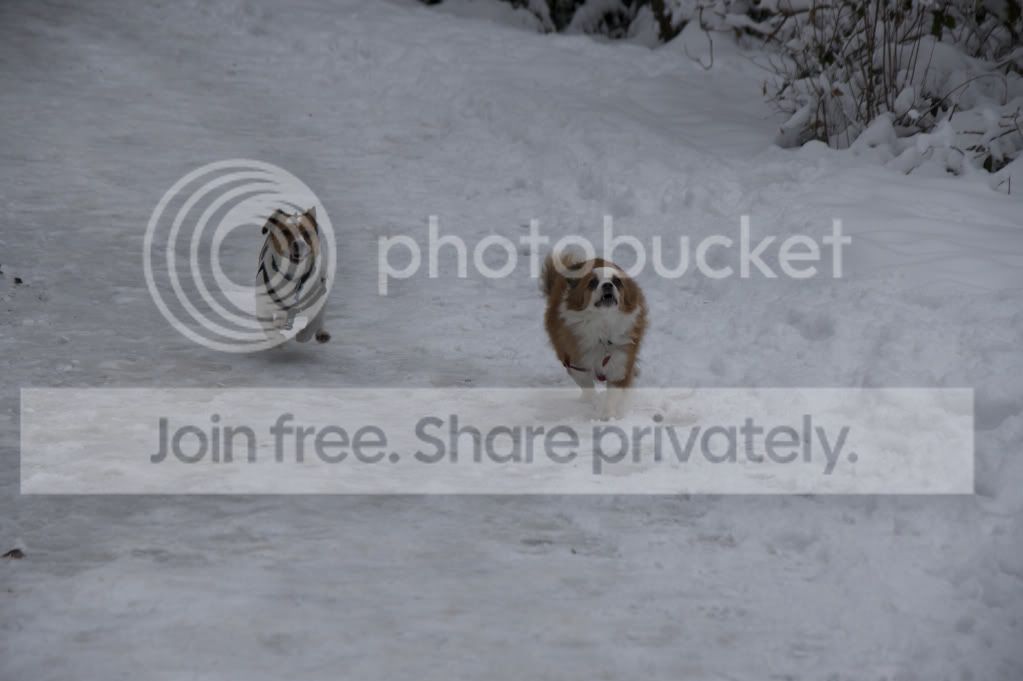
_DSC0120.jpg
 
I would suggest it is a white balance issue.

Lovely pic, can you get in closer to the dogs? OH will love it:thumbs:

Cheers.
I'll have a tinkle with the WB. Guess I just need the snow to be snow coloured!

I was going to crop it a bit to get rid of the bush in the top right, so the dogs will be a bit closer.
 
I'd say essentially yes it needs a brightness boost. I personally prefer using levels.
I'd use color balance aswell to fix any colour hue issues.

Heres a quick effort;


Uploaded with ImageShack.us

Ignore the vignette, im vignette mad at the moment:gag:

Ade
 
Last edited:
yep try levels or curves or your other preferred method, and then change the colour and saturation to match. Personally don't think its got anything to do with white balance, the snow looks white but dull

Adey's edit looks a bit on the oversaturated side to me, but then i'm looking via my laptop not my calibrated screens so that could be tosh
 
That's great.
Thanks for all your help.

Well I'm no expert, but I imported it in Aperture and pressed the Auto-Enhance button.
Seems to have done the trick straight away!

After a quick crop, I'm left with this which I'm happy with.

DandEinsnow.jpg
 
Back
Top