URGENT Advice Needed

No I meant how do you stop that from happening lol, it must get annoying

Also to focus I turn the thing on the lens?
Also what is that red square that I move around on the screen, or when I change which dot I'm using while looking through the viewfinder? its really confusing, what does it control?

thanks

Did it come with a manual?
 
sparkzweb do you hang out under bridges at all?:suspect:
 
I have a range of prime lenses but still use my 18-105 kit lens a lot. Not great in low light but the range makes it a great walkabout and IQ is fine for normal prints. Other than that my 50mm 1.8 goes on as the first option.
 
No I meant how do you stop that from happening lol, it must get annoying

Also to focus I turn the thing on the lens?
Also what is that red square that I move around on the screen, or when I change which dot I'm using while looking through the viewfinder? its really confusing, what does it control?

thanks

The round silver button on the top right makes the clicky sound and takes the pictures...
 
No I meant how do you stop that from happening lol, it must get annoying

Also to focus I turn the thing on the lens?
Also what is that red square that I move around on the screen, or when I change which dot I'm using while looking through the viewfinder? its really confusing, what does it control?

thanks

I hold the camera upside-down and press the shutter with my thumb. I have to flip all of the photos later in Photoshop but IMO it's worth the minor inconvenience (batch process) to keep my screen clean and nose free.
 
The manual doesn't say how to use the manual focus, only the auto focus modes.
 
I hold the camera upside-down and press the shutter with my thumb. I have to flip all of the photos later in Photoshop but IMO it's worth the minor inconvenience (batch process) to keep my screen clean and nose free.

:lol::lol::lol:
 
No I meant how do you stop that from happening lol, it must get annoying

Keep your nose off the screen.


Also to focus I turn the thing on the lens?
Also what is that red square that I move around on the screen, or when I change which dot I'm using while looking through the viewfinder? its really confusing, what does it control?

thanks

Can I say that rather spend money on commercial videos, take the instruction manual out of the box and read it. The red square is the AF point, you need to understand the basics using the manual before wasting any more money on superfluous videos.
 
It seems to me that you clearly need to read you manual. The point In the view finder is you selected single focal point. The box on live view it the point of focus. Why are you manually focusing?

And you cant get around the face prints thats life
 
I hold the camera upside-down and press the shutter with my thumb. I have to flip all of the photos later in Photoshop but IMO it's worth the minor inconvenience (batch process) to keep my screen clean and nose free.

Is that a joke or are you that daft
 
Ok so so far I was using the 35mm 1.8
I put the kit lens on and I'm unsure about focusing

So I move the slider to manual on the lens but how do I manually focus?
Before on the prime lens I would turn the thing on the lens which would focus it, but I can't do that on the kit lens because that zooms it.

Please advise.
 
Ok so so far I was using the 35mm 1.8
I put the kit lens on and I'm unsure about focusing

So I move the slider to manual on the lens but how do I manually focus?
Before on the prime lens I would turn the thing on the lens which would focus it, but I can't do that on the kit lens because that zooms it.

Please advise.

Why are you manually focusing!? You turn the fosuc ring on the lens. You need more help thay this forum can provide because I dmt think you know the basics and your tryin to run before you can walk
 
Ok so so far I was using the 35mm 1.8
I put the kit lens on and I'm unsure about focusing

So I move the slider to manual on the lens but how do I manually focus?
Before on the prime lens I would turn the thing on the lens which would focus it, but I can't do that on the kit lens because that zooms it.

Please advise.

Page 42 in the manual. I think the focus ring is right out at the front. Why do you want manual focus anyway?

You could but whats is that based on....?

Asking me if I was joking, when it was pretty obvious that I was..
 
Ok so so far I was using the 35mm 1.8
I put the kit lens on and I'm unsure about focusing

So I move the slider to manual on the lens but how do I manually focus?
Before on the prime lens I would turn the thing on the lens which would focus it, but I can't do that on the kit lens because that zooms it.

Please advise.

All of the advice you have received here has been very valid, including the parts about reading the manual. It is there for a reason, be a man: play with camera, get frustrated then read manual. It's the way we all work.

The lenses are focused by rotating the ring at the very end of the lenses. The barrel part either controls zoom, or potentially aperture or just doesn't move.

However there is no reason to manually focus. ( well, there is sometimes but those special scenarios are miles away from where you are now). When people talk about shooting in manual they are talking about selecting aperture and shutter speed themselves, they aren't manually focusing. Your camera does have a range finder dot but it doesn't have any of the visual focusing aids that those cameras designed to be manually focused have.

Go back to auto modes:

Learn what aperture priority does and when to use it
Learn what shutter priority does and when to use it
Learn iso, aperture and shutter and how they interlink to govern exposure.
Learn the focus modes, how they work and which is best for which scenario
Learn the metering modes

That should get you going.

 
Asking me if I was joking, when it was pretty obvious that I was..[/QUOTE]

I tend to check now having read some of the things people suggest and say on here. For example I shoot jpeg as I no how to expose a shot....
 
ok thanks so I should just autofocus everything?

right now for doing my beginning shots should I use the kit lens or my 35mm prime?
 
ok thanks so I should just autofocus everything?

right now for doing my beginning shots should I use the kit lens or my 35mm prime?

The kit lens is good it all depe ds on the type of shot. Low light use the prime. Landscape the kit. And theres times you need to manual focus but right now let the camera help you mate. N check out mick brown on YouTube
 
ok thanks so I should just autofocus everything?

right now for doing my beginning shots should I use the kit lens or my 35mm prime?

Put the kit lens on, put the camera in AF and use P mode for now, take lots of photos, see how everything works, get used to the camera. READ THE MANUAL.

when you are a little more comfortable with the camera start experimenting with the other modes to learn how shutter and aperture influence the image.

But for now, learn the camera basics.
 
Hey thanks for the advice.
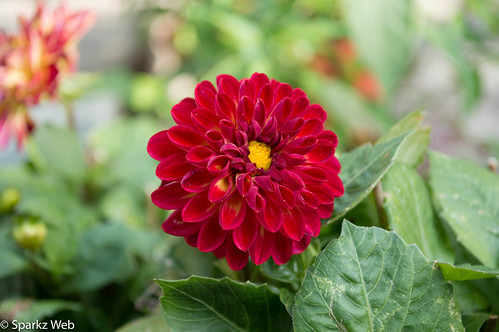
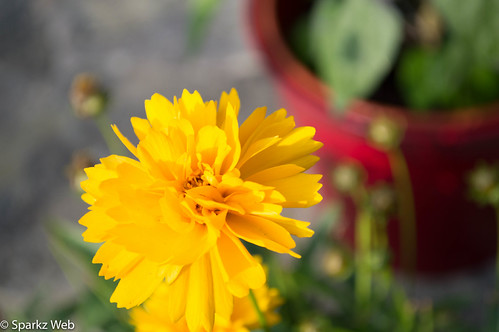
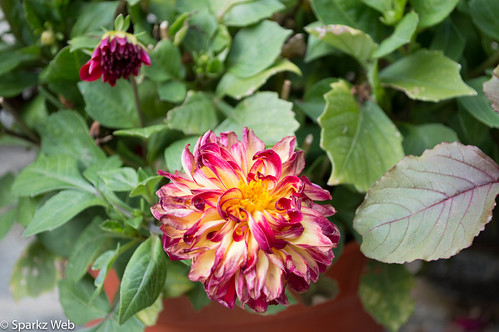
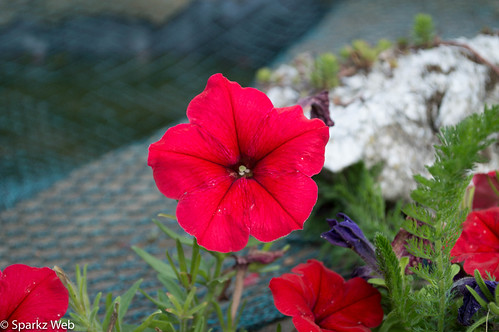
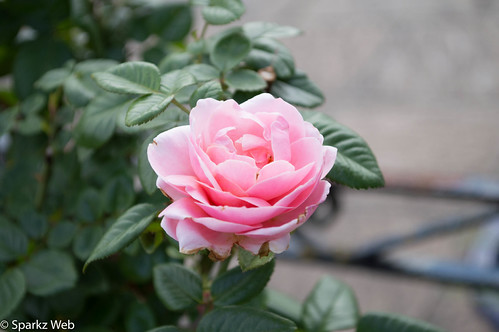
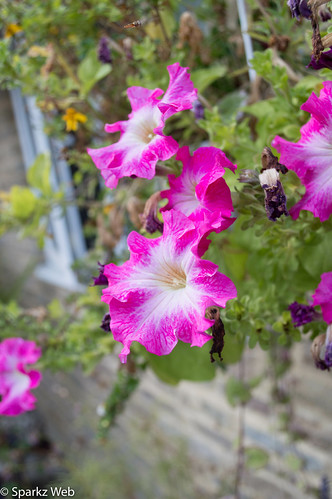
I went out and took some shots, would really appreciate some feedback check them out in this thread: http://www.talkphotography.co.uk/forums/showthread.php?p=5787643#post5787643

please comment there but you can see them here too: (theres another 22 photos, go to the thread and click the link to see them all)


DSC_0009.jpg by sparkzweb, on Flickr


DSC_0021.jpg by sparkzweb, on Flickr


DSC_0012.jpg by sparkzweb, on Flickr


DSC_0066.jpg by sparkzweb, on Flickr


DSC_0080.jpg by sparkzweb, on Flickr


DSC_0041.jpg by sparkzweb, on Flickr
 
Ok so so far I was using the 35mm 1.8
I put the kit lens on and I'm unsure about focusing

So I move the slider to manual on the lens but how do I manually focus?
Before on the prime lens I would turn the thing on the lens which would focus it, but I can't do that on the kit lens because that zooms it.

Please advise.

Just use autofocus till you get more used to the camera :)
 
Back
Top