THE PP GAME!

Total time: around 20mins *perhaps this is useful to know as well??? Maybe good to add this to everyone else's, this way we can get an idea of how long it would take to go from xxx to xxx*. All those in favour?

Good idea, have edited mine
 
Hi a bit of dodge n burn / highlights etc
jql1g4.jpg
 
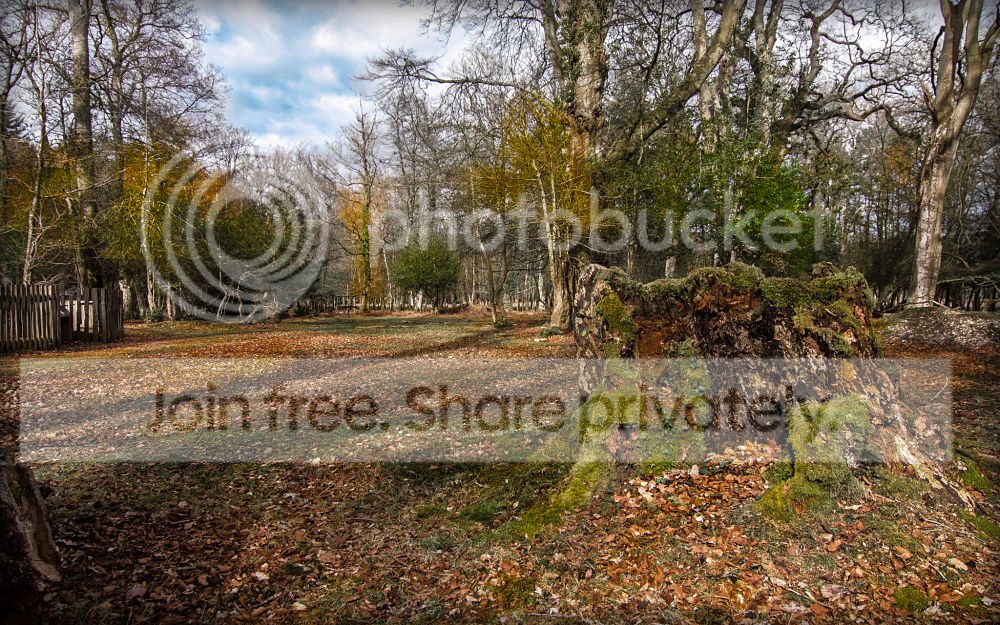
here's mine:


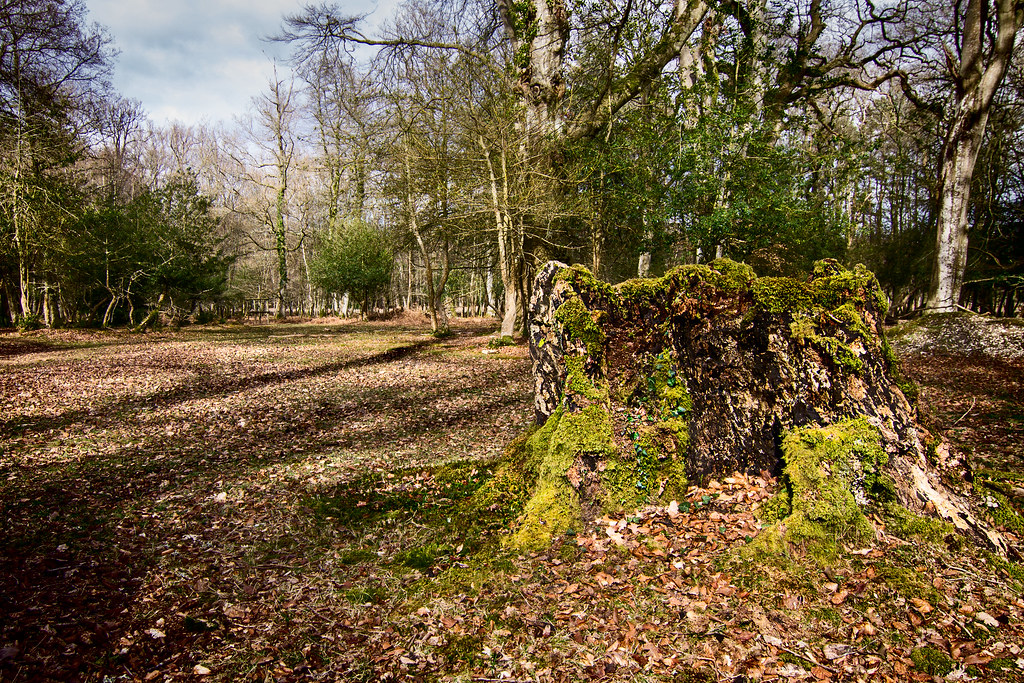
woods_stump_Ben_Tyreman_edit1 by btyreman, on Flickr

edited in LR4

here's what I did...

cropped,
exp -0.26
highlights -71
shadows +29
Whites -13
Blacks -40
Clarity +23
Vibrance +22.
Tonecurve:
Highlights + 14
linear curve.
Hue: -34 in the oranges.
saturation: red-5, orange +40, yellow -15, Green -75, Aqua+1, Blue -34.
Luminance: Red +45,
Orange -5, Yellow +17, Green +55, Blue -30.
Split tone: Highlighs:
Hue = 238, sat +32.
Shadows Hue: 42 Sat +10
Sharpening: Amount +98, radius 0.7, Detail 13, Masking 75.
post crop vignetting:
set to highlight priority: Amount -39, Midpoint 35, Roundness -23, Feather 42, Highlights 68.
Grain: Amount; 17, size 25, roughness 50.
saved to jpeg on export.

and on top of that, I used a brush on the sky to get the right exposure, then a filter in the bottom left corner to darken in and desaturate at the same time, as well as one to desaturate the top of the trees. I tried to change to focus in the composition towards the stump. Spent around 30 minutes doing this one.
 
Last edited:
In LR4 cropped, basic sliders, what seemed like dozens of new paintbrushes to do lots of separate areas with burn, dodge, sats, desats, sharpen, clarity, shadows.

In PE10 slight orange filter to warm up.

In PE10 high pass, soft overlay sharpen & resized for web.

In Picasa slight vignette.

Done over a few days in bits & bobs in between learning from YouTube tutorials in the areas I am weak on. Like resizing, sharpening.

So adding the YouTube watching it seemed like hours - phew :gag:

TPWoods_zps6cc4ee76.jpg
 
img44652hdr3forbwtif.jpg


Couldn't get the sky to do anything either in DPP or RAWTherapee.....

So went for a B&W conversion with a colour stump and forest floor,
Basically made a number of conversions, and overlayed / masked as required.
Selective sharpening of stump,
Selective saturation of reds, yellows and greeens..
White vignette and slight crop.

Probably about 20 mins wasted trying to find something in the sky, and then 20 mins on this one!
 
Thanks everyone for your submissions, I think everyone brought something different to it and I liked something different in all of them.

This was tough, really difficult to pick a clear favourite :)

I really liked David's and I thought Phil's was original and a very different take on it.

But, with much head scratching and changing of mind, I'm going to go with Ben's (symmetricalOCD).

Well done Ben :clap: over to you....

This was mine, it took me about half an hour I think - it was a lot of 5 minutes here and there so I'm not really too sure.


Knightwood by R0b L, on Flickr
 
New balls please...... :)


Well done Ben.
 
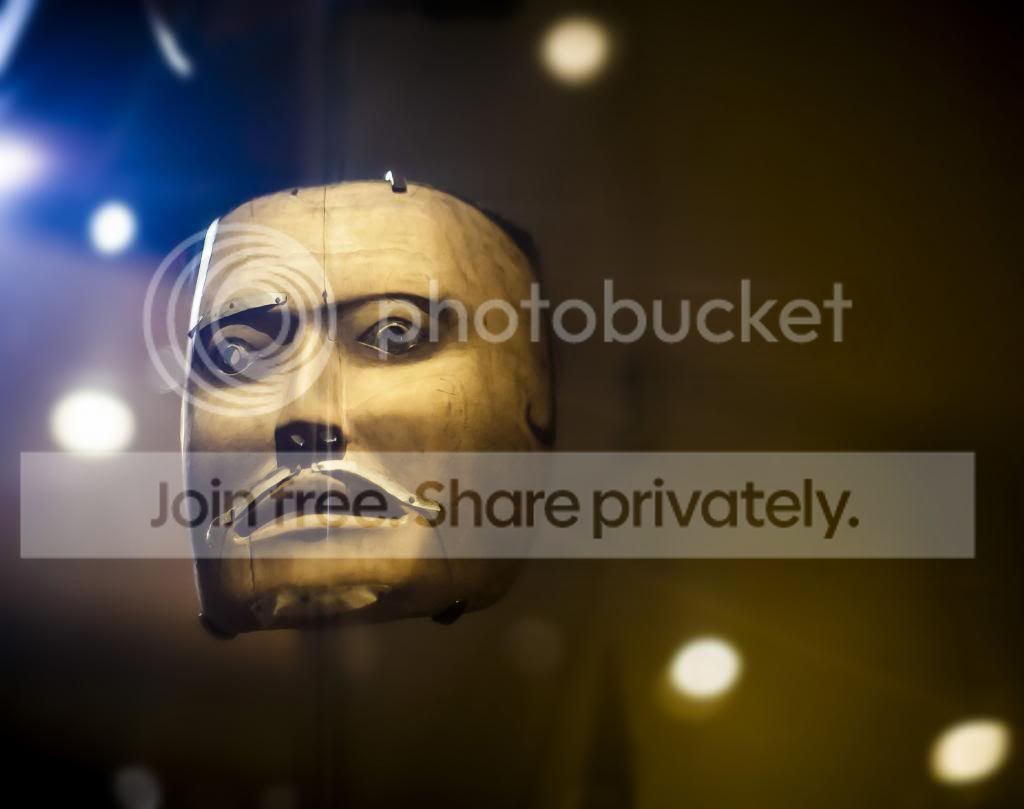
thanks for the win! there were some cracking edits. Here's mine from a recent trip to Manchester museum.

I'll look forward to seeing your edits on this one.

A late congratulations on your win:clap:

I will join you in saying I look forward to seeing edits for this one :gag:

But I have a plan on how to go :cool:
 
LR4 lens profile showing this taken with a Zeiss Planar T* lens.. that right?
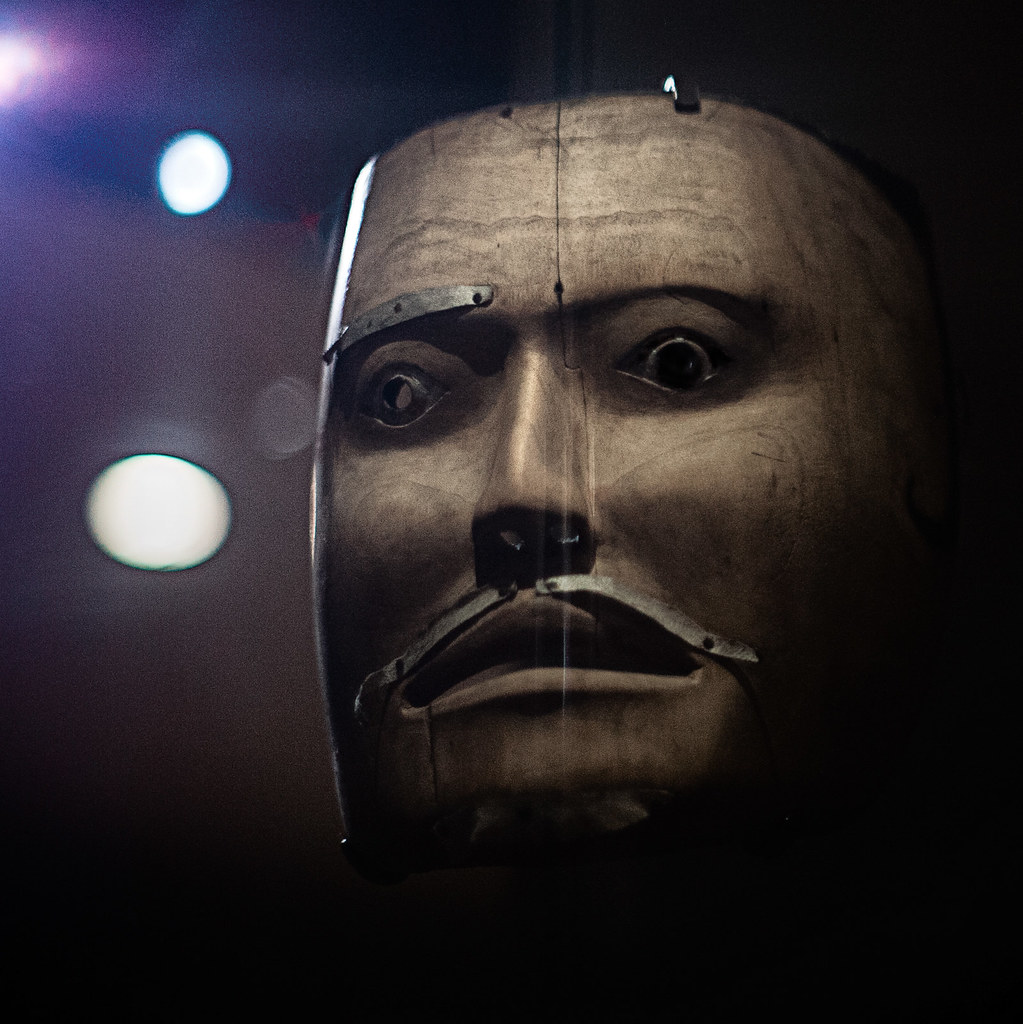
 
samuraideathmaskcopy001.jpg


Lets see how much I can remember....
converted dng file to TIFF
opened with CS2
increased contrast and brightness for background and then mask
increased midtone contrast for mask
increased saturation for yellows
cloned some colour onto some of the white spots
burned around the edge with large soft brush
dodged the metal eyebrow and moustache
put in fake lens flare
removed fake lens flare

opened in picasa
added "glow"
crop
vignette
resize.

about 20-30 miutes
 
Last edited:
I wasn't feeling the empty space.

ldUy3bi.jpg


Crop.

Added a lens flare... copied from an existing one.
Added a black and white layer, with a bias to he blue channel.
Layer blended the two with hard light
Levels and curves...
slight vignette.

Done.

5 mins
 
Well done on your win Ben....
An interesting image....
My edit, done in Lightroom 4.
Cropped and flipped horizontally....
I adjusted the temp and tint slider
Decreased exposure, shadows, whites and blacks, and clarity
Increased vibrance and highlights.
Decreased red, blue, purple
Increased orange and yellow.
And a bit of selective burning on that glaring dot 'thing'

Time taken 30 minutes....

 
ACR:
Lowered highlights, shadows, blacks
Upped Clarity to 50%
CS6:
Used: Render > Lighting effects and added a spot light to top left
Sharpened using a high pass filter on a new layer
Dodged and burned a little on the nose and eyes
merged down, and desaturated a duplicated layer
Lowered opacity of duplicated layer to about 50% then used a gradient mask to bring the colour back in on the backgound but not on the mask
Square Cropped
Time taken: 15 mins.


samurai_death_mask
 
Last edited:
All in PE10
Lighting effect 'five upwards spots'.
Cropped
Played with levels, brightness, contrast generally then selecting mask only fiddled then inverse selection and fiddled.
Brushed sats & desats then brushed dodged & burned
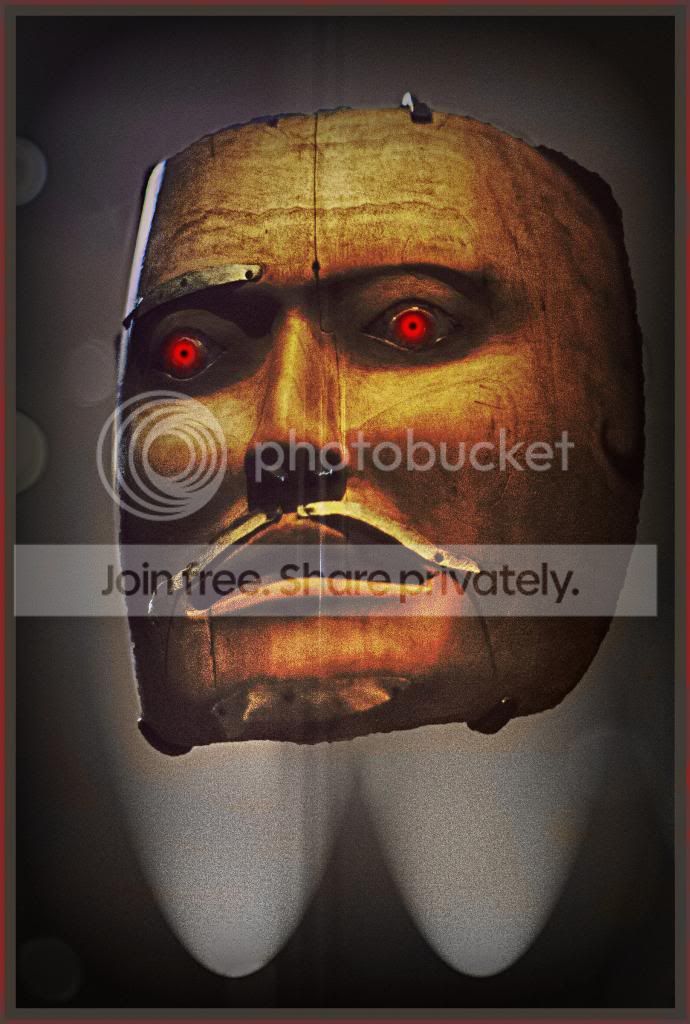
Made eyes stand out :lol:
Orange filter to ensure end result had a 'hell' like glow
High pass sharpened
20 minutes but really not my sort of image that I enjoy PP'ing but supporting the thread & Ben - so Ben does that give me extra points :thumbs:

TPDeathMaskMyEdit_zpsa5824eb2.jpg
 
opened raw
cropped
vibrance +38
clarity+97
then slight adjustments for the rest
sharpened and reduced noise
ps, duplicate layer and used blur to get rid of the noise that was left from the raw conversion
then erased so the mask was sharp
high pass filter and soft overlay

ppgame-8_zpsaf066580.jpg
 
Opened the raw and cropped it.
Sharpened
Added spot light

And if I remember that's all I did.

mayvrk.jpg
 

IMG_3599 by btyreman, on Flickr

here's what I did;

opened in LR4;

contrast +42
Shadows +38
Clarity +45
Vibrance +35
Split Tone:
Highlights; boosted blues.
sharpened,
noise reduction,
lens correction used,
saved to jpeg.

it took me 5 minutes or less to edit this.

and the winner is....Graham! over to you. I like the way you processed the image and the colours. Johns was the funniest though, I like the red eyes, well done Graham.
 
Graham well done :thumbs: with what (to me anyway) was a difficult one to edit. And it was so scary :lol:
 
Johns was the funniest though, I like the red eyes

I was waiting to get told off by the 'Thread Cop' who was throwing his weight around on here a few weeks ago (joke) - for the red eyes addition :D The one that told you off ;)
 
Thank-you Ben, & cheers guys - admit when I first saw the mask I didn't know where I was going to take it.... but I just worked through it.

We've had a rusty old truck - how about a shiny new car??

dsc2428y.jpg


RAW file here - (be patient, it has been known to be slow - but does work.)

As things are barrelling along quite swiftly here - I'll say Monday evening - unless anyone shouts for a day or two extension... Good luck all. :thumbs:
 
Oooh!... a Challenger :)
 

dodge_challenger_edit1_+_resize1024 by btyreman, on Flickr

I felt challenged to create a good edit with this one....

never one to turn down a challenge....

here's what I did:

LR4 open RAW.

cropped and straightened the horizon,
Decrease hlights,
Boost shadows +100
decrease blacks -6,
added lots of clarity,
decreased the vibrance,
decreased saturation,
increased in hlights in the tonecurve,
used split tone to achieve a 'cross processed' look,
increased blues in highlights,
increased reds in shadows,
lens correction,
a bit of sharpening at the end,
finally I used a filter on the sky with saturation boosted,
then painted the lights with an increase in the exposure,
also painted out the clipped highlights on the car body.
exported with the black borders using 'print' mode in LR4.
exported and resized as jpeg.

this one took around 30-40 minutes because I did a few other edits and scrapped them halfway through and went with this one in the end.
 
Great job so far guys..... Certainly rising to the *ahem* challenge!!

2 out of 3 going for the level horizon so far... That's one thing I haven't been able to decide upon for myself yet. :thumbs:
 
first time for me trying the PP game but ill give it a shot:)
8602772005_abcdb7a0a5_b.jpg


straighten pic
exposure +1
hilights -98
shadows +100
whites -51
clarity +100
vibrance +51
saturation +67
run though contrast colour range filter
reduced noise
took around 5min
 
Last edited:
x2WN1VD.jpg


Shadow recovery in LR
Slight clarity in LR
Clip blue channel shadows in LR
reduced luminance on blue channel in LR
gradient on sky
Crop, straighten

Done.

5 mins.
 
I had a try at this as well....
I rotated, distorted and then cropped it...
I increased the temp and tint
I decreased the highlights and blacks, and increased the shadows, whites, clarity and vibrance
And adjusted the colour sliders... orange, yellow, green, aqua and blue

Time taken 8 minutes....

 
Here's an attempt:

Mainly just cropped, adjusted contrast and brightness, made b & w and a few lens flare.

image.jpg


Thanks
 
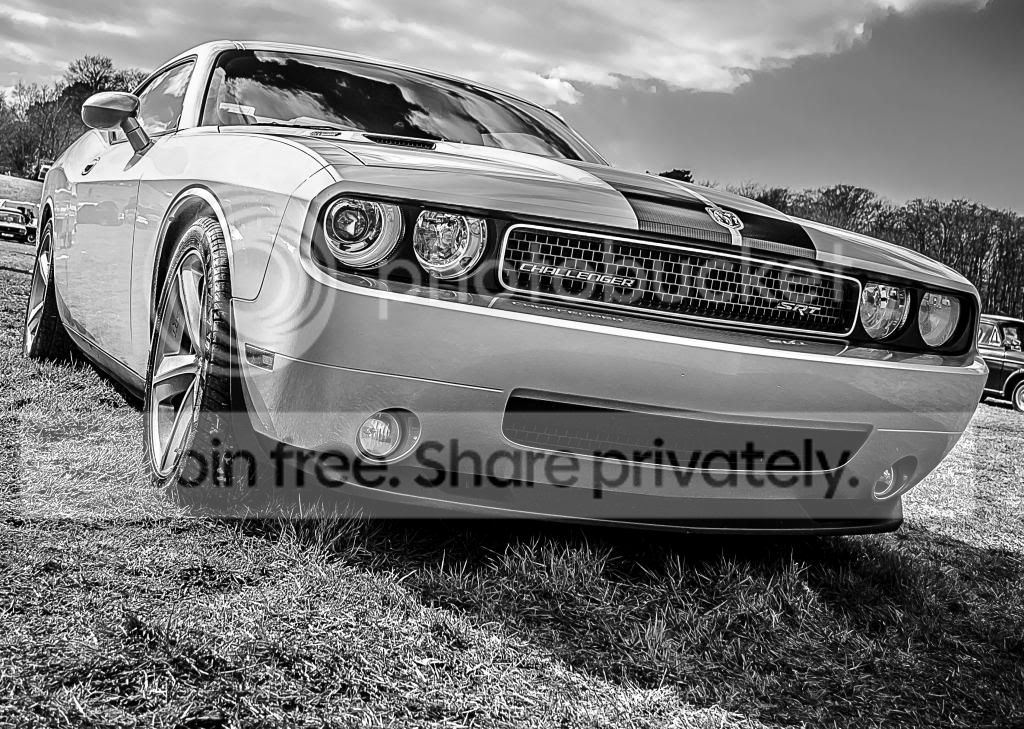
There has been lots of early entries so thought B&W was the only way for me :lol:

Funny how there is a split of straighten or not. In my eye (do I need to get to Specsavers) the angle was perfect as it makes the car look far more sexy & racy.

I agonised over crop & felt there were a few ways to go but went with this version but could easily been NO cropping.

Then in LR4 exposure up a bit, contrast up a fair bit, highlights way down, shadows way up to balance highlights decrease, whites up, blacks down to balance whites increase & clarity up a lot.

Converted to B&W & fiddles with sliders until I was happy.

Into PE10 as needed to make a selection which I couldn't do in LR. So able to tone down the highlights on the mid bonnets area. Then High Pass sharpen with Hard Light.

Good one to work with & really good composition sorry to spoil it :eek:

PS I did carry on to get rid of shadows under car but felt it spoilt it as the shadows are needed to make it look menacing.

15/20 minutes as I have been fiddling with B&W conversions anyway over the last few days so was ready for it.


TPNewCarMyEdit_zps201d6510.jpg
 
Last edited:
Back
Top