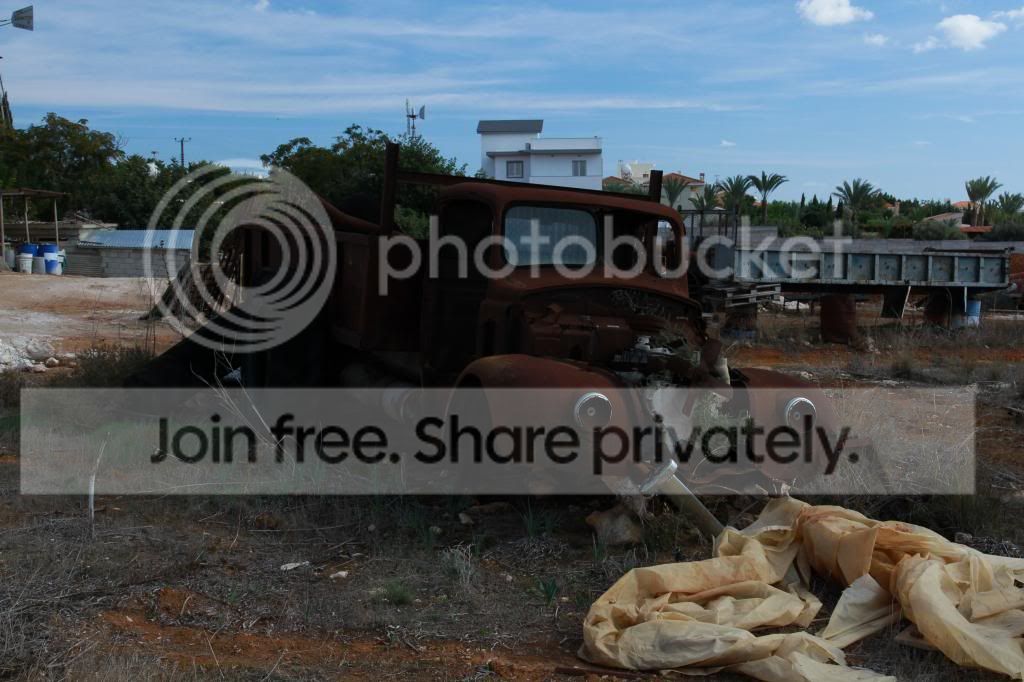
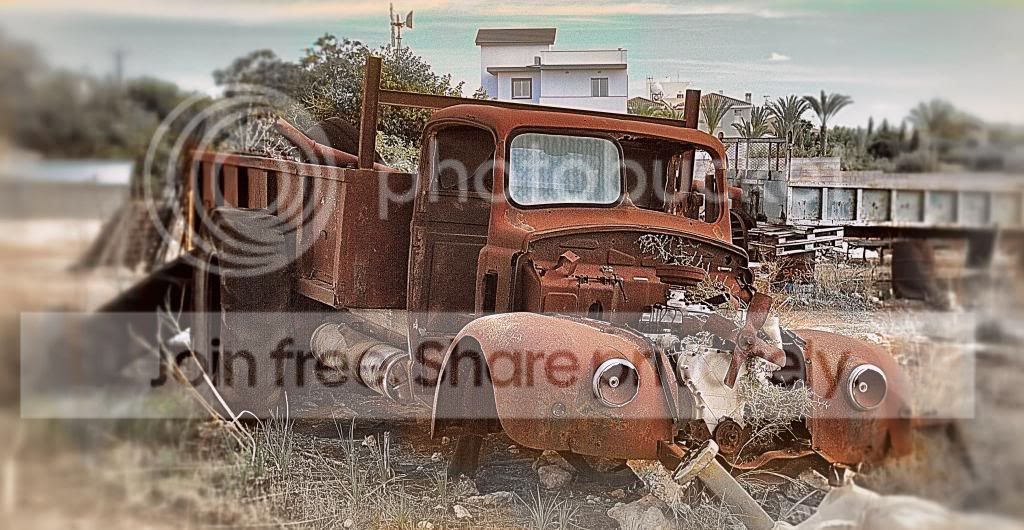
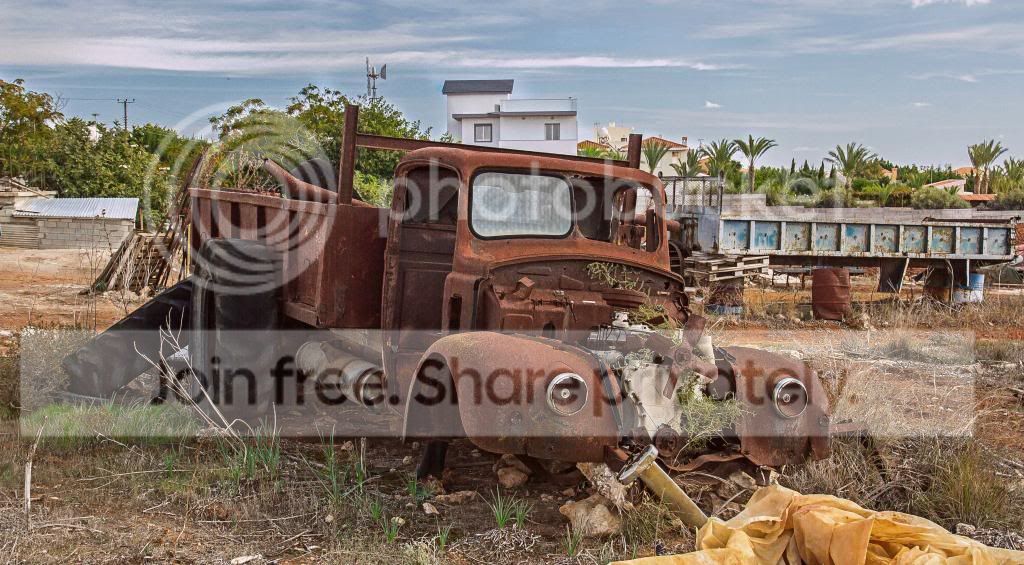
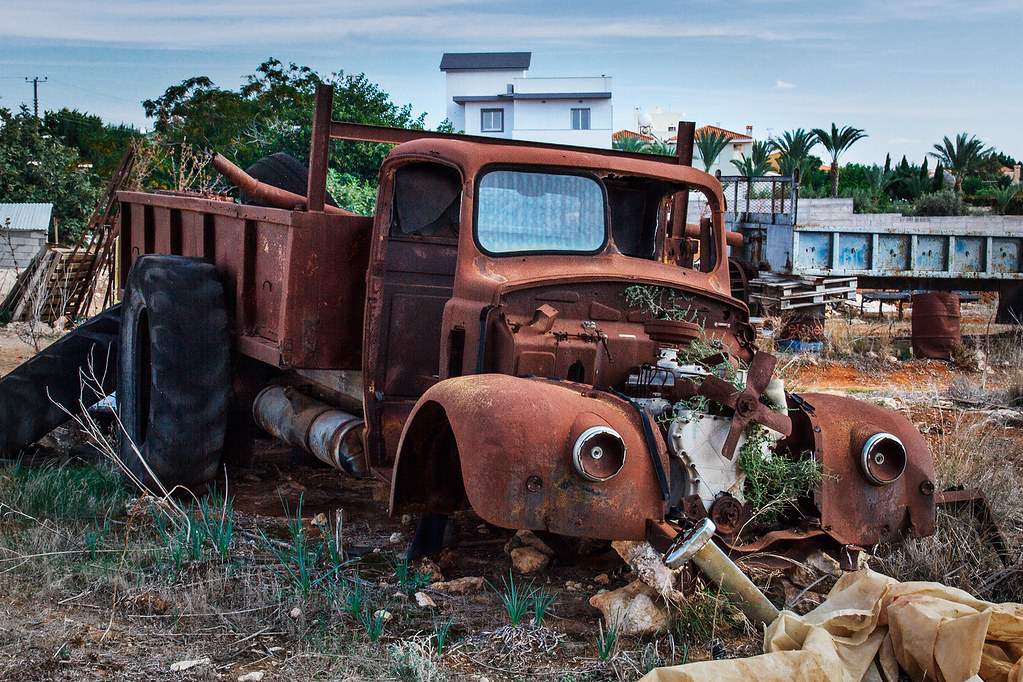
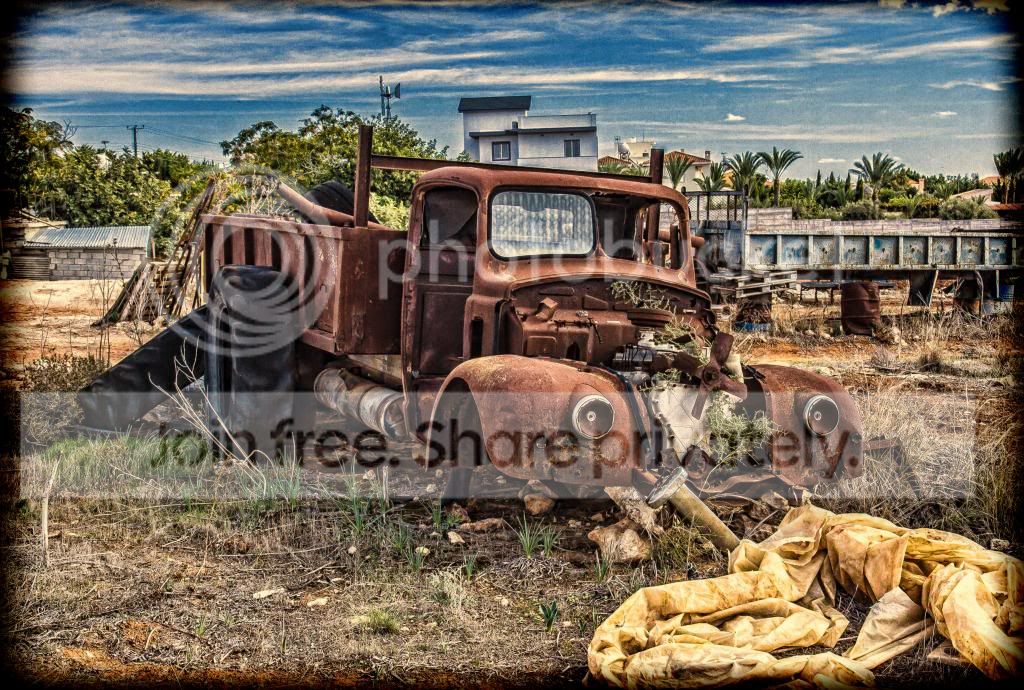
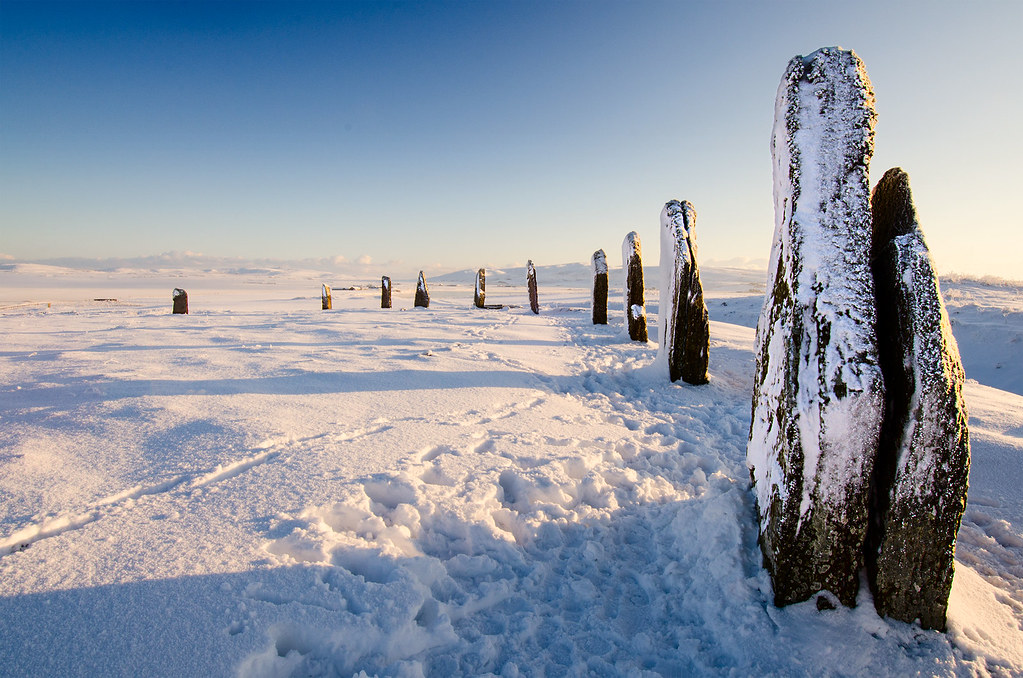
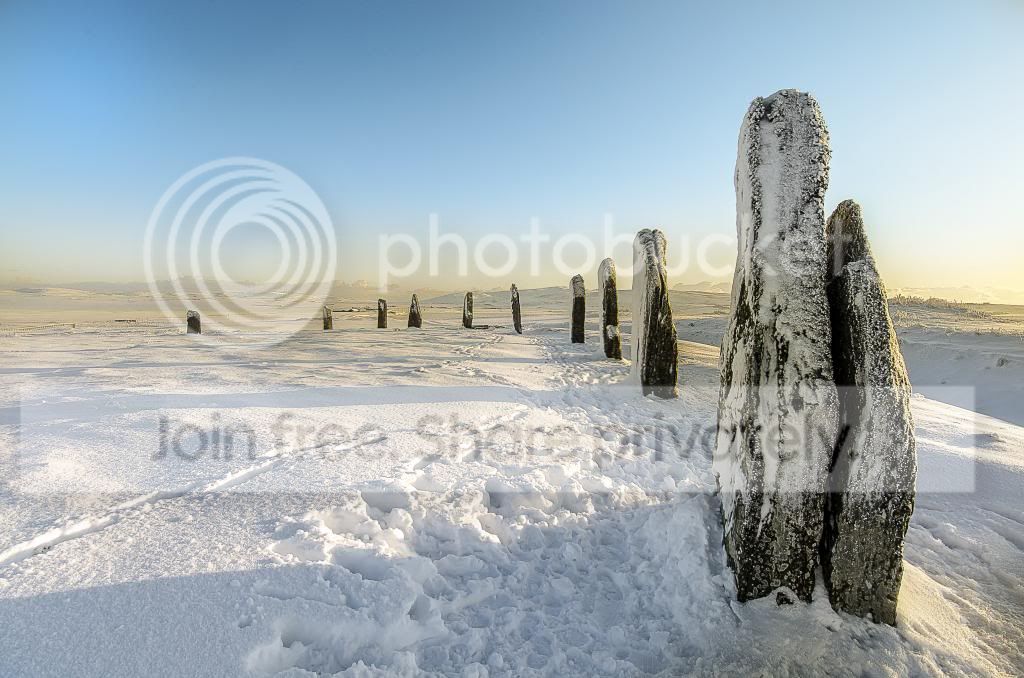
THE PP GAME!

Lol. Ill have a go tomorrow when I have more time.

Please do :thumbs:

An edit only takes a few minutes - unless you're Neil who spends several hours on each as he is very competitive :D

Only joking Neil :love:
 
Heres my versions, been very busy the last few weeks so haven't had time to play.

First the much reviled spot colour.

8559701312_a4cf099b40_b.jpg


and on the second I've gone for a painted canvas sort of look.

8558592559_85475d3a21_b.jpg
 
tptwoboatsoriginalcopye.jpg


Satrted with mid contrast enhancement on the concrete bankside and wooden areas of boat
also added this to the towels and blue bits on the front inflatable
slight fiddle with contrast and curve to try and get some sky detail
blurred the background
felt the boat was a bit too prominent,
so I picked John up and carried him a few feet further back :nuts:
border and drop shadow in picasa.
 
Last edited:
Sorry folks, can't make this one I've had to run around fetching visa documents all day for my wife... next round I'm in!!

Macho Man BUT 'under the thumb' :lol:
 
Neil I give it to you :1st:, by a small margin, for the boat one but felt Rob :2nd: was very 'hard on your heels' for the boat one in B&W. Really great edits.

Wayne I love seeing your edits as I enjoy the fact you try & push the boundaries & I like spot colour so sod the rest :D

Graham I like your ability to shove me further back & I am just glad it wasn't further forwards - into the bloody water :nono:

I am looking forward to Phil joining in as he started the thread & I wondered where he went :thinking:
 
Neil I give it to you :1st:, by a small margin, for the boat one but felt Rob :2nd: was very 'hard on your heels' for the boat one in B&W. Really great edits.

Wayne I love seeing your edits as I enjoy the fact you try & push the boundaries & I like spot colour so sod the rest :D

Graham I like your ability to shove me further back & I am just glad it wasn't further forwards - into the bloody water :nono:

I am looking forward to Phil joining in as he started the thread & I wondered where he went :thinking:

Lol I'm back now! I've been mad busy trying to get my wife back in the country but it's all done now.

Neil, well deserved!
 
Neil I give it to you :1st:, by a small margin, for the boat one but felt Rob :2nd: was very 'hard on your heels' for the boat one in B&W. Really great edits.

Wayne I love seeing your edits as I enjoy the fact you try & push the boundaries & I like spot colour so sod the rest :D

Graham I like your ability to shove me further back & I am just glad it wasn't further forwards - into the bloody water :nono:

I am looking forward to Phil joining in as he started the thread & I wondered where he went :thinking:
LOL.

Well done neil. :thumbs:
 
I told you all I'm back!

71898_10152690618325305_378561771_n.jpg


-Converted both RAW's to JPGs and adjusted the lower one to make a +1 EV.
-Merged all 3 in photomatix.
-Opened in PS
-Cloned out the distracting thing in the top right hand corner.
-Didn't like the clouds so they went too!
-Opened colour efex and added my present to extract detail (lots of boost in local contrast)
-Erased the sky from the new layer so it maintains a smoothness.
-Made some changes in selective colour adjustment layer to enhance the rust, more green, more yellow & slightly less black.
-Enhanced saturation in channels separately.
-Selective sharpening to the car and that horrible yellow sheet thing...done!
 
Ok I've had a little go on my phone using Snapseed, abuse some works time!

ForumRunner_20130316_120654_0_zpsc20af118.jpg


Increased brightness in the truck.
Converted to b & w, tweaked contrast & brightness. Sharpened & a few other bits done, difficult to say using a phone app! Just twiddled with each setting until I liked it!
Cropped a touch and finished.
 
Great photo Neil, well worthy of a huge smack with my HDR hammer. :D

img9524dev2hdr4aeditcopd.jpg


Toook the 2 RAW's, converted each at 0EV,
and then the "dark" at -2, and the "light" at +2
HDR to blend
sliders for microdetail set fairly high
all others to suit my tastes
slightly more HDR than I'd normally go for, but thought the image lent itself to the treatment.
Cloned out the sign top left, and the post / wires.
border + drop shadow + resize + sharpen in picasa.
 
TPNeilsCar_zpsc108a5ec.jpg


I wanted to concentrate on Neil's rusty old heap. Not sure if it will get through the MOT :lol:

Snapseed to make the car 'centre focus', then sharpen, then add structure.

Into LR4 to play with the sliders & brush to add & remove & add saturation, add clarity.

Then in Picasa to add slight vignette & border.
 
Thought I'd go for a film like feel, and Kodak Portra warmth to the mid tones, and keep it quite natural but with good detail.

Simple manual merging of both RAWs with selective air bushing back between layers. Selective curves adjustments on red and blue channels to add warmth to darker and mid range tones. Slight selective saturation adjustment on reds.. very slight detail extraction of clouds using PS's tone mapping... then cropped to a more 6x7 like aspect ratio. That's it.


CLICK FOR LARGE VERSION
 
Last edited:
Oh why is it this type of image shouts HDR me :thinking:

I am trying to do a natural looking version which is NOT HDR but if nothing else taking me places I don't normally go with PP. I sound like an episode of Star Trek :eek:
 
Oh why is it this type of image shouts HDR me :thinking:


Because rusty truck HDR images have been done to death probably :).. which is exactly why I think it shouldn't be done.
 
Because rusty truck HDR images have been done to death probably :).. which is exactly why I think it shouldn't be done.

Well I will persevere as I am fed up with HDR - well for now I am :clap:
 
Like to enter this one as well as I have done NO HDR'ing just opened in LR4 and used the brush extensively on many different areas for saturation, desaturation, burning, highlights (up & down) and sharpening.

TPNeilsCarNoHDR_zps77c034c0.jpg
 
Some great edits here, if anyone else would like to have another go, be my guest, the more the merrier
 
Hi guys,
First time playing the game :)
I recently started working with LR4 and just know the beginners stuff.

Heres the result:

IMG_9524_2.jpg


As im new i just played with different options that i had so dont really know what exactly i did :bang:
I will just take some printscreens of the editings, if thats not a problem!

http://postimage.org/gallery/2pnovy9y/
 

IMG_9524

ACR: Adjusted sliders on Exposure, shadows and clarity.
Opening CS6: duplicated layer, played with dodge and burn to increase the contrast between the shadows and highlights on the truck
Did a curves adjustment to further boost contrast
Converted to lab colour > apply image to bump the colour up a bit
Ran a high pass filter to sharpen
Cloned out the turbine
Cropped in tight on the truck
Created a vignette using the eliptical marquee tool and a brightness/contrast adjustment layer
Using the same selection I desaturated the background to get the emphasis on the truck

And that's it, thanks for this one Neil it was a lot of fun.
 
thanks for all the entries, it really seemed to get your juices going, it was very tough, and they all had some really good points, i personally went for an old film affect, so the for tat reason im choosing Pookeyhead`s entry, all the others are joint second as i said they all had something that i liked in them, over to you Sir...

heres my over the top effort btw

1-1_zps101ceafd.jpg
 
Excellent work Pookyhead - well done :clap:
 
Really tried to process this just as a single file, but found that reducing the exposure to get the sky how I wanted meant there wasn't enough shadow recovery left to bring the stones to how I wanted.

So resorted to blending multiple exposures,
wanted to keep detail and texture in the stones,
and bring in the colour from the sun off to the left.
WB set from the grey on the stones.
Also wanted to keep the detail of the clouds way back on the horizon.
Selectively sharpened the stones
and blurred the sky slightly in an attempt to reduce the banding
and slight crop from top and bottom

edit if I may, flipped horizontal to give the curve a more left to right path.
and also felt it worth removing some footprints too


Click for a big 'un if you want it!
 
Last edited:
Really tried to process this just as a single file, but found that reducing the exposure to get the sky how I wanted meant there wasn't enough shadow recovery left to bring the stones to how I wanted.


It's a deceptive RAW this one :)

As for sky banding, are you working at RAW level when darkening the sky? If not, try working at 16bit.

I like the warmth in this rendition.
 
Beautiful photograph David, when I first looked at it I didn't have any ideas how I could improve it.


stones

ACR:
Adjusted white balance to try and make the snow more white
Upped the exposure a tiny bit
Pulled shadows to 25
Tiny clarity increase
Big contrast boost using tone Curve
CS6:
Sharpened just the stones, using a layer mask and high pass filter
Used the same layer mask on a duplicate screen layer to lighten stones
Boosted the colour a smidgen in lab colour
Darkened the sky a bit (which is the only part I'm not happy with)
Cropped in a little
 
Last edited:
That's got some punch to it.


It will be interesting to see what comes of this. One of the hardest problems I had with it was the natural polarisation in the sky causing a dark area.. common when shooting with a very wide lens.
 
One of the hardest problems I had with it was the natural polarisation in the sky causing a dark area.. common when shooting with a very wide lens.

That's the one area of my edit I'm not happy with.
 
It's a deceptive RAW this one :)

As for sky banding, are you working at RAW level when darkening the sky? If not, try working at 16bit.

I like the warmth in this rendition.

Thanks David, I reduced / increased the exposure in ViewNX2, saved as jpg's, and then merged. Might experiment with converting to 16 bit TIFF and then working with those. :thumbs:

I also made a little tweak to my original post too.
 
here`s mine
increased temp to make the snow whiter, basic tabs, saved 1 copy
did the sky till it looked better, saved as second copy
blended sky and snow, merge down, then burnt through for some orange selectivly
sharpened with high pass and hard light overlay
prob did more but cant remember lol
finished!

ppgame_snowy_scene_zps92e25bbb.jpg
 
Last edited:
Back
Top