THE PP GAME!

Some good & funny stuff!!!!

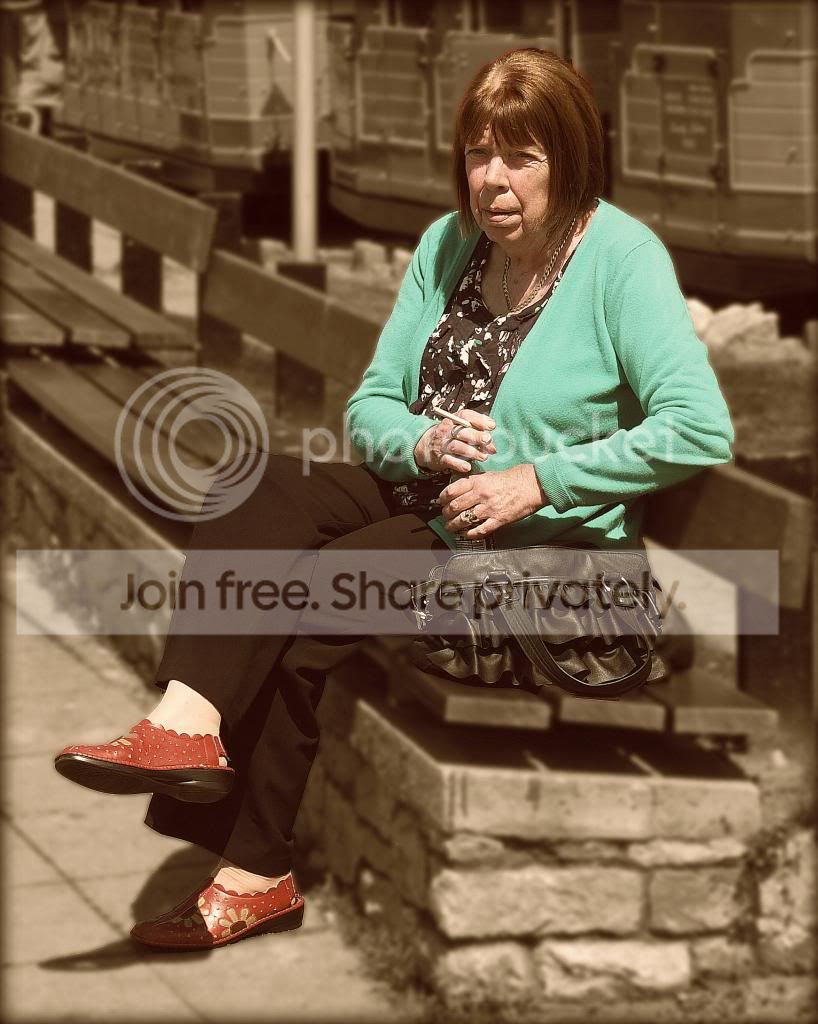
My wife just looked at the edits & she said members may think the 'smoking lady' is my wife :lol::lol::lol: So to assure my wife, & members, I would like to make it clear it was a random person who was in the street in Torquay :clap:
 
And the winner is Neil Flying Giraffe for the top edit although the bottom one - yes - is a bit of fun. So well done Neil over to you and over to you to see if you want to add any variation to the usual :D

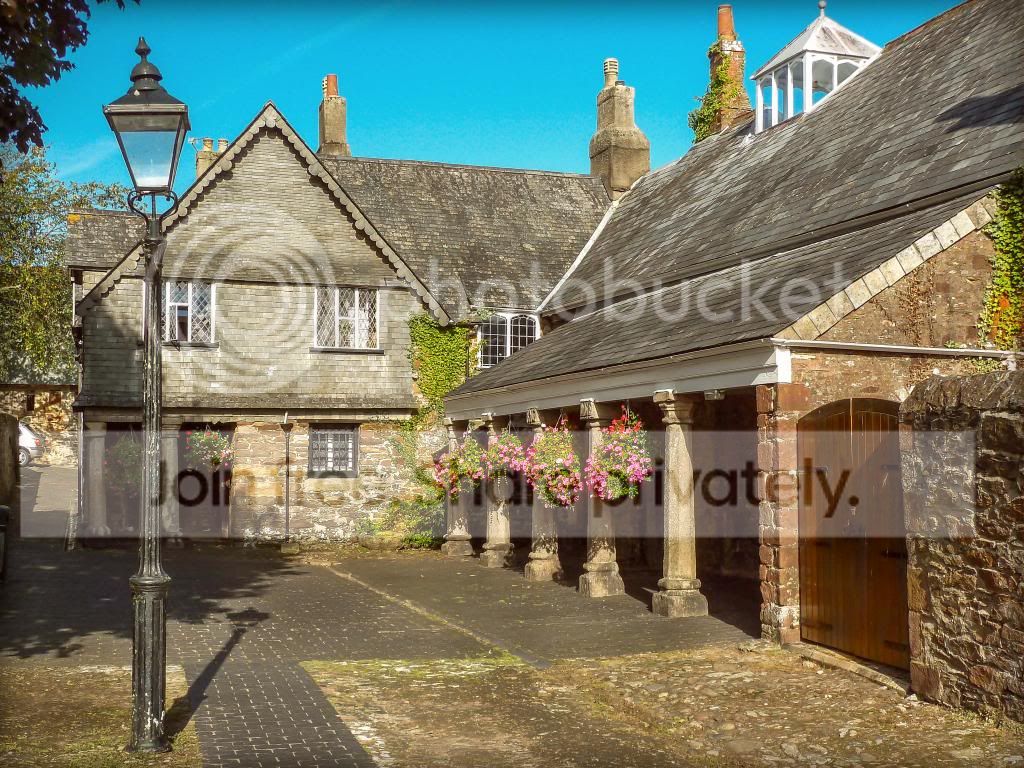
There were more edits for the smoking lady & I was very interested to see what would be done because I have never done one myself with which I have been at all happy. But I am a sucker for 'Architectural' shots hence why I was drawn to Neil's.

Rhodese's two edits were fun especially the added smoke to the ladies puffing but I must stick to the basis of this thread which is to improve 'what is there' without adding to it. The other thread already covers that.

Ben & Wayne I like your HDR'ish versions of the lady.

I also like Graham's 'Dorothy' edit highlighting the red shoes.

Marsha glad you found time to 'have a go'

So over to Neil :thumbs:
 
In LR4
Slight crop to get rid of dark bit on centre left
Pushed and pulled sliders here and there but didn't take note.
Wanted to bring detail from shadows, saturate the flower/greenery bits, darken the foreground & roofing.
Slight vignette
Sharpened
End

TPTotnesGuildhallMyEdit_zps0bb12609.jpg


Tried lots of ways especially HDR but not happy so decided to keep her in colour, rest in mono with Gaussian blur
Opposite of sharpened but how - not sure but wanted to soften face
Slight warming overall tint
End

TPSmokingLadyMyEdit_zps30058e37.jpg
 
Rhodese's two edits were fun especially the added smoke to the ladies puffing but I must stick to the basis of this thread which is to improve 'what is there' without adding to it. The other thread already covers that.

Sorry, I never read the first page.
Rhodese.:rules:
 
Sorry, I never read the first page.
Rhodese.:rules:

I don't blame you as its a bit long winded :lol:

But as I said I found your edits funny especially the 'extra' smoke :thumbs:
 

Ladies by Brian of Bozeat, on Flickr

Camera Raw: set white balance, lens profile and cropped

Photoshop: levels adjustment

Perfect portrait: de-shined lady on left (somewhat) and used the subtle skin effects plus a little eye & mouth treatment.

Focal Point: isolated ladies a little with lens effect.

Resized and sharpened.

[I've got the perfect effects suit to trial, so this image was spot on timing for a "lets see what I can do" learning session]
 
Brian you have made a really good start, in fact excellent ( :thumbs::thumbs: ), and made me feel whatever I attempt will be so poor in comparison. My problem is that I never take shots of is people so absolutely no experience of PP with them.

So in a quandary unless Neil puts up a second shot like I did - mmm - or perhaps I should sit out this round - oh decisions, decisions :(
 
It's the taking part and learning John so please have a go, no better way to hone your skills
 
I'm trying but believe me I have binned a few edits so far :eek:

I'll do what I said some time ago just copy Brian's edit and put in a few tweaks and pass it off as ALL my work :D

PS Brian hope that's OK with you ;)
 
I'll do what I said some time ago just copy Brian's edit and put in a few tweaks and pass it off as ALL my work :D

PS Brian hope that's OK with you ;)

Of course. :) I would consider it a compliment. To me this thread is a friendly learning zone (playground if you will), not a competition, and I'd hardly be likely to claim copyright, I just played with the sliders!

That said I think that there is probably much more that can be done here with a bit of imagination, I just did what I thought I might like to do if this was one of my family snaps.
 
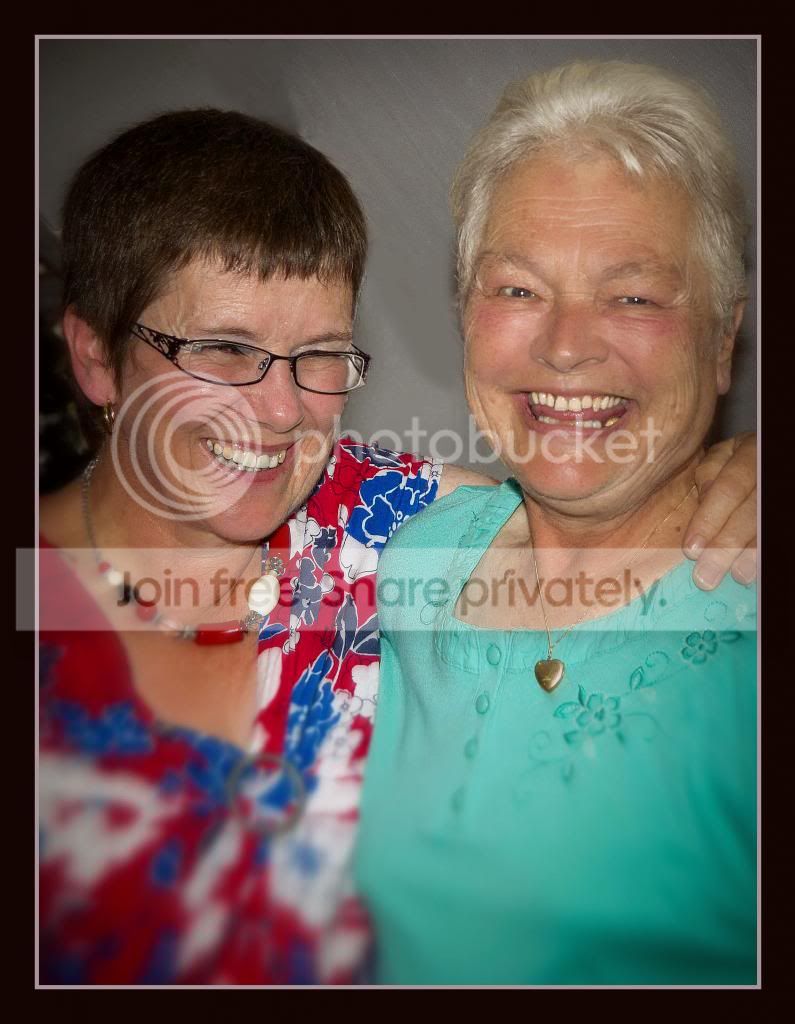
img71400copy.jpg


Tried to stay natural as much as possible here......
Slight touch on the teeth,
manually cloned over some skin at 50% opacity to reduce the shine on noses, cheeks and chin.
Cloned out the child and chap to the left,
blurred the background,
Straightened to post on left,
border.
 

2_ladies_final_edit_letterbox-1 by btyreman, on Flickr

opened RAW in LR4

cropped,
cloned out some marks on the ceiling,
blurred, de-saturated and de-clarified the background using brush tool.
used the red eye tool on all exposed eyes,
de-saturated the teeth slightly whilst trying to make it look natural,
skin altered with de-clarify brush to help soften the skin,
increased virbrance to the overall image,
increased clarity,
increased highlights in tonecurve,
used lens correction and removed chromatic aberration artefacts,
made a customised sharpen with quite a lot more detail added than normal to bring out more fine detail,
added the black borders and did a final sharpen for screen on export.:thumbs:
 
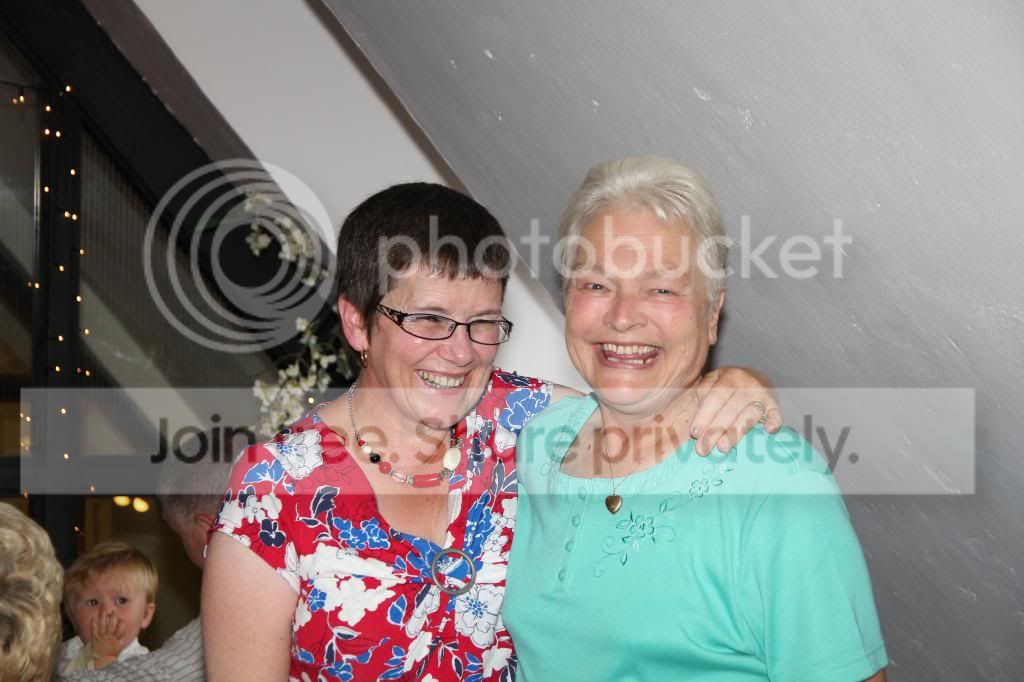
Well Neil this is for you (don't you dare not enter if I should be chosen at any time in the future to put a pic up) as it is not in my usual comfort zone. However, as Brian said, it is not to be taken too seriously - which is true.

But even for portrait PP'ers I would think it presented some challenges and I was aware, at all points of my editing, that this is someone's Mum.

Don't even ask how I did it as the pic went from Snapseed, to LR4 to PE10, Picasa and not just once in each.

Where's me tea I want me cuppa tea :jaffa:


TPLadiesMyEdit_zpsfd458bba.jpg
 
thanks for all the entries, some crackin ones too, im going to go with Brian for this one, great edit, id also like you to send me the full jpeg if you would please, the same goes for second place which im giving to john, the crop is perfect, just what i was looking for for this image, i know it was out of your comfort zone but i think you have done a very good job, well done you two, and everyone else who entered, over to you Brian
 
Well done Brian - make sure you give me an easy one (or two) to work with next :love:

Neil thanks for the comments & yes it taught me a lot as it is probably the first people shot I've ever worked on. I just hate taking shots of people :gag:
 
:thankyou:

I will have a look through my files for something suitable and get it on here later today.

Neil: I will PM you later regarding the jpeg.
 
Here we are then. One I have edited a few times so I know it quite well... btw The devil is in the detail, there is plenty to learn here! - I will call this on Friday Morning Good Luck!


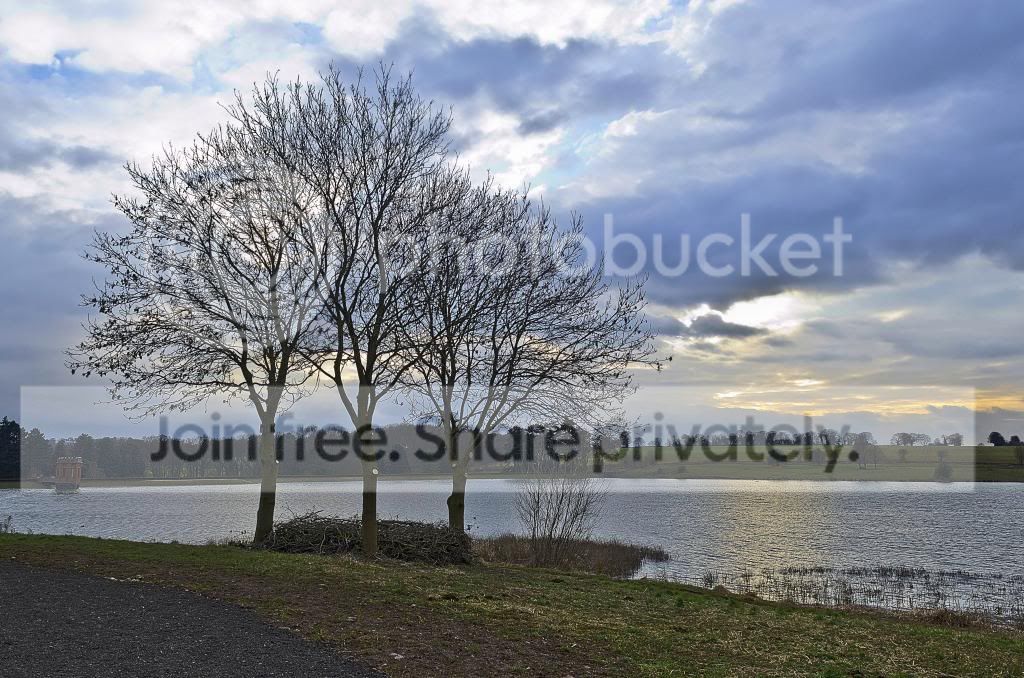
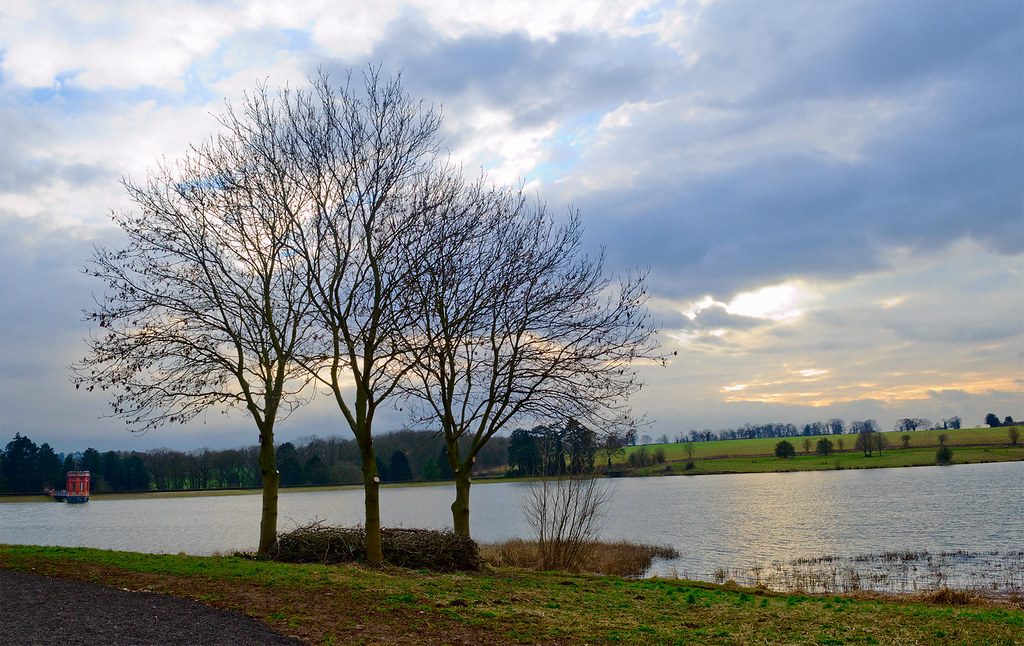
3 trees by Brian of Bozeat, on Flickr

Raw file is HERE - CLICK HERE
 
Last edited:
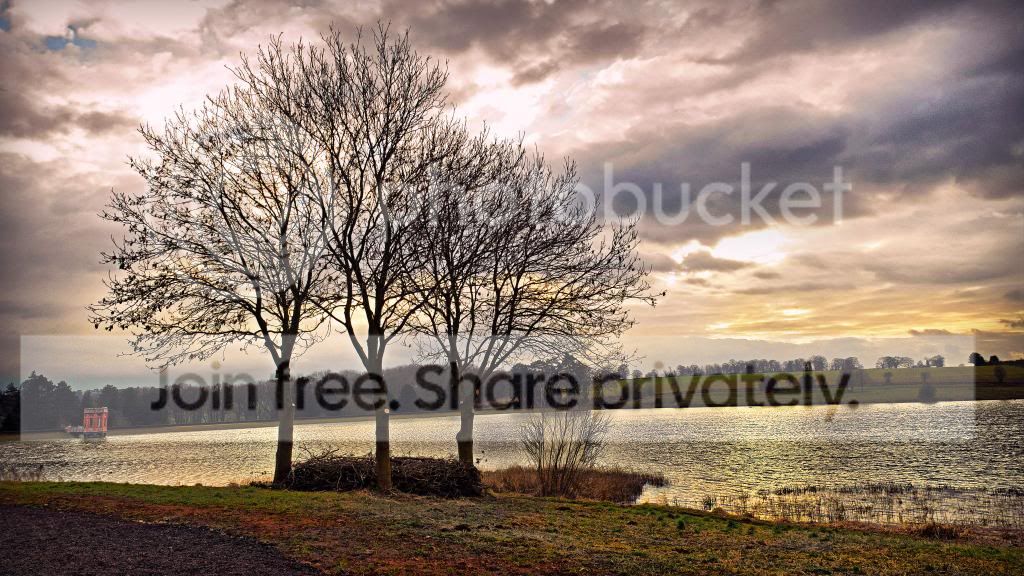
ill start
straighten
basic tabs, inc clarity to the top, 2 copies made hi and lo exposure and combined in hdr
hi pass sharpening trees only to avoid noise in the sky
finish
3treesppgame_zps349d6a15.jpg
 
TPThreeTreesMyEditHighPassed_zps99d5954d.jpg


Used PE10 entirely for this.

Lots of differing areas treated differently with a little HDR via ReDynamix

Wanted more variation in colour so worked with sats on sky, then water, then the rest.

High pass sharpen -soft overlay

Bit of a crop to get a wider feel and cut down the foreground which I felt was in need of cutting down :lol:

Bit of vignette

Before I started in PE10 I did try with LR4 then CS4 but wasn't happy with how it was going but was much happier in PE10
 
Last edited:
3trees4hdr4three.jpg


Created a -4, -2, 0, and +1 exposure version, merged these together (hdr)
straightened
took the right hand side of the image,
flipped horizontally.
cloned some sky over the blown patch
created 2 copies, placed either side
white border in picasa

;)
 
I've had a go, nothing to exciting as I'm very much dipping my toes in and finding my way around image editing.

All done in CS6

I played with most of the raw sliders - recover, fill, exposure, blacks.

I did a contrast boost using the tone curve preset

I had a play with the lens correction tool, never used it before - but the house in the bg looked skewed to me. So adjusted the distortion slider until I thought it looked better.

I converted to lab colour and tweaked some of the settings in "apply image" to try and boost the colour.

I cloned out a few objects in the water that looked a bit "untidy".

Had a very slight tweak in curves

Cropped slightly from the bottom, and that's it.

From my own point of view - I'm quite happy with it, although some areas are still underexposed.

Thanks, Rob.


3-trees---brian-of-bozeat
 
Well, some lovely edits there I have to say. But for me there is a clear winner and that is Rob L. I liked the clarity and detail of your edit Rob, well done. :clap:

For reference here's my edit.


Sywell_Siver efex edit by Brian of Bozeat, on Flickr

And now it's over to you Rob for what I think is the hardest part of this game, deciding what to offer up now that you have won!
 
Wow, thanks Brian - I don't think I've ever won anything before! :cool:

I never thought about a b/w conversion, really like your own treatment and processing.

I'll have a dig round and try and find something suitable to post, hopefully later this today.

Thanks, Rob.
 
Well done Rob :clap: and you sure is off to an excellent start. I hope to see you participating in this thread regularly but don't make your edits too good otherwise you may show us all up :suspect:
 
And now it's over to you Rob for what I think is the hardest part of this game, deciding what to offer up now that you have won!

You're right about that, not easy to choose something at all :)

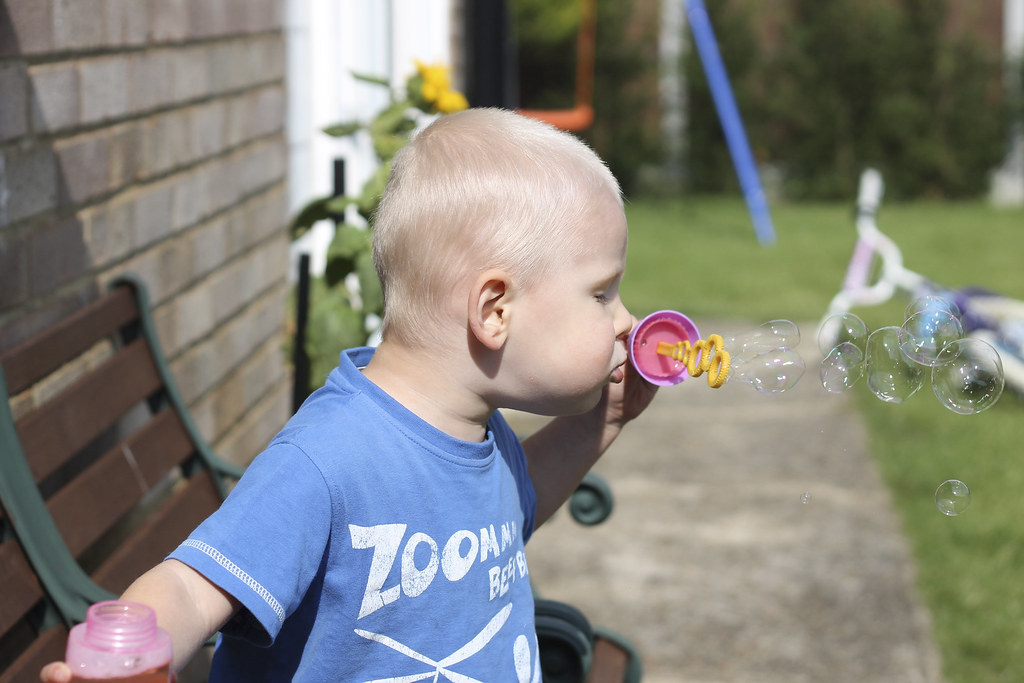
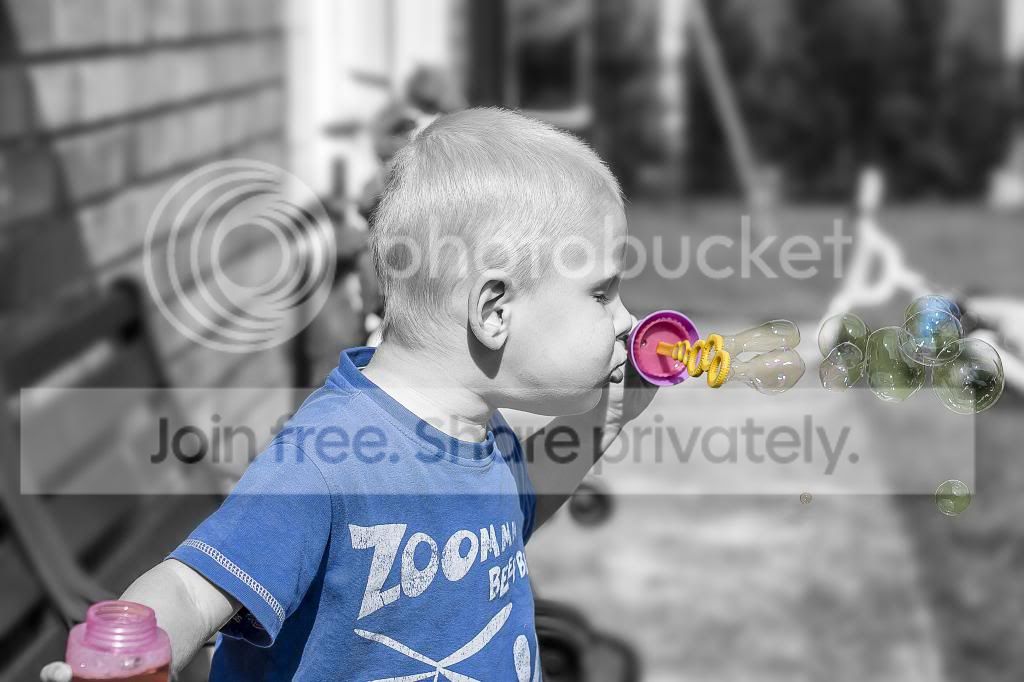
Initially I was going to go for a landscape but then I came accross this photo of my son, taken about 18 months ago.

I've always liked it, which is why I've kept it, but there's plenty wrong with it and I've never been able to get it right.

I'm hoping there's enough of a good shot there to make it a worthwhile submission.

Cheers, Rob.


bubbles_sooc by R0b L, on Flickr

Link to RAW File here: https://www.dropbox.com/s/tdbczaejxszy5wq/IMG_0827.CR2?m
 
welcome to the thread Rob, and well done on your last edit
here`s my attempt for you
opened raw, basic sliders and a big increase for clarity
sharpen
open in ps make 2 copies, one to black and white with some curves
spend about an hour erasing through for selective colour
gaussian blur on background only
high pass sharpen and overlay
finish!

BUBBLES_zps771ad352.jpg
 
Nice one Neil :clap: - Hang on have you been reading my mind? :suspect: - that was my first thought too! ('sept I was gonna keep the little fella in colour as well)

we'll all have to work really hard to try to beat that I think!
 
i know what you had for tea aswell;)
go ahead with you idea, i think it will work well too, ill pm you my email for a copy of your last entry if i may
 
Last edited:
You're right about that, not easy to choose something at all :)

Initially I was going to go for a landscape but then I came accross this photo of my son, taken about 18 months ago.

I've always liked it, which is why I've kept it, but there's plenty wrong with it and I've never been able to get it right.

I'm hoping there's enough of a good shot there to make it a worthwhile submission.

Cheers, Rob.

Hi Rob when will you be closing this one day & time if you will :thankyou:
 
Yes, no worries. I don't seem to have got the creative juices flowing with this one (apart from Neil, thanks for taking the time, I like what you've done!)

What's the usual protocol? Shall we give it until 10am tommorrow and if no one else wants to take a shot, knock it on the head, and hand over to Neil.
 
Yes, no worries. I don't seem to have got the creative juices flowing with this one (apart from Neil, thanks for taking the time, I like what you've done!)

What's the usual protocol? Shall we give it until 10am tommorrow and if no one else wants to take a shot, knock it on the head, and hand over to Neil.

Believe me I have tried but as I said with the recent other portrait one it is outside of my comfort zone. Neil's is good (so good it deflated my mediocre attempts) but don't tell him I said so or he'll get a big head :D

Seriously Neil if you're reading this why not do as I did with my last one put two diversely differing pics up to try and appeal to a wider range?
 
Well done Neil, I think you scared off the competition with a cracking job :)

I'm sorry my choice didn't generate much interest, but I'm looking forward to seeing what Neil comes up with for us next :thumbs:
 
Well done Neil, I think you scared off the competition with a cracking job :)

I'm sorry my choice didn't generate much interest, but I'm looking forward to seeing what Neil comes up with for us next :thumbs:

Don't be disheartened that there were no other entries & keep on in here :thumbs:

I hear Neil is being banned for being too good :nuts:
 
yM7AfMO.jpg
 
That's brilliant, I love it :lol:

Not sure if I should show him though, I don't know what his reaction might be ;)
 
Back
Top