THE PP GAME!

Or use a levels adjustment layer and a gradient across the layer mask. If required you can then use another with the mask in the opposite direction.

 
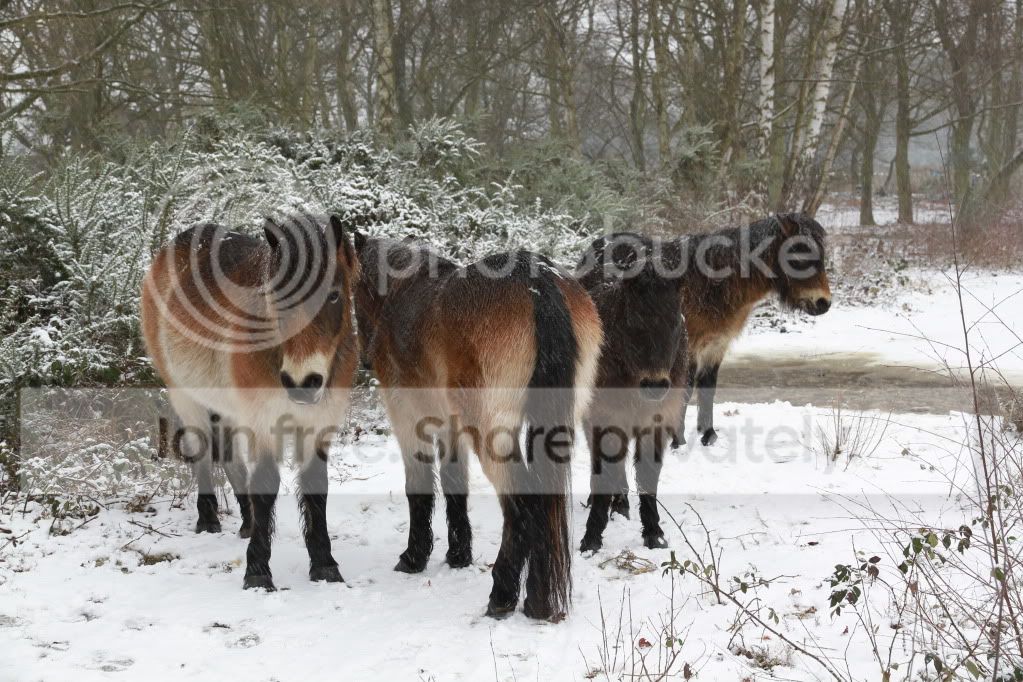
Thanks Graham, lots of very good edits, so thanks for choosing mine, when i blend (and there's probably better ways) i create a new layer and erase, i then reduce the opacity to blend to an area i dont want changed, with my edit i did it 3 times for the sky, trees, and then the snow, anyway here`s another snowy one for you all, some very cold Exmoor ponies

IMG_0045_zpsaefd9945.jpg


raw
http://www.mediafire.com/?o5dc99i5u169sji
ill call this one fri evening about 7
 
Good edit Neil on the frozen lake :clap:

I don't know where all the snow and ice come from as I've not seen any, this winter, in my neck of the woods :thinking:
 
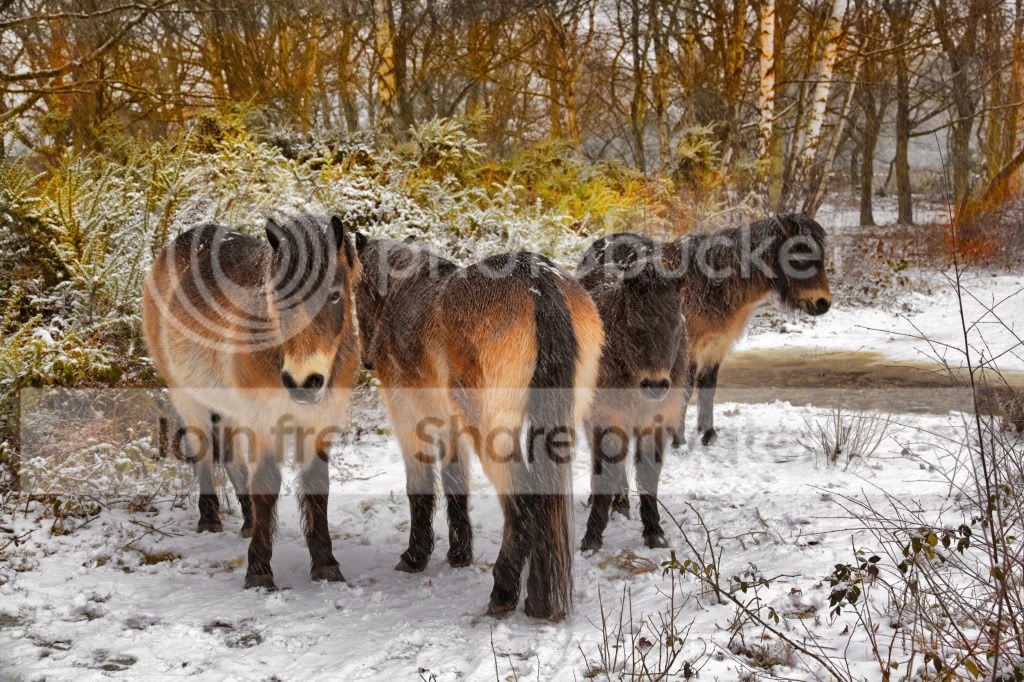
TPPonies_zpsf3f3ad6c.jpg


My usual in PE10 - bit of HDR with Dynamix Plug In - fiddling with shadows highlights sliders - fiddling with saturation sliders - brushing in selectively more saturation - high pass sharpening in soft overlay mode.


Sorry couldn't resist putting this version up as I was trying something new (for me) in PE10. I've mixed feelings about partial colour but feel it works OK on this shot - doesn't it :thinking:
TPPoniesPartialColour_zpsbf7e1eed.jpg
 
Last edited:
Quite simple and straightforward, interested to try out HDR technique on something other than landscapes.

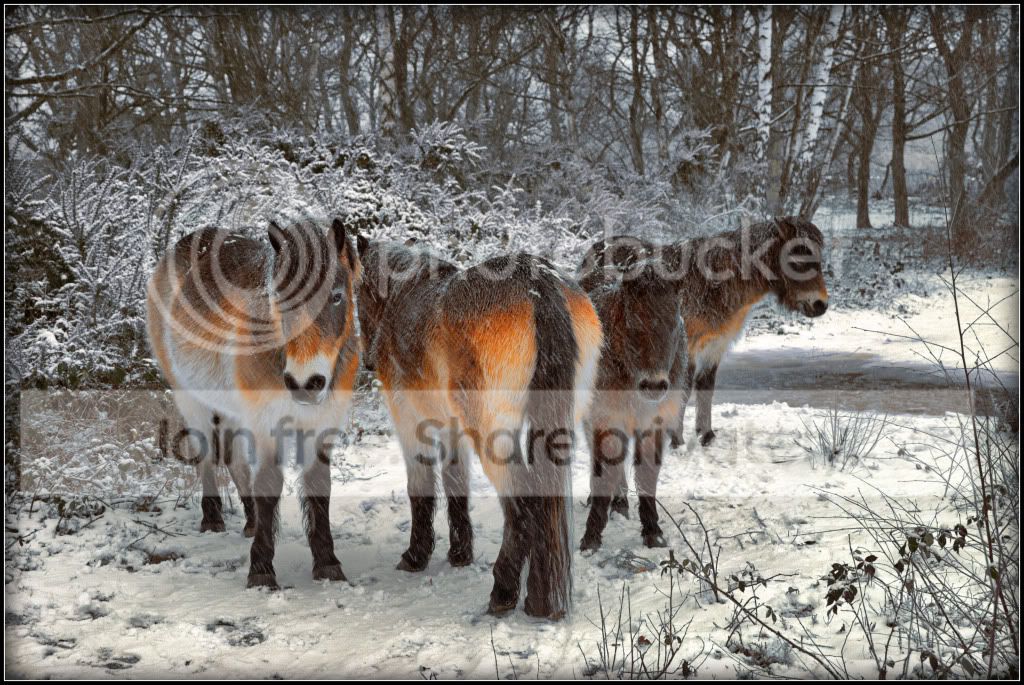
img00452hdrfinal.jpg


Took 5 exposures using DPP
blended to give the most natural look
keeping whites bright, detail in path
tweaking saturation to give strong contrast between the ponies and background
then selective sharpening to the pony on the left.
 
Graham

I often use HDR but am very very cautious with not pushing the sliders too far because I am not a fan of extreme HDR looks. It is worth trying with any shots and not just the obvious - landscapes.

I use a plug in - Redynamix - but in a separate layer so I can use the slider to decrease the effect down if I feel its too strong.

But I am still learning & so much to learn :gag:
 

pony_blizzard_colour by btyreman, on Flickr

opened RAW in LR4;

cropped to 16:10 ratio,
boosted shadows, whites and vibrance,
boosted highlights in tonecurve,
created a brush just for the left horses right eye and boosted exposure,
sharpened quite a lot and used masking,
added colour noise reduction,
used lens correction including chromatic aberration,
post-crop vignette + small amount of grain added,
saved to jpeg this time because I realised flickr converts TIFF to jpeg anyway....:bonk:


pony_blizzard_BW by btyreman, on Flickr

this edit is almost exactly the same as no1 except changed to BW mode and -6 on blacks instead of -3.
 
Last edited:
tough one again, but there can be only one winner and its....drum roll.......................................x factor pause


symmetricalOCD, well done Ben lovely job on the colour version, over to you
 
:wave: Good 'un' Ben :clap:

I am just starting to realise that my monitor needs a little tweaking after looking at my entries on another PC. Mine look a tad heavy on the sats sliders. And I know I like colourful but I will have to stop sliding so far :lol:

Just got myself LR4 (to add to my PE10 & CS4) so trying to learn how to use it as it seems more of a learning curve than some other software :suspect:
 
:wave: Good 'un' Ben :clap:

I am just starting to realise that my monitor needs a little tweaking after looking at my entries on another PC. Mine look a tad heavy on the sats sliders. And I know I like colourful but I will have to stop sliding so far :lol:

Just got myself LR4 (to add to my PE10 & CS4) so trying to learn how to use it as it seems more of a learning curve than some other software :suspect:

thanks john, I'm sure you'll soon get used to it, I can highly recommend Julieanne Kost's videos that's what got me started :thumbs:
 
thanks john, I'm sure you'll soon get used to it, I can highly recommend Julieanne Kost's videos that's what got me started :thumbs:
Thanks for the tip & I have looked at two so far at half hour each but take much longer as I tended to stop & start whilst I went back to LR to try at each stage - Phew. Confusing me even more now :gag:

But I feel that LR is one that I will start using a lot but in addition to PE10 for things I feel so far it could do better. Not forgetting the odd thing I (sadly) like in Picasa :eek:
 
Not me again with opening edit:shrug:

Do I get a few extra points for being first :nuts:

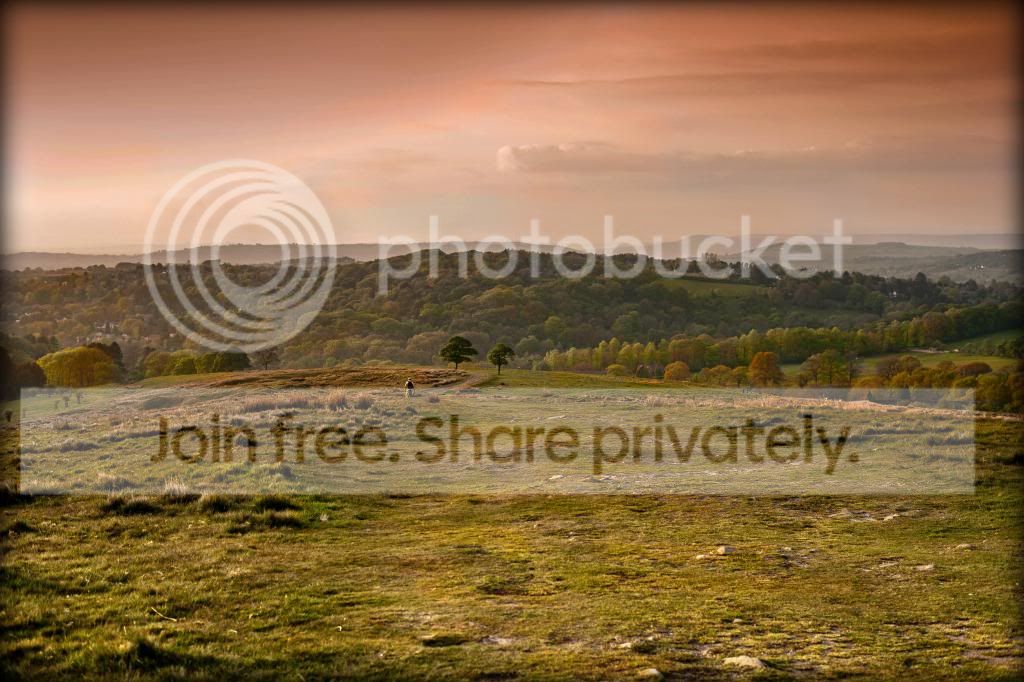
Attempted in LR4 - I say attempted as I have only just started using it and I really do need to learn a bit quicker as there is so much to take in and learn.


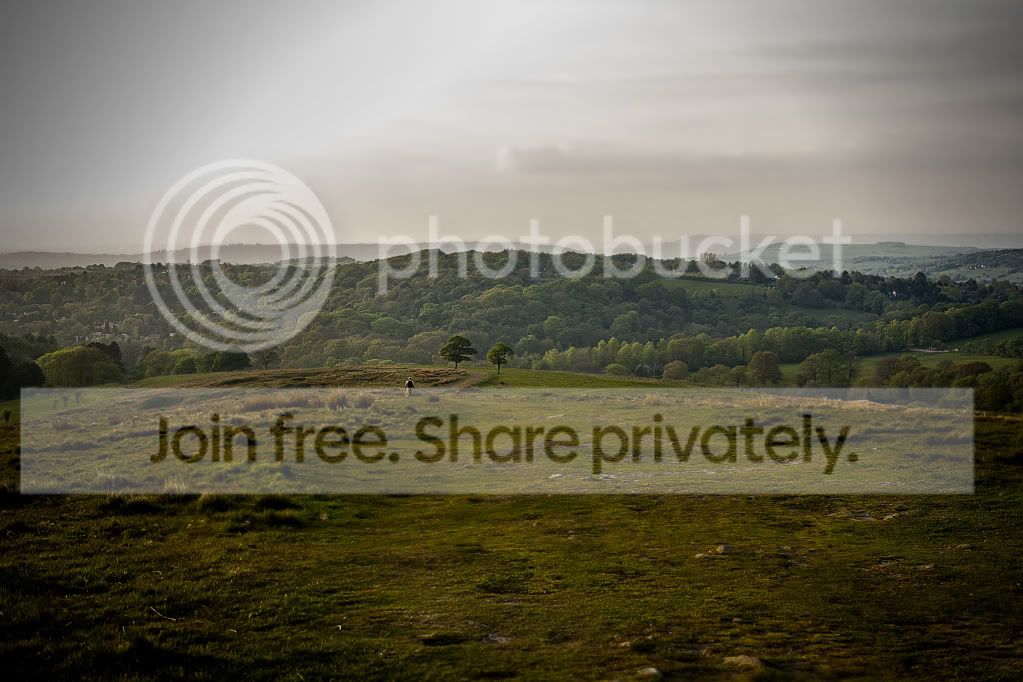
TPLymeParkHazeRevised_zpsad7a3072.jpg
 
Last edited:
basic tabs, inc clarity to the top
sharpened
added vignette
slight blur to the sky to eradicate banding and noise
finish
lyme_park_haze_zps2c5986a2.jpg
 
Well - I couldn;t get anything from the sky top left.... so I found another way round it!

lymeparkhaze4dphdrcopy.jpg


Imported using the RAW importer within CS2,
couldn;t get any sky detail
cropped it out instead trying to leave the walker on a third
slight tiltshift effect in CS2
 
Same as you Graham top left was devoid of any 'goodness' but that could be part of the challenge :lol:
 

Lyme_Park_finaledit by btyreman, on Flickr

cropped,
increased vibrance,
increased contrast a massive amount,
messed around with yellows, oranges and greens,
used some filters on the sky and on the bottom of the image,
created some noise and sharpened,
subtle post crop vignette,
saved to jpeg.

some nice edits here, not many to choose from this time but all high quality!

....as always there can only be one winner!

over to you :1st: John (Daydreamer)
 
Last edited:
Thanks Ben & I have my acceptance speech ready but hang on nobody to deliver it to. Must have seen too much news on Oscars, Baftas & Grammys :nuts:

And thanks Graham :thumbs: - I found your crop interesting as I was struggling with top left of piccy &, as I always do, I tried every crop ratio known to mankind - well TP members :lol:

It is a shame there aren't more entering as I really enjoy the challenge and wonder what we can do to attract more? Is it the piccy types we put up, or what, or what, or what? I have an odd idea but will think on more when taking a look for a pic to put up but?????????????

So I must get digging through :geek:
 
It is a shame there aren't more entering as I really enjoy the challenge and wonder what we can do to attract more? Is it the piccy types we put up, or what, or what, or what? I have an odd idea but will think on more when taking a look for a pic to put up but????????????? :

You think it's quiet in here? The "other thread"' (is / can be) just as bad. :lol:

Not sure if images with only one way of editing them work best, or one's with a certain challenge, or whether it's simply the "not enough time" factor?

The only way to improve is to practice, and it's certainly more interesting sometimes than editing your own.
 
Well done john.

As for it being quiet, I'm very busy at the moment setting up a new website and preparing content for the site (doing it at the quiet time for wedding togs) I did have a play with the last image but wasn't happy with the sky and ran out of time to play with it.
 
I think even the 'type' of images we put up makes you think about matters a little more. You can put up an image that is (in the 'putter uppers' mind) poor and then we can improve but still hard to get a decent end result. But the other way is to put up an already good image (I'll have to dig deep to find one of these!!!!!) to make the edited result look really wow wow.

Any views?

And any objections if I come up with a cunning plan :naughty:
 
Well done john.

As for it being quiet, I'm very busy at the moment setting up a new website and preparing content for the site (doing it at the quiet time for wedding togs) I did have a play with the last image but wasn't happy with the sky and ran out of time to play with it.

Wayne - Busy = income - so good luck to you :thumbs:

I was forcibly (my decision but could no longer work) retired on ill health in 2007 but now I made my OAP age last week I no longer feel guilty about spending so much time faffing with pics. It keeps me sane.

Your posts are always welcome on carious threads :clap:
 
Wayne - Busy = income - so good luck to you :thumbs:

I was forcibly (my decision but could no longer work) retired on ill health in 2007 but now I made my OAP age last week I no longer feel guilty about spending so much time faffing with pics. It keeps me sane.

Your posts are always welcome on carious threads :clap:
Thanks John :)
 
Well here goes my thoughts of trying to make things more interesting and perhaps attract new entrants. But I could be making things hard for myself. My idea is you can choose to edit one or both and at closing I will decide the best edit which could be either pic but the one I feel is the best.

Hope you like this twist as I feel this thread needs a bit of updating as it (perhaps) has gone a bit stale.

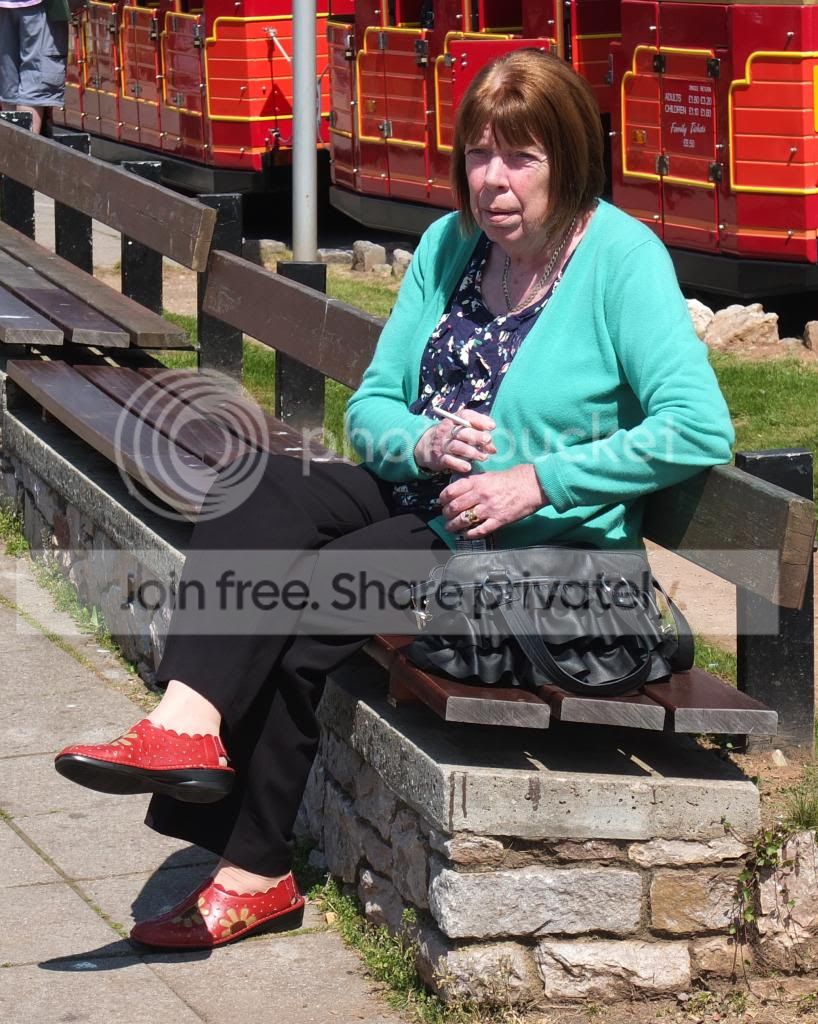
Smoking Lady
TPSmokingLady_zps74c1fca9.jpg


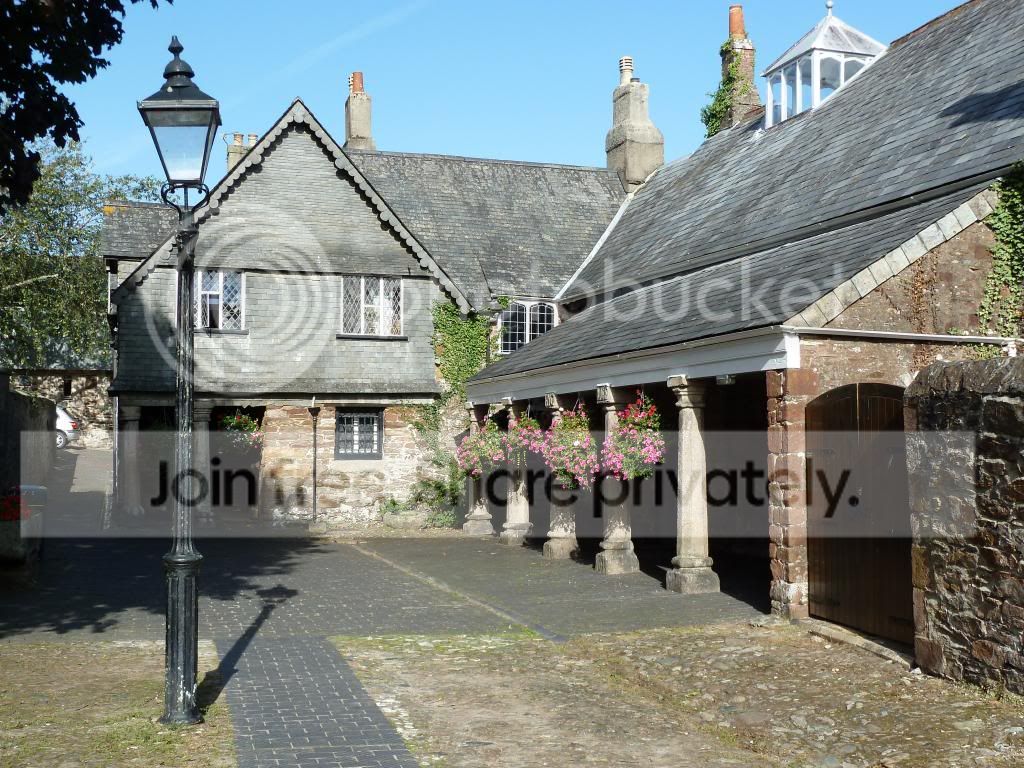
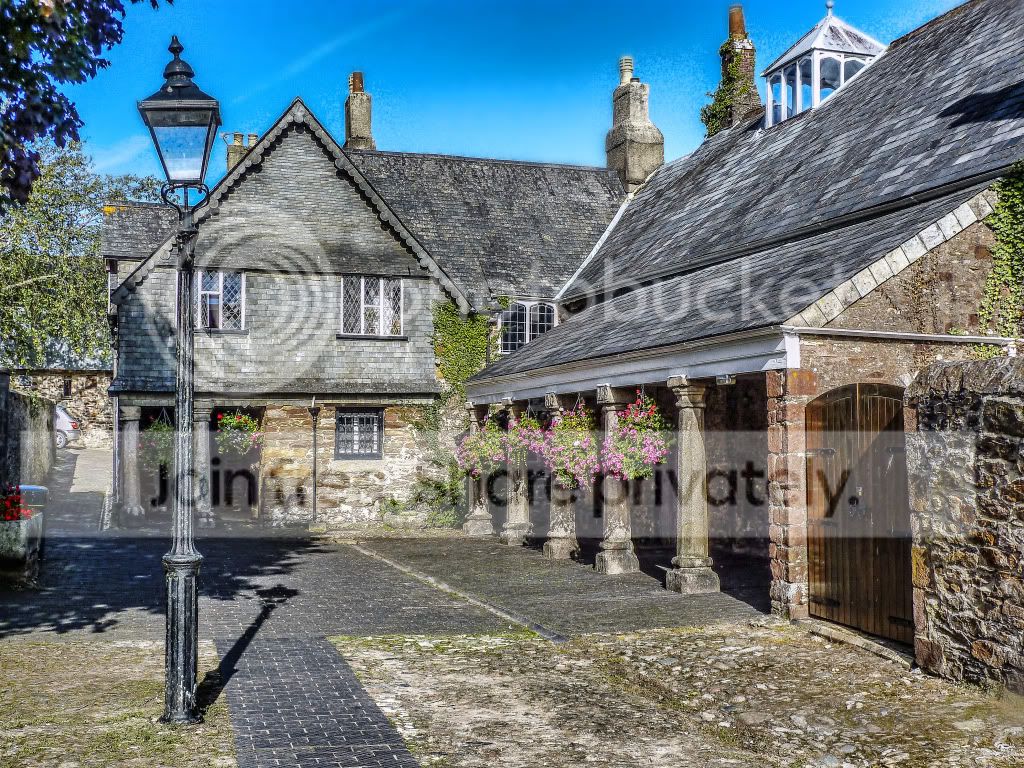
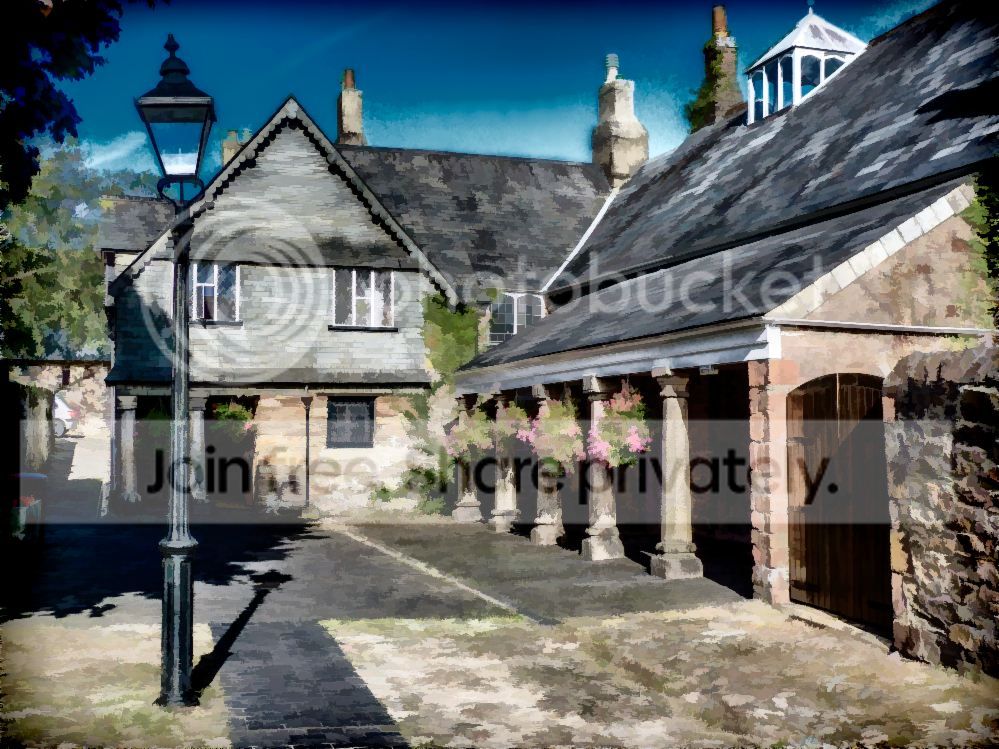
Totnes Guildhall
TPTotnesCivicHall_zps4f778daa.jpg


I will close next Tuesday evening at 8.30 p.m. so good luck.

Sorry no RAW as Totnes one on Panny Compact & the other a Fuji X10 where I never used RAW

https://www.dropbox.com/s/vlqqr80nhy6iy0p/TP Smoking Lady.jpg

https://www.dropbox.com/s/zvxsw9drq9pfbiq/TP Totnes Civic Hall.JPG
 
Last edited:
I've not had as much time. Just gone back to work after looking after my littlest boy having chemo. All is fine now but work is busy. Will try and get involved again as I was enjoying it
 
I've not had as much time. Just gone back to work after looking after my littlest boy having chemo. All is fine now but work is busy. Will try and get involved again as I was enjoying it

Oh no, that must be awful. I hope he is doing well now.
 
The goblin said:
Oh no, that must be awful. I hope he is doing well now.

Thanks. It was but he is ok now. Had tests that have been clear and his line is out now.
 
It is a shame there aren't more entering as I really enjoy the challenge and wonder what we can do to attract more? Is it the piccy types we put up, or what, or what, or what?
For me it's usually down to a combination of time AND inspiration.

But I posted to say that even if I find that I have no enthusiasm for the image then I still "join in" by sitting the round out to see what others can do. I sometimes enjoy those rounds the most! Grahams crop & tilt shift in the last round is a good example, I never saw that coming, I thought that was excellent. :thumbs:
 
had a couple of goes at the hall pic
incearsed clarity
basic adjustments
tried to lose the noise in the sky without full success
finish
TPTotnesCivicHall1_zpsbcf573f4.jpg


second on i just added a topaz buzsim filter just for fun
tpbuzsim_zpsdc256d9f.jpg
 
Roll on my very early retirement next year!

To start with it can be very very novel then it can get very very boring as I 've found out but unfortunately I was forced to retire early through poor health :(
Hence I have loads of time on myhands and am usually housebound so spend a lot of time on my laptop :lol:

I've not had as much time. Just gone back to work after looking after my littlest boy having chemo. All is fine now but work is busy. Will try and get involved again as I was enjoying it

OMG I am so sorry you must be and must have been going through it.

For me it's usually down to a combination of time AND inspiration.

But I posted to say that even if I find that I have no enthusiasm for the image then I still "join in" by sitting the round out to see what others can do. I sometimes enjoy those rounds the most! Grahams crop & tilt shift in the last round is a good example, I never saw that coming, I thought that was excellent. :thumbs:

I have the time but when I don't take part it is because I am off colour as I will always give it a go when it isn't really my type of pic. BUT Brian please have a go as we are short of entries

second on i just added a topaz buzsim filter just for fun

Yes we sure does like a bit of fun ;)

By the way Wayne - Swanseamale47 - accidently posted entries on this thread and asked mods to move them to here.
http://www.talkphotography.co.uk/forums/showthread.php?t=466539
 
1/


train_smoking_2 by btyreman, on Flickr

used colour fx pro for film emulation and to increase saturation then I used a HDR plug in in lightroom, then bumped up the lights and highlights to bring back some of the life and make it pop.

2/


train_smoking by btyreman, on Flickr

didn't use HDR plug in but bumped up contrast, clarity and changed mode to black and white. I also couldn't resist using a clarity brush on her face and nails.
 
Last edited:
Here you go John......

tptotnescivichallcopy.jpg


Pretty simple job here.......
Cloned out chaps legs and post from background,
Auto levels,
B&W conversion using channel mixer,
Layer mask to reveal shoes
Upped saturation of red shoes on lower layer

:D
 
Thanks. It was but he is ok now. Had tests that have been clear and his line is out now.
That's good news.

To start with it can be very very novel then it can get very very boring as I 've found out but unfortunately I was forced to retire early through poor health :(
I am rather looking forward to the boredom! Since having kids my life has been stupidly busy, juggling a military job and children just hasn't worked! Once the kids are older I'm quite sure I will go back to work, albeit part time!
I can't imagine what it must feel like to be forced to retire though.

Anyhow here is my go, all done with Florabella actions:

TPSmokingLadycolour_zpsff497d50.jpg


I know if she was my mother or mother in law she would be horrified by the harsh shadows! So I have used the basic clean base action to brighten everything up, then the lighten brush under her eyes and chin and the darken brush (basically dodge and burn tools) to tone down her cardigan and give it more colour. Also used the blush brush on her cheeks and colour brush on her lips. Cropped and posted.

And B&W:
TPSmokingLadyBampW_zpsaff8c46f.jpg


Deselected the dark brush to lighten the cardigan for added contrast.
 
Not sure what’s expected, as regards how much PP.
The first one is a simple play with the warp tool.
The second is the addition of smoke. The smoke was created in Photoshop by…….
Open with a new canvas, fill it with black, create new layer, pick up the brush tool , set to about 40-50 pixels, colour white, paint a snake type line, when drawing don’t let the line intersect. An ice cream cornet shape works well, broad at one end trailing to a point at the other.
A couple of single wiggery lines side by side is ok.
Filter, liquefy, set to background layer and distort all of the shape, hit ok.
Open edit, fade liquefy, 40 >50%, ok.
Repeat the last two ops until you are satisfied with the way the smoke looks. Save the result.
TPTotnesCivicHall_zps4f778daa.jpg


TPSmokingLady_zps74c1fca9.jpg


Rhodese.
 
Back
Top