THE PP GAME!

oh deer oh deer you two;)

the old ones are the best:lol:
 
Last minute :o

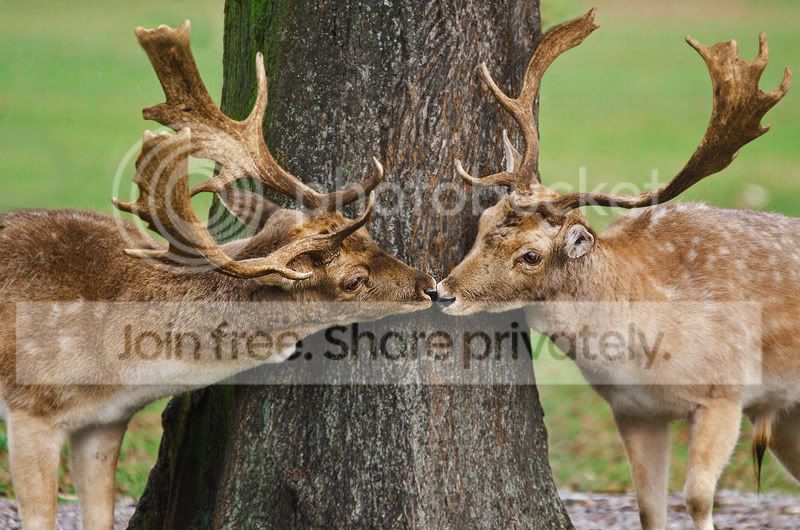
DSC_3953tryrs.jpg


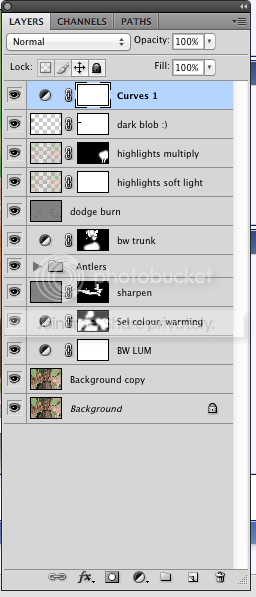
ScreenShot2012-03-14at182029.png

I normally edit really warm, I bumped up the temperature a bit in raw and then added a few spots of a "selective colour" layer mask to the coats of the deer.

The antlers look a bit obvious - I cloned them and then used liquify to push them into a different shape.


Aww man...it looks all green on here. :bonk:
 
Last edited:
Looks ok here Leanne :thumbs: and this is a rubbish laptop screen
 
In 1st place it has to be SCOTTIE68, loved it!

2nd place will go to Photoimaging which was a great edit, but Scott's I feel was the most inventive of the bunch and as always, has given me a new idea! So over to you mate.

I have to take the time to name and shame Dr O...what was that heart about??? hahaha. Could have been a nice idea actually...perhaps with the correct shape and using some doge and burn techniques ;)

Here's mine (which I admit is inferior to the winning image)

407385_364751360215571_150474704_n.jpg


I pretty much just desaturated and boosted the detail in topaz adjust...that was it from what I can remember!
 
Wow, thanks Phil :thumbs:

I must admit, it was a great shot in the place, really well captured :clap:

Will have a pic up in half hour :)
 
Last edited:
Congrats Scottie!!!!
 
My first entry on this thread. :D
scottie68.jpg

ruglayers.jpg


Increased vibrance
Altered curves for each colour individually, increasing slightly.
Increased colour balance on midtones towards red and magenta
Addes three layers for border, differing colours and opacity.
Sharpened the image quite highly.
 
Well done Scott:clap:

Good to see you here too Richard:thumbs:
 
...I have to take the time to name and shame Dr O...what was that heart about??? hahaha. Could have been a nice idea actually...perhaps with the correct shape and using some doge and burn techniques ;)...

:nuts: They looked comfortable with their sexuality:lol:

Top tip from Joan about the shapes so have that sussed.

Dodge and burn- I'm still mastering cloning Phil:lol:
 
Heres my effort.

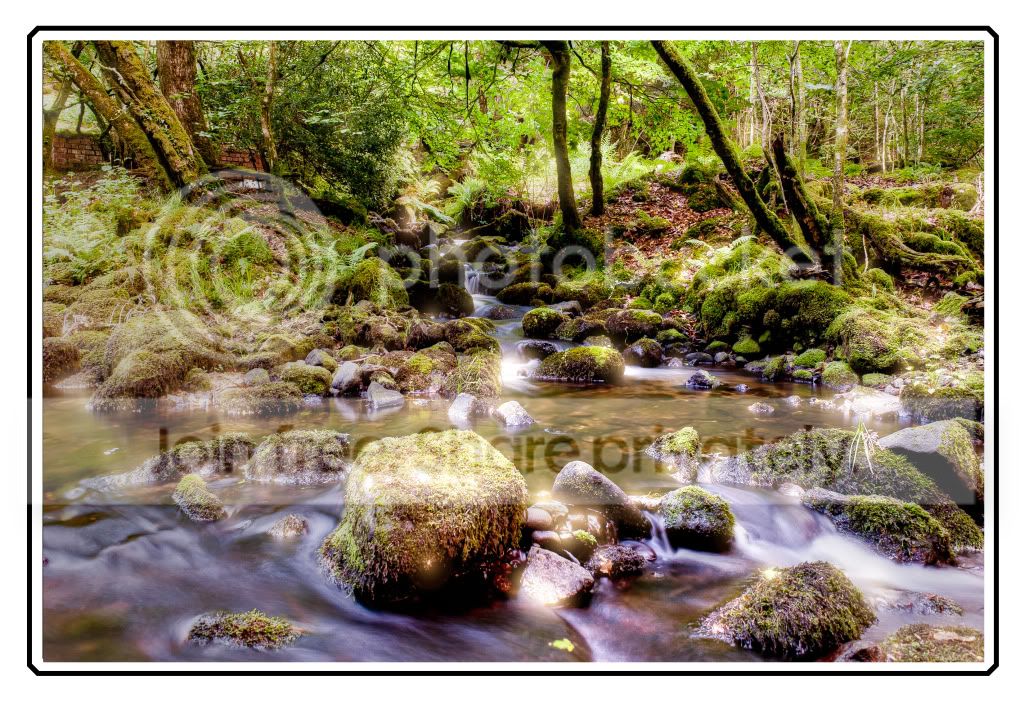
6984558097_af78e55e8d_b.jpg


Ajusted the raw to warm up the image a bit and cropped it, then added a blur to the background, finnally selectivly sharpened the rocks in the forefround.
 
Here's mine

Water9.jpg


and layers

Water_Layers.jpg
 
some great edits, dont think mine comes anywhere near but here it is anyway
sharpened
adjusted colours etc in raw
added some sparkle with the star filter (im detemined to use it lol)
burnt the areas i dint want glowing
added border
finish!

ppgamerocks.jpg
 
I created several exposures from the raw file in ACR then imported those into Olonoe. I then opened the HDR tiff file into Photoshop where I did a little dodging and burning and I also blurred the image a little and then used a mask to remove the blur from the centre of the image.


8aYRs.jpg


Oloneo settings
DPXbZ.jpg
 
These are all good- great stuff folks:thumbs:

I'll need to get my skates on- a crazy week so been short on time
 
Waynes edit is awesome. I'm going to have a crack at this, but my PS skills are next to zero. But hey, that's the point in the thread right? To practice your skills. (or in my case, lack of):lol:
 
Waynes edit is awesome. I'm going to have a crack at this, but my PS skills are next to zero. But hey, that's the point in the thread right? To practice your skills. (or in my case, lack of):lol:

Absolutely, my PP skills are still poor but before I participated in both threads they were awful and I feel I have improved. I have learned a lot in just a few months so I think it's really worthwhile. I try to take part in both threads- there are some great editors in both- it would be unfair to individualise - at my level I can learn from everyone but I want to say that I am often inspired by just how good and knowledgeable folks are here and on the other thread.
 
i've done an edit... but my flickr is playing silly buggers and keeps failing to upload :bonk:
 
eventually got it to work via PS Elements uploader to flickr :bonk:


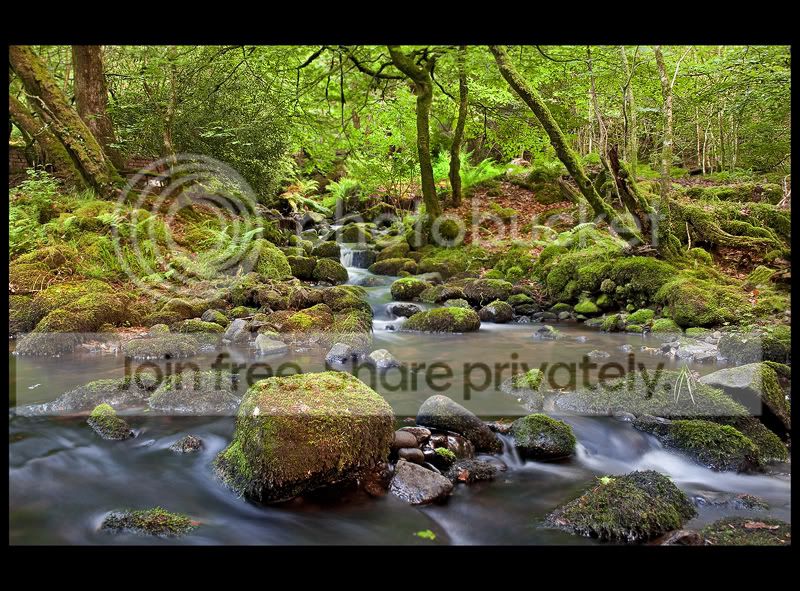
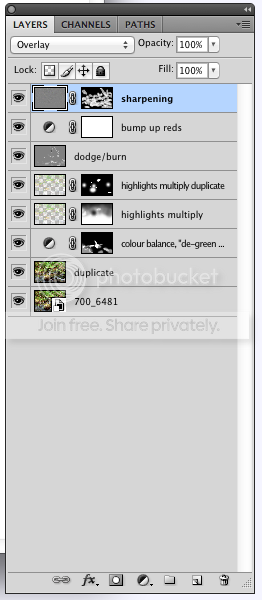
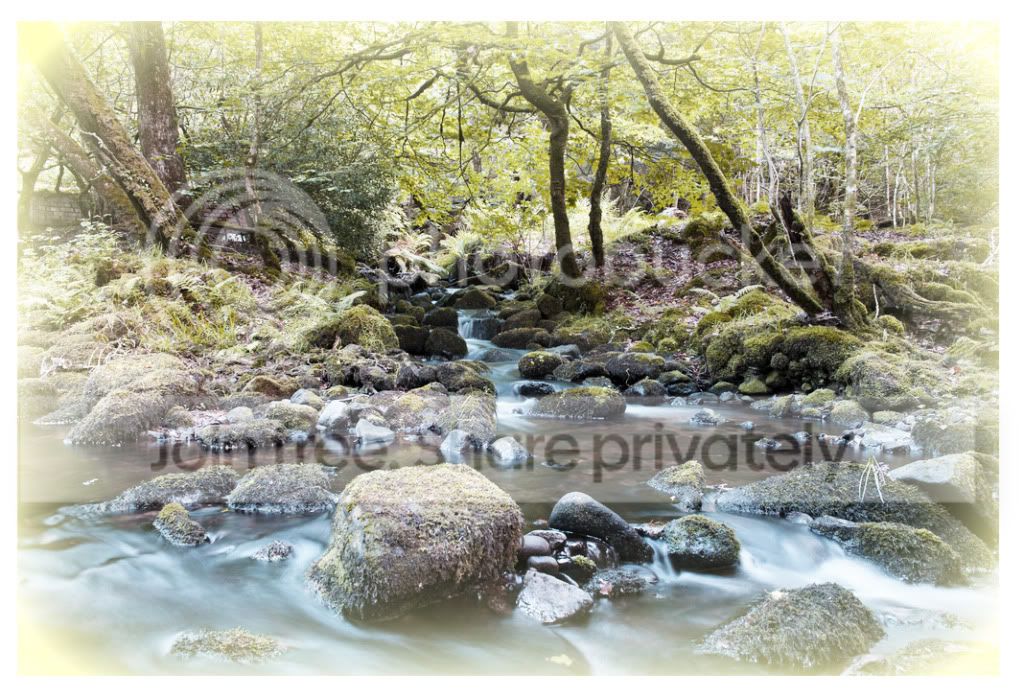
700_6481.jpg by leftcurl, on Flickr

Anyway.. this used;
cutout filter
stylize->find edges
remove colour
then add layer mask and paint out with white using a watercolour brush (20% opacity) to bring back the colour where required.
 
I like that effect Leigh:thumbs:

I had a horrendous time trying to do some tilt/shift effect- probably not the ideal image for it but I was keen to try:D. The transition to selected blur was too harsh and then brushing it out removed the colour I had added to the water.
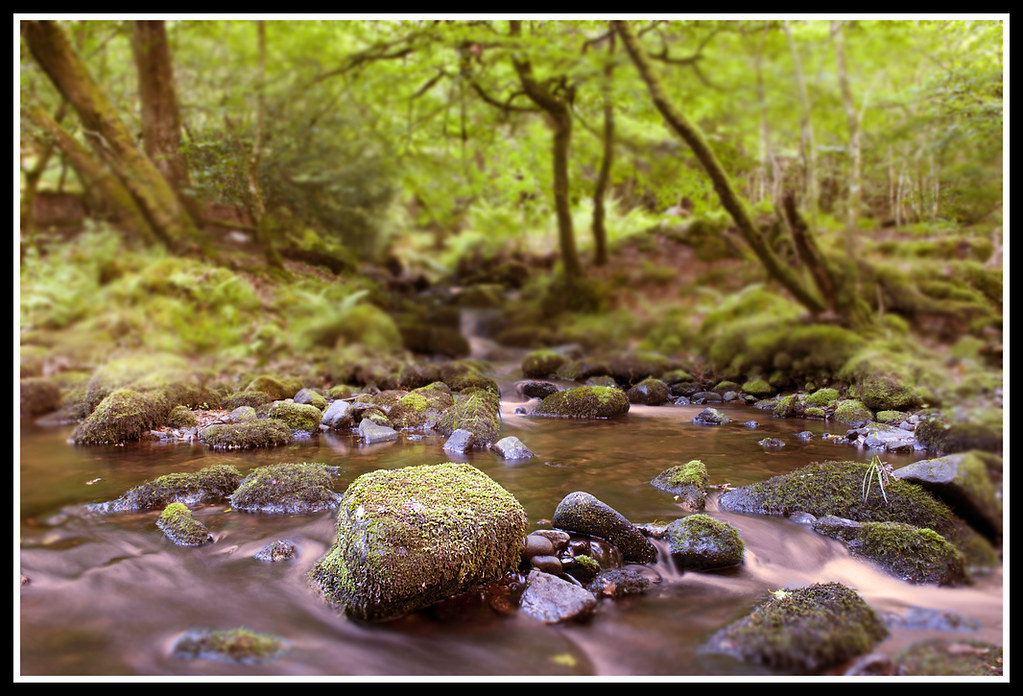
Anyway tried most things and in the end this was it:


Edit37 by Dr_Ozone, on Flickr

Added adjustment layer for colour balance and removed the blue tint from the ND.
Added filter and gave the water a warmer look although doesn't seem that different anymore so maybe playing a bit with other things has undone this:lol:
Sharpened 2-3 rocks
Use the blur tool to blur most areas save for a window to the 'pool'
Added white border then black
 
Some really great edits everyone, well done :clap: was a tough one to call, but after a lot of deliberation, i went for Leannes. It was a nice simple edit and crop, but the image was nice and vibrant and really jumped out.

So, well done Leanne, over to you :clap:

 
Aw wow, thank you very much! :D I really liked Wayne's edit.

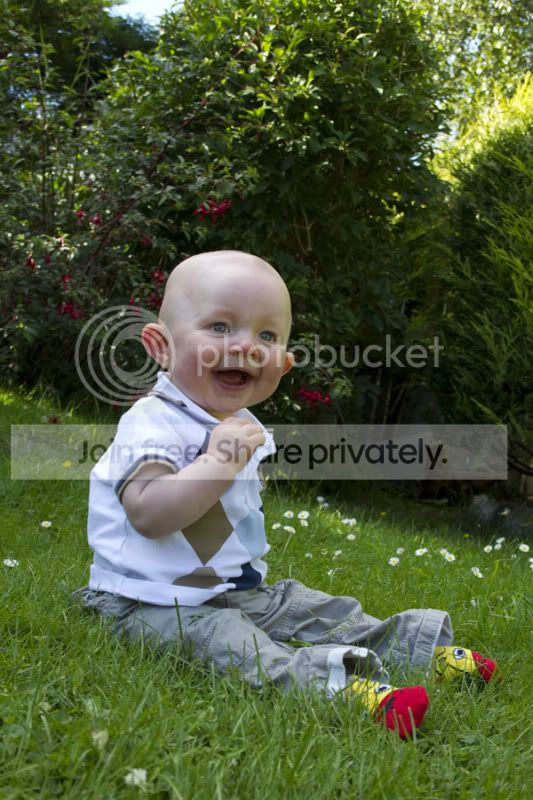
I've chosen an old (and rather dodgily exposed!) portrait of my nephew:
_MG_90721.jpg


I opened this and just noticed he'd been nomming the grass, nice! You'll see what I mean if you use the RAW file. :p

RAW file:
https://www.yousendit.com/download/M3BsUXVsUnIwZ201aWNUQw

I had trouble opening a couple of folk's raw files earlier, I used something called "Adobe DNG converter" to convert some of the files to .dng so I could open them. Just in case anyone has trouble with mine!
 
well done Leanne!!

Yes, the problem will be with those pesky Nikon NEF files.... they're very 'entry level' :lol:
 
Back
Top