Firstly - you need some confidence in your screen.
I've posted this link before, but it bears re-posting.
http://outbackprint.outbackphoto.com/printinginsights/pi049/essay.html
Have a read about the subtleties in that test image and check you can see them when looked at with your monitor.
Second - a lesson in White Balance.
Here's how Auto White Balance works.
If it spots a lovely glowing sunset, it thinks 'Wooo - Tungsten' and dramatically changes the Orange/Red because it thinks it is a colour cast.
If it spots a summer woodland scene, it thinks 'Wooo - Flourescent' and dramatically changes the Green because it thinks it is a colour cast.
This sort of thing happens in any scene where there is a dominant colour; for example when filling the frame with a car.
In RAW you get the option to change White Balance back at home, so you can correct the occasional mistake made by AWB, but JPEG has to be got right at the time of taking as it can't be changed.
There's a strong argument that AWB should never be used and that you should set the closest matching white balance for the conditions.
For landscape images, that's not what I do. I set it to Sunny and leave it there. It makes shade look cold and dark and makes stormy skies look properly angry.
There is one exception where I recommend using AWB, and that is under artificial lighting. The human eye doesn't notice the big shifts in colour between different light sources and the camera is far better at picking an appropriate white balance.
Hope I understood your problem.
Please let us know if that helped.




 )
)


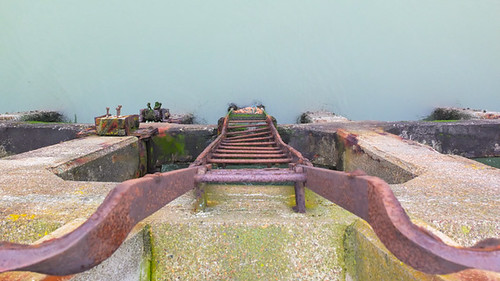
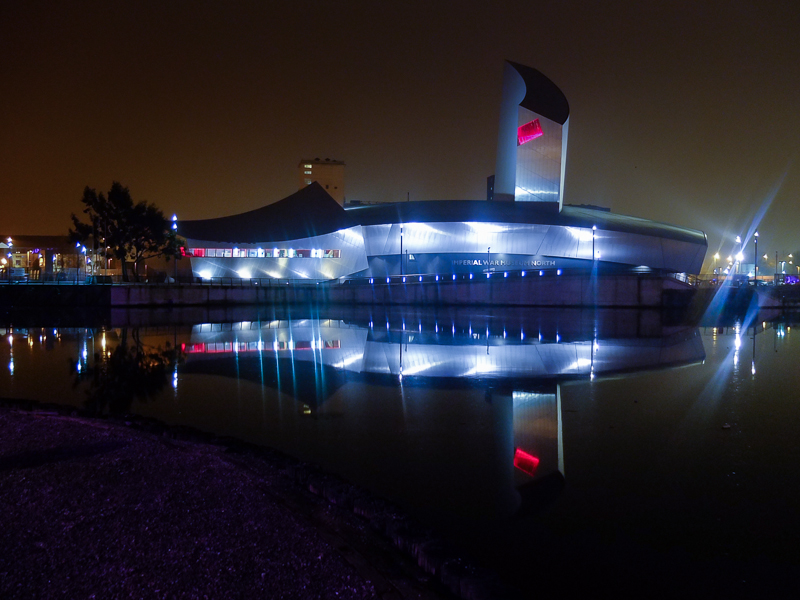
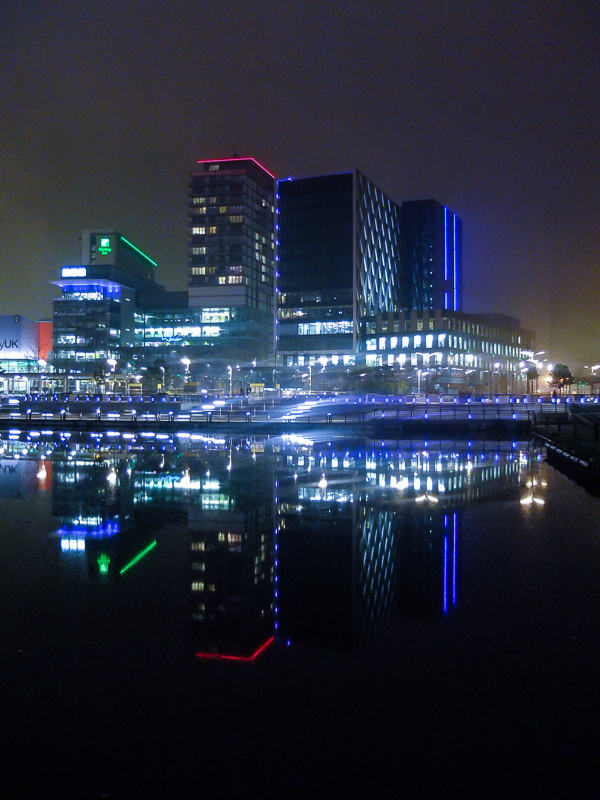
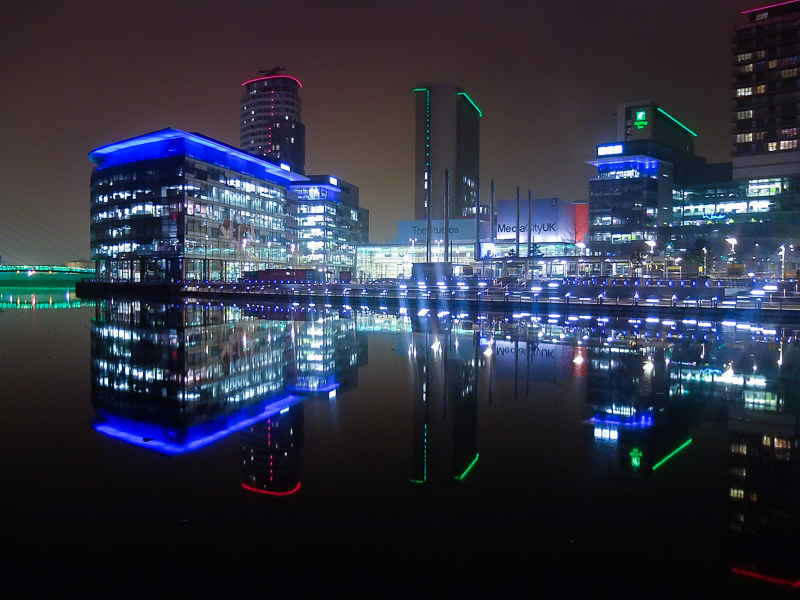


 Its a bit mad round here but good fun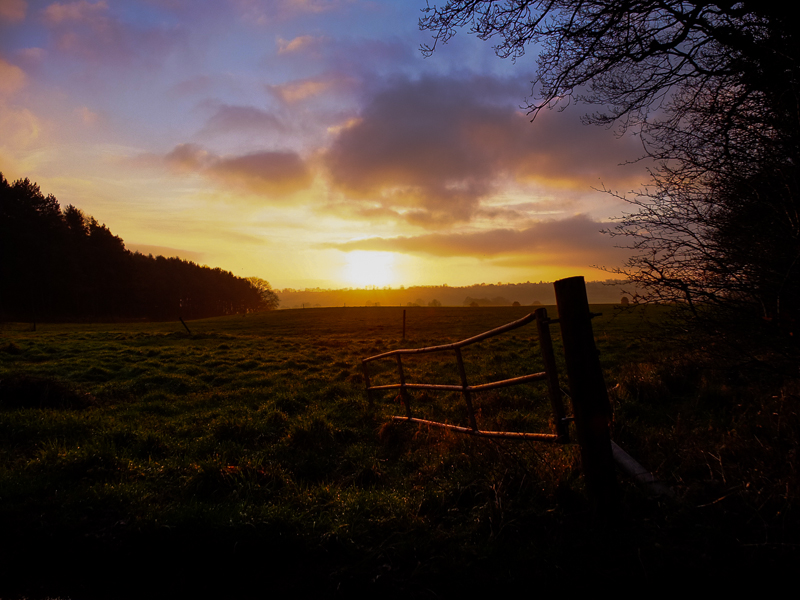



 )
)


