The Official Fuji X10/X20/X30/XF1/XQ1 Thread

I found in EXR mode it was often shooting M size as well. I think it is mainly to take advantage of higher DR% settings without higher ISO as in M you don't need to have ISO set to the same as DR%.

Hmm... In good light is it better to go for increased DR or increased image pixels. Any one got a good answer to this?
 
Yep. I had to give it a tiny twist to level the horizon and I added the frame but its had no 'proper' pp whatsoever.

Interesting - it looks like it's been PP'd. I must download the new firmware and have a play.

Just looking through some shots from today and noticed my pano's have a strange artefact in them!? Will post and get your expert advice when finished.
 
Thanks all for the welcome back folks, but I was only away for 19 days.
 
Thanks all for the welcome back folks, but I was only away for 19 days.

Lol - yeah and I was away for a month and didn't get a welcome back like that :lol:

It's just I haven't seen you post for ages. Was going back through the thread from the beginning which is a very interesting exercise (only made it to around page 50 before I went boss eyed) but some of your pictures are amazing. Glad you've kept on going with the X10. Some of the earlier cru have gone very quiet the past 6 months :'(
 
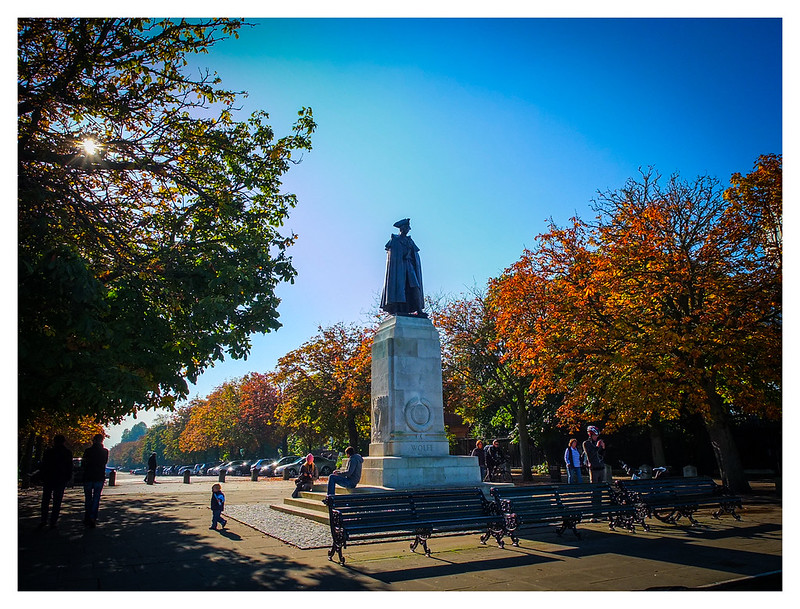
An afternoon stroll around the park and county pile. I do love this little beasty to bits. Its great to go for a stroll and not have to lug about all the heavy gear.

The walls of this little place were covered in flint! Very different and would deter most burglars!


Some nice shots here. Do you have any closer to the flint building? It looks very interesting.

I was due to go Epping Forest Sat (which I think is in your manor judging by your username) - but weather didn't hold up. Will try to get there in the next few weeks. I hear Autumn looks amazing over there.
 
A couple of landscape style shots that I took over the weekend rather than the super macro that I usually go with.
I wasn't sure how they would turn out as I'm still not quite used to the screen and the slightly uncomfortable view finder compared to my Canon 450d.


Thanks all. :thumbs:

It's great to see the different effects people are getting and realising that pictures only have to be fun - and not 'perfect'. All the better for me is the fact that it is so much less effort than using a DSLR and then processing the image.

Yes, it does take a bit of work to understand how to get the best out of it (and I'm a long way from being there yet) but what I love most about my X10 is when I take a picture, look at it and think "I really like that and all I had to do was push a button"! The more pictures I see here, the more I relax and just have fun exploring what it can do.

Just off to update the firmware I think. :)
 
Been considering buying an X10 for a while, seeing the photos and comments on this thread has made that a certainty now .. and soon!
 
Hmm... In good light is it better to go for increased DR or increased image pixels. Any one got a good answer to this?

I suppose in "good light" the extra DR shouldn't be needed. I tend to go for pixels over DR but then, I also feel more comfortable editing black and white than colour images so don't listen to me :lol:

Paul, lovely shots, the middle one is good for me!
 
Been considering buying an X10 for a while, seeing the photos and comments on this thread has made that a certainty now .. and soon!

You won't be disappointed. As you can see we are all having fun with the X10 :)
 
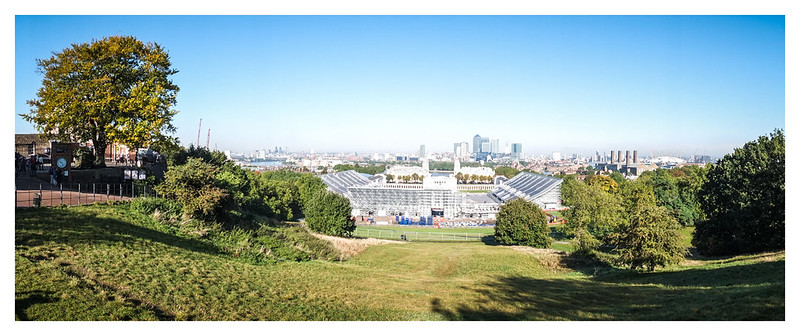
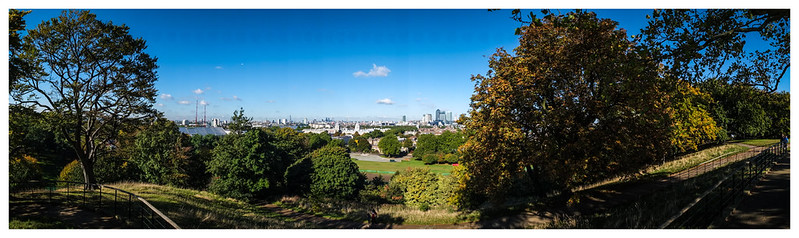
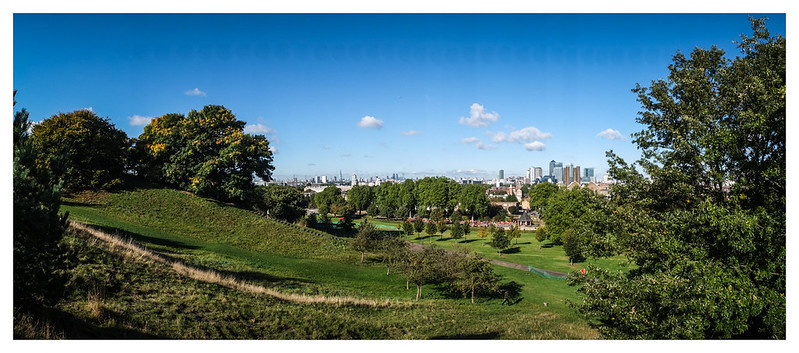
Here are a few pano's from yesterday. You'll notice in the bottom two a strange blue orb has appeared :gag:

8087400850_5427e04cc8_c.jpg


8087470027_dd00831bfe_c.jpg


8087503896_e02ec1e660_c.jpg


Any ideas on what is causing this?
 
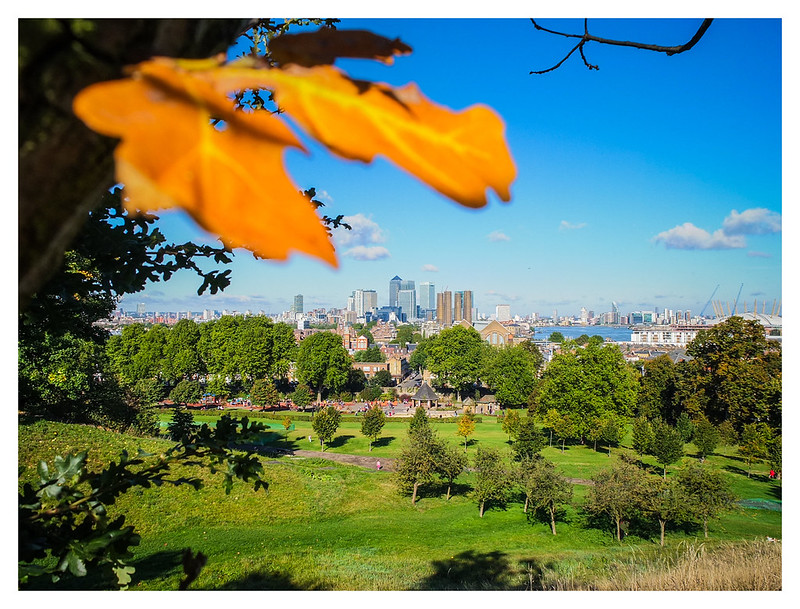
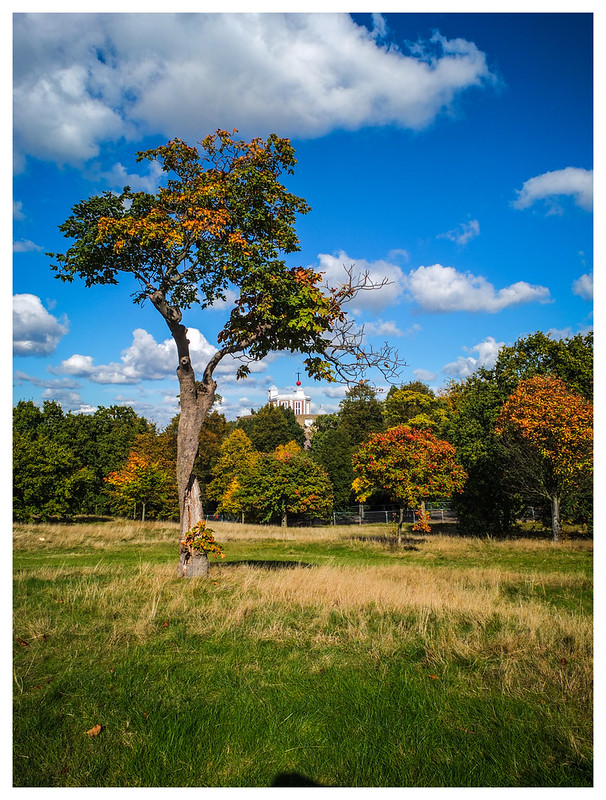
Some landscape orientated shots from yesterdays walk...

8087462056_f788d90c82_c.jpg

I really like this image, can I just suggest you straighten the horizon a tad as whilst OOF it just gives an uneasy feeling.
 
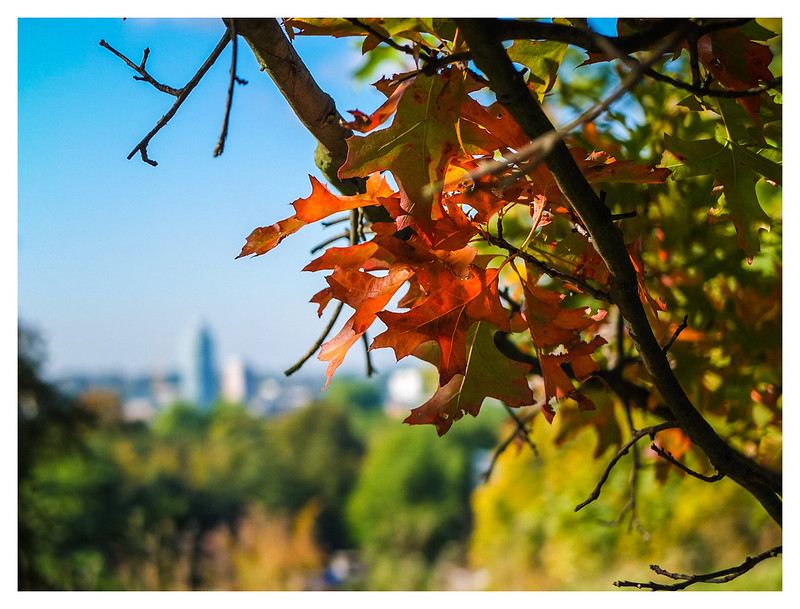
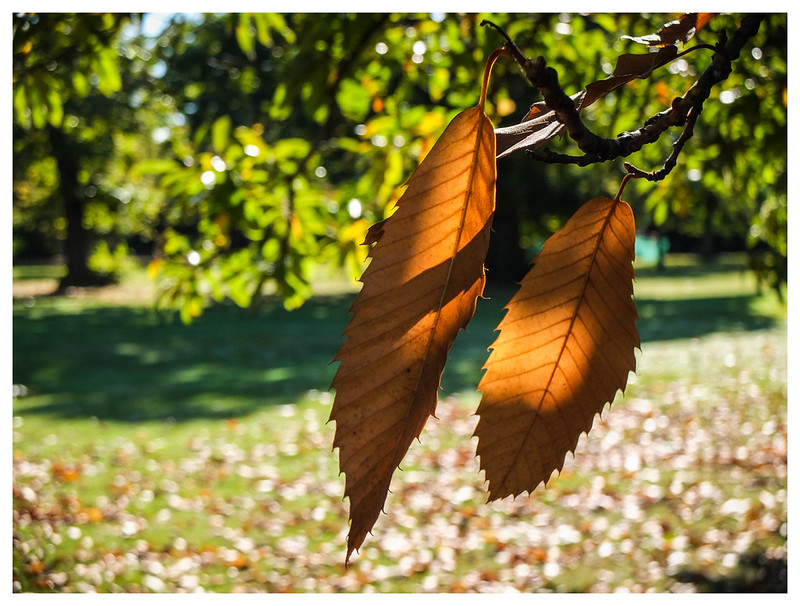
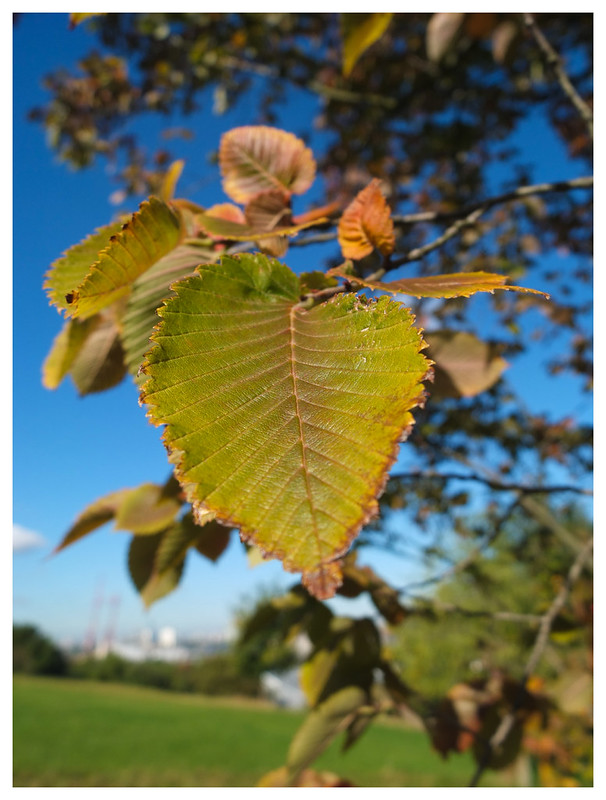
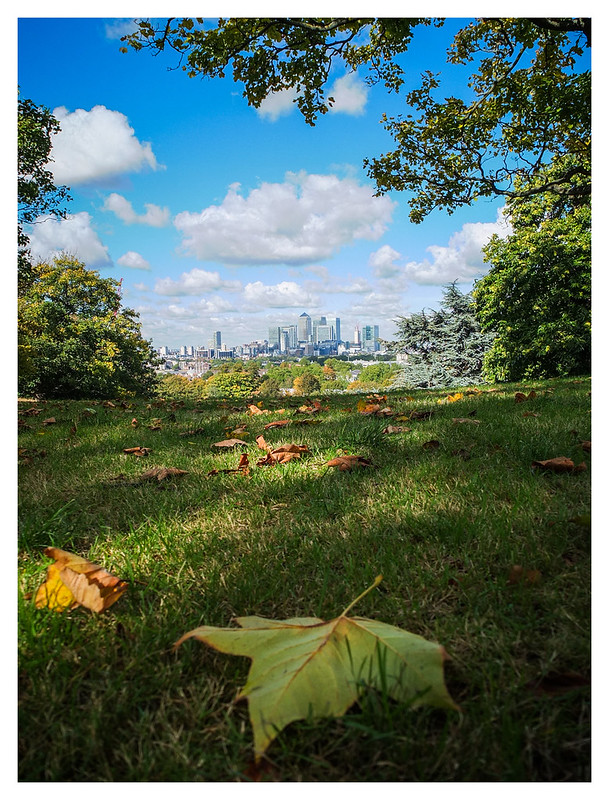
And some portrait orientated shots...
8087555354_1ba7f12557_c.jpg

What a pity the leaf is slightly OOF, this would have been a really great image if the leaf had been sharp, I love the cloud formation, the framing by the trees/bushes and the sharp buildings in the distance. What I am not so keen on is the slightly tilted horizon and the OOF foreground.

This is crying out to be reshot with a tilt/shift lens or large format camera from the same position to give an increase in the plane of focus. If I was going to do it I would also be tempted to find a nicely copper coloured leaf to replace the one in the foreground to give a little bit more of an autumnal feel.
 
Last edited:
Thanks Ed. Some good critic here :)

You're right about the horizons. I just knocked these out quick without much focus on PP.

EXR mode is tricky (in fact don't think it's possible as you can't manual focus in EXR) for the type of shot you describe. In the next few weeks I'll retry the leaf shot. Should I go for f11 and manual focus to infinity?
 
I think you are going to need to use f11 and try to find the hyperfocal distance but in the worst case you need to have the leaf at the front sharp a little fall off of focus towards infinity will probably not be noticed as much as if the leaf is unsharp.

The other way to do it digitally (and probably the best way) would be to use a tripod and take 2 or 3 shots one with the background in sharp focus and one with the leaf in sharp focus and if you go for a 3rd shot one with the crest of the hill sharp.

Load them all into photoshop in 3 layers and paint in the 3 sharp areas to create a final image.

Obviously if you could use a tilting lens or a LF camera then you can just use the lens movements to do it in one shot.
 
Souldeep

Even though Yv - Yvonne now owns my X10 I still take a look on this thread, evey day, as it is so friendly and has such good images. You are most definitely one of the posters who make the looking so worthwhile. You post such excellent images for which I, for one, say thank you. :thumbs:
 
Nice images there. It does confirm to me that this cam over saturates blues though. I found the same, if you seen my mushroom shots a few pages back. Greens seemed lush, and well saturated, without being overly so, but the sky seemed a little over cooked.
 
I have not updated my firmware since 1.4 and have not had the sensor change done, can those that have let me know if it actually is worthwhile having it done. Have you actually noticed an improvement in quality?
 
I did the orb update and that was worthwhile. There was a further software update to fix noisy jpegs which I never bothered sending my camera off for and I havnt bothered with the new firmware which didn't seem to offer anything.
 
:) Is it ok to tell a mod to RTM?
Though thinking about the X10 manual Yv could be excused this time

:lol: IN my defence, I was skim reading this thread and obviously misread a post or two that mentioned an update and the pano thing which is how I got that. Mad busy with work atm, but will sit down and read the entire thread again properly, and get further through the manual too. Which btw, I have been reading, just hadn't got to the fun bits yet :D

Yv, pro low light is brilliant for still subjects. Takes 4 shots and interlaces them to remove virtually all the noise.


Excellent, will definitely give that a go Dean. :thumbs:

I am shooting a charity dinner tonight in a venue I have done before and the light is dreadful [really dark restaurant/wine bar, lit by candles and a few fairy lights]. I will of course be using the Nikon gear, but thought I might take the X10 along and have a play towards the end of the evening, just to really push it and see what happens. Part of that learning its limitations curve I suppose you could say. It is a paid gig, but I know several of the charities managers and they won't mind me having a play once I have everything they need.
 
Here are a few pano's from yesterday. You'll notice in the bottom two a strange blue orb has appeared :gag:

Any ideas on what is causing this?
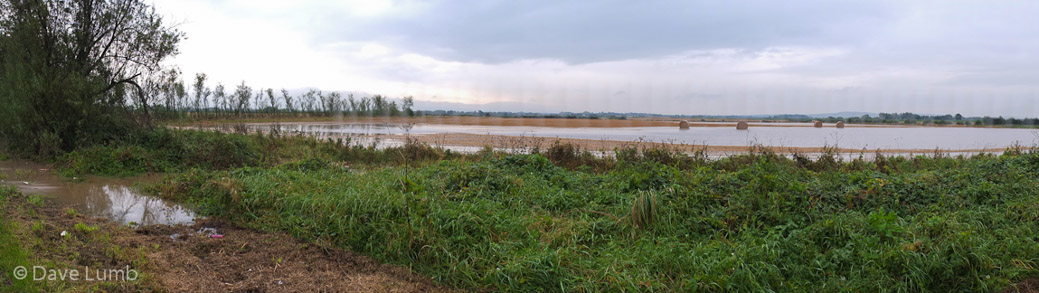
I'm not sure but one thing I noticed is that the bottom two also haven't been stitched together as well as the top one. I tilted my screen back slightly to see the blue orbs and then saw the stitching lines in the sky. This isn't the case in the top one.

On a side note, were your other pictures taken in EXR auto? How much PP did they need? I've not really used EXR much.
 
Last edited:
Ed – some further tips there. Sounds like I have a mini project to try in PS. I guess what you describe is not a limitation of just the X10 but most cameras. I haven’t noticed increased quality with the sensor change, but I have noticed the orb light issue has gone.

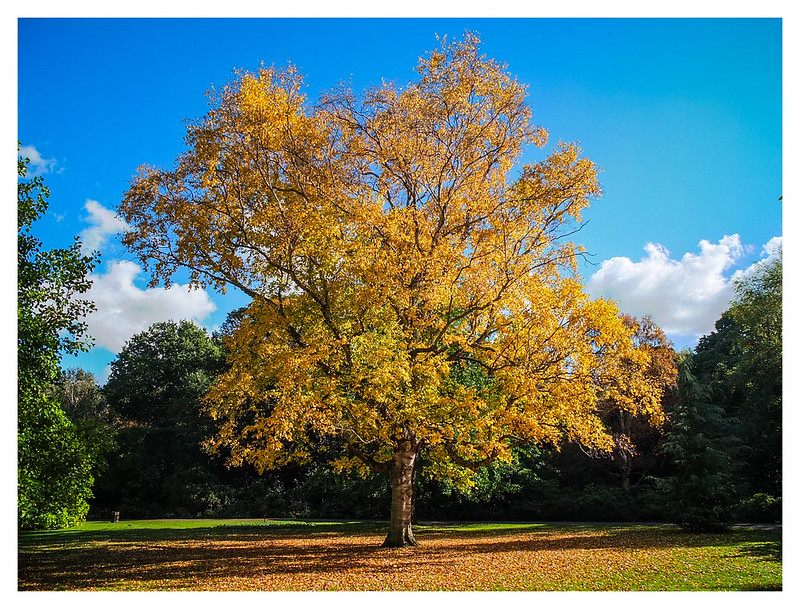
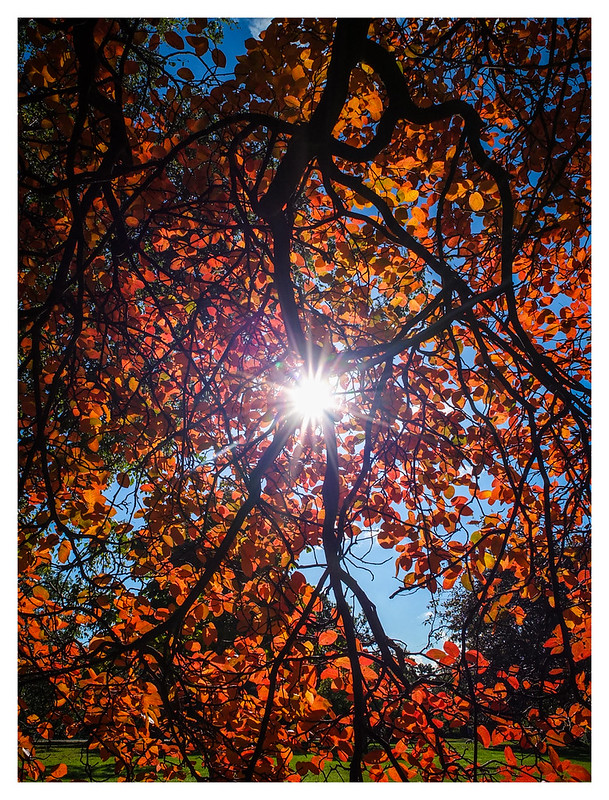
John – thank you too and nice to hear you are still enjoying everyone’s posts :-) Positive feedback really helps spur me on and lets me know I’m heading in the right direction. With this set I tried to capture the warmth that can sometimes be found in Autumn. It was a lovely day yesterday and I was in t-shirt from most of the day. Autumn really is something special when it combines with warmer weather. Any joy choosing which camera to pick as an alternative?

Dave – Look about 15% of the way down from the top of the last two pano’s. You will see repeating blue orb like discs running horizontally along the pictures.

Asa – Yes my shots this time are in EXR mode. Thought I’d give it a go to see the results. PP was light this time. Only disappointment was to find that the cam had prioritised DR rather than Resolution. I need to remember to set that if I use EXR again. Colour saturation was quite high in EXR mode but I wasn’t overly concerned about this though, as I wanted to capture some of the warm Autumn colours. Regarding you stitching comment – I agree and it’s strange isn’t it – didn’t do anything different. Sometimes the stitching is really pants but I can’t tell that on the X10’s LCD screen. I wonder what method makes this artefact more pronounced?
 
Dave – Look about 15% of the way down from the top of the last two pano’s. You will see repeating blue orb like discs running horizontally along the pictures.

Got it now.

I had something similar (a repeating vertical streak) the other week. I put my problem down to rain on the lens.

It's faintly visible on the horizon.

DSCF4457.jpg
 
Got it now.

I had something similar (a repeating vertical streak) the other week. I put my problem down to rain on the lens.

It's faintly visible on the horizon.

DSCF4457.jpg

That's it! Same problem as you can see in mine. It's not rain or dirt - I can be certain of that as it only shows up in "some" pano's. The plot thickens :eek:
 
I have not updated my firmware since 1.4 and have not had the sensor change done, can those that have let me know if it actually is worthwhile having it done. Have you actually noticed an improvement in quality?

I don't think the overall IQ has changed; I definitely have not seen any specular defects (!) since then. But mine is going to have to go back for a SECOND time (after the sensor change) as the thumb rest has unstuck again. Apparently they have to remove the thumb rest to get at a screw that opens the camera, so araldite is not a good idea, but obviously the glue they have used is not as good as the original. This is definitely a PITA... :thumbsdown:
 
John – Any joy choosing which camera to pick as an alternative?

Perhaps a Fuji X10 :nuts:

When I sold it I thought it was going to be a Canon S100 but my wife says NO as it is too small and hasn't enough obvious knobs for me to fiddle with :lol:

The Sony RX100 looks of interest but a lot of money so looking at the Panasonic LX7 but still needs for me to take off, and put back on, the lens cap. The Canon G12 is more affordable and could be used one handed which is my requirement. The X10 is difficult to replace without spending a fortune :thinking:
 
Hey Dave - I didn't realise you could play with the pano settings. I thought you just switched the function on and the cam done the rest. Do you mean you can set ISO, Focus, Aperture etc?
 
Hey Dave - I didn't realise you could play with the pano settings. I thought you just switched the function on and the cam done the rest. Do you mean you can set ISO, Focus, Aperture etc?

I was thinking more of landscape/portrait and angle of sweep. The pano immediately before my dodgy one was taken a minute or so earlier on a different setting (120 degrees as opposed to 180 I think) and didn't have the fault.
 
Here are a few pano's from yesterday. You'll notice in the bottom two a strange blue orb has appeared :gag:


8087470027_dd00831bfe_c.jpg


8087503896_e02ec1e660_c.jpg


Any ideas on what is causing this?

Blending algorithms used in stand alone Panoramic stitchers are very memory intensive and could not be supported incamera. ( the camera stitches almost instantly compared to the prolonged processing time taken by PTAssembler or PTGui)
It would be better if the camera also saved the individual shots that make up the pan. Then if there were problems like this they could be easily sorted.

(I take it you are talking about the repeated blue orbs in the sky)

However most small defects like this could easly be sorted in photoshop
 
I was thinking more of landscape/portrait and angle of sweep. The pano immediately before my dodgy one was taken a minute or so earlier on a different setting (120 degrees as opposed to 180 I think) and didn't have the fault.

Hey Dave - Ok. No I didn't change anything between the ones that worked well, and those that have the blue discs in the sky.

Terry's - I totally agree with your point about sorting it in PS. Not much work to do. But I'm more interested in finding out if there is a way to avoid the problem in the first place if I/we can figure how it occurs :)

So in summary - no changes to the type of Pano sweep in size or direction. All shot with sun behind. No marks on lens. I also "believe" my technique was the same between all pano's. :thinking:
 
Pano problems.
Have you tried switching vertical / horizontal pano to see if the symptoms change?
If it's the algorithm, then nothing will change. If it is something like water on the lens then the results maybe different.

Just a thought - those of you who have experienced this - have you got filters fitted?
Hot spots are a hallmark of internal reflections and may not be noticeable until the image slices are stitched together.
Hopefully this is just a wild guess, please tell me I'm wrong :)

Edited to add: Not got my X10 with me, but IIRC you can turn on an option to store the original images. I can see how that works for most of the Advanced stuff but am puzzled what gets saved for Panos. If it stores something useful then this might give a clue where the problem lies.
 
Last edited:
Nor in my case.

Are you saying that each individual pano frame is stored somewhere? I don't have my X10 with me either so can't test out the theory.

Just found this quote on a website, but don't have manual with me to confirm "However, on page104 of the manual, it says if you choose SAVE ORG IMAGE in the Setup Menu, unprocessed copies of 360 Panoramas can be saved. This will allow you to do your own hi-res panos in Photoshop or any other stitching program like Easy Pano, Hugin, etc."
 
Last edited:
Nor in my case.

Are you saying that each individual pano frame is stored somewhere? I don't have my X10 with me either so can't test out the theory.

Just found this quote on a website, but don't have manual with me to confirm "However, on page104 of the manual, it says if you choose SAVE ORG IMAGE in the Setup Menu, unprocessed copies of 360 Panoramas can be saved. This will allow you to do your own hi-res panos in Photoshop or any other stitching program like Easy Pano, Hugin, etc."

That's what I remembered - but I can't see how on earth it would work!
Surely not a full sized image for each of the ickle strips that get merged by the pano function :gag:
 
Back
Top