Souldeep - just remind me your settings preferences please.
Are you a RAW or in camera JPEG man?
And please don't tell me these are straight out the camera!
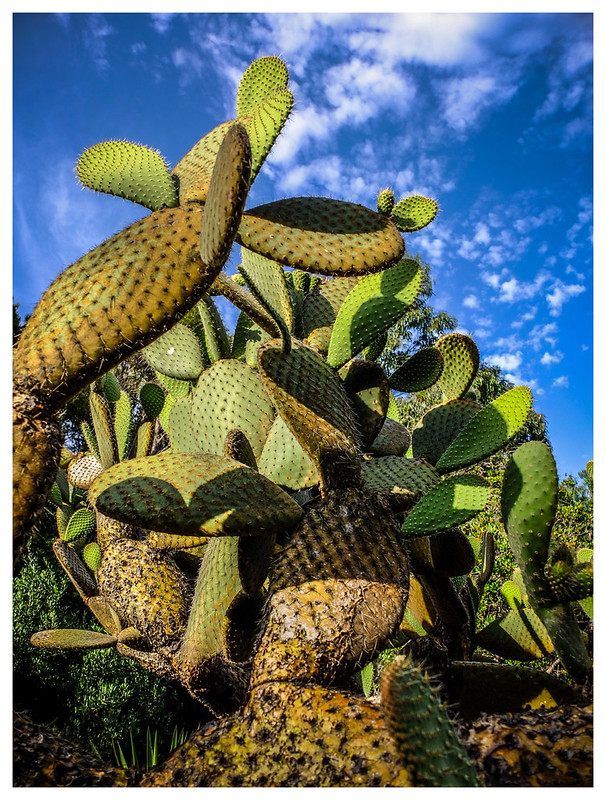
Several of them, including that last cactus shot, they really go P-I-N-G out the screen.
Absolutely blimmin wonderful.
I'm gonna have to try harder!
BTW above I used the terms landscape and portrait. To clarify I meant this in the sense of orientation of the image not the style of photograph.
Duncan - Hehe not the easiest question to answer as my settings are all sorts because I tend to play and change for different light and environment.
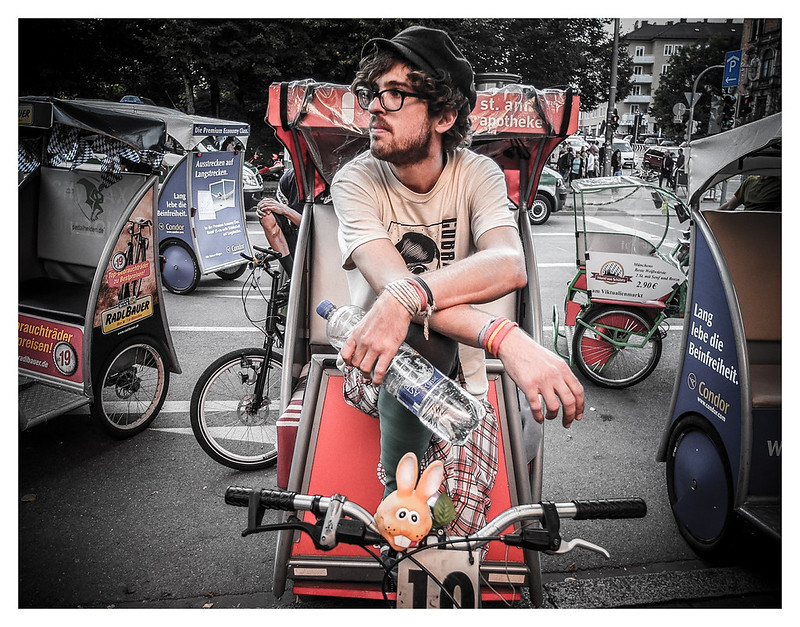
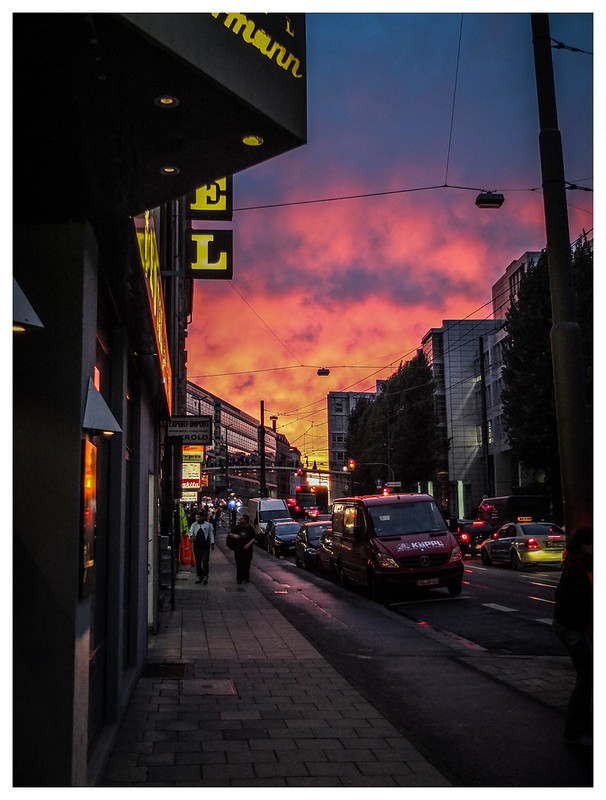
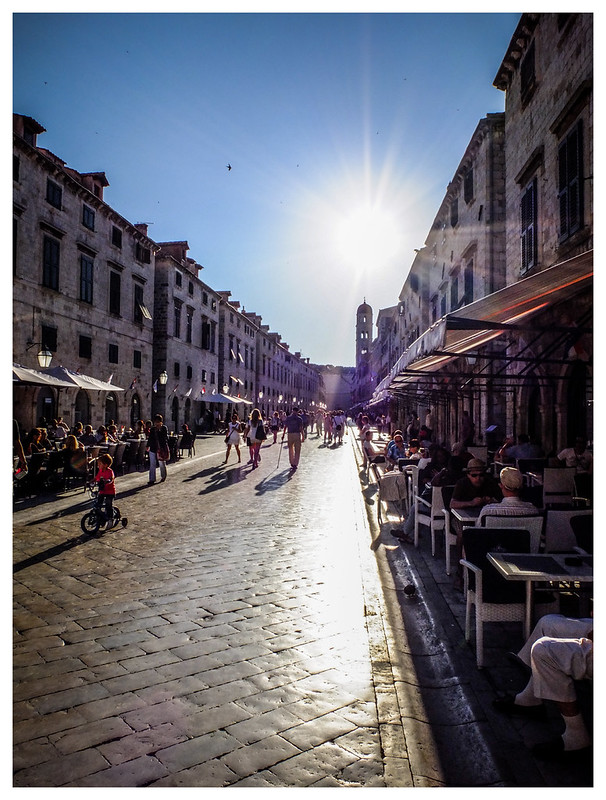
For example - I have some desaturated colour options stored in camera under C1 for my street shots. They are 9 times out of 10 taken in JPG (but sometimes I press the RAW button for one shot on street).
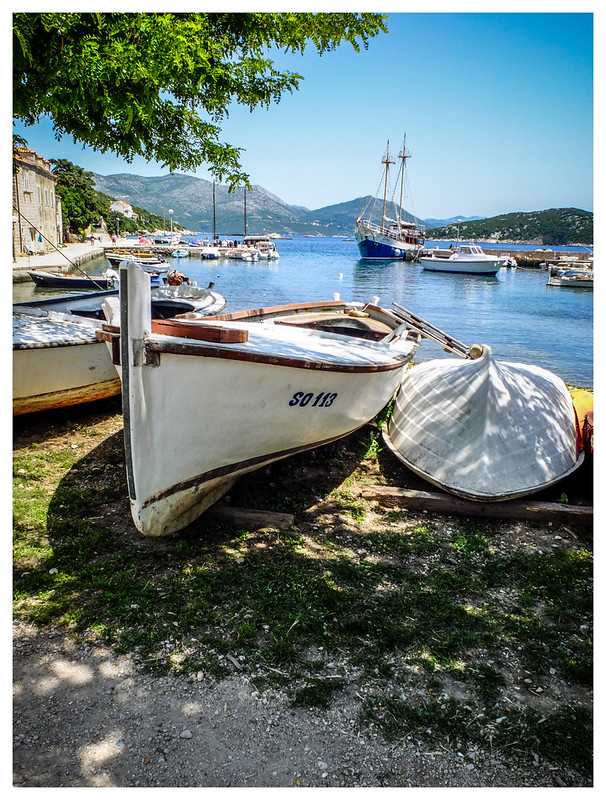
The boat shot and the cactus are both pretty much SOCC but had some minor sharpening in LR as they both came from RAW files.
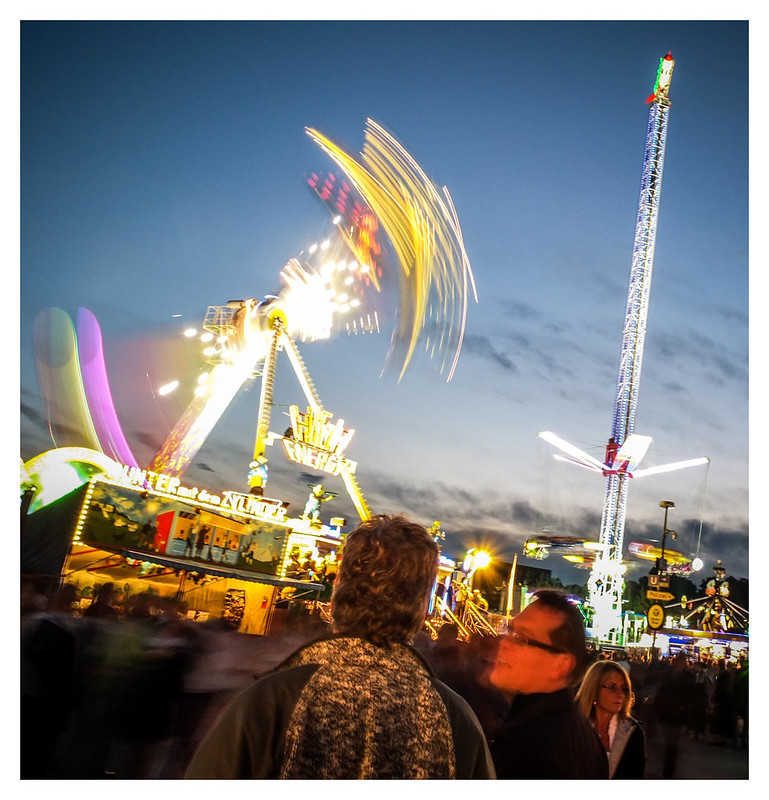
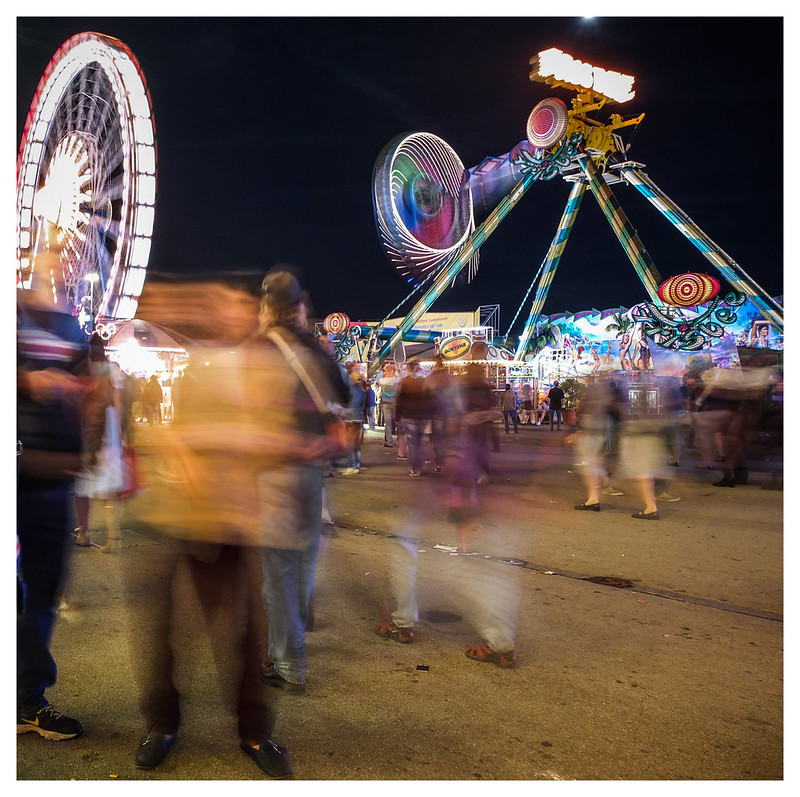
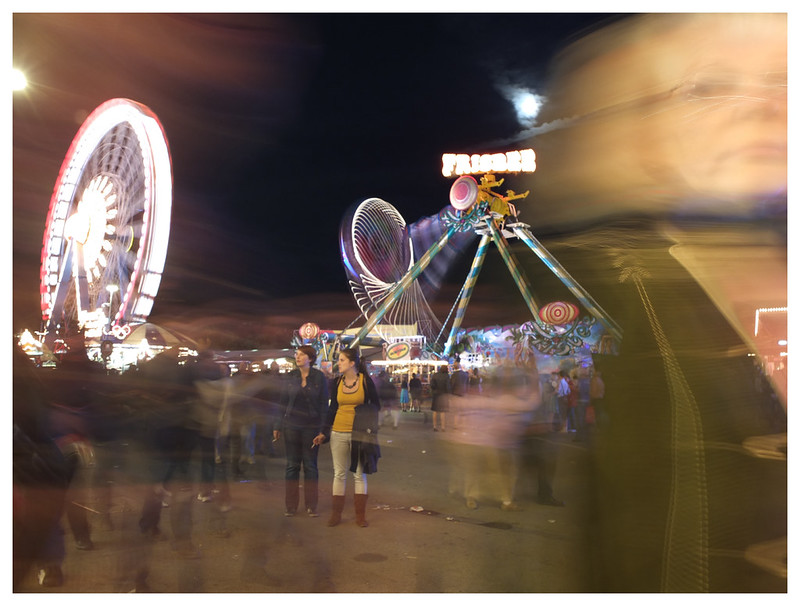
I tend to shoot RAW in strong light conditions and expose for the highlights (as I believe you advised earlier in this thread you see I do listen) ;-) then bring the shadows back up in PP. Rest of the time Im happy to snap away under the JPG option. In strong light conditions (lots of contrast between sun and shadow) I have also used the drive button under which you find a dynamic range option that will allow me to do something similar in JPG rather than RAW. Only problem I have found with this is the images can be slightly noisier. Also because of the noise at higher ISOs Ive started doing a lot manual shooting in darker light situations now using ISO 100. Will post a couple of those (from the Stag do) later tonight as I was experimenting with time lapse and neon (yes whilst drunk without tripod!!!).
I dont have all the answers yet Im afraid because Im still trying to get the best from the camera but with the X10 Ive found you really do have two or three different ways to try and create the same effect. An example would be what I just mentioned about bright light conditions or another example would be bokhey (sorry forgotten how the Japanese effect is spelt). I have three different ways (and I am sure there are more) I try this. The easiest (but consistently the worst) is to use the advanced pro focus trouble is that function ruins photos. Here is one example (my GF) of this function check the blur around arms and hair (nothing I can do to recover this);
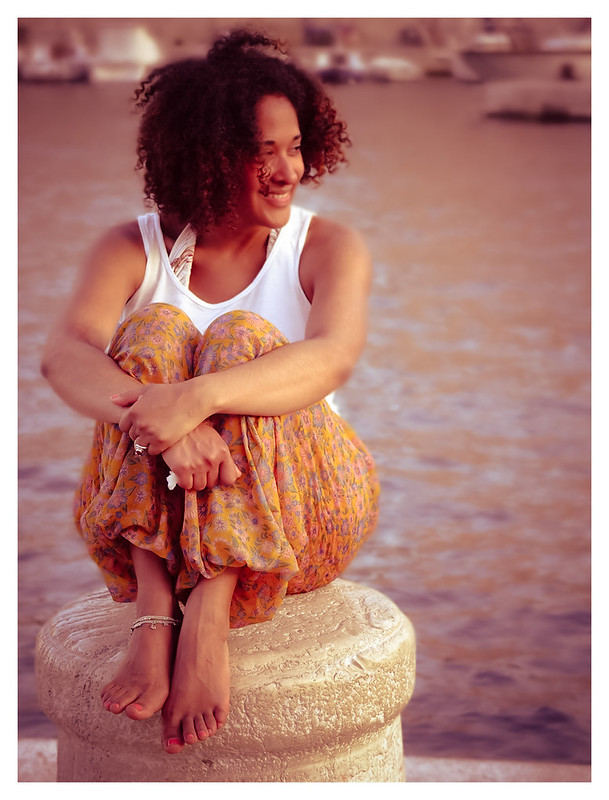
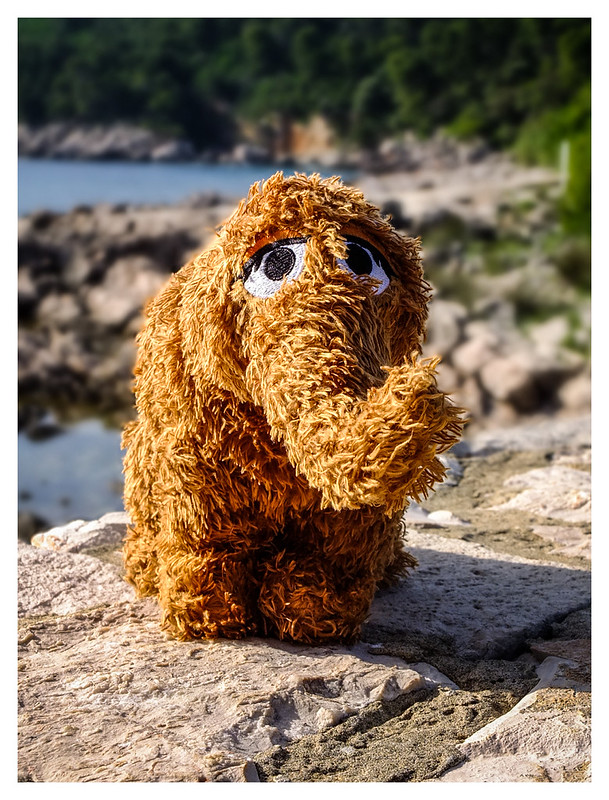
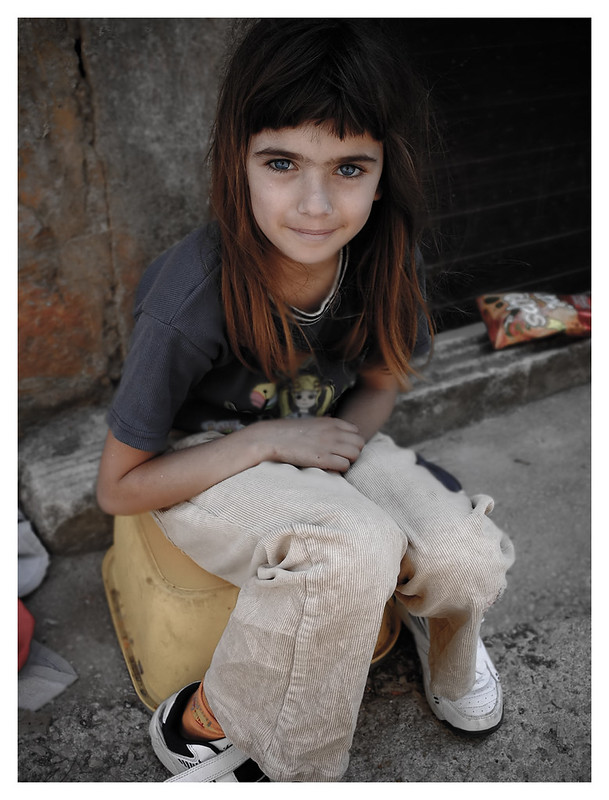
The middle option (but getting a satisfactory focus can sometimes be a struggle in strong light) is to use Macro mode and zoom in on the subject about 4-8ft away (best with portrait photography). An example of this notice clearly defined lines in snuffulificuss (probably also spelt wrong) hair, much better sDOF option;
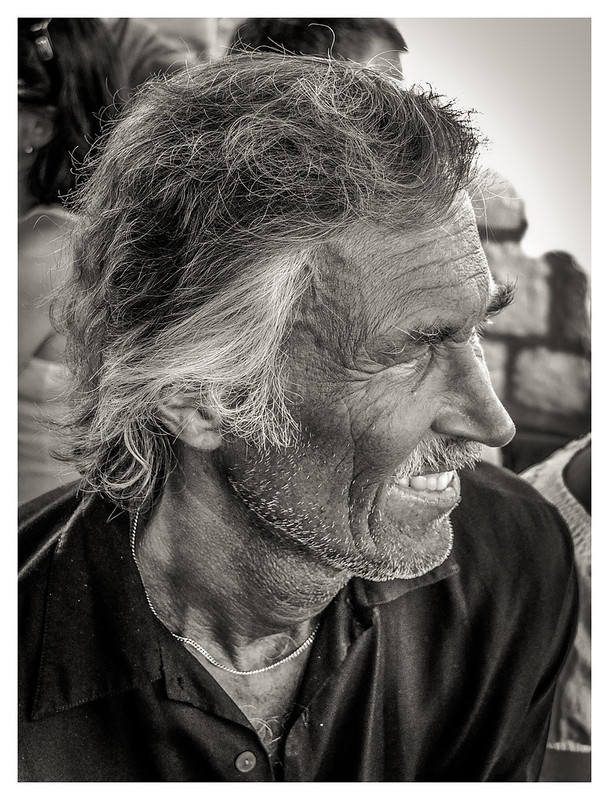
Final way which gets best consistent results but can be slow to set up (which means you have to be ready and waiting for street shot portrait) is in manual mode and set your Aperture right down to f2.8/2.
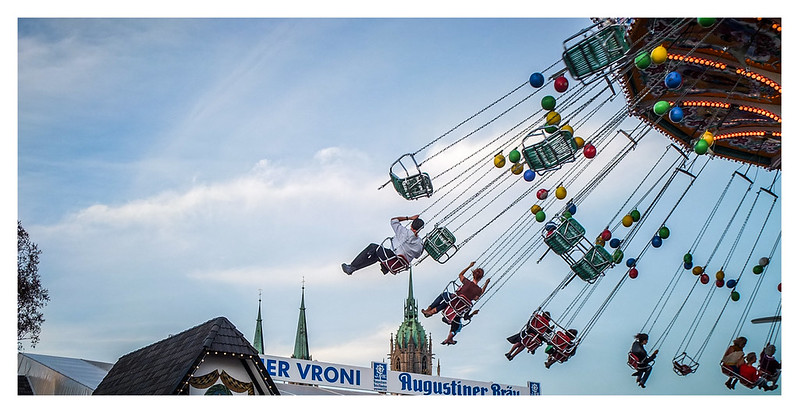
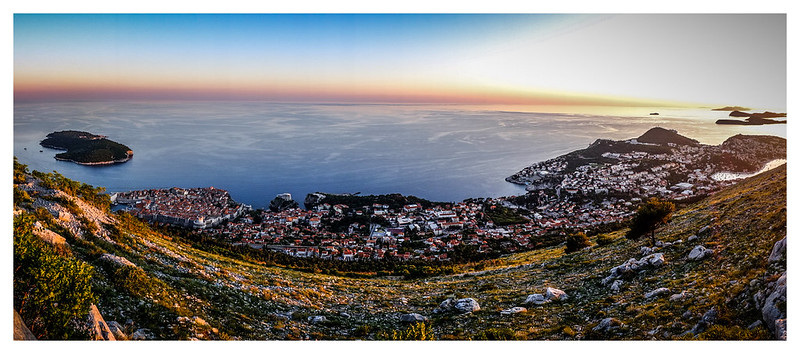
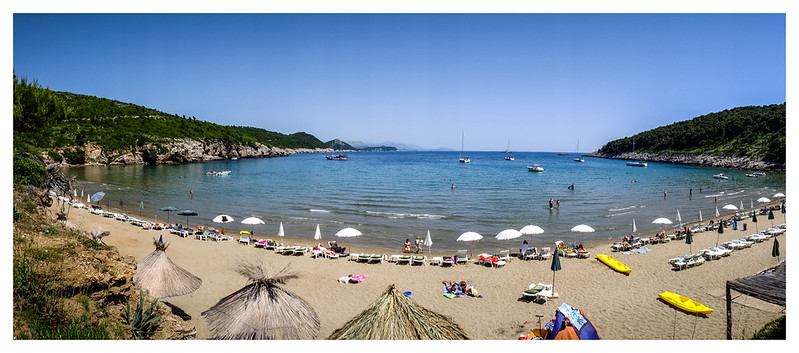
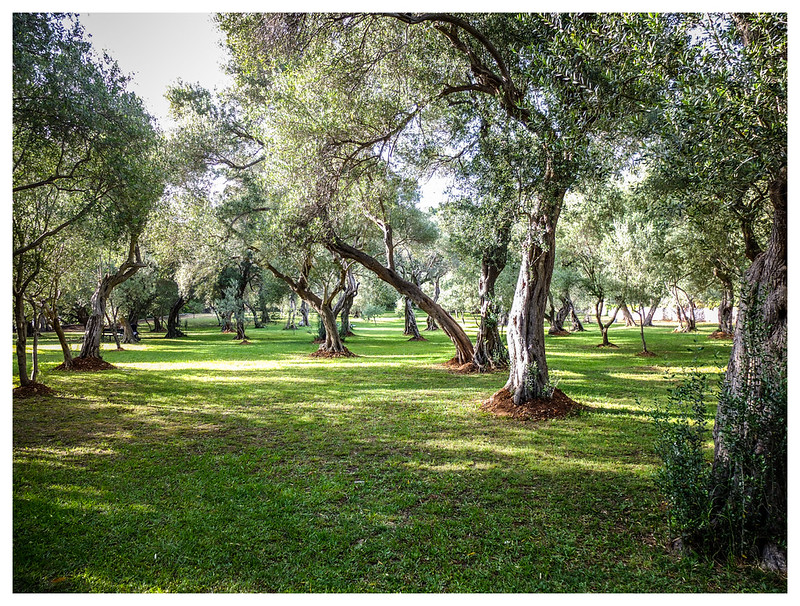
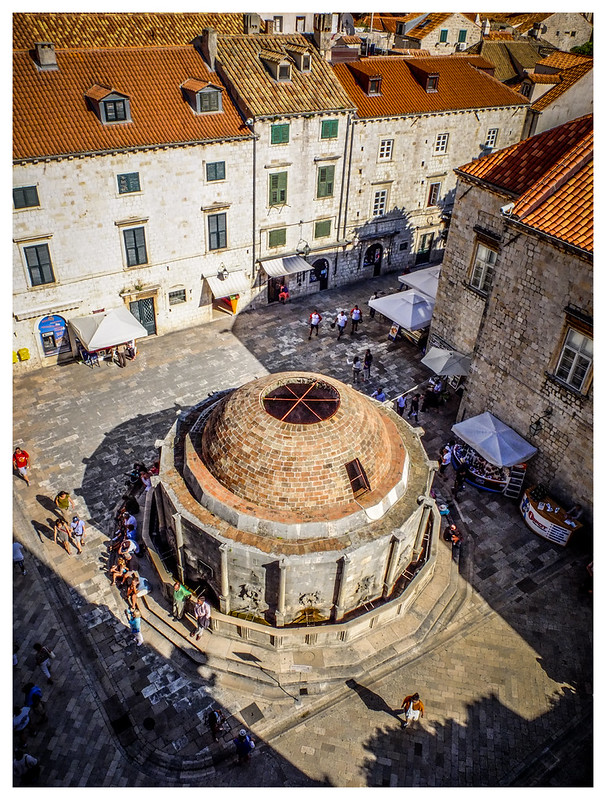
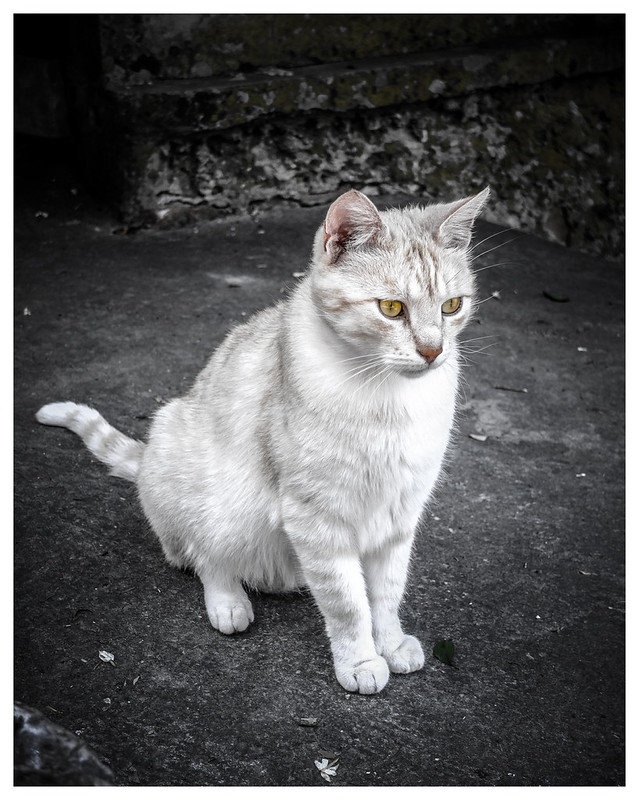
Anyway just some examples and dont mean to sound condescending as most of you know all of this. BTW the above examples are snaps from the Dubrovnik set as well.
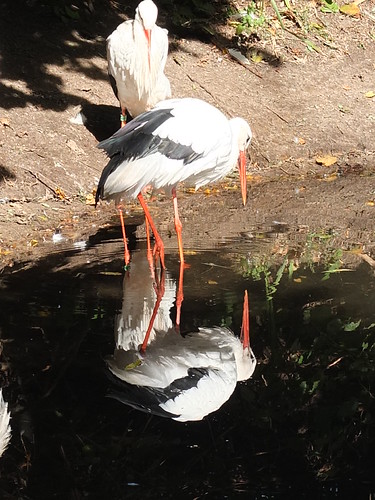
Robenroute the stalks are cool the colours good and I like the reflection

Please post more.
BTW when catching up through a months worth of posts I saw some images that really stuck in my mind. They were of a dragonfly with a very skilful use of SDOF. Props to whoever that was would love to be able to have got some shots like that!




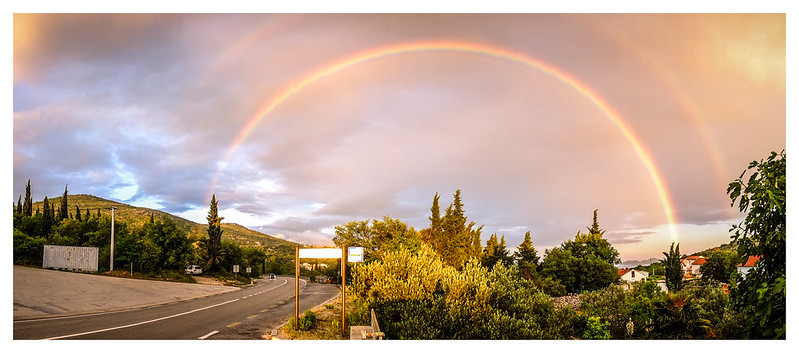
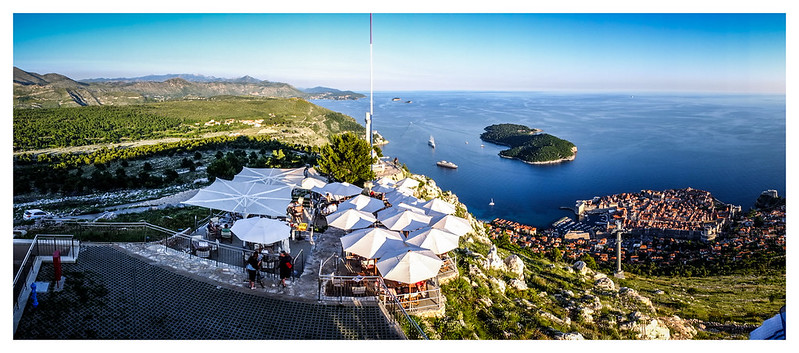
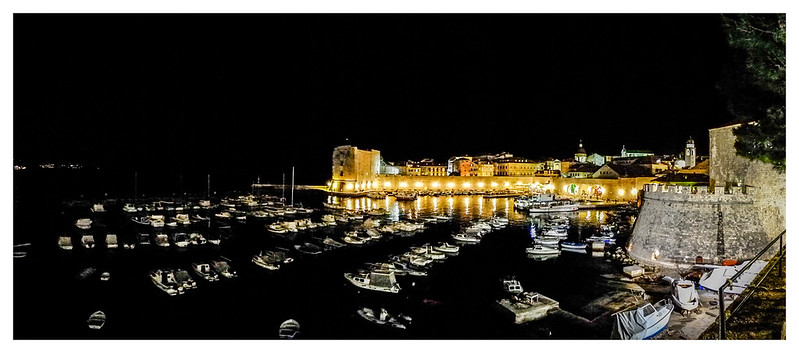
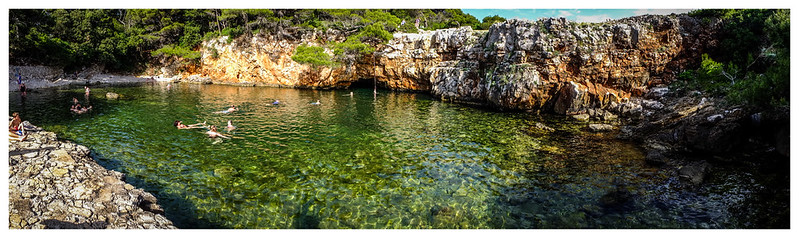
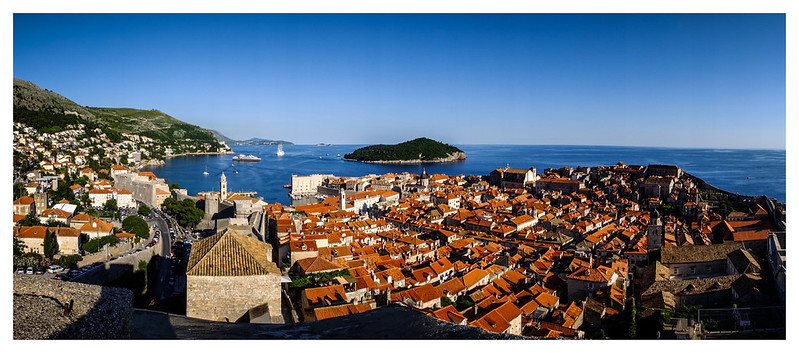
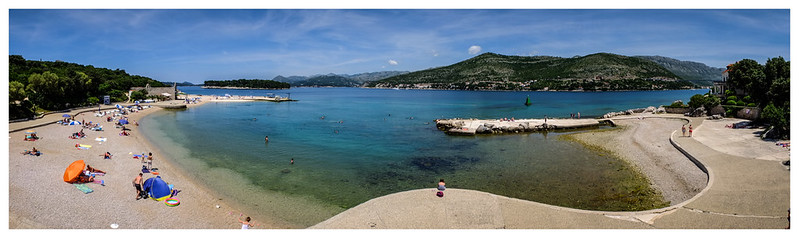
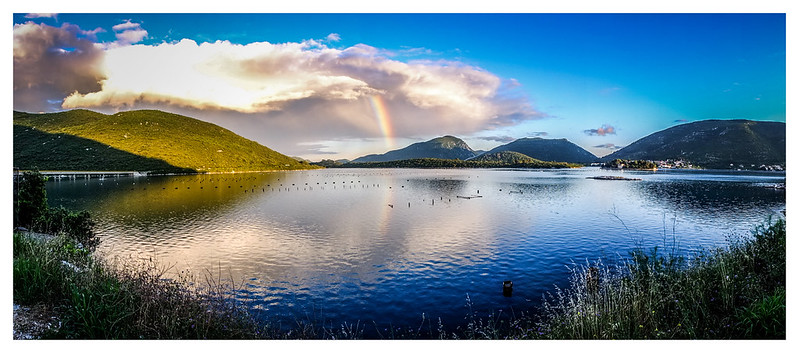
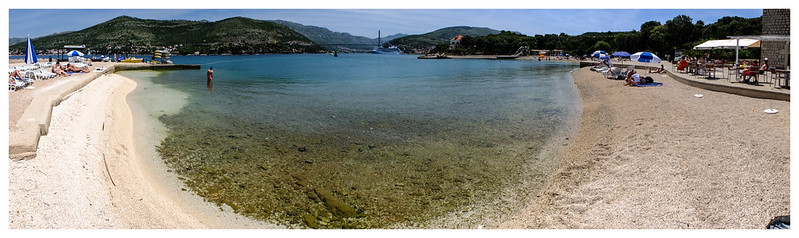


 one a winner.....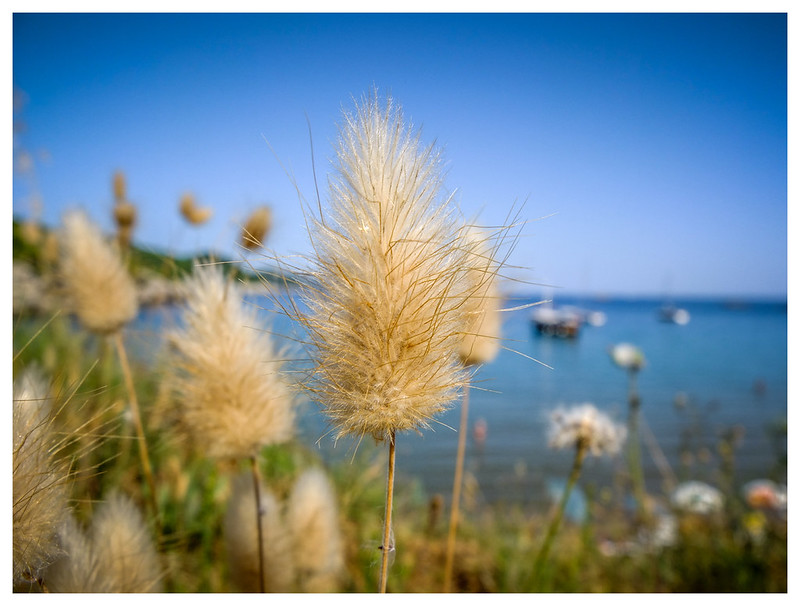


 first impressions are very good indeed. i just need to get my head round it abit better but i really am happy with it, i can see it being carried everywhere
 ) are my favourites. Could you share your settings, but also tell us what kind of PP you apply? The colours are special; they remind me of Kodachrome colours from way back when.