The Official Fuji X10/X20/X30/XF1/XQ1 Thread

Time for me to post a couple; not yet from the Wales trip (these are coming but need lots more selection), but from my first outing with the local Camerabuddies group, Monday evening this week. It looked like it was going to be a washout when we met and walked along the Greenway out of Kenilworth, and I was resorting to taking pictures of flowers and graffiti ("Viva Communista", we're a radical lot here ;)). Then there was a bit of a break in the cloud, but still quite a lot of it...

DSCF3150.jpg


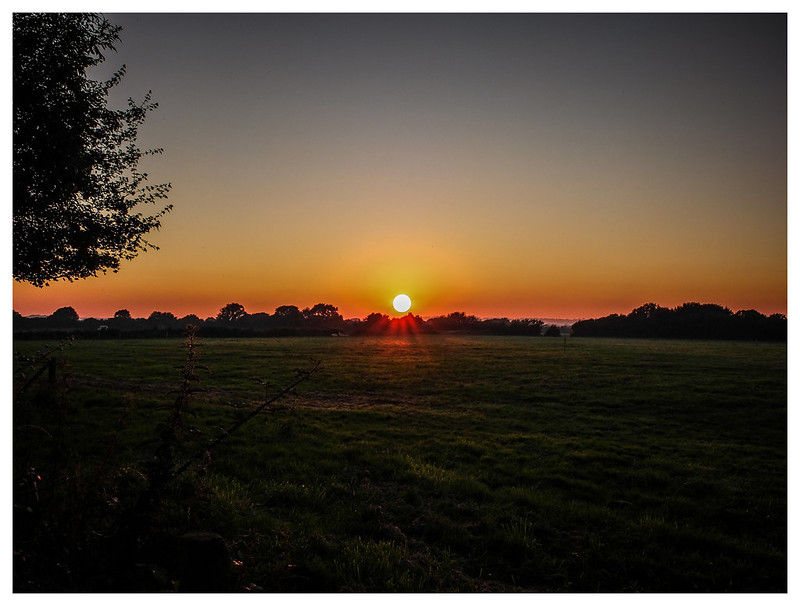
The cloud then stayed broken for the next hour or so, through sunset. Yes, it's a cliche, but this is the first time I have stayed in one place (almost, I was running around like a crazy thing while everyone else was glued to their tripods) and taken pics right through a sunset. Usually it's just a quick couple and we're off. So, it was great fun. There are of course a zillion, but here's one I like...

DSCF3279.jpg


Towards the end I wanted to take a panorama. I'd been in and out of the drive mode, taken bracketed exposures at various times. I couldn't for the life of me remember how to do a panorama! I had to come back and read Alex White's book to remember it's on the Advanced selector on top rather than the Drive button at the back!

About half way through I switched to Raw and JPEG (I think I mentioned this yesterday), and I've imported the Raws as DNG files. I thought they would give me more latitutude in shadow recovery. When I tried it on a couple, however, the results were dreadful. The noise was bad enough before trying recovery, but the shadows turned into purple spots as soon as the Shadow Recovery slider came away from the edge (this is in Aperture 3). :thumbsdown:

So I thought I'd try one in the camera. However, although there is a Highlight and a Shadow option there, the adjustment is in terms of "hard" to "soft", and I think it's doing something else.

So for me, the JPEG is still by far the best (though I'm quite annoyed I didn't take my 35mm SLR :bonk:)! I hope you like these...
 
So I thought I'd try one in the camera. However, although there is a Highlight and a Shadow option there, the adjustment is in terms of "hard" to "soft", and I think it's doing something else.

QUOTE]

Nice shots.

I have wondered what "Hard to Soft" means in that context. They have a rather specil meaning in photography that does not seem to fit.
any one got the horses mouth on it?
 
adam* said:
It's on the sensor then. It shows on the lcd on the back a little whilst taking pic, completely on the taken pic on lcd. Then same on my laptop monitor. It's quite obviously dust on the sensor..

Adam, I gave no doubt you're right but would you mind posting a photo to explain to everybody what you are seeing on the photo. This may clear up the questioning.

Colin
 
7694666302_945b590655_c.jpg


That's shot at f11 to accentuate it but the dust mark bottom right shows up at all apertures and even on the back lcd before taking a pic. Considering this is literally one of the first shots out of the box it shouldn't even have the rest of the dust..
 
Wow - some great shots been shared over the past few pages. Nice to see the thread so colourful :)

Sam - I don't think your shots need any PP - they stand by themselves :-)

Chris - great colours and love the cloud in the second of the two you've posted.

Mirrus - I'm green with envy. Thats such a lovely shot!

Neil - some very good shots. I've been shooting some of the events myself but not sure they have as much interest as your horsey pics. Beach Volley Ball tonight though - I may find some interest there ;) BTW - I love the field shot. The clouds are dramatic.
 
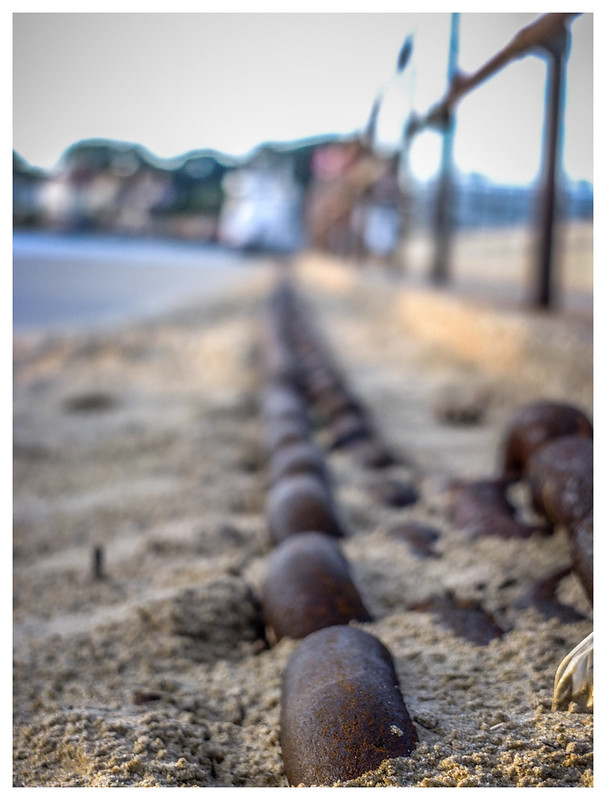
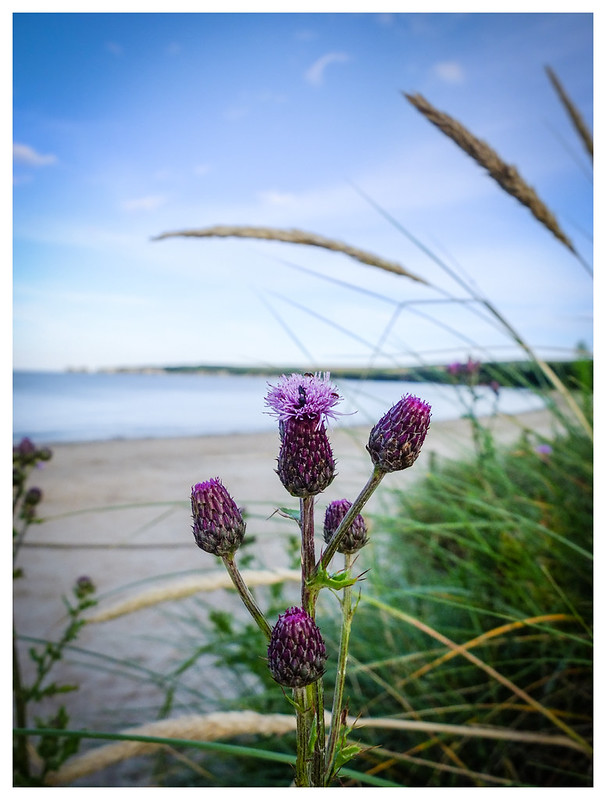
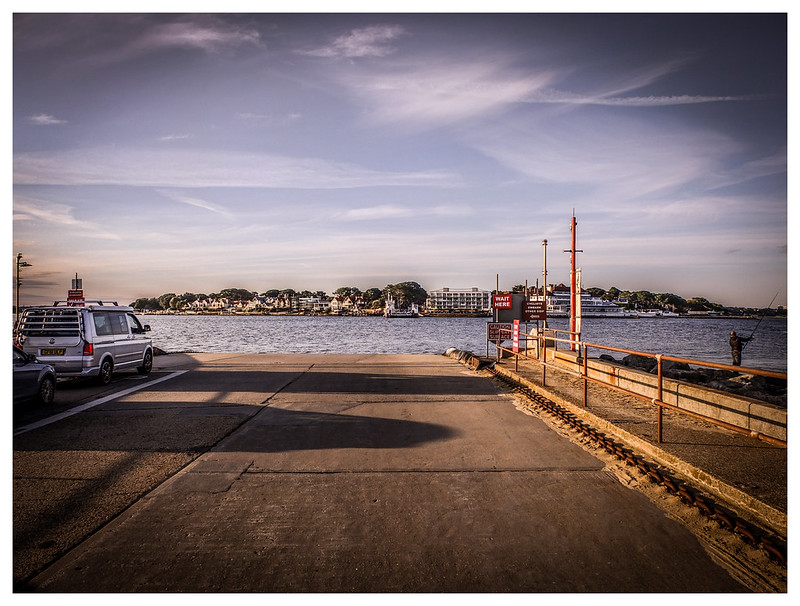
A last few from the Dorset set over the past few weekends. Need to get my head down and sort the Cornwall ones next.


7671827874_a7fa62fe60_c.jpg


7671785038_9deecf0bb2_c.jpg


7671291298_74ea0a9373_c.jpg


7671968472_86c3cedc4c_c.jpg


7672084864_4cb440738a_c.jpg


7671814572_69bc4b5b49_c.jpg
 
Nice set Souldeep :thumbs:

I like them all but for some odd reason I am drawn to the last one? It looks subtly HDR'd (which I like but only when subtle) but is it?
 
Hey John - yes it is :) I experimented with dynamic range over the couple of Dorset trips. Want to see what I can come up with HDR wise using the X10. Lots to learn thats for sure but once again its that old mantra - practise ;)
 
A last few from the Dorset set over the past few weekends. Need to get my head down and sort the Cornwall ones next.

That is a wonderful set, Souldeep. Who says small sensor cameras can't do narrow depth of field?

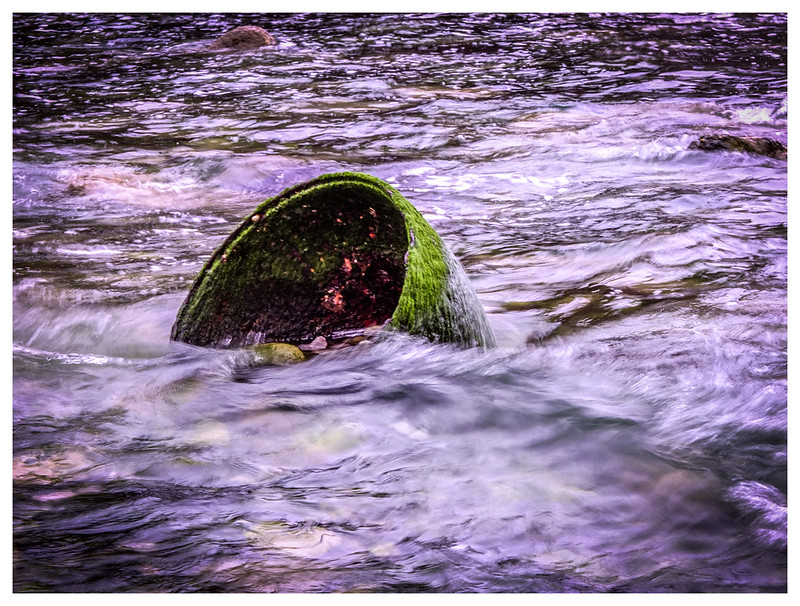
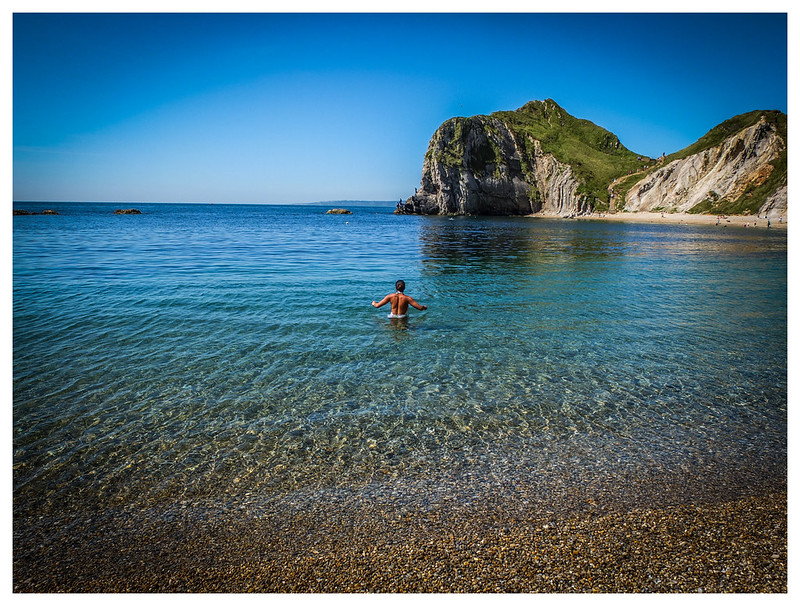
Number 3 is a really interesting subject (the weed-encrusted bowl/jar/bell in the water). After my sunset efforts earlier, I'm most amazed at number 5. Did you use a ND filter, and if so, is that via a step-up ring, or did you find one at 40.5mm? (Maybe it was just hazy enough to stop the flare?)
 
Fuji said they'll send me a bag to send it back and send me a replacement straight back, hopefully next one is better!
 
Do I get a gold star for the first post on page 100?????:wave:

Yes, there you go....

7698488710_263a91d8e5_c.jpg


( Taken with the X10 of course)

Allan
 
Spoke to soon it has come away totally :(

So called Fuji and waiting for box and they say turn around should be fast as backlog cleared. Let's hope so :thinking:

Wow box just came, after requesting yesterday, so will get it in the post tomorrow and will hope the turn around time is as fast as getting the box --- woooosh :thumbs:
 
I've just ordered a refurbished x 10 from the fuji website.

Now I need to get the other bits and pieces like a case, memory card etc. I don't know much about memory cards, so I was wondering if one type of card performs better than another with this camera and if anyone could give me a recommendation on the best type of card to buy.


Thanks
 
I've just ordered a refurbished x 10 from the fuji website.

Now I need to get the other bits and pieces like a case, memory card etc. I don't know much about memory cards, so I was wondering if one type of card performs better than another with this camera and if anyone could give me a recommendation on the best type of card to buy.


Thanks

even my ancient I GB slow card seem to work fine.
But for best results and quick processing and for movies the SD HC 10 speed cards are best....I use 8GB transced ones.

Very important is to get some spare batteries, I got two cheap Ebay ones and they hold charge just as well as the Fujifilm one.
 
Wow box just came, after requesting yesterday, so will get it in the post tomorrow and will hope the turn around time is as fast as getting the box --- woooosh :thumbs:

They are right up to date. I was speaking to them today and the turnround is almost instant. They were able to spend a lot of time sorting my problems today, and it is due back tomorrow.
Yours will get there for Monday and it could be back wednesday at that rate.
 
Westie said:
I've just ordered a refurbished x 10 from the fuji website.

Now I need to get the other bits and pieces like a case, memory card etc. I don't know much about memory cards, so I was wondering if one type of card performs better than another with this camera and if anyone could give me a recommendation on the best type of card to buy.

Thanks

May be too late now but you could have got 40% off cases and memory cards when you bought the camera from Fuji. This discount is automatically taken off and the checkout stage.
 
They are right up to date. I was speaking to them today and the turnround is almost instant. They were able to spend a lot of time sorting my problems today, and it is due back tomorrow.
Yours will get there for Monday and it could be back wednesday at that rate.

I bet you a gobstopper and a chocolate mouse it isn't - but I hope it is :D
 
DayDreamer said:
Wow box just came, after requesting yesterday, so will get it in the post tomorrow and will hope the turn around time is as fast as getting the box --- woooosh :thumbs:

Quicker than mine then which arrived today after ringing up last Tuesday.
 
Quicker than mine then which arrived today after ringing up last Tuesday.

The higher your post count on TP the faster their (Fuji's) service :D

And if you believe that you will believe .......
 
I've noticed that having recieved my sensor swap back from fuji at the widest point on my lens (28mm?) I can now only go as low as f2.2

Is this normal? I can't remember if I could go to f2 before the swap.
 
That is a wonderful set, Souldeep. Who says small sensor cameras can't do narrow depth of field?

Number 3 is a really interesting subject (the weed-encrusted bowl/jar/bell in the water). After my sunset efforts earlier, I'm most amazed at number 5. Did you use a ND filter, and if so, is that via a step-up ring, or did you find one at 40.5mm? (Maybe it was just hazy enough to stop the flare?)

Cheers Chris :)

Interestingly number 3 was using an ND 8 filter however the sunset (pic 5) was not using any filters! Bracketed together a few exposures on the sunset - gives it a slight HD feel. Oh and it wasn’t hazy.

Pic 3 was a bit of a failure. I still can't work out how to get a good shot of water movement in daylight with an ND 8 and exposure switched right down. They still come out too bright. Think I need to find a book on that sort of photography :shrug:

Yep it’s via a step ring using the Cokin filter system.

John – LR. Not sure I like the example images off that link though. I can see why you like to go light on their sliders ;) Why not try bracketing some exposures together to get your HD effect OR use the EXR dynamic function to get three different exposures merged into one in camera. The more that can be done in camera - the less time wasted in PP afterwards :thumbs:
 
Cheers Chris :)

John – LR. Not sure I like the example images off that link though. I can see why you like to go light on their sliders ;) Why not try bracketing some exposures together to get your HD effect OR use the EXR dynamic function to get three different exposures merged into one in camera. The more that can be done in camera - the less time wasted in PP afterwards :thumbs:

I think they do themselves an injustice by showing mostly the 'heavy handed' edits. Yes I do use the sliders very gently but do find if I select parts of a shot that are in shade, such as a stone wall, it can really bring out the detail like nothing else.

I don't mind spending time in PP - in fact I spend more time fiddling with shots than the time I spend taking them :geek:
 
I've noticed that having recieved my sensor swap back from fuji at the widest point on my lens (28mm?) I can now only go as low as f2.2

Is this normal? I can't remember if I could go to f2 before the swap.

Mine has always gone to f2 but can't look at camera now as wife just taken it to the PO to go back for them to refit the rear rubber grip that has fallen off :'(

The problems you have has been brought up in forums - not necessarily TP but DeePee or whatever they are called ;)
 
I've noticed that having recieved my sensor swap back from fuji at the widest point on my lens (28mm?) I can now only go as low as f2.2

Is this normal? I can't remember if I could go to f2 before the swap.

Mine goes down to ƒ2 ok after the swap, make sure the lens is going down to 28mm, once it gets to about 33mm or so, the aperture will only go to ƒ2.2
Allan
 
X10 OWNERS

PLEASE HELP WITH A LITTLE TEST.

My camera has come back as poorly as it went away again.

Could a few of you please help out with two little tests

1) Optical view finder

shoot a view 5 meters away at the 28mm setting
First using the LCD screen then again with the optical viewfinder
Line up the same object on the left side. ( with some care)

2) Distance indicator

Again at 5 meters... Half press, to focus, with the Zoom set to 35 mm
look at the Distance indicator on the LCD and note the distance (No need to take a shot)

Repeat several times

Move in to 4 and 3 meters and repeat process and note the distances.

Before I contact Fuji again I would like to establish whether this problem is inherent or Just my camera. or some cameras and not others.

You could PM me the results [no need to mark them up) or post them here If you think they will interest others. the quality of the images is unimportant.

These are quick and dirty tests but should give an Idea if these problem are inherent


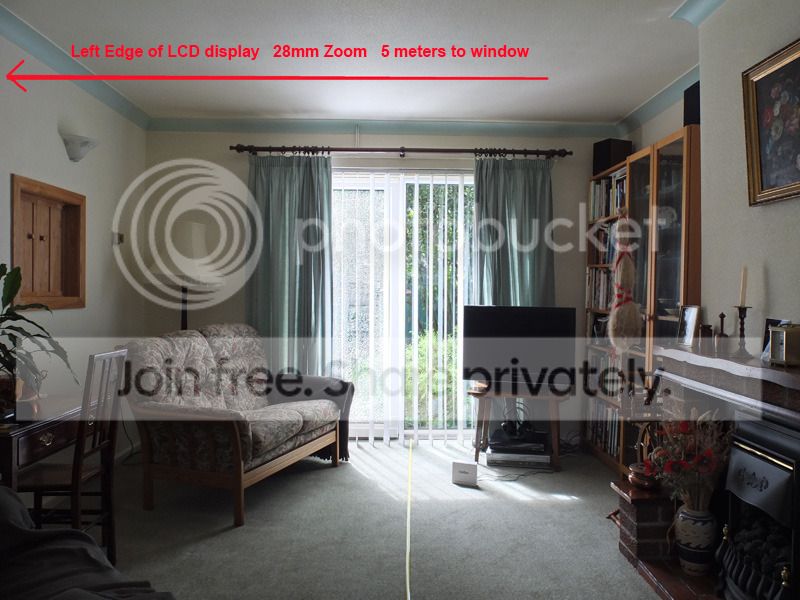
My results of view finder test.
viewfinder-Z-28--5m-WEB.jpg


LCD-Z-28--5m-WEB.jpg
 
Last edited:
Terrywoodenpic said:
X10 OWNERS

PLEASE HELP WITH A LITTLE TEST.

My camera has come back as poorly as it went away again.

Could a few of you please help out with two little tests

1) Optical view finder

shoot a view 5 meters away at the 28mm setting
First using the LCD screen then again with the optical viewfinder
Line up the same object on the left side. ( with some care)

2) Distance indicator

Again at 5 meters... Half press, to focus, with the Zoom set to 35 mm
look at the Distance indicator on the LCD and note the distance (No need to take a shot)

Repeat several times

Move in to 4 and 3 meters and repeat process and note the distances.

Before I contact Fuji again I would like to establish whether this problem is inherent or Just my camera. or some cameras and not others.

You could PM me the results [no need to mark them up) or post them here If you think they will interest others. the quality of the images is unimportant.

These are quick and dirty tests but should give an Idea if these problem are inherent

My results of view finder test.

I am not sure what the issue is? Is it that the final photo doesn't match what you lined up in the viewfinder? If so, this is how it is supposed to be. The viewfinder shows approximately 80% of the final image.

I may be missing something else that you mean though.
 
I am not sure what the issue is? Is it that the final photo doesn't match what you lined up in the viewfinder? If so, this is how it is supposed to be. The viewfinder shows approximately 80% of the final image.

I may be missing something else that you mean though.

What the photograph shows is that the Viewfinder is including MORE to the left and LESS to the right.

It is pointing LEFT and not centrally.

If it was central equal amounts of the hatch and picture would be cut.

This is the simplest test to calculate the error from a single pair of shots.


This has nothing to do with the 85% view (a useful safety factor), or parallax, which would skew it by only 1.5 cm at 5 meters in the other direction ( but an insignificant amount)

What I am finding out, is how other peoples X10' behave under the same conditions.

Were the shot of a group of people, the right most would be cut off and there would be a gap on the left.

Perhaps yours points straight... only a test will show. that is the information I need to demonstrate.
 
Last edited:
Terrywoodenpic said:
What the photograph shows is that the Viewfinder is including MORE to the left and LESS to the right.

It is pointing LEFT and not centrally.

If it was central equal amounts of the hatch and picture would be cut.

This is the simplest test to calculate the error from a single pair of shots.

This has nothing to do with the 80% view (a useful safety factor), or parallax, which would skew it by only 1.5 cm at 5 meters in the other direction ( but an insignificant amount)

What I am finding out, is how other peoples X10' behave under the same conditions.

Were the shot of a group of people, the right most would be cut off and there would be a gap on the left.

Perhaps yours points straight... only a test will show.

Ah, I see. Didn't know what you meant at first.
 
Just tried mine. At 28mm, the views from optical and lcd screen are almost exactly centralised. i.e., the centre subject stays in the centre in both, there is the same amount of extra image showing either side and top to bottom.
This gradually changes over the full zoom till at 112, there is a very small amount extra on the right hand side and at the bottom. But, you would only see it if were really looking, it isnt very obvious.

I would say mine points about as straight as I would expect it to.
Allan
 
Just tried mine. At 28mm, the views from optical and lcd screen are almost exactly centralised. i.e., the centre subject stays in the centre in both, there is the same amount of extra image showing either side and top to bottom.
This gradually changes over the full zoom till at 112, there is a very small amount extra on the right hand side and at the bottom. But, you would only see it if were really looking, it isnt very obvious.

I would say mine points about as straight as I would expect it to.
Allan

Thanks for the information
Any chance you could take a couple of shots as I suggested , and also try the distance scale?
As I am collecting "Evidence" to give to Fuji.

They have said they all squirt to the left and that the distance scale is not properly functional at Zoom setting 35. Any thing over 4 meters or so shows at infinity on mine.

It has been back 4 times and I am getting nowhere.
The Artifical horizontal is now accurate on mine, they said it was a software adjustment.
 
Thanks for the information
Any chance you could take a couple of shots as I suggested , and also try the distance scale?
As I am collecting "Evidence" to give to Fuji.

They have said they all squirt to the left and that the distance scale is not properly functional at Zoom setting 35. Any thing over 4 meters or so shows at infinity on mine.

It has been back 4 times and I am getting nowhere.
The Artifical horizontal is now accurate on mine, they said it was a software adjustment.

So, at 35mm, I get the distance scale showing infinity till I get about 1.5 m away then it starts moving in, not accurate at all, still shows 10m about 1 m away then starts to get a little more accurate. 0.5m on the scale is quite close to the actual distance away.
At all other zoom settings, the scale shows more accuracy, but at 5m, the scale varies between 3 and 5 metres quite regularly each time I half press the shutter.

Mine came back with the artificial horizon skewed after the software fix.

Took this shot just now. Artificial horizon was showing green!

7706066842_a5e0ff53e6_b.jpg


When I pluck up the courage, I will contact Fuji to get it sent back.

I'll take some pics tomorrow showing the viewfinder accuracy, getting too dark now...

Allan
 
Had mine for a week now, and have had a few plays with it, very impressed with the camera and the image quality.
this is my favourite image so far


Trailor by lens-flare, on Flickr

going to keep playing though... taking it on holiday next week...
 
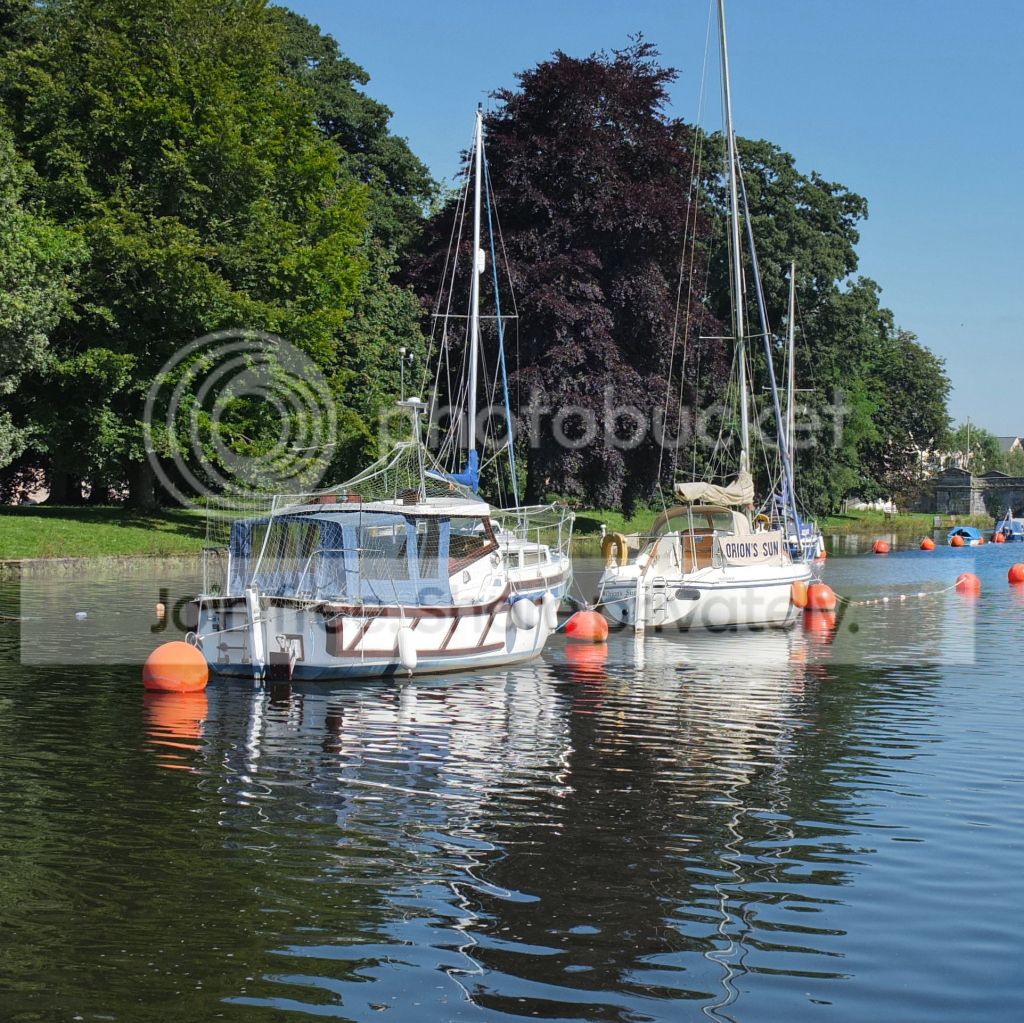
Thought I should put up a couple of shots.

Not sure but feel this may be to saturated but only tiny bit of PP and no playing with saturation sliders:lol:
TotnesTwoBoatsRiverDart.jpg


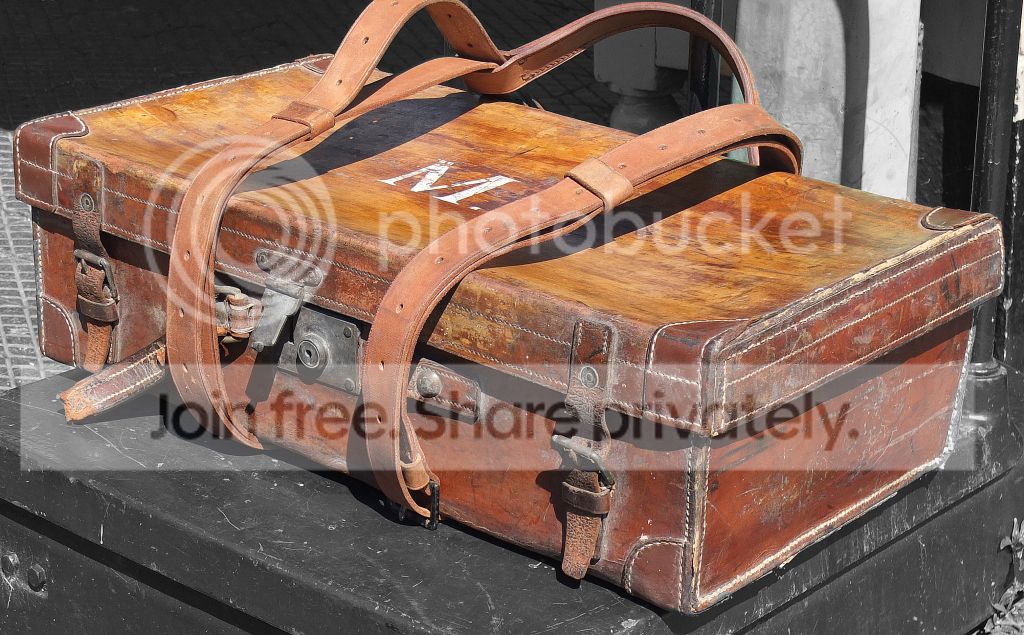
Funny how the most peculiar objects grab our attention :)
SouthDevonSteamRailwayOneCase.jpg


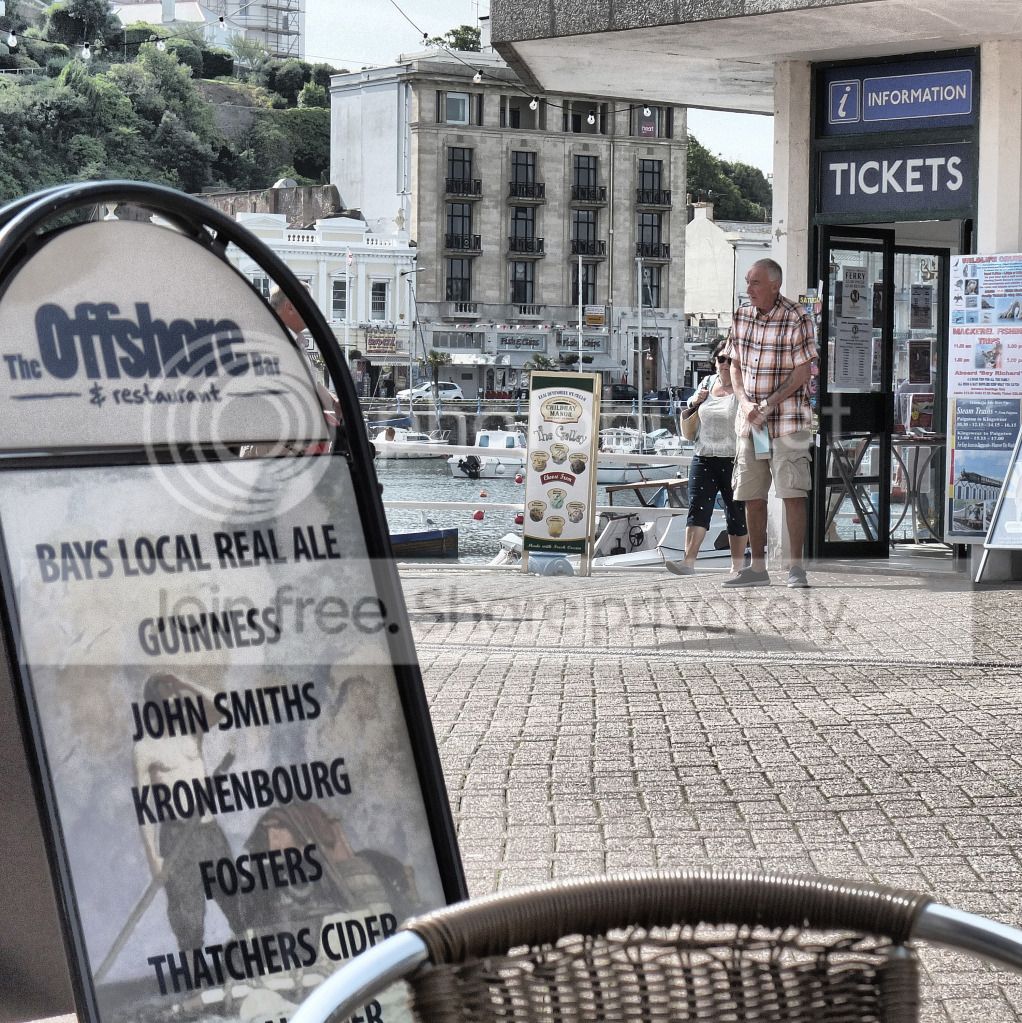
Having a cappuccino in one of my favourite spots in Torquay but the downside is the man selling boat tickets - continuously shouting 'Brixham 'Arbour' :suspect:
TorquayManSellingTickets.jpg


Again a funny shot which I like but in colour nothing there so fiddled as I liked the 'peek a boo' content :clap:
Peepingthroughthebushes.jpg
 
I have read the manual and note that to change metering mode between spot, multi and average you press the AE button. The only option I'm getting is multi. What am I missing here? its the only option I'm getting despite checking via aperture priority etc all modes.

I have also realised I cant change focus points either!
 
Last edited:
I have read the manual and note that to change metering mode between spot, multi and average you press the AE button. The only option I'm getting is multi. What am I missing here? its the only option I'm getting despite checking via aperture priority etc all modes.

I have also realised I cant change focus points either!

Not sure about the AE problem (When I press the AE button I get a few options, must be something to do with your other settings) but for the focus you need to go into the menu and select "AF mode" then select area. Then when you press the AF button on the back you can select an area.
 
Thanks for the reply. I still cant get that to show.
 
Back
Top