
and the site receives a small commission
You are using an out of date browser. It may not display this or other websites correctly.
You should upgrade or use an alternative browser.
You should upgrade or use an alternative browser.
The "how would you edit this photo" game.
- Thread starter Dman-Lewis
- Start date


- Messages
- 20,964
- Name
- Pete
- Edit My Images
- Yes
Right... you know that building's on fire with Dragons later right?
and explosions, jet fighters, and quite possibly giant meerkats - BT have fixed my line i'm back to 3mb/sec and back in the ring


jemdna
Suspended / Banned
- Messages
- 856
- Name
- Bryan
- Edit My Images
- Yes
Right... you know that buildings on fire with Dragons later right?
In fact i wont have time for this one im going away this weekend - good luck all
Wouldn't expect anything less

and explosions, jet fighters, and quite possibly giant meerkats - BT have fixed my line i'm back to 3mb/sec and back in the ring
Excellent
 Welcome back

AndyB1976
Suspended / Banned
- Messages
- 2,377
- Name
- Andy
- Edit My Images
- Yes

Brief rundown, edited in GIMP.
.
Add Alpha Channel to main image.
Sissor Tool to rough select sky area and remove with Eraser Tool. Then select a very small Eraser brush size to go around the tower.
Search for background, Milky Way
Add the Milky Way image to the a new layer.
Attempt to Colour the main image (this was a first attempt, and was really just playing with settings)
Create 3 copies of main images.
'Colorize' each layer, one red, one green, one blue and play with opacity sliders until happy with colour. Merge these layers
Slight rotate clockwise to the image, and crop.

leftcurl
Suspended / Banned
- Messages
- 4,085
- Name
- Leigh
- Edit My Images
- Yes
Good morning here is my effort will have to add how it was achieved later as I said on the back-shift for the next three weeks so will add later..
sounds to me like you got the computer whizz in IT to do the edit for you and now you're in the mire because you don't know how he did it
Last edited:

St-ephen
Suspended / Banned
- Messages
- 1,101
- Name
- Stephen
- Edit My Images
- No
Well I didn't expect that
Ermm, where is it?

I've knocked down a chimney and taken down a ceiling so I'm raring to go again..


Pork
Suspended / Banned
- Messages
- 1,339
- Name
- Paul
- Edit My Images
- Yes
Spend 30 mins searching for suitable images to use (the hard part). Then 15 mins on adding them to the original image as layers.
Adjust each layered images levels, to match the original (or close to).
Selective soften to remove sharp edges
Add noise
Add sepia colour
Add border
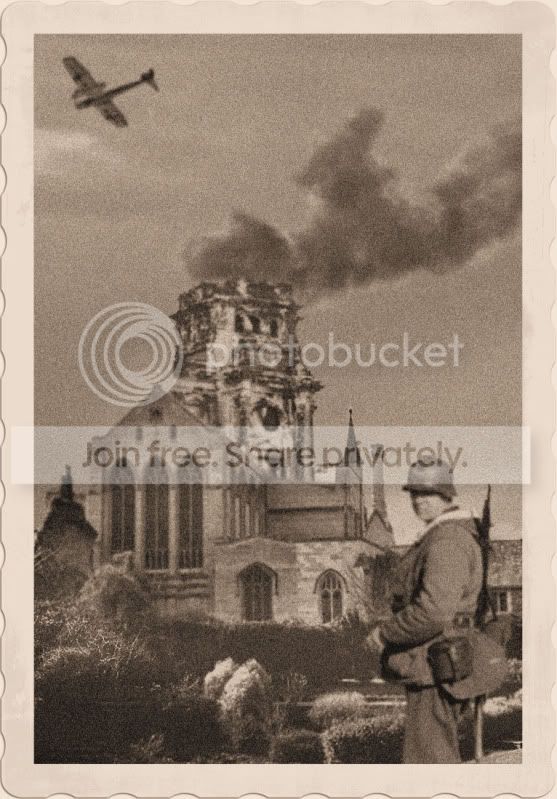
Adjust each layered images levels, to match the original (or close to).
Selective soften to remove sharp edges
Add noise
Add sepia colour
Add border
Last edited:

wiggy1983
Suspended / Banned
- Messages
- 160
- Name
- danny ruddock
- Edit My Images
- Yes
Here is mine
followed this tutorial about making a b&w photo into colour http://www.photoshopbox.com/Photo-Retouch/Colorizing-Black-and-White-Photos.html
then i used the exposer tool in cs5 to make 2 over exposed +1 and 2 under exposed -1 of a difference on each image.
then used photomatix to do a HDR edit

danny 13 by wiggy1983, on Flickr
followed this tutorial about making a b&w photo into colour http://www.photoshopbox.com/Photo-Retouch/Colorizing-Black-and-White-Photos.html
then i used the exposer tool in cs5 to make 2 over exposed +1 and 2 under exposed -1 of a difference on each image.
then used photomatix to do a HDR edit
danny 13 by wiggy1983, on Flickr
Last edited:
St-ephen
Suspended / Banned
- Messages
- 1,101
- Name
- Stephen
- Edit My Images
- No

1) edit > transform > perspective
2) select the sky and make the mask
3) new layer and fill it with a radial gradient
4) new layer and fill it with black, then drag the mask onto it.
5) drag the bird in from a separate pic, change the blend mode to multiply (makes the white background of the bird invisible, but keeps the black of the bird)
6) drag that layer (the bird) down to the second position

not much but I hope it helps
St-ephen
Suspended / Banned
- Messages
- 1,101
- Name
- Stephen
- Edit My Images
- No
Here is mine
followed this tutorial about making a b&w photo into colour http://www.photoshopbox.com/Photo-Retouch/Colorizing-Black-and-White-Photos.html
then i used the exposer tool in cs5 to make 2 over exposed +1 and 2 under exposed -1 of a difference on each image.
then used photomatix to do a HDR edit
I like that wiggy. Really got the look of God's house
leftcurl
Suspended / Banned
- Messages
- 4,085
- Name
- Leigh
- Edit My Images
- Yes
here's mine....

jemda by leftcurl, on Flickr
i use PS Elements 9, so not got all the tools of CS#. Anyway, this is what i did...
1. use 'magic extractor' to select the sky and remove it
2. found a nice blue sky full of balloons and copied that onto original.
3. select the church layer and used 'find edges' (stylize filter)
4. select sky layer and use 'find edges'
5. choose a wet brush, 75% opacity and paint in the colours by hand as i see fit
6. flatten image!
jemda by leftcurl, on Flickr
i use PS Elements 9, so not got all the tools of CS#. Anyway, this is what i did...
1. use 'magic extractor' to select the sky and remove it
2. found a nice blue sky full of balloons and copied that onto original.
3. select the church layer and used 'find edges' (stylize filter)
4. select sky layer and use 'find edges'
5. choose a wet brush, 75% opacity and paint in the colours by hand as i see fit
6. flatten image!
leftcurl
Suspended / Banned
- Messages
- 4,085
- Name
- Leigh
- Edit My Images
- Yes

Some fantastic entries so far! Not going to be easy choosing!
i love the fact you must have purposely taken this skewed shot JUST so you could put it up for edit in this thread. Nice work and thanks for thinking of us


Mr G
Suspended / Banned
- Messages
- 2,392
- Name
- James
- Edit My Images
- Yes
sounds to me like you got the computer whizz in IT to do the edit for you and now you're in the mire because you don't know how he did it
mr Leigh I know perfectly well what I have done just can't remember at the moment (need to phone IT)

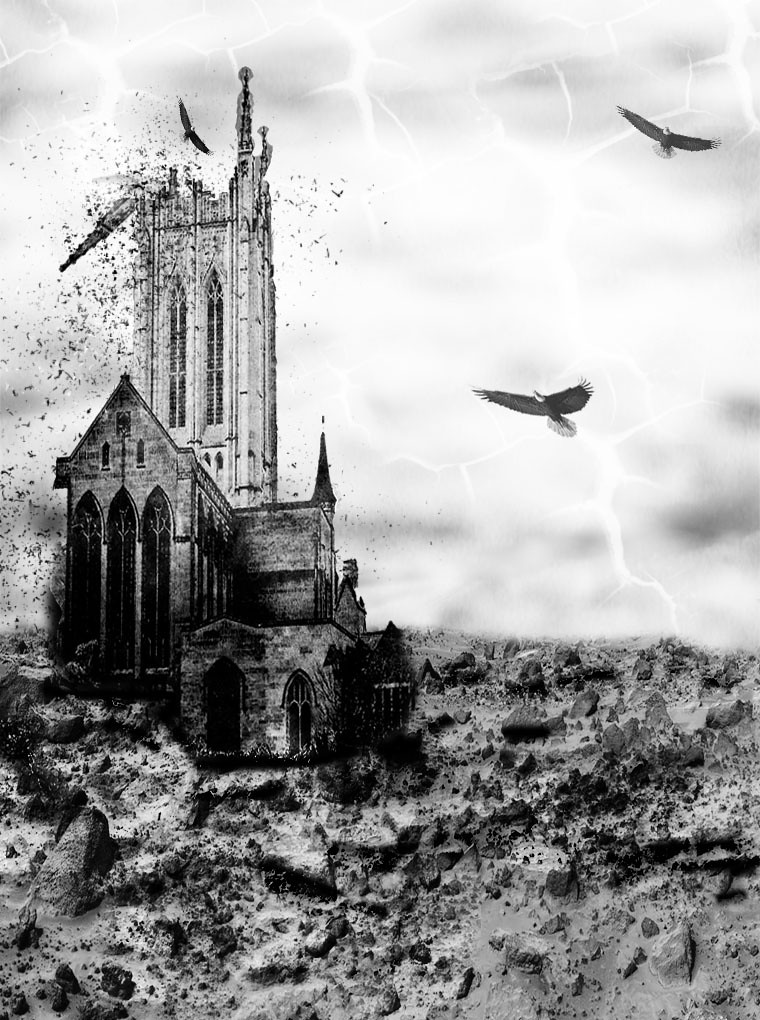
Vantage said:Some top top edits so far. Seems to have livened up a tad.
Here's my effort then and quite pleased how it turned out.
Abandoned
Now that I like! Brilliant work,

Vantage
Suspended / Banned
- Messages
- 781
- Name
- Roger
- Edit My Images
- Yes
Like that Roger
Now that I like! Brilliant work,
Thanks guys! really appreciate it.
jemdna
Suspended / Banned
- Messages
- 856
- Name
- Bryan
- Edit My Images
- Yes
Ok - A little early but I might well be out this evening so thought I would announce the winner now so we can have the next round
The Winner is Vantage - Roger!! Fantastic edit, really like it
If you get a chance, please chuck up an explanation on how you done the edit so others (including me) can learn!
Congrats!
The Winner is Vantage - Roger!! Fantastic edit, really like it
If you get a chance, please chuck up an explanation on how you done the edit so others (including me) can learn!
Congrats!
Vantage
Suspended / Banned
- Messages
- 781
- Name
- Roger
- Edit My Images
- Yes
Thank you Jemdna and Cheers all. Im chuffed.
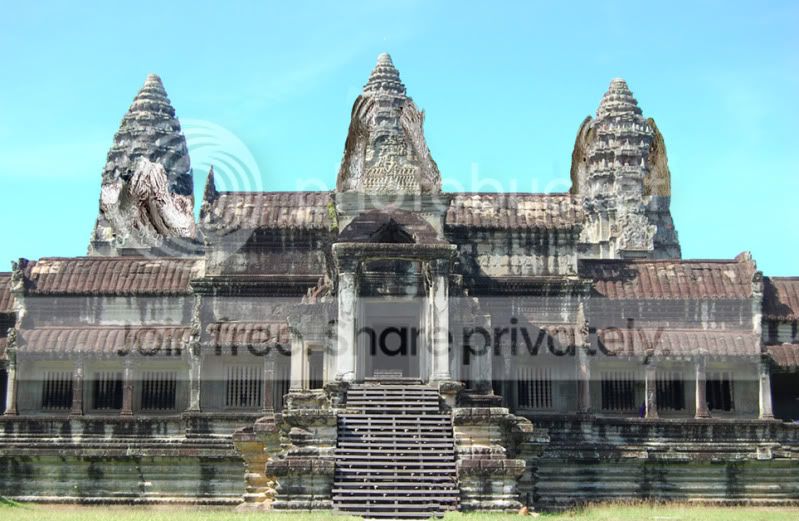
If any of you can bring colour and light out on this ordinary pic to make it pop that would be great as Ive failed miserably but, Im certain you going to blow it up and set fire to it Will see how this one runs before giving a dead line.
Angkor ***, Cambodia.
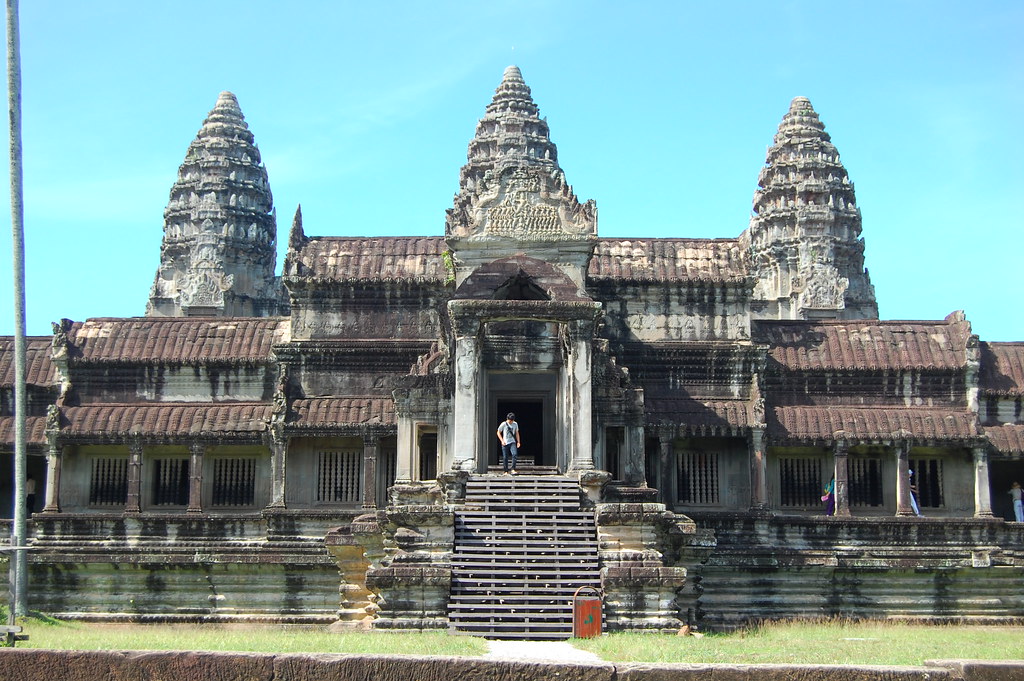
If any of you can bring colour and light out on this ordinary pic to make it pop that would be great as Ive failed miserably but, Im certain you going to blow it up and set fire to it
Will see how this one runs before giving a dead line.Angkor ***, Cambodia.


- Messages
- 20,964
- Name
- Pete
- Edit My Images
- Yes

and i'm back and as ridiculous as ever - no giant meercats this time tho
Last edited:


Hawkmoon
Suspended / Banned
- Messages
- 333
- Name
- Andy Merrett
- Edit My Images
- No
Well done Roger.
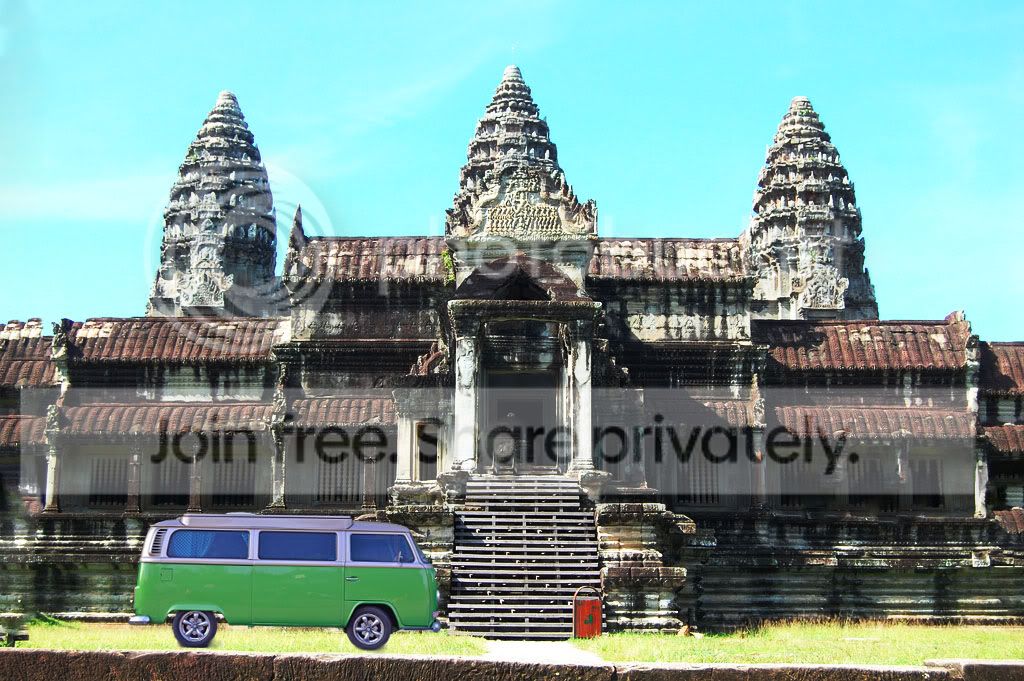
Here is my attempt.
Speak no, see no, hear no.
Used public domain images, cut, paste resize to fit. Slight tone adjust and cloned out the people and bin...then cropped to get rid of post on left.
Feeble but fun
Andy
Here is my attempt.
Speak no, see no, hear no.
Used public domain images, cut, paste resize to fit. Slight tone adjust and cloned out the people and bin...then cropped to get rid of post on left.
Feeble but fun
Andy
leftcurl
Suspended / Banned
- Messages
- 4,085
- Name
- Leigh
- Edit My Images
- Yes
Guys
I will be offline for the next couple of days as I am changing my internet provider should be up and running by wed thurs of this week
ok then.