The "how would you edit this photo" game.

Nick, yet again, fantastic :thumbs:

Would you be so kind as to talk us through the process you took with that one? ;)

gladly, ill look it up when im home later. I always keep my CS5 files for the pics incase i need to back track!
 
am i allowed back?

even if it is to rip into Mr G's 2D kids on the beach! :D

I really like those 2D kids. It just makes it so bizarre!:thumbs:

(Sorry - I've been out of the loop for a while and just catching up now.)
 
Ok a brief run down of how i made that photo.

Seat shadow - drew this with the polygonal lasso tool, filled it with black, set the opacity to about 30% and change the blending mode to hard light, added a drop shadow and expanded and softened that using its own tool.

The trick with the eclipse sun was to get 2 shots, one pic of a total eclipse which is black with a glow and another of a red solar eclipse moon - i stuck it over the top of the blackout, fill at 67% and blend to hard light - gives it the nice glow but gives it detail.

Again with colouring - i find it easier to set the layer to B&W mode and adjust the "tint" settings in that option (IMAGE >> ADJUSTMENTS >> B&W) this lets you change sliders for individual colours to get different effects.

A key thing about pasting new layers it to choose which blending mode to use, you will find some much better effects and blending with other options, sometimes a combination of two or three.

Its probably better to ask me or others how we did a certain effect though to be of more use! Hope that helps!
 
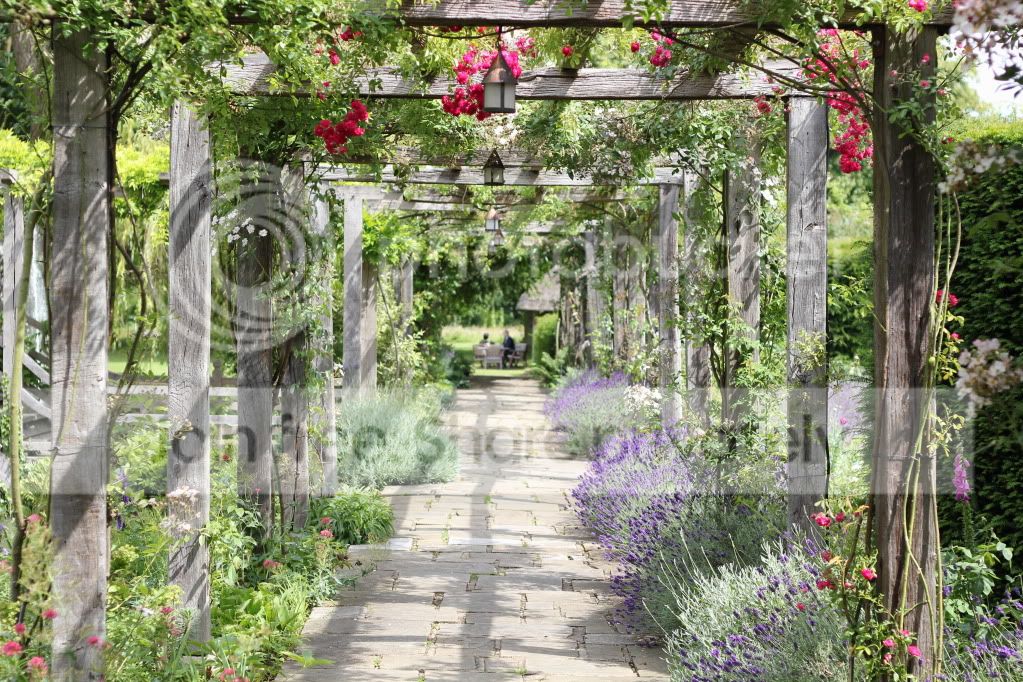
Heres one for you all to play with :

IMG_1271.jpg
 
A very quick edit from me as I haven't got too much time on my hands this weekend. I've got another mod in mind that I'll do if I get an odd hour.

edit110.jpg


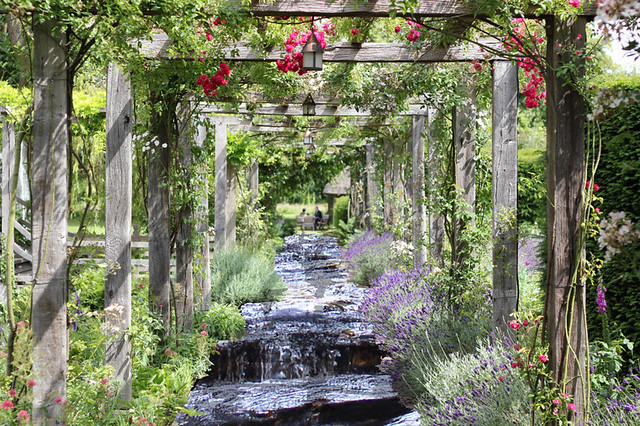
Change to LAB mode and invert the "A" channel with a levels layer.
 
oooh these are all very good :)

shall we say Sunday night last thing...
 
oooh these are all very good :)

shall we say Sunday night last thing...

Now THAT's an approximate time if every I saw one :D:lol:

Last thing as in Midnight
" " as in when you go to bed
" " as in when you switch your computer off

............... not wishing to be pedantic of course :naughty::p:lol:
 
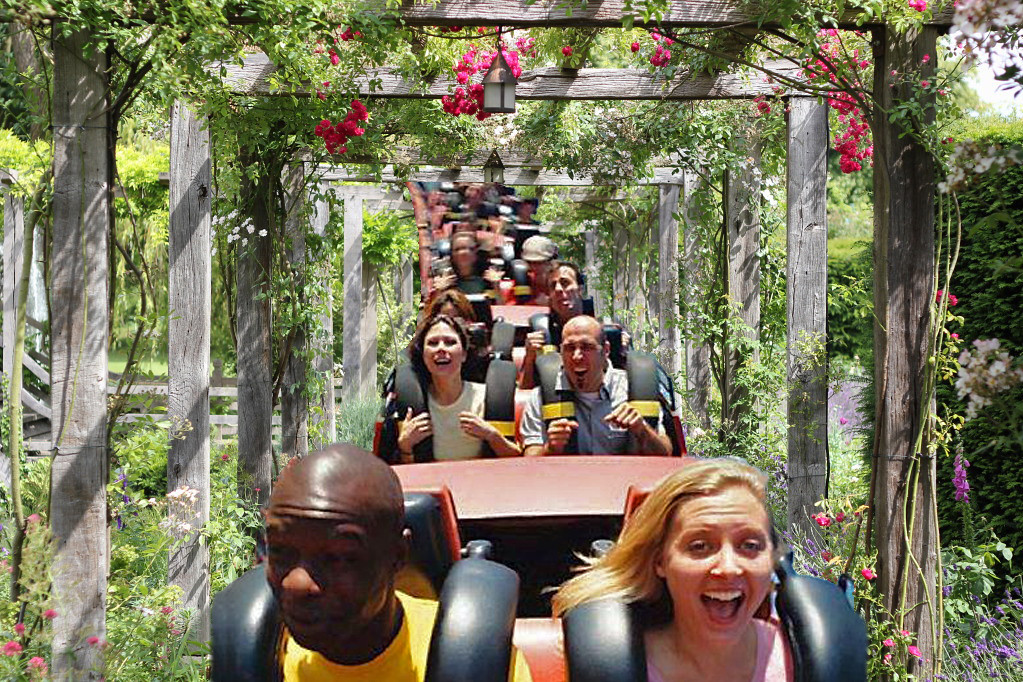
The Zero Coaster!


zero_coaster.jpg by leftcurl, on Flickr

frustrating that i can't find time to give it more attention at the mo, so just a 15 minute job here. Still, it's the thought that counts :clap:
 
come on people!! let's have some entries in... zerocool has offered a brand new ipad 2 for the winner! :suspect:
 
should i give it another day? seems like no ones here!!
 
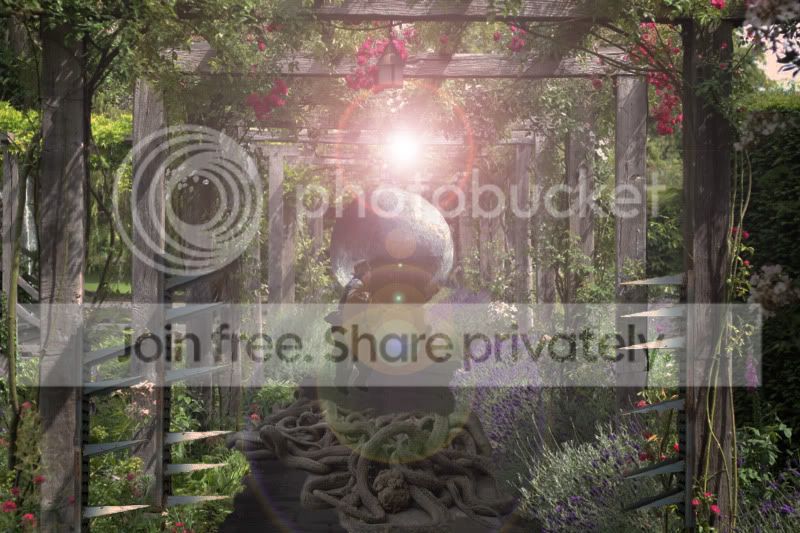
Having spent ages making the base and globe thought I might as well put Nick's picture in a bottle as well :)

zerocoolarbour2.jpg

could have done with a sprinkle of fairy dust in there, like those snow storm thingies :D
 
ahhhh... i see. That magic fairy dust that only fairies can see... i know the stuff. Brilliant! You've thought of everything :thinking:
 
actually... i take that back... there IS fairy dust in there :bonk:
 
i'll be missing this round too ... actually have a job to go to from today :thumbs:
 
Without further a due! Some great edits in there, i do like your globes Keri :)

3rd place Lefty = always fun :D

2nd place rocafreestyler - great idea, shame my pic didnt allow for more detail!

And the winner is this beaut! Loving the colours in there very funky would have that on my wall :)

 
wahay! nice one ste-phen, sorry st-ephen :thumbs:

Nice touch with the LAB mode (whatever that is) :bonk:
 
Oh wow, thanks. I really didn't expect that. It is quite literally a 30 second edit.

I'm fresh back from the pub but I'll try to find a picture in the next 10 mins..
 
OK, I was in Fleetwood a couple of days ago and managed to capture this:


fleetwoodSurvey.jpg


Enjoy :)
 
nice one st-pehen :thumbs:
 
fleetwood018.jpg
 
could not work out how to get a full shimmer effect on the ship so ended up just using the blur/smudge tool and its a wee bit rough looking
 
Back
Top