The "how would you edit this photo" game.

ok guys.... i let my 10 year old stay up half an hour extra to help me decide on the winner - and i am pleased to announce, the winner is.....

zerocool

my son voted for Pork's Dr Who version, but i overruled him due to not cloning the shoe out in the bottom left corner :gag:

good work fella's, really enjoying this thread and wondering what the hell goes on inside your / our minds :bonk:
 
What programmes are people using to produce such brilliant edits. I have Photoscape and Gimp when are both Free. Are there any other free programmes which I could use? Thanks in advance...

People are using all sorts of stuff, photoshop, paint shop pro or gimp, theres even a free online one http://pixlr.com/editor/ pretty much any editing software that has layer will let you do the cut-out and paste (putting people in etc) and most of the others like Lightroom, Picassa etc will let you do some special effects.
 
Well done ZeroCool :thumbs: another one ;) you are getting good at this lark :D..I like what you did with the space, different, well done :thumbs:
 
ok guys.... i let my 10 year old stay up half an hour extra to help me decide on the winner - and i am pleased to announce, the winner is.....

zerocool

my son voted for Pork's Dr Who version, but i overruled him due to not cloning the shoe out in the bottom left corner :gag:

good work fella's, really enjoying this thread and wondering what the hell goes on inside your / our minds :bonk:

:lol::lol:


Well done Zerocool, another good edit :thumbs:
 
ok guys.... i let my 10 year old stay up half an hour extra to help me decide on the winner - and i am pleased to announce, the winner is....zerocool

Woohoo! Seriously, with that old photo i made? :P :clap:

Seriously though, thanks for the great comments over the last few weeks - love doing this!

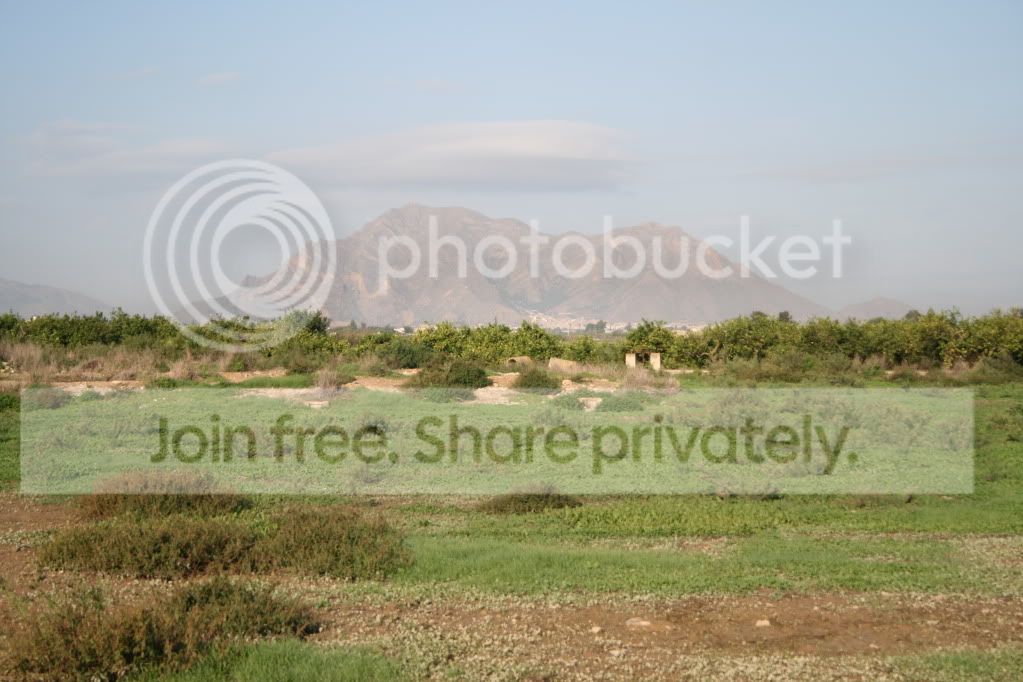
Well, heres one for you all... this is by Alicante in Spain... loved the photo but never quite knew what to do with it!

IMG_8909.jpg
 
Thought I would have a very quick go before the day begins...

Editcopy.jpg


Andy
 
Thought I would have a very quick go before the day begins...

Editcopy.jpg


Andy

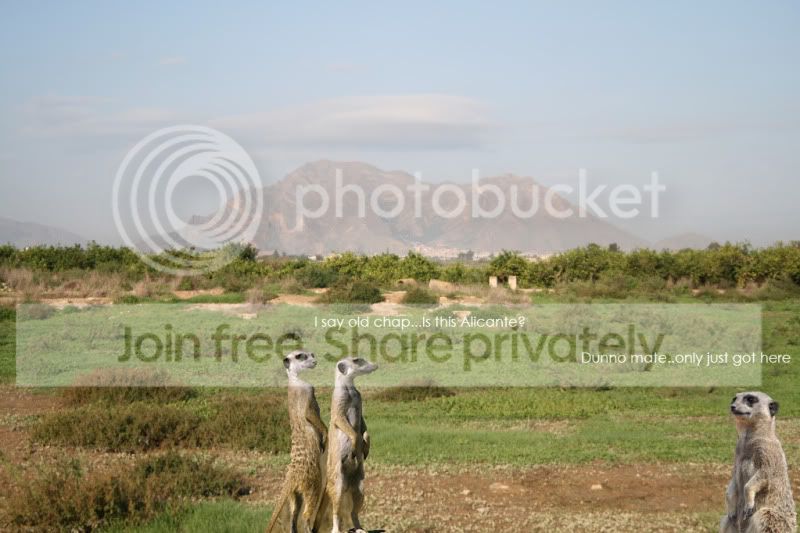
classic!

as soon as i saw zero's pic go up i though 'MEERCATS!'
 
who lives / lived in a house like this..... :shrug:


IMG_8909 by leftcurl, on Flickr
 
Not too sure if the image will appear, but here's my edit

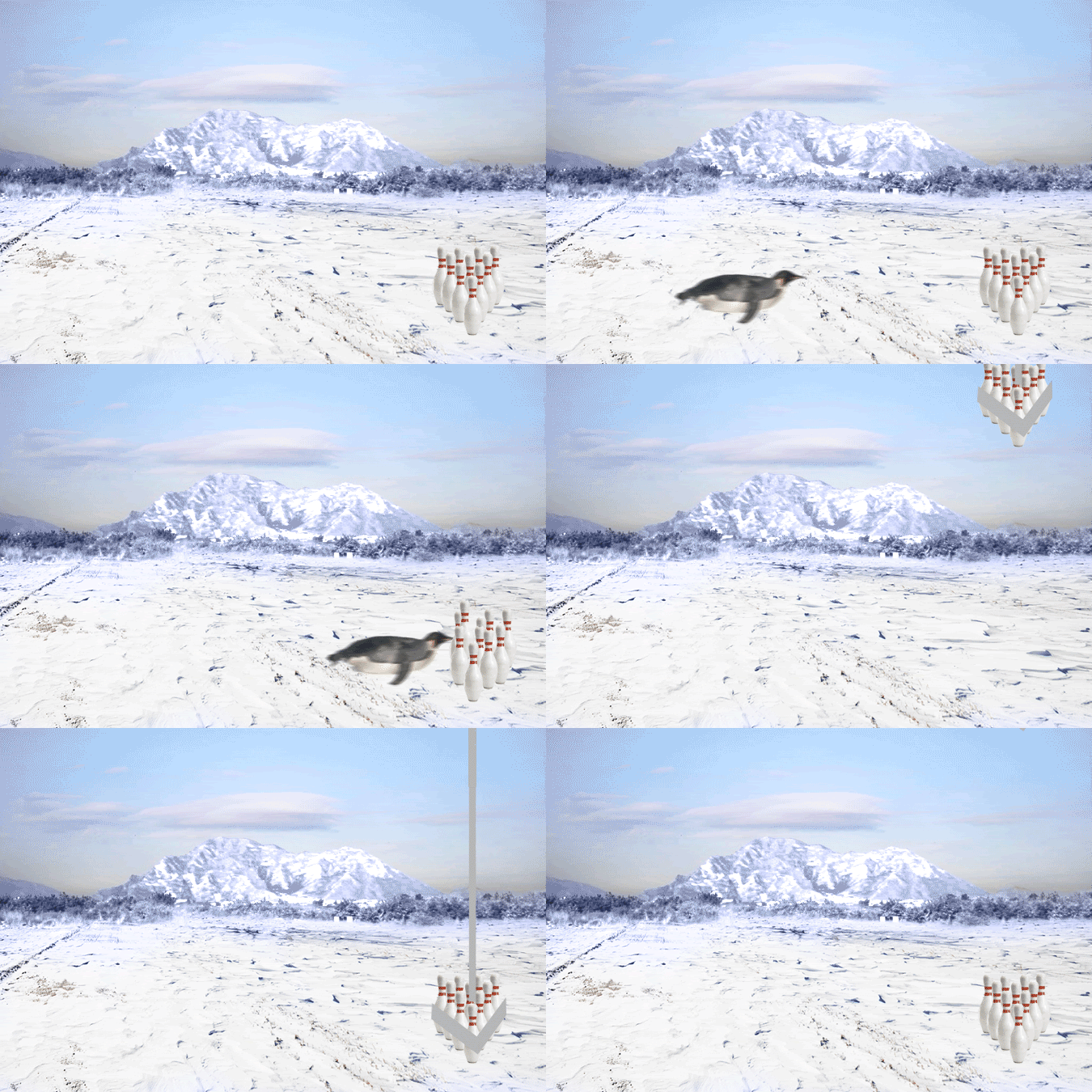
mo2.gif
 
Last edited:
Quick 5mins edit
Edit_Comp.jpg

With thanks to the BBC and Steven Spielberg ;)
 
Like the volcano most so far....now to come off the tinternet, load up Gimp and have a bash myself :thumbs:
 
Here is my weak attempt. I had no idea what to do and then my sister went on the Nintendo Wii Mario Galaxy ;)

mariotpforum.jpg
 
The one above mine is so simple yet so effective. I much prefer it to mine! I need to spend my weekends on GIMP/PHOTOSCAPE :P
 
mmmm some gooduns here chaps......and some.... errr, not so gooduns :D

please everyone we need to start posting our methods behind these edits to help others though!
 
thought i'd join the foray with the following edit.

img89093.jpg
 
Got me thinking a bit this one .... so knowing how crazy our minds work and feeling a bit spaced out, this is the effort i came up with :cuckoo:


IMG_8909 by surfinscottie, on Flickr
 
img8909y.jpg
 
Well it's all go :D here is my one for the day, just cutting out and pasting into layers then erasing the bits I dont want, just done very quickly, as Wayne has said before, you spend more time looking for clips than actually doing the PP, good on everyone :thumbs: some crazy ideas here, keep it up everyone should have a go it helps with the practice ;);)


injuns1.jpg
 
Hahah some corkers here tonight... Mr G - you lost your mojo? :P
 
i've never been taught how to use any of the tools in photoshop... the only tutorial i've ever even looked at (video clip) was how to create new layers and erase what you don't need by brushing over it with black. Everything else i've just either guessed at or just 'had a go to see what happens' scenario.

there's loads of tools and stuff that i just haven't got a clue how to use or make the best use of them... but i guess it will click into place over time :shrug:

tell a lie... i also looked at a tilt shift tutorial too about a year ago - so there you go, my soul is clean.. i've confessed everything i know :gag:
 
i'm self taught too, but have looked at a good few tutorials ... but to be honest, I thought they were a bit too in depth and fussy for my purpose.

now I'm getting into actual photography, I wish I'd taken time to understand more of the tools.
 
mmmm some gooduns here chaps......and some.... errr, not so gooduns :D

please everyone we need to start posting our methods behind these edits to help others though!


i think that may be mine ;):shrug:
 
Hahah some corkers here tonight... Mr G - you lost your mojo? :P

Mojo still in place me thinks :cool: just had a busy week and thought I would calm down with the mentalistic approach, it's funny someone was talking about indians at work so this thought came to me ;) hi ho silver and away :D
 
Just noticed that this thread has had 10,000 hits :cool: scary
 
im probably 8,500 of those :D

OK, so its been 2 days - enough time for entries!

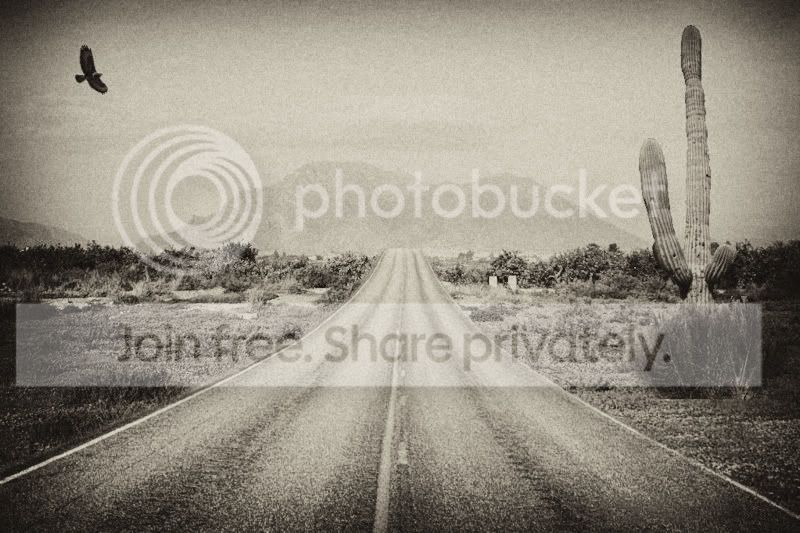
There were 2 possible winners.... but i just love the simplicity of this and the effect of the photo and colour, everything... if i had thought of that i would have done it too.

Please if you would give everyone an idea of the effects you used, grain etc to get that effect! :)

Well done Mr Pork!


Over to you..
 
Ooo cheers Mr Cool :cool:. Nothing complicated in this one. I added the road, bird and cactus on separate layers, and adjusted the tones to match the background. Added a sepia affect and “noise“ to give it an old pic feeling. The noise affect also hides my bad cloning, just noticed the cactus has a flat base!:gag: That’s it, nothing complicated. All done in Pain Shop Pro.

Cheers
Paul :)
 
Back
Top